기존에 배포된 프론트엔드 소스코드 파일을 아예 싹 다 지우고, 새로 push 된 소스코드를 다시 빌드&배포하는 구조로 변경하자
ec2 디렉토리 구조
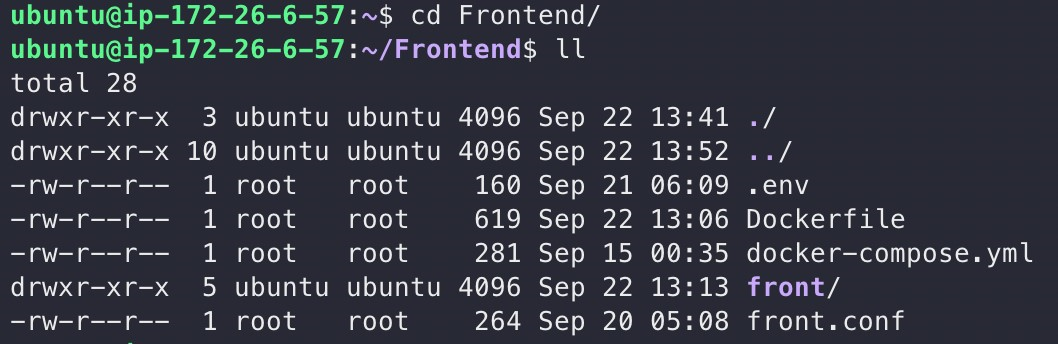
프로젝트 디렉토리 구조
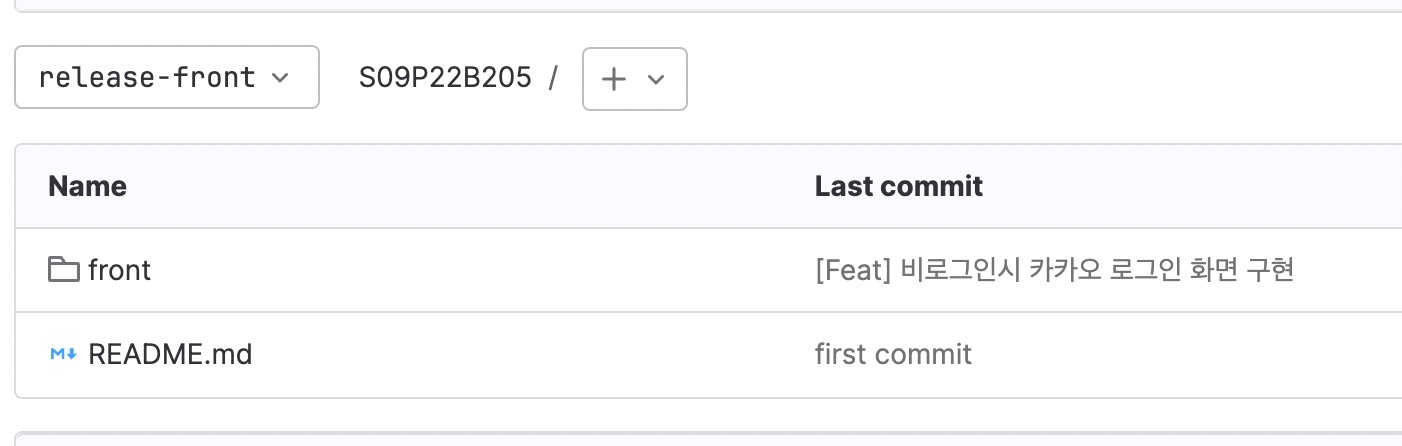
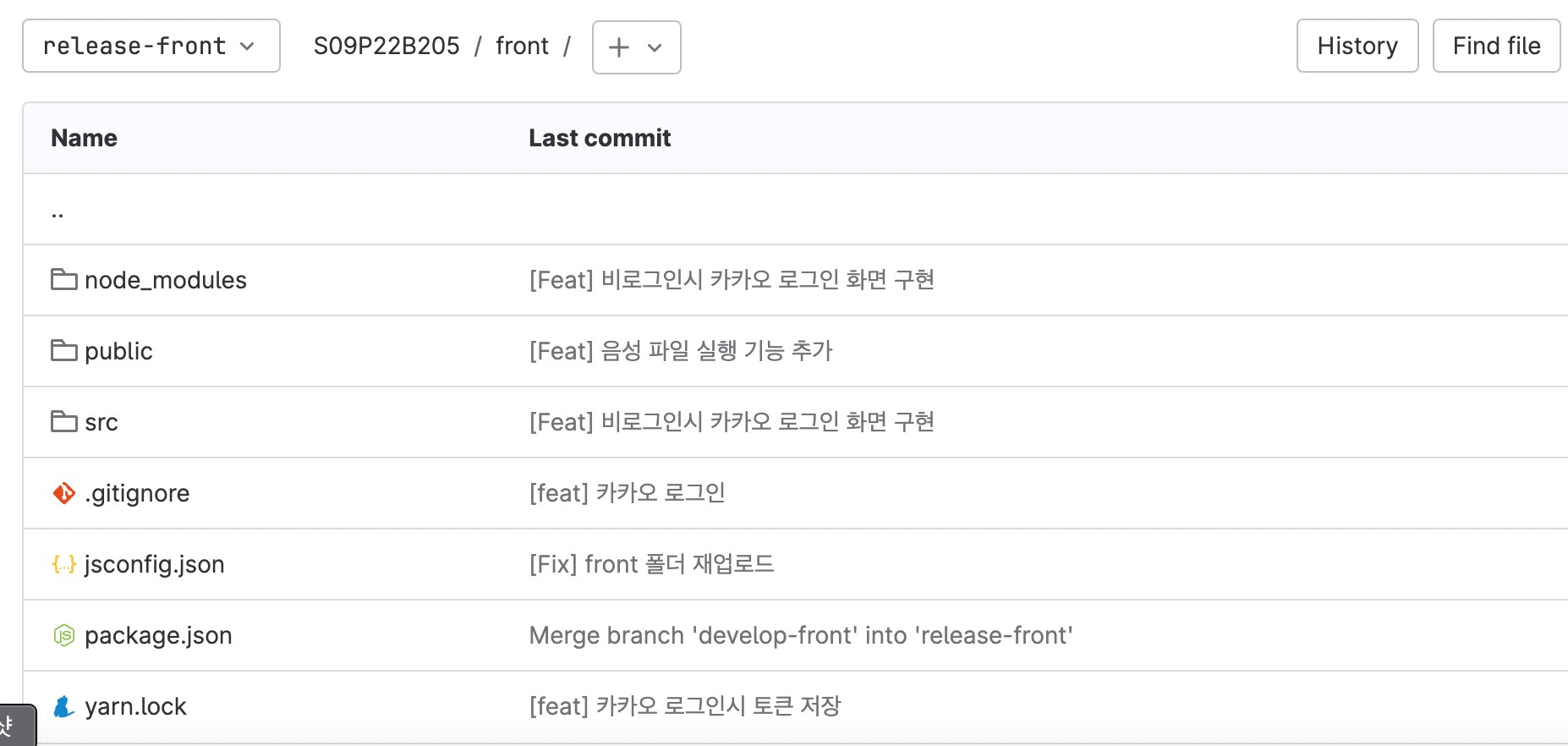
jenkins 파이프라인
pipeline {

    agent any

    stages {
        stage('github clone') {
            steps {
                git branch: 'release-front', credentialsId: 'jenkins_token', url: 'https://lab.ssafy.com/s09-ai-speech-sub2/S09P22B205.git'
            }
        }

        stage('Build') {
            steps {
                dir("./front") {
                    nodejs(nodeJSInstallationName: 'NodeJS 16.14.0') {
                        sh 'CI=false npm install && CI=sudo chmod +x node_modules/.bin/react-scripts'
                        sh 'CI=false npm run build'
                    }
                }
            }
        }

        stage('Compression') {
            steps {
                dir("./front") {
                    sh '''
                    rm -rf node_modules
                    tar -cvf front_0.1.0.tar .
                    '''
                }
            }
        }

        stage('Deploy') {
            steps {
                sshagent(credentials: ['ssh_key']) {
                    sh '''
                        ssh -o StrictHostKeyChecking=no ubuntu@43.202.44.111
                        scp /var/jenkins_home/workspace/front/front/front_0.1.0.tar ubuntu@43.202.44.111:/home/ubuntu/Frontend
                        ssh -t ubuntu@43.202.44.111 ./deploy_fe.sh
                    '''
                }
                timeout(time: 30, unit: 'SECONDS') {
                }
            }
        }
    }
}
/home/ubuntu/deploy_fe.sh
# 기존의 소스코드들 삭제
rm -rf Frontend/front
cd Frontend
mkdir front
# 새로운 소스코드파일 복붙
cp ./front_0.1.0.tar ./front/front_0.1.0.tar
cd front
tar -xvf front_0.1.0.tar
rm -rf ../front_0.1.0.tar
rm -rf front_0.1.0.tar
# 설정파일 복붙
cp ../docker-compose.yml ./docker-compose.yml
cp ../Dockerfile ./Dockerfile
cp ../.env ./.env
cp ../front.conf ./front.conf
sudo docker compose down
sudo docker compose up -d --build
/home/ubuntu/Frontend/Dockerfile
# Node.js image get
FROM node:16 as build

# Create directory for tar file
RUN mkdir -p /Frontend/front

WORKDIR /Frontend/front

COPY ./package.json ./package-lock.json ./

# install dependency for application
RUN npm install --force

COPY . .

# build React application
RUN npm run build

# set Runtime image
FROM nginx:latest

# copy build react app file to nginx static file directory
COPY --from=build /Frontend/front/build /usr/share/nginx/html

# 도커 상의 엔진엑스에 컨피그 파일 입히기
COPY front.conf /etc/nginx/conf.d/default.conf

# RUN React Application
CMD ["nginx", "-g", "daemon off;"]
이사중 .. -> https://gudtjr2949.tistory.com/