Facebook Login 구현
mata-data 가입/로그인을 완료 했으면, 메타데이터 개발자센터 페이스북 로그인으로 들어갑니다.
화면에 나와있는 기본코드를 복사 해주세요 !
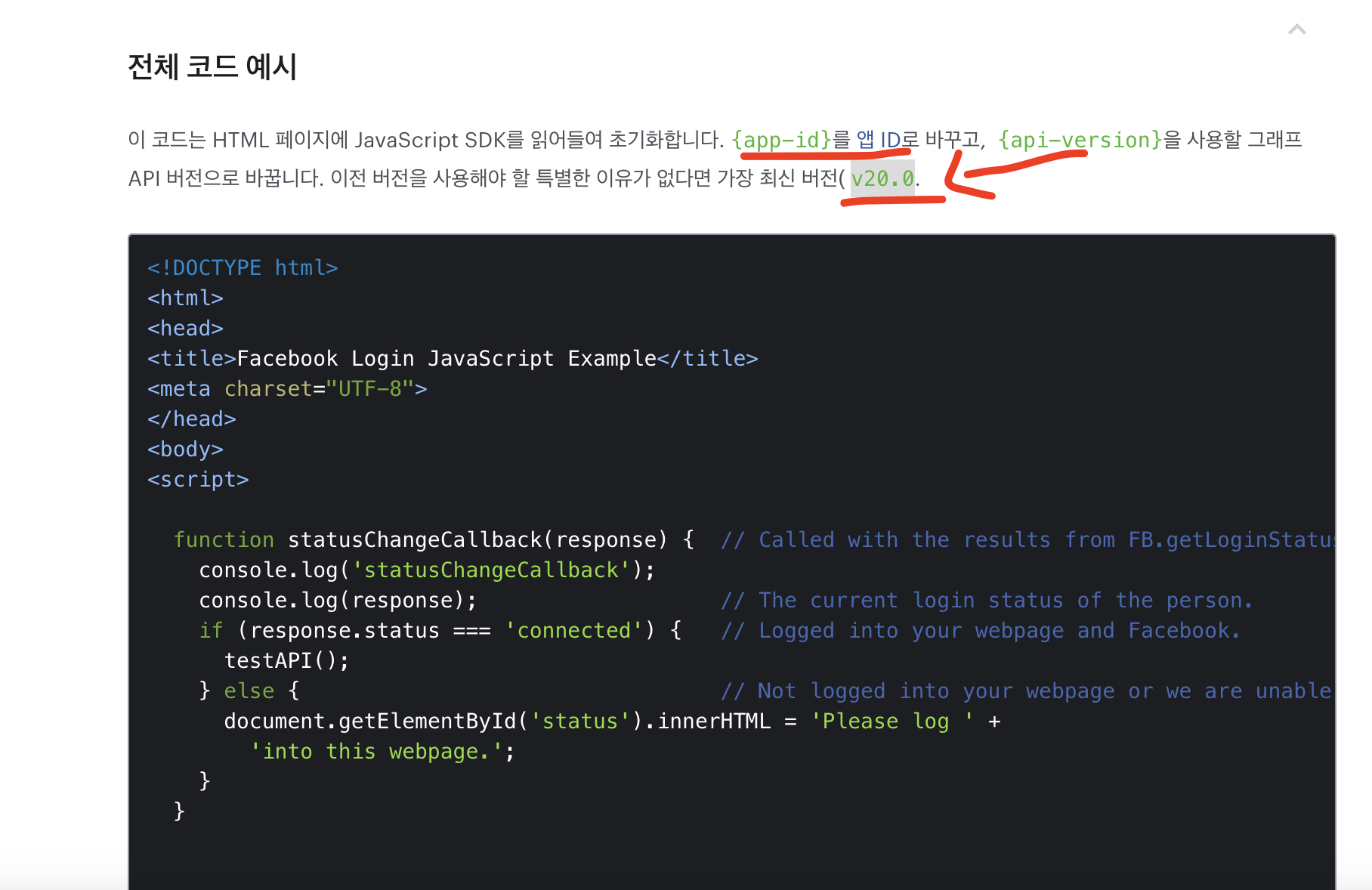
이클립스에 html파일을 생성해서 붙여넣기 해주세요.
꼭, app-id / api-version 바꿔주세요 !!!!!!!!
<!DOCTYPE html>
<html>
<head>
<title>Facebook Login JavaScript Example</title>
<meta charset="UTF-8">
</head>
<body>
<script>

  function statusChangeCallback(response) {  // Called with the results from FB.getLoginStatus().
    console.log('statusChangeCallback');
    console.log(response);                   // The current login status of the person.
    if (response.status === 'connected') {   // Logged into your webpage and Facebook.
      testAPI();
    } else {                                 // Not logged into your webpage or we are unable to tell.
      document.getElementById('status').innerHTML = 'Please log ' +
        'into this webpage.';
    }
  }


  function checkLoginState() {               // Called when a person is finished with the Login Button.
    FB.getLoginStatus(function(response) {   // See the onlogin handler
      statusChangeCallback(response);
    });
  }


  window.fbAsyncInit = function() {
    FB.init({
      appId      : '{app-id}',
      cookie     : true,                     // Enable cookies to allow the server to access the session.
      xfbml      : true,                     // Parse social plugins on this webpage.
      version    : '{api-version}'           // Use this Graph API version for this call.
    });


    FB.getLoginStatus(function(response) {   // Called after the JS SDK has been initialized.
      statusChangeCallback(response);        // Returns the login status.
    });
  };

  function testAPI() {                      // Testing Graph API after login.  See statusChangeCallback() for when this call is made.
    console.log('Welcome!  Fetching your information.... ');
    FB.api('/me', function(response) {
      console.log('Successful login for: ' + response.name);
      document.getElementById('status').innerHTML =
        'Thanks for logging in, ' + response.name + '!';
    });
  }

</script>


<!-- The JS SDK Login Button -->

<fb:login-button scope="public_profile,email" onlogin="checkLoginState();">
</fb:login-button>

<div id="status">
</div>

<!-- Load the JS SDK asynchronously -->
<script async defer crossorigin="anonymous" src="https://connect.facebook.net/en_US/sdk.js"></script>
</body>
</html>
이제 실행 시키면, 해당 페이지 처럼 로그인 버튼이 생성 됩니다.
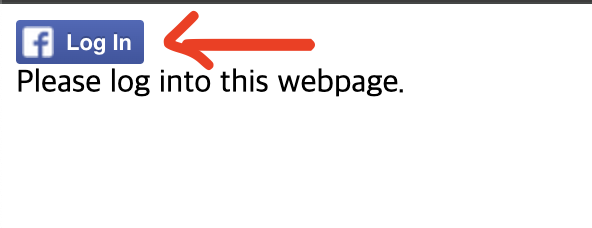
로그인 클릭 후 각자 아이디로 해주시면 되요 ~~

비전공자의 개발일기