
HTML
<div className={styles['profile-image-wrapper']}>
            {data?.profile_url && (
              <Image
                src={`${data?.profile_url}` as string}
                width={120}
                height={120}
                alt='profile'
                className={styles['profile-image']}
                onClick={toggleModal}
              />
            )}
          </div>
우선 이미지를 감싸는 div를 만들어주고 wrapper 클래스 안에 이미지를 넣어준다.
CSS
.profile-image-wrapper {
  position: relative;
  width: 120px;
  height: 120px;
}

.profile-image {
  border-radius: 50%;
  width: 100%;
  height: 100%;
  object-fit: cover;
  overflow: hidden;
  cursor: pointer;
}

.profile-image:hover {
  filter: blur(5px);
}

.profile-image-wrapper::before {
  width: 80%;
  text-align: center;
  content: "프로필 변경";
  position: absolute;
  top: 50%;
  left: 50%;
  transform: translate(-50%, -50%);
  color:#000;
  font-size: 16px;
  font-weight: 700;
  opacity: 0;
  transition: opacity 0.2s ease-in-out;
}

.profile-image-wrapper:hover::before {
  opacity: 1;
}
wrapper 클래스의 position을 relative로 선언한다.
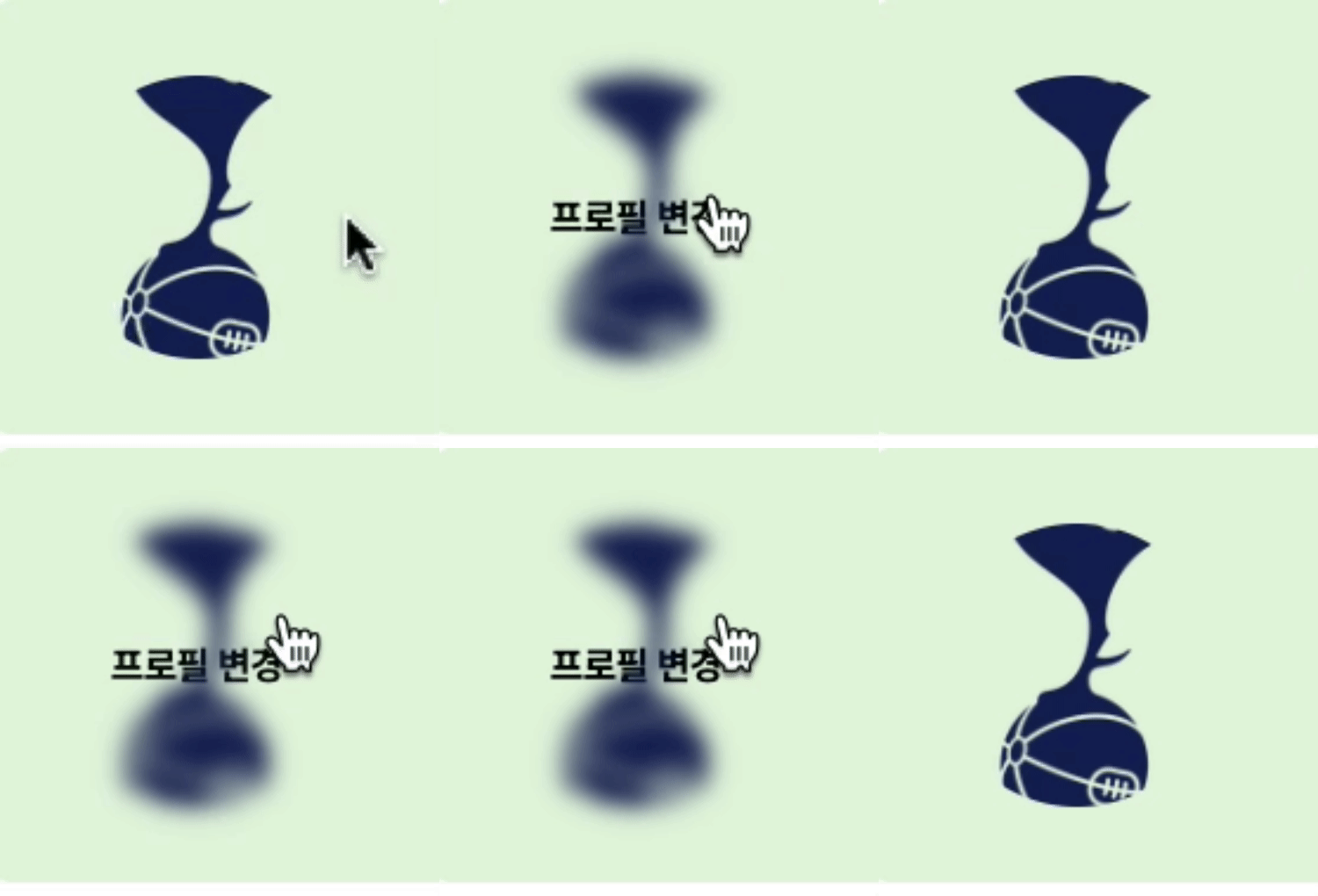
그 후 이미지에 호버를하면 블러를 주고 ::before로 오버레이 될 텍스트를 추가한다.

Frontend Developer