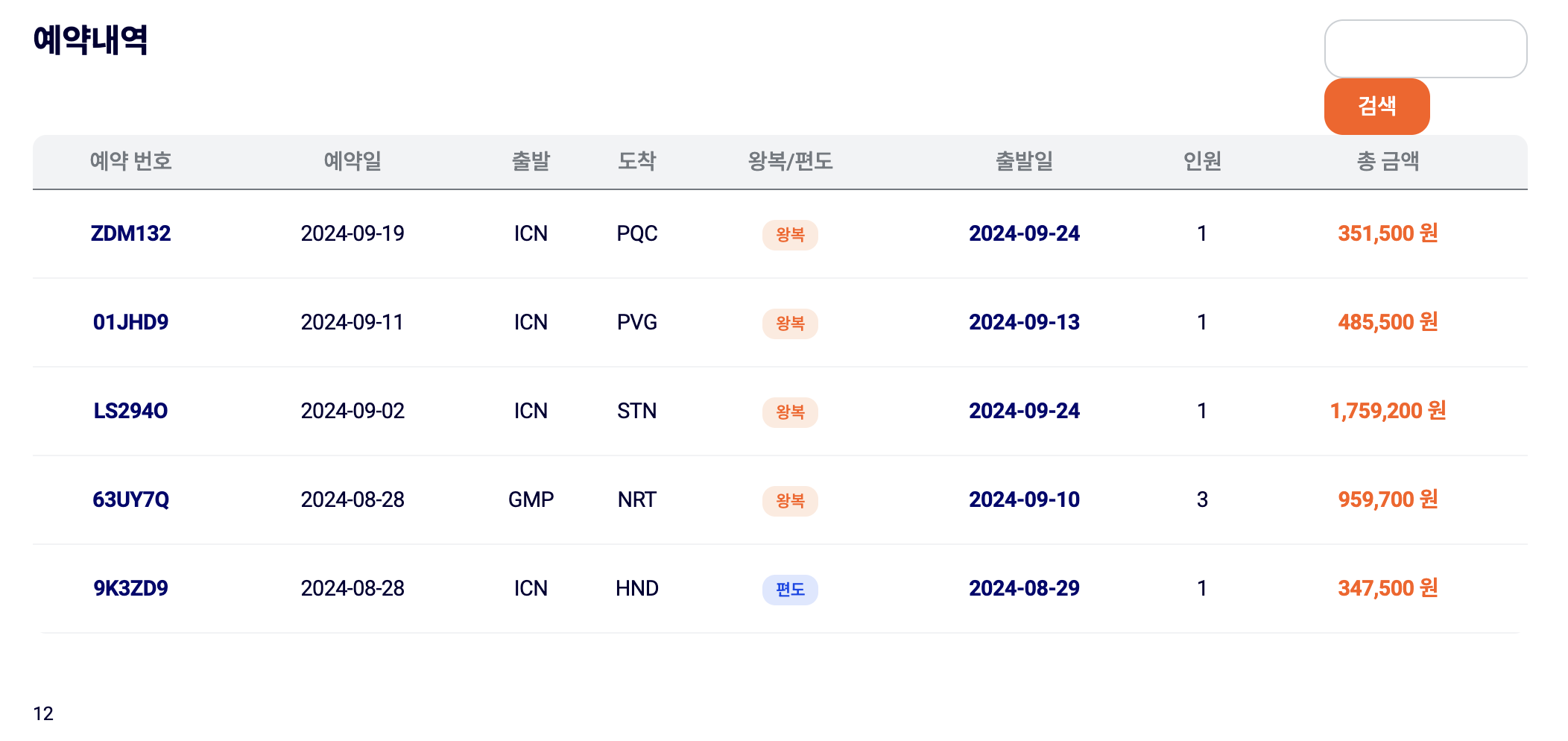
const PageContainer = async ({
  searchParams: { page },
}: {
  searchParams: { page: string };
}) => {
  const data = await FetchOrderList(page);
  const reservationData = data.item;

  console.log("pageCont", page);

  return (
    <div>
      <div className="reservation-header">
        <h2 className="title">예약내역</h2>
        <div className="search-cover">
          <Search />
        </div>
      </div>

      <section>
        <table className="reservation-table">
          <caption className="hidden">예약 내역 리스트</caption>
          <thead>
            <tr>
              <th>예약 번호</th>
              <th>예약일</th>
              <th>출발</th>
              <th>도착</th>
              <th>왕복/편도</th>
              <th>출발일</th>
              <th>인원</th>
              <th>총 금액</th>
            </tr>
          </thead>

          {reservationData?.map((item) => (
            <OrdersItem key={item._id} item={item} />
          ))}
        </table>
      </section>
      <Pagination {...data.pagination!} />
    </div>
  );
};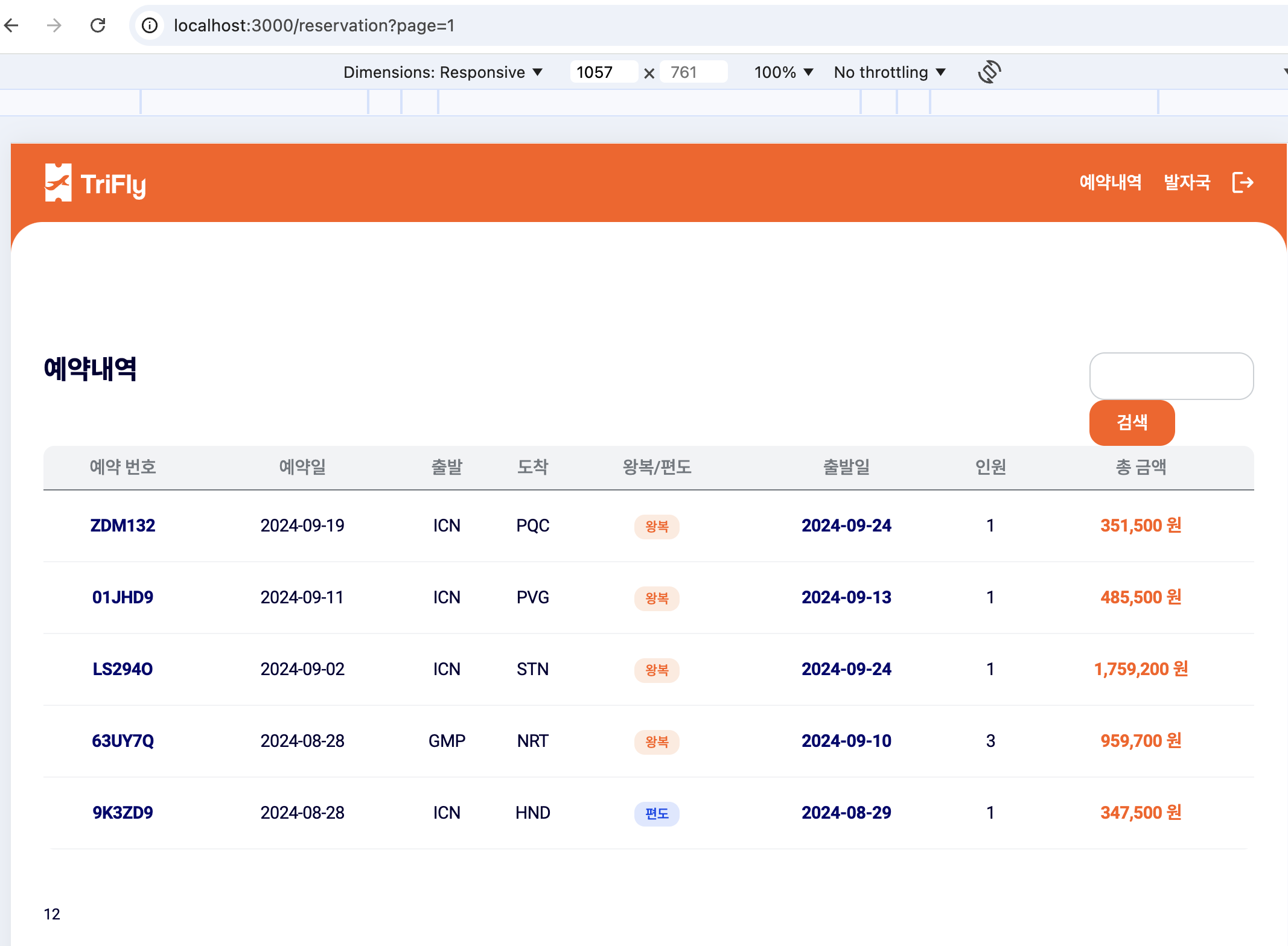
기존 작성한 코드인데 예약내역을 페이지네이션 작업완료된 코드이다
pagination number을 선택하면 url경로가 reservation?page={}로 변경되는것을 확인 할 수 있는데 이 코드는 server 환경이다
검색기능을 추가하고싶어서 생각 해 보니 <section></section>의 범위 전체를 component로 분리해야 할 것 같아서 분리를 진행!
page.tsx
<ReservationList searchParams={{page: ""}}/>
reservationList.tsx
const ReservationList = async ({
  searchParams: { page },
}: {
  searchParams: { page: string };
}) => {
  const data = await FetchOrderList(page);
  const reservationData = data.item;
  return (
    <div>
      <section>
        <table className="reservation-table">
          <caption className="hidden">예약 내역 리스트</caption>
          <thead>
            <tr>
              <th>예약 번호</th>
              <th>예약일</th>
              <th>출발</th>
              <th>도착</th>
              <th>왕복/편도</th>
              <th>출발일</th>
              <th>인원</th>
              <th>총 금액</th>
            </tr>
          </thead>
          {reservationData?.map((item) => (
            <OrdersItem key={item._id} item={item} />
          ))}
        </table>
      </section>
      {/* <Pagination /> */}
      <Pagination {...data.pagination!} />
    </div>
  );
};
근데 이렇게 똑같이 page.tsx의 section 부분과 params를 불러오는 searchparams를 적용했는데 예약내역 리스트는 설정된 Limit 수에 맞게 출력되는 반면 pagination number를 선택해도 URL경로는 바뀌고 데이터는 변경되지 않는것을 확인했다.
page.tsx 파일에서 console에 page를 찍어보면 pagination에 따른 page number가 정확히 찍히는데 reservationList.tsx 파일에서 console을 찍는다면 계속해서 page는 1만 찍히는 문제를 찾았다!
이 공식문서를 읽어보니 searchParams는 page파일의 경로에서만 사용할 수 있었다.
그 외 컴포넌트에서 사용을 하고싶다면 page에서 prop으로 넘겨주는것으로 정리할 수 있다.
나는 page에 들어가는 reservationList component에서 searchParams를 불러와서 계속 1만 떴던것!!
그래서 나도 page.tsx에서 searchParams를 받아와 prop으로 reservationList.tsx에 넘겨주면 된당
page.tsx
<ReservationList page={page} />
reservationList.tsx
const ReservationList = async ({ page }: { page: string }) => {
  const data = await FetchOrderList(page);
  const reservationData = data.item;
  return (
    <div>
      <section>
        <table className="reservation-table">
          <caption className="hidden">예약 내역 리스트</caption>
          <thead>
            <tr>
              <th>예약 번호</th>
              <th>예약일</th>
              <th>출발</th>
              <th>도착</th>
              <th>왕복/편도</th>
              <th>출발일</th>
              <th>인원</th>
              <th>총 금액</th>
            </tr>
          </thead>
          {reservationData?.map((item) => (
            <OrdersItem key={item._id} item={item} />
          ))}
        </table>
      </section>
      <Pagination {...data.pagination!} />
    </div>
  );
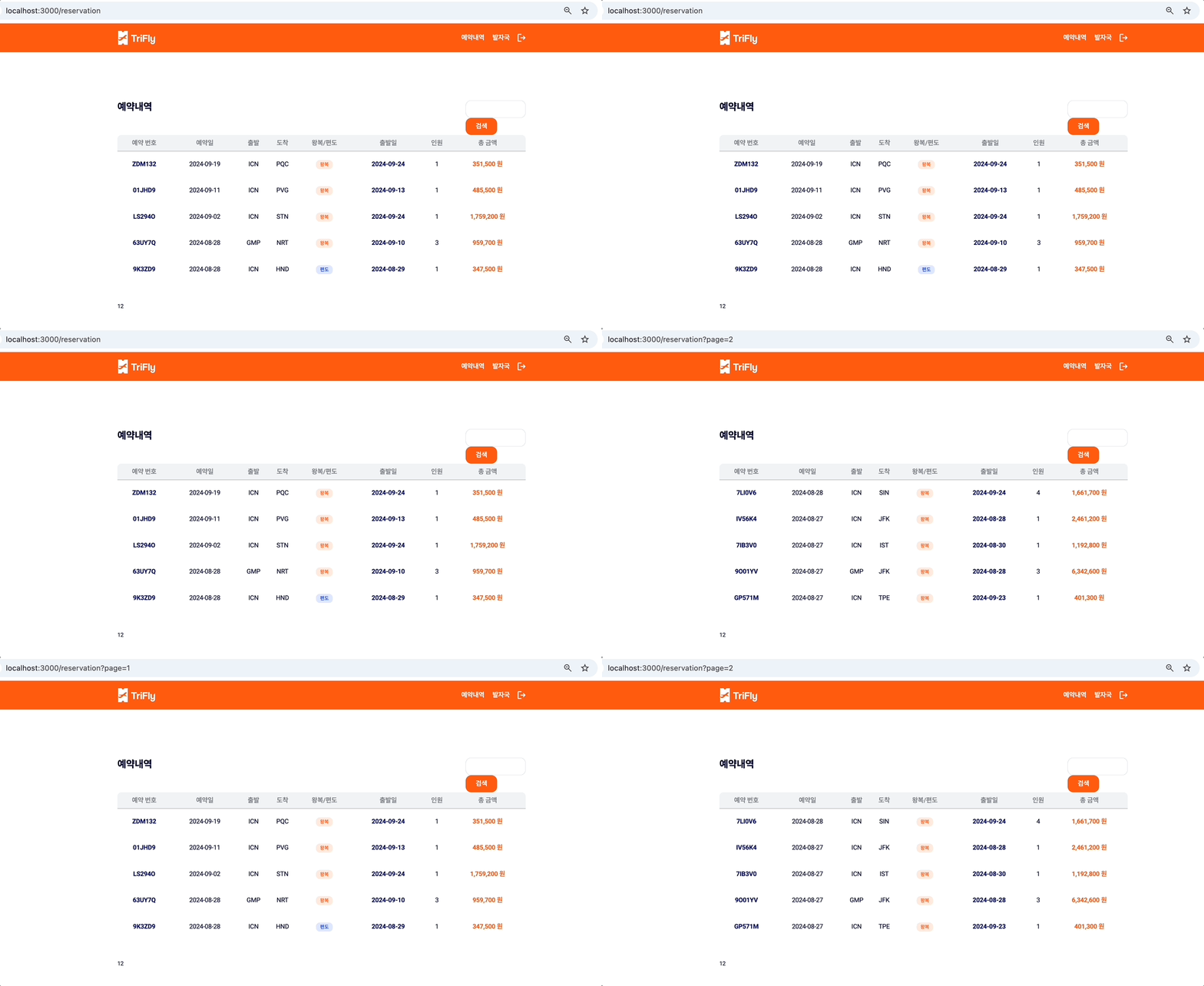
그럼 이렇게 경로 잘 변경되고 페이지 넘버에 따른 데이터가 잘 출력되는것을 확인!