도커 -> 도커허브
1. 도커를 통해 웹서버, 웹 리소스 배포하기
1-1 웹 리소스 가져오기
git clone https://github.com/KDT-EEM/TickettingWeb.git
cd TickettingWeb
1-2 도커파일 생성
Dockerfile
vi Dockerfile# 1. PHP와 Apache가 포함된 공식 이미지 사용
FROM php:7.4-apache
# 2. 작업 디렉토리 설정
WORKDIR /var/www/html
# 3. 프로젝트 파일 복사 (현재 디렉토리의 모든 파일을 Docker 이미지로 복사)
COPY . .
# 4. PHP 모듈 설치 (필요한 경우 추가)
RUN docker-php-ext-install mysqli pdo pdo_mysql
# 5. Apache 설정 (필요시 다른 설정을 추가할 수 있습니다)
RUN a2enmod rewrite
# 6. 포트 80을 외부에 노출 (웹 서버 포트)
EXPOSE 80
# 7. Apache 서버 실행
CMD ["apache2-foreground"]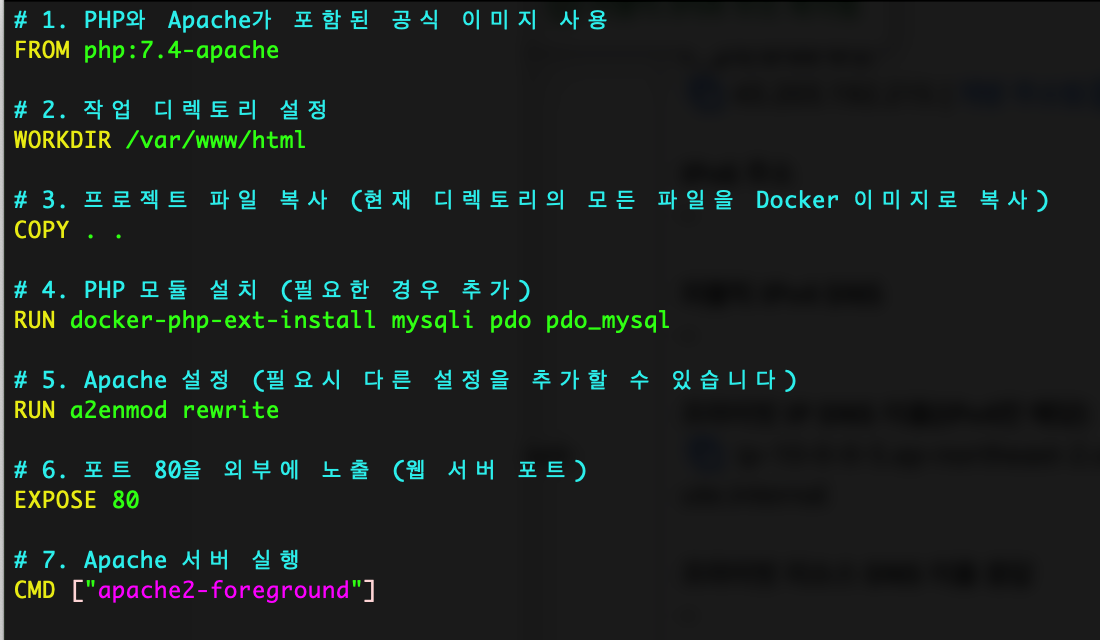
1-3 도커 이미지 빌드
cd /home/ubuntu/TickettingWeb
docker build -t <your-dockerhub-username>/ticketing-web:latest .

#빌드된 이미지 확인
docker images
1-4 도커 이미지 푸시
docker login

docker push <your-dockerhub-username>/ticketing-web:latest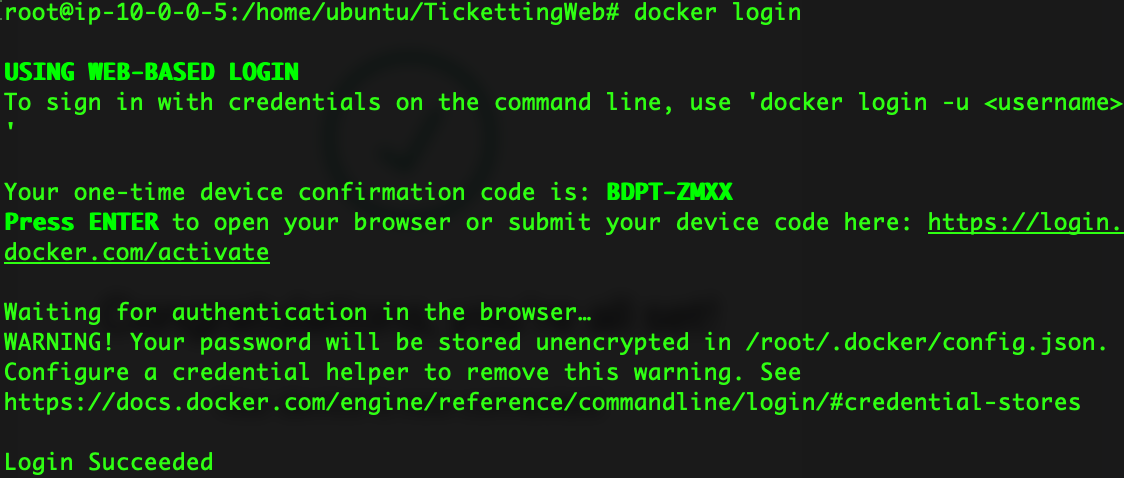
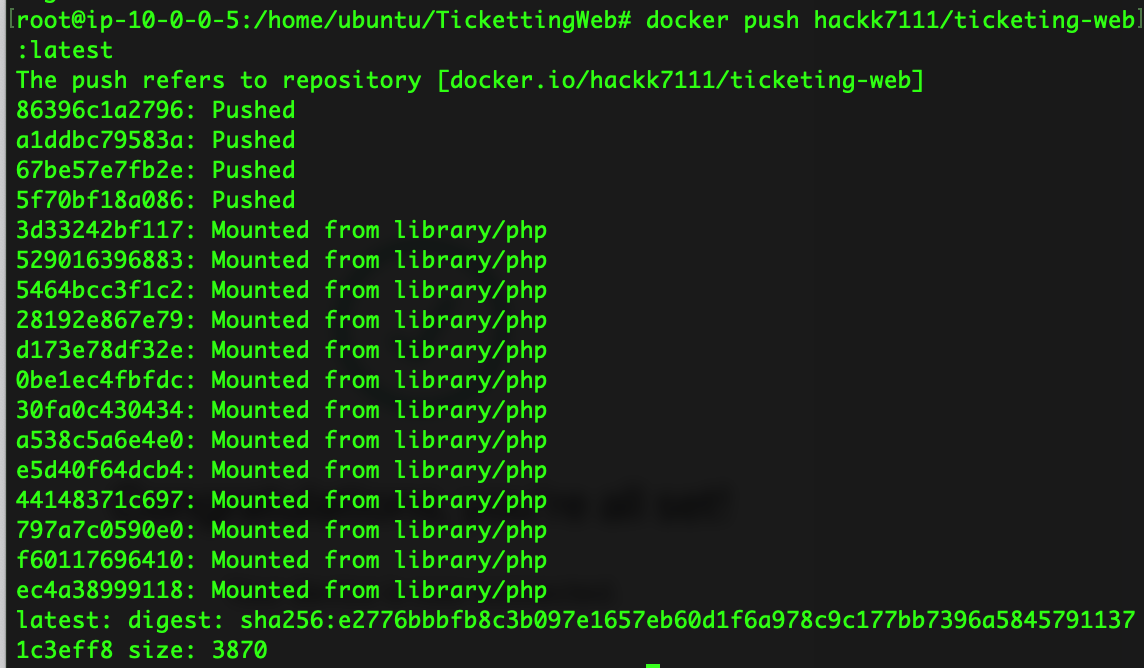
도커허브 -> AKS 배포
도커허브에서 이미지 가져와서 배포하기
AKS 연동 확인
- 작업 위치 :
mgnt-aks
kubectl config current-context`
도커허브 자격증명을 k8s Screte 으로 생성
kubectl create secret docker-registry dockerhub-secret \
--docker-username=<your-dockerhub-username> \
--docker-password=<your-dockerhub-password> \
--docker-email=<your-email>

# 생성 확인
kubectl get secrets
imagePullSecrets 추가
이제 Kubernetes가 Docker Hub에 접근하여 이미지를 가져올 수 있도록, deployment.yaml 파일에 Secret을 설정해야 합니다.
apiVersion: apps/v1
kind: Deployment
metadata:
  name: your-app
spec:
  replicas: 2
  selector:
    matchLabels:
      app: your-app
  template:
    metadata:
      labels:
        app: your-app
    spec:
      containers:
      - name: your-app
        image: <your-dockerhub-username>/<your-app-name>:latest
        ports:
        - containerPort: 80
      imagePullSecrets:
- name: dockerhub-secret- Deployment 적용
kubectl apply -f deployment.yaml- Pod 생성 확인
kubectl get pods
ticketing-web-deployment.yaml
경로 : ~/TicketingWeb/k8s/
apiVersion: apps/v1
kind: Deployment
metadata:
  name: ticketing-web
spec:
  replicas: 2
  selector:
    matchLabels:
      app: ticketing-web
  template:
    metadata:
      labels:
        app: ticketing-web
    spec:
      imagePullSecrets:
        - name: dockerhub-secret  # 여기서 imagePullSecrets 위치를 수정
      containers:
      - name: ticketing-web
        image: hackk7111/ticketing-web:latest
        ports:
        - containerPort: 80
ticketing-web-service.yaml
apiVersion: v1
kind: Service
metadata:
  name: ticketing-web-service
spec:
  selector:
    app: ticketing-web
  ports:
    - protocol: TCP
      port: 80
      targetPort: 80
  type: LoadBalancer
YAML 파일 적용
kubectl apply -f ticketing-web-deployment.yaml
kubectl apply -f ticketing-web-service.yaml

# Pod 상태 확인
kubectl get pods

# Service 상태 확인
kubectl get svc
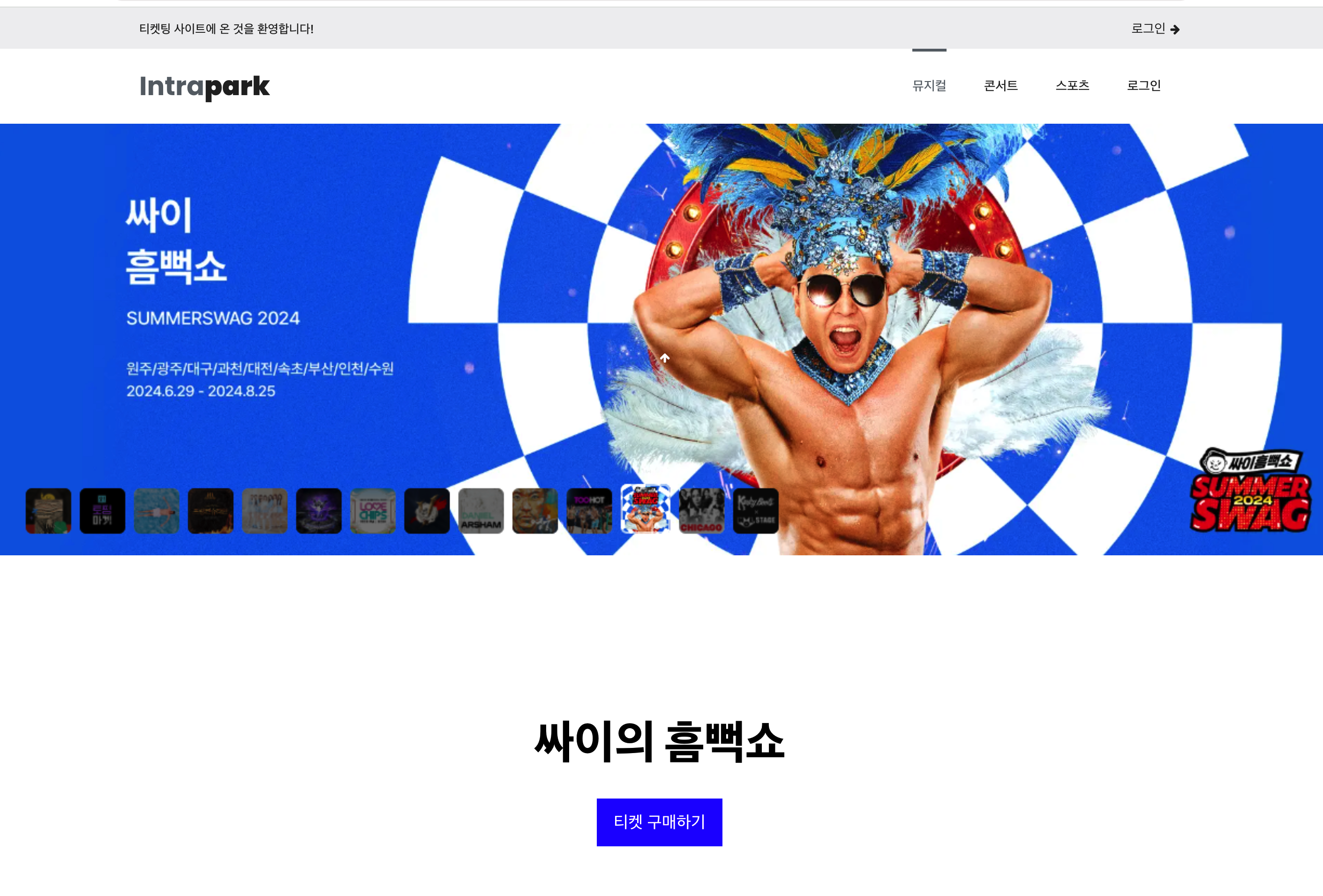
배포완료

아는 만큼 보인다