2024-08-23 FRI
식물 잎 질병 탐지
🚩 1. 딥러닝
0. 라이브러리
import numpy as np
import pandas as pd
import matplotlib.pyplot as plt
from matplotlib.image import imread
import cv2
import random
import os
from os import listdir
from PIL import Image
import tensorflow
from sklearn.preprocessing import label_binarize, LabelBinarizer
from tensorflow.keras.preprocessing import image
from tensorflow.keras.preprocessing.image import img_to_array, array_to_img
from tensorflow.keras.models import Sequential
from tensorflow.keras.layers import Dense, Dropout, Flatten, Conv2D, MaxPool2D, Activation, Flatten
from tensorflow.keras.optimizers import Adam
from tensorflow.keras.utils import to_categorical
from sklearn.model_selection import train_test_split
from sklearn.metrics import accuracy_score
from tensorflow.keras.models import model_from_json
1. 사진 불러오기
# 감자 잎 사진 불러오기
base_path = '/content/drive/MyDrive/수업_실습/plant_disease_app/Data/Plant_images_pianalytix'
plt.figure(figsize = (12,12))
path = base_path + "/Potato___Early_blight"

for i in range(1,17):
  plt.subplot(4,4,i)
  plt.tight_layout()
  rand = random.randint(1,len(os.listdir(path)))
  # 디렉토리 내 파일 수 범위에서 랜덤한 정수 선택
  img = imread(path + '/' + os.listdir(path)[rand])
  # 윗줄에서 선택한 랜덤 인덱스의 이미지 파일 변수 저장
  plt.imshow(img) # 이미지 나타내기

  plt.xlabel(img.shape[1], fontsize = 10)
  plt.ylabel(img.shape[0], fontsize = 10)
- 사진 데이터셋에서 랜덤으로 사진 16장 뽑아서 subplot 생성
- 사진 데이터는 감자, 토마토, 옥수수 3가지 있는데 복붙해서 파일 명만 바꾸면 됨
- 결과는?
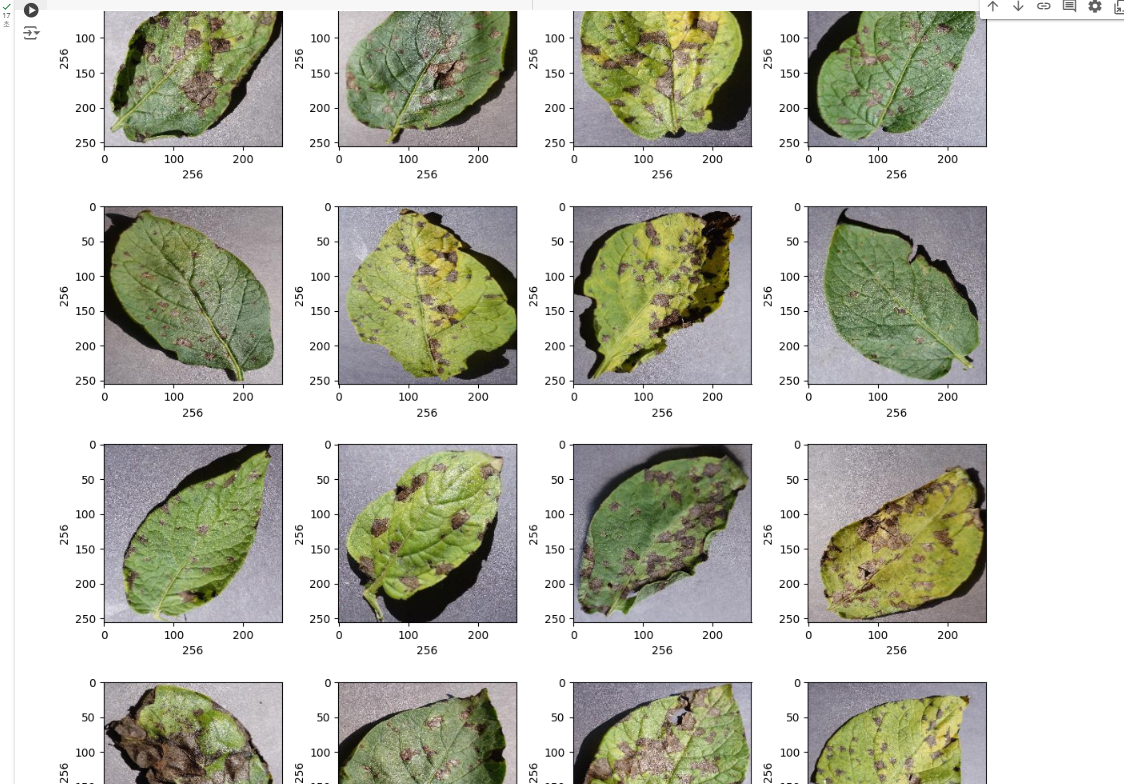
- 이렇게 사진 16장으로 서브플롯 만들어서 출력
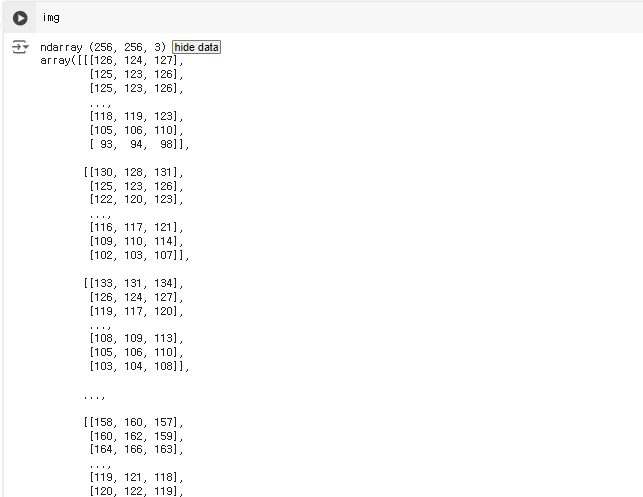
plt.subplot(4,4,i): 4x4 서브플롯 생성 후 i 번째에 해당 사진 위치plt.tight_layout(): 서브플롯 간격 보기 좋게 자동조정imread(path + '/' + os.listdir(path)[rand]): imread()함수는 이미지 파일을 읽어 NumPy 배열로 변환하는 함수임(아래 사진처럼)
2.
* hugging face에 다양한 딥러닝 모델이 있음.
* 있는거 가져다 써도 되긴 함
🚩 2. web

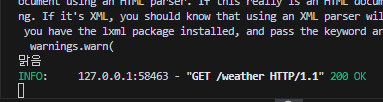
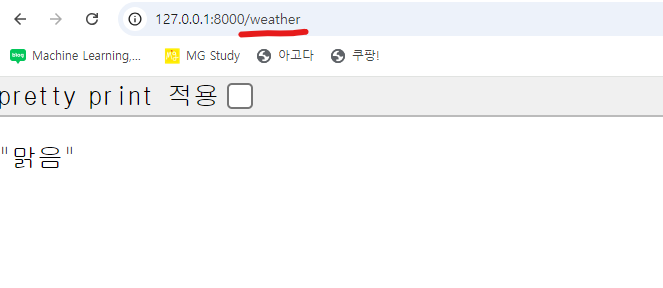
- 크롤링 해서 하는 것도 가능
hugging face
- 파이토치, 쿠다 설치 필요합미다
-
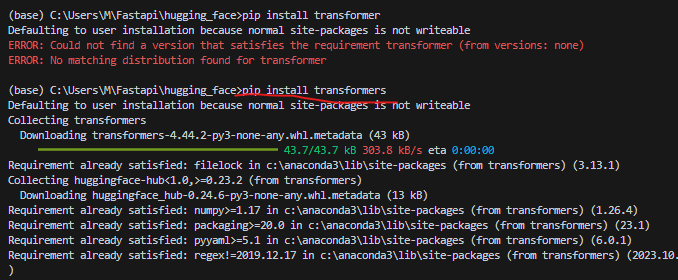
pip install transformers설치 하면 파이토치랑 텐서플로에서 사용 가능 -
자연어 처리 모델임
-
transformer 아니고 transformers 입니다~!
-
pip install torch torchvision torchaudio --index -url https://download.pytorch.org/whl/cu118 -
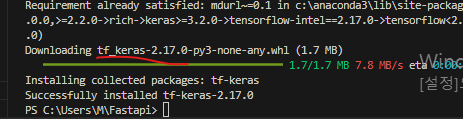
pip install tf-keras
-
keras 버전이 2.대 버전이어야 hugging face랑 충돌이 안난다고 합니다.
-
근데 계속 안되는중입니다만... 그래도 한숨금지 아씨 금지
-
코랩으로 넘어오니까 바로 되는구만?
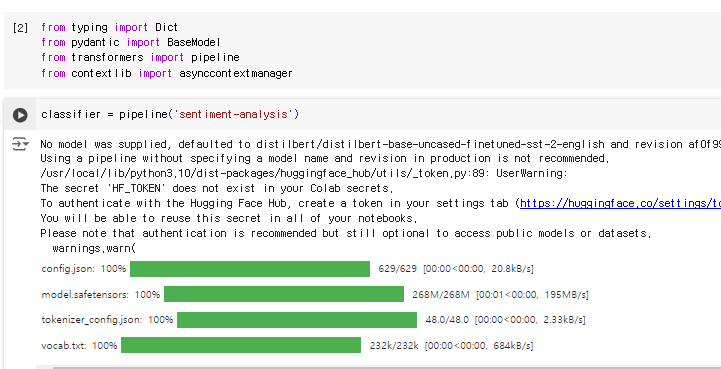
-
모듈 설치하니까 vscode에서도 됩니다~!~!