nodejs 기본 설정
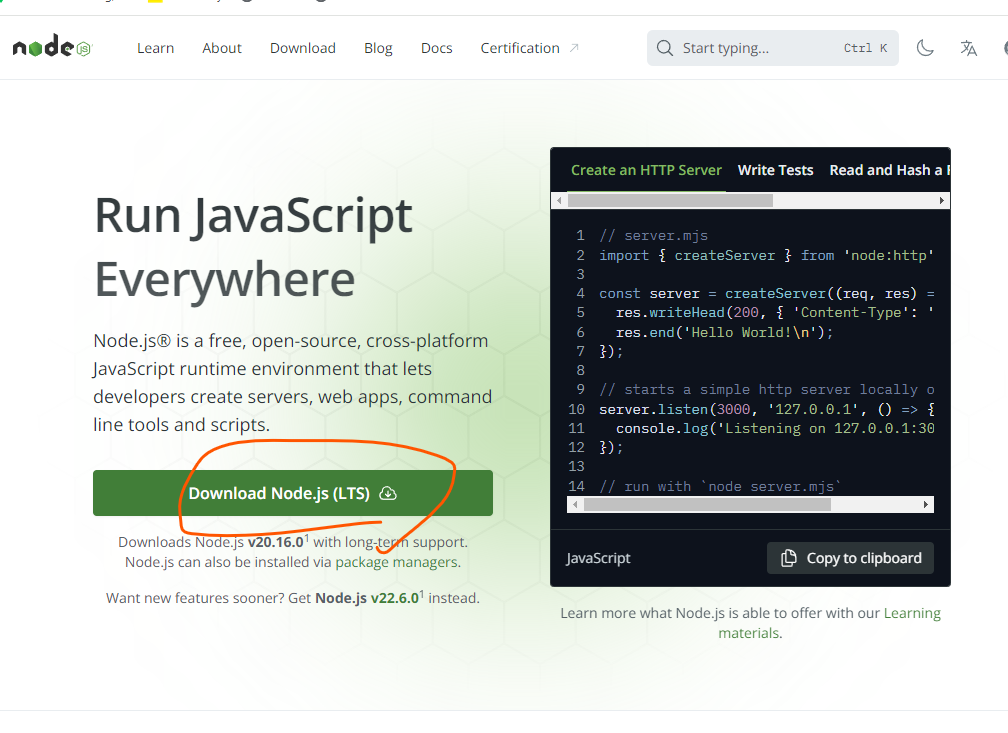
- 다운로드
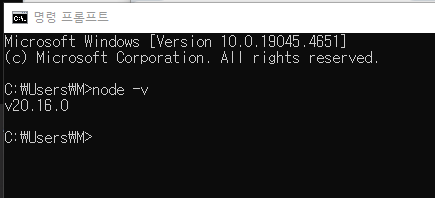
- 다운로드 완료
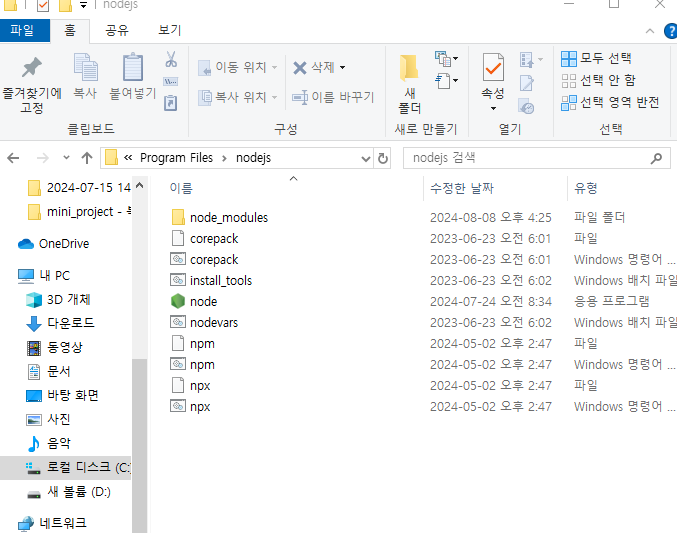
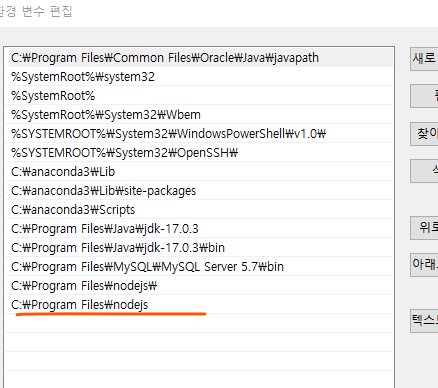
- 환경변수 등록
-
path :
C:\Program Files\nodejs -
고급시스템설정 -> 환경변수 -> 시스템변수 -> Path에 위의 path 추가
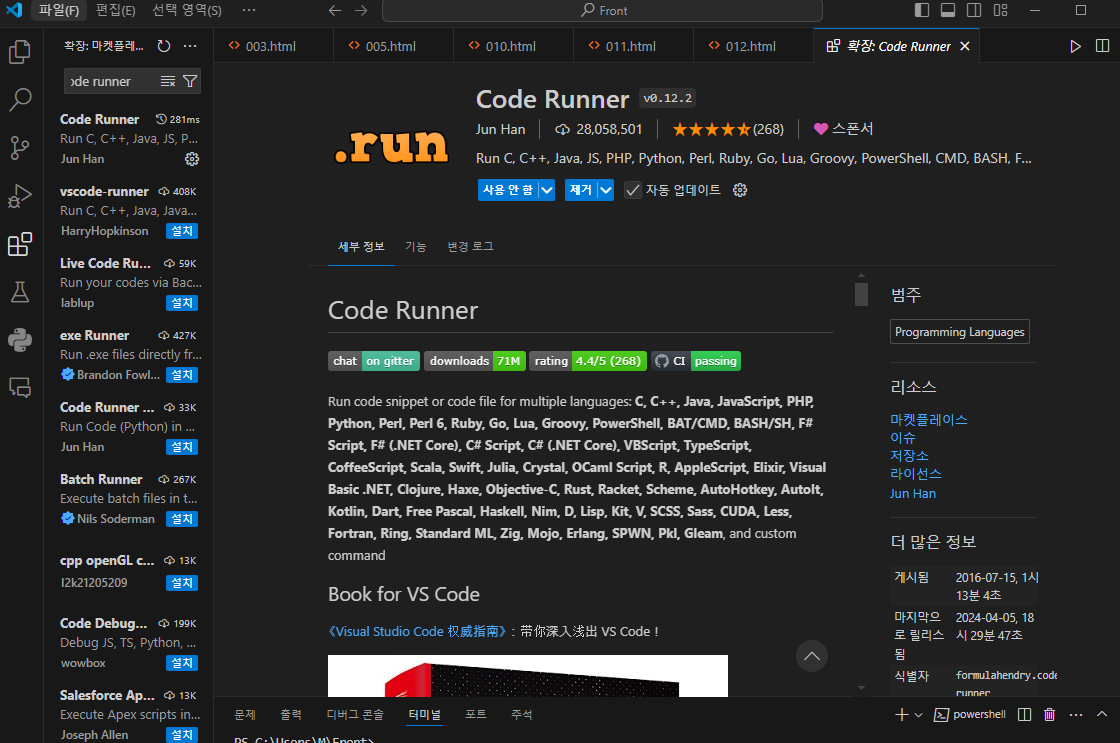
- code runner 다운로드
- vscode에서 다운
실습
1. ch_1.js
- 변수 선언
let age;
age = 30;- 상수 - 한번 정하면 값을 바꿀 수 없는 변수값
const birth = '1998.10.06';- 변수 생성 규칙
3-1. $, _를 제외한 기호는 사용할 수 없다.
let $_name;3-2. 변수명은 숫자로 시작할 수 없다.
let name1;3-3. 예약어는 변수명으로 사용할 수 없다.
- 가이드 - 의미를 알기 쉬운 변수이름을 사용
let salesCount = 1;
let refundCount = 1;
let totalSalesCount = salesCount - refundCount;
2. ch_2.js
- number type
let num1 = 27;
let num2 = 1.5;
let num3 = -20;

let inf = Infinity;
let mInf = - Infinity;
let nan = NaN;

console.log(2*"hello");

console.log(num1);
console.log(num2);
console.log(num3);

let myAge = 27;- string type
let myName = '해잇';
let myLocation = '서울사람이 되고 싶은 경기도민';
let introduce = myName + ' ' +myLocation;- 백틱 `
- es6부터 추가된 템플릿 리터럴이라는 문법
- 문자열로 취급하지만 ${} 안에 변수나 식을 넣을 수 있다.
let introduceText = `${myName}은 ${myAge}살이고, ${myLocation}에 거주합니다.`;
console.log(introduceText);
console.log(introduce);- boolean type
let isSwithOn = true;
let isEmpty = false;- Null type - 값이 존재하지 않는다
let empty = null;
console.log(empty)- Undefined type - 값이 할당되지 않았다.
let none;
console.log(none)