서버 인스턴스에 prometheus 설치
처음에 공식 가이드 문서에 unzip 명령어로 시작해서 우선 얠 다운받고 시작했어야 했다.
그것부터 난관. 엥 어떻게 cli로 다운받지? 다운로드 주소를 어케 알지...?
사이트는 알고 있었다. 바로 -> https://prometheus.io/download/ 여기!
하지만 들어갔을 때
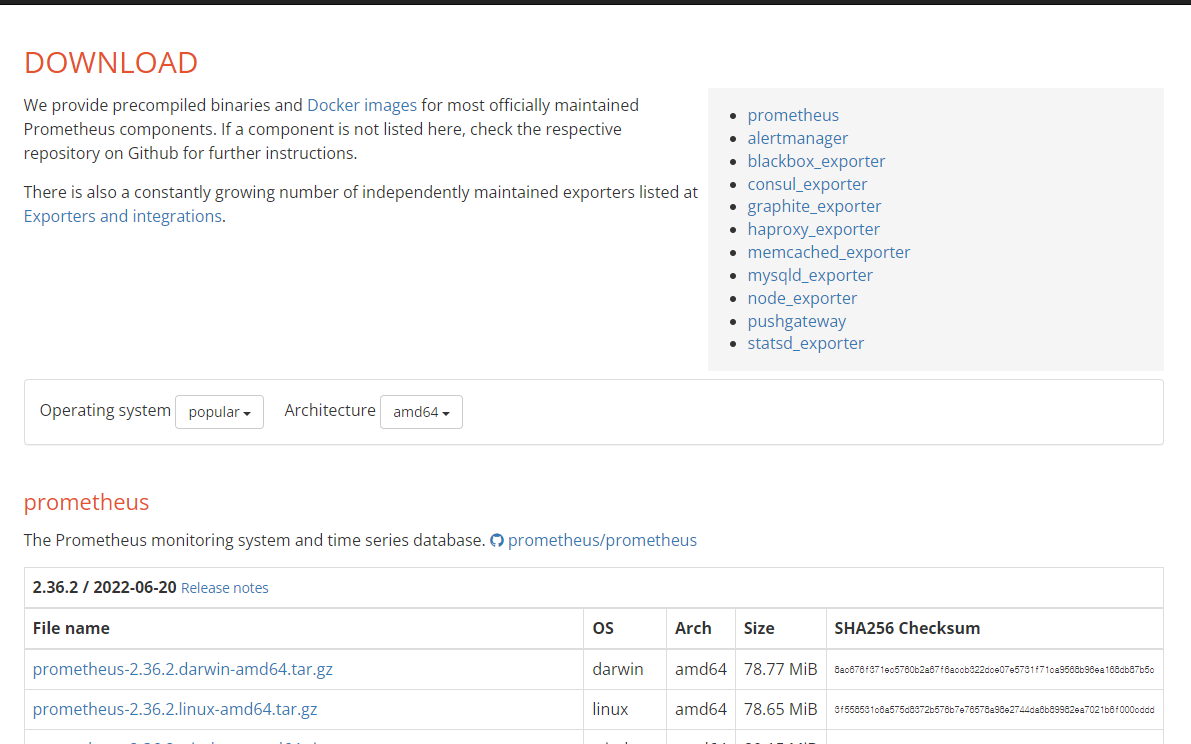
요론식으로 되어있었고, 저 tar.gz 링크 누르면 바로 다운받아지는거였다.
BUT 설명 옆에 깃헙 모양이 있고 링크가 있다, 누르면 깃헙으로 이동.
사실 굳이 이동할 필요없음

요기보면 릴리즈 노트가 있다.
https://github.com/prometheus/prometheus/releases/tag/v2.36.2
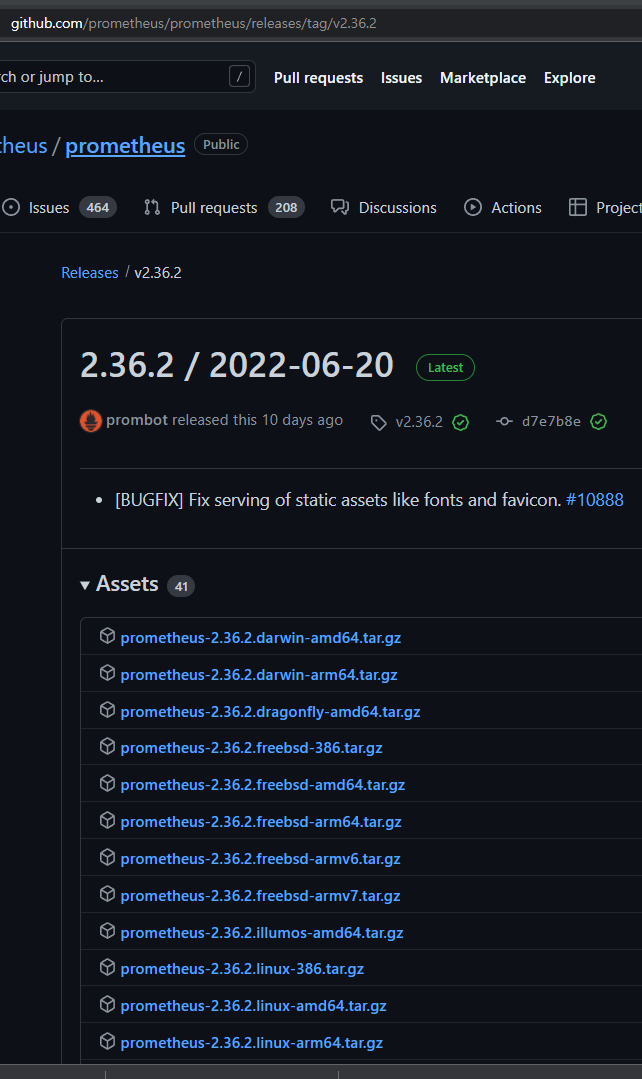
요롷게 뜨는데 위에 있는 링크 에다가
/원하는 파일 이름 이 링크와 리눅스 명령어 wget을 활용하여 설치!
$ wget https://github.com/prometheus/prometheus/releases/tag/v2.36.2/prometheus-2.36.2.linux-amd64.tar.gz
성공 ㅎㅎㅎ
[출처] Ubuntu 18.04 에서 Prometheus 설치|작성자 메이플라워
tar xvfz prometheus-*.tar.gzhttps://prometheus.io/docs/prometheus/latest/getting_started/