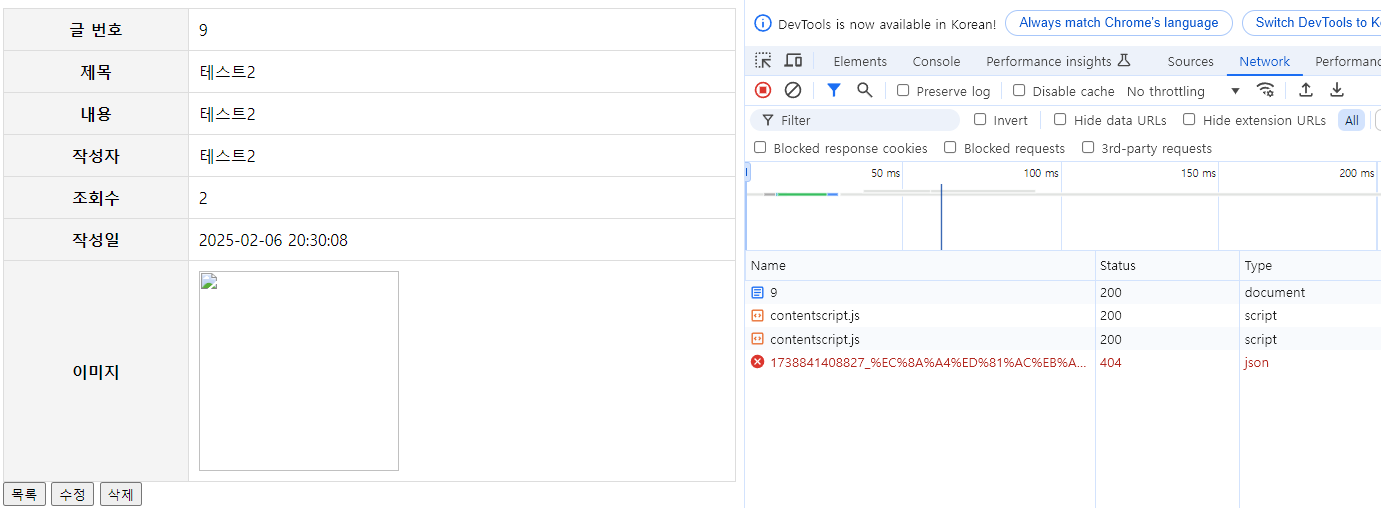
간단한 게시판 프로젝트에서 파일(이미지) 업로드를 구현하던 도중 파일은 정상적으로 저장이 됐지만 웹 브라우저 화면에서 해당 파일이 404에러로 인해 엑박으로 뜸.
이 문제를 해결하면서 공부한 걸 정리한 글.
1. WebMvcConfigurer.
-
- Spring MVC를 Java 기반으로 설정할 때 기본 설정을 커스터마이징할 수 있도록 제공되는 인터페이스.
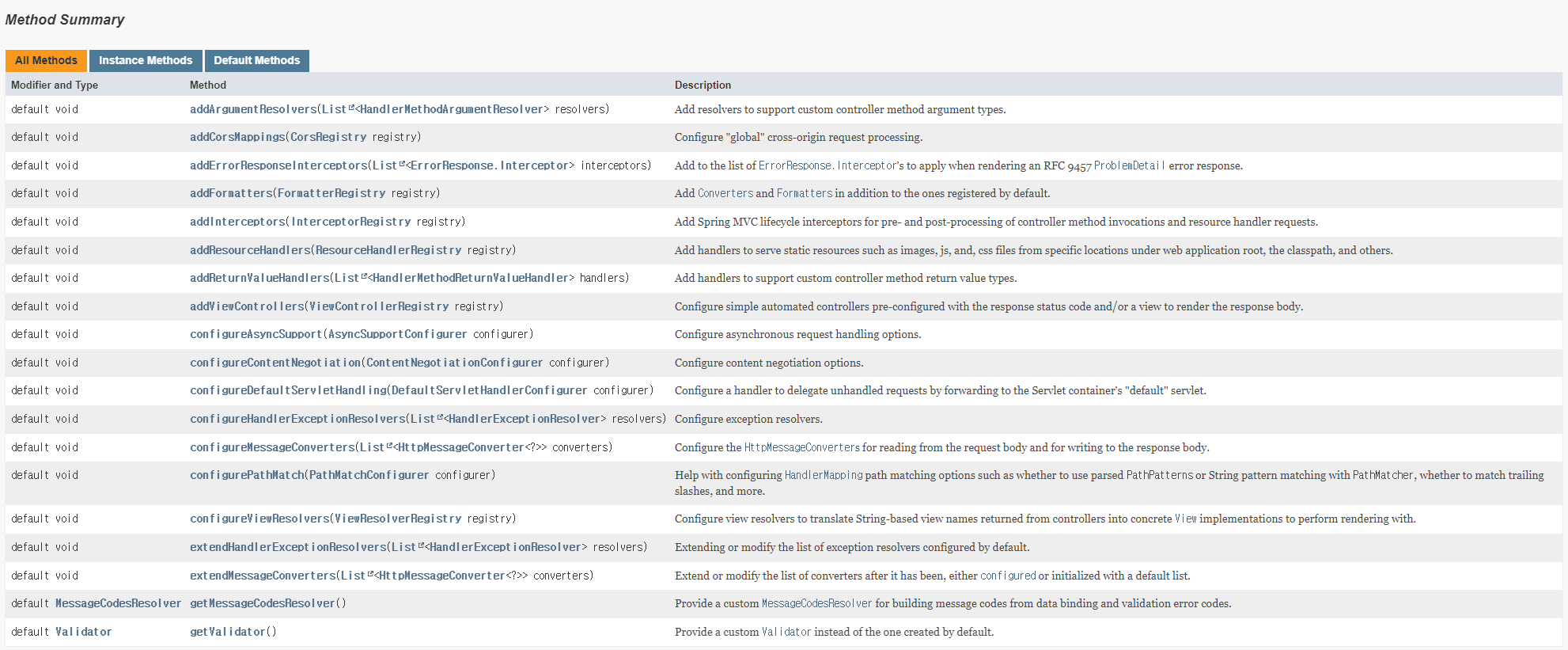
addResourceHandlers(ResourceHandlerRegistry registry)↑웹 애플리케이션 루트, 클래스 경로 등의 특정 위치에서 이미지, js, css 파일과 같은 정적 리소스를 제공하기 위한 핸들러를 추가.
2. ResourceHandlerRegistry.
-
-
Spring MVC에서 이미지, CSS 파일 등과 같은 정적 리소스를 제공하기 위한 리소스 핸들러를 등록하고 웹 브라우저에서 효율적인 로딩을 위해 캐시 헤더 설정도 최적화할 수 있음.
-
리소스를 제공할 수 있는 위치.
- 웹 애플리케이션 루트 디렉터리.
- 클래스패스(classpath).
- 기타 외부 경로.
-
리소스 핸들러 등록 방법.
addResourceHandler(String...) 메서드를 이용하여 정적 리소스를 처리할 URL 경로 패턴을 지정.Ex)"/resources/**"→/resources/경로 아래의 정적 파일을 처리
-
이후, 반환된 ResourceHandlerRegistration 객체의 메서드를 사용하여 정적 리소스를 제공할 위치를 하나 이상 추가하거나 제공되는 리소스에 대한 캐시 기간을 지정.
Ex)addResourceLocations("/", "classpath:/META-INF/public-web-resources/")
-
public class ResourceHandlerRegistry {

	private final ServletContext servletContext;

	private final ApplicationContext applicationContext;

	@Nullable
	private final ContentNegotiationManager contentNegotiationManager;

	@Nullable
	private final UrlPathHelper pathHelper;

	private final List<ResourceHandlerRegistration> registrations = new ArrayList<>();

	private int order = Ordered.LOWEST_PRECEDENCE - 1;

    			....

	public ResourceHandlerRegistration addResourceHandler(String... pathPatterns) {
		ResourceHandlerRegistration registration = new ResourceHandlerRegistration(pathPatterns);
		this.registrations.add(registration);
		return registration;
	}

    			....
}
public ResourceHandlerRegistration addResourceHandler(String... pathPatterns)↑정적 리소스를 제공하는 리소스 핸들러를 추가.
3. ResourceHandlerRegistration.
- ResourceHandlerRegistration
- 리소스 핸들러를 만드는 데 필요한 정보를 캡슐화함.
public class ResourceHandlerRegistration {

	private final String[] pathPatterns;

	private final List<String> locationValues = new ArrayList<>();

	private final List<Resource> locationsResources = new ArrayList<>();

	@Nullable
	private Integer cachePeriod;

	@Nullable
	private CacheControl cacheControl;

	@Nullable
	private ResourceChainRegistration resourceChainRegistration;

	private boolean useLastModified = true;

	@Nullable
	private Function<Resource, String> etagGenerator;

	private boolean optimizeLocations = false;

    			.....

	public ResourceHandlerRegistration addResourceLocations(String... locations) {
		this.locationValues.addAll(Arrays.asList(locations));
		return this;
	}

    			.....

}
public ResourceHandlerRegistration addResourceLocations(String... locations)↑하나 이상의 리소스 위치를 추가하여 정적 콘텐츠를 제공할 수 있음.- 각 위치는 유효한 디렉터리를 가리켜야 함.
- 여러 개의 위치를 쉼표(,)로 구분된 목록으로 지정할 수 있으며, 지정된 순서대로 해당 위치에서 리소스를 검색함.
- 단, 동일한 리소스가 여러 위치에 존재하는 경우, 웹 애플리케이션 루트(즉, 최상위 디렉토리)의 리소스가 우선적으로 사용됨.
- URL 기반 리소스(예: 파일 경로, HTTP URL 등)의 경우, 이 메서드는 특수 접두사(prefix)를 지원하여 해당 URL에 연결된 문자 인코딩을 지정할 수 있음.
- 리턴값.
- 동일한 ResourceHandlerRegistration 인스턴스를 반환하므로 메서드 체이닝을 활용할 수 있음.
4. 정적 자원 vs 동적 자원.
- 정적 자원. (Static Resources)
- 별도의 로직 없이 서버에서 있는 그대로 제공하는 리소스.
- HTML, CSS, JavaScript, 이미지(jpg, png, gif) 등.
- 동적 자원. (Dynamic Resources)
- 요청마다 서버에서 가공하여 응답하는 리소스.
- JSON 데이터를 응답하는 API.
5. 문제 해결.
@Configuration
public class WebConfig implements WebMvcConfigurer {

    @Value("${file.directory}")
    private String fileDirectory;

    @Override
    public void addResourceHandlers(ResourceHandlerRegistry registry) {
        registry.addResourceHandler("/upload/**")           // view에서 사용할 경로
                .addResourceLocations("file:" + fileDirectory);      // 실제 파일 저장 경로
    }
}- 업로드된 파일을 웹 브라우저에서 직접 접근할 수 있도록 매핑하는 역할을 하는 클래스.
/upload/**로 시작하는 모든 요청을 처리하고, 요청된 파일을fileDirectory폴더에서 찾도록 설정.
    <tr th:if="${board.fileAttached == 1}">
        <th>이미지</th>
        <td>
            <div class="image-container" th:each="boardFile : ${boardFileList}">
                <img th:src="@{|/upload/${boardFile.storedFileName}|}" alt="" width="200" height="200">
            </div>
        </td>
    </tr>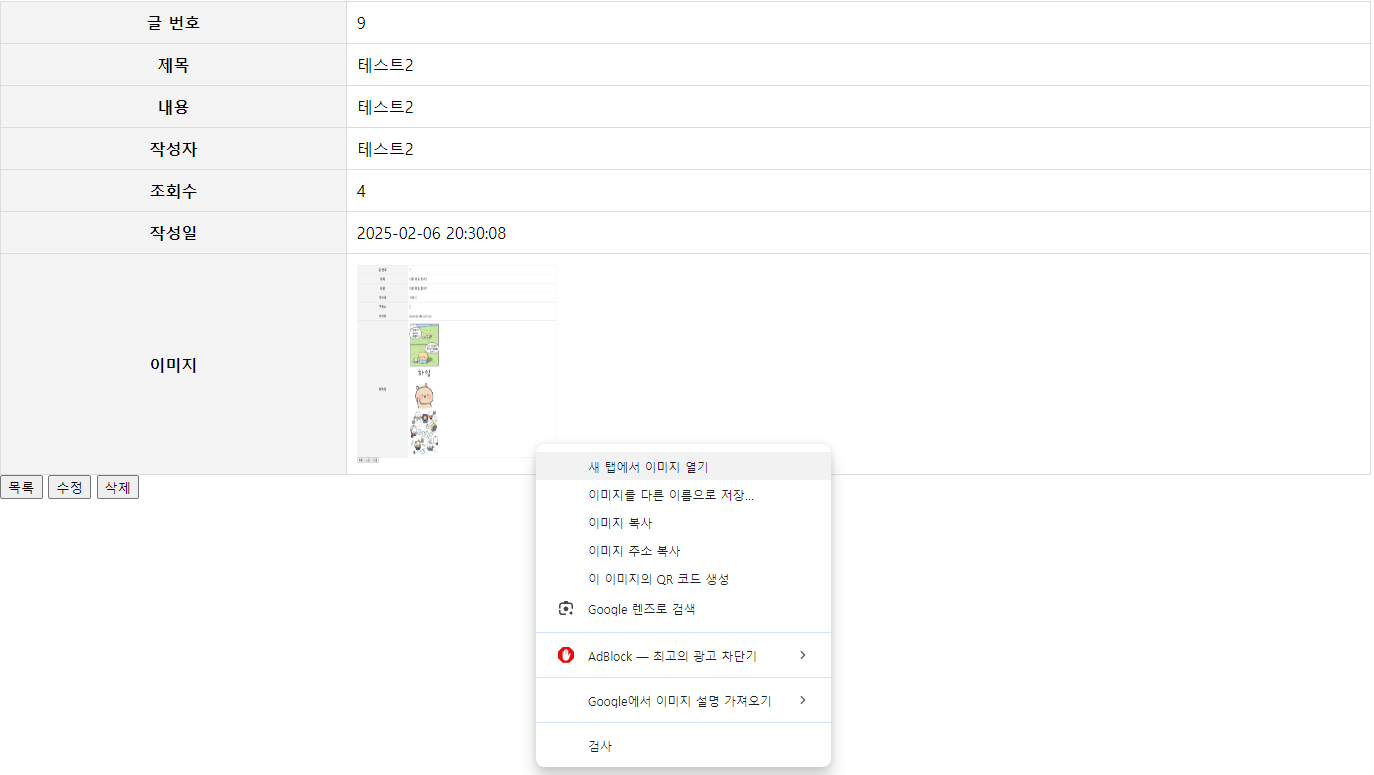
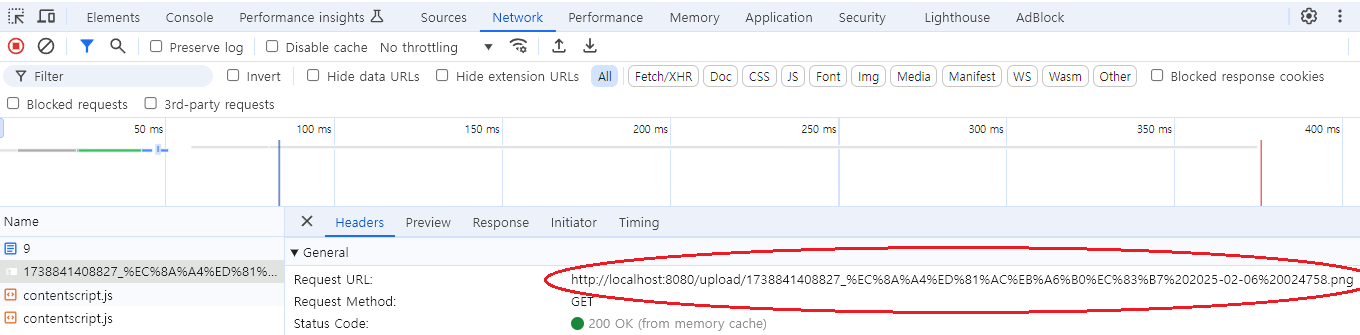
- 첨부된 파일을 열어보면.
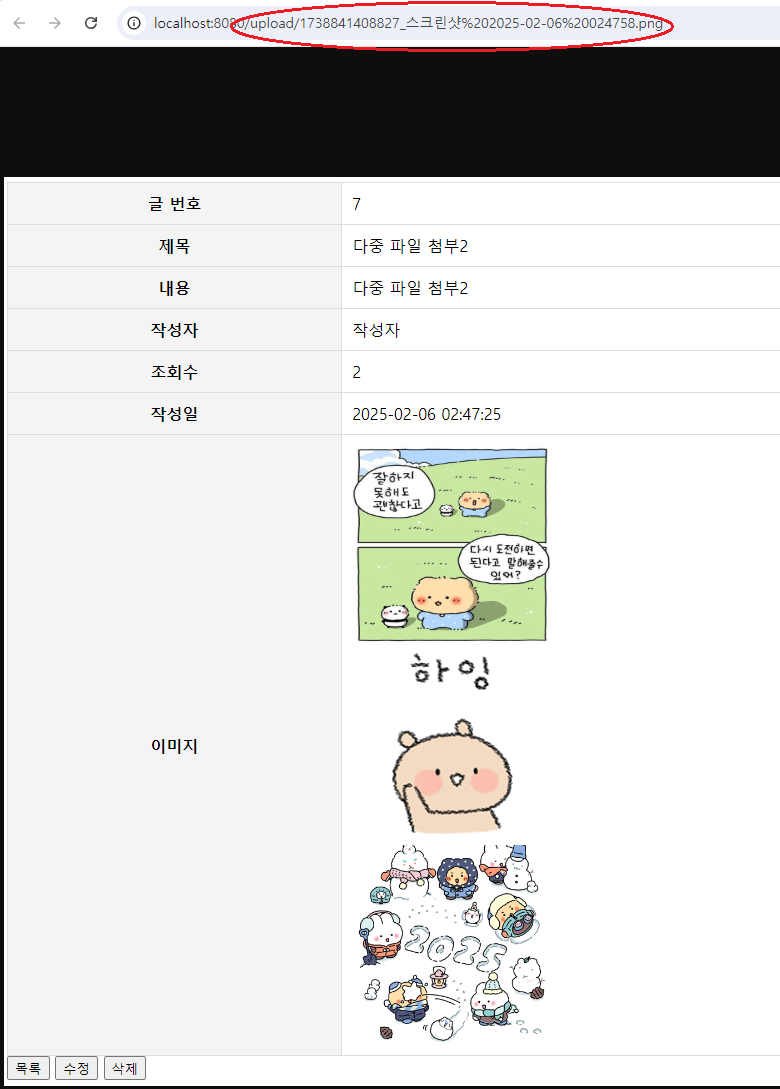
6. 참고.

Every cloud has a silver lining.ㅤㅤㅤㅤㅤㅤㅤㅤㅤhttps://www.instagram.com/ha_jju