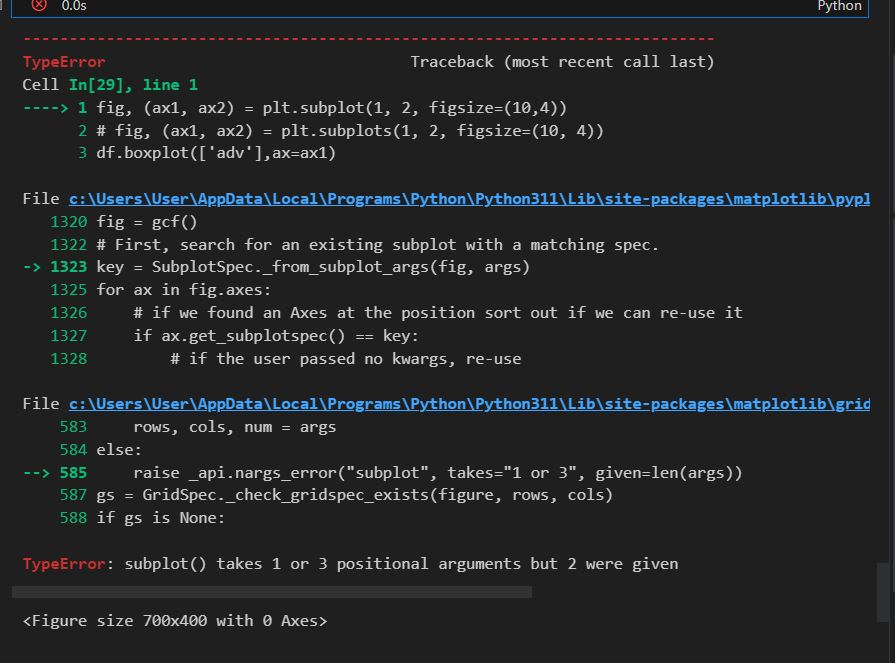
에러나는 이유 :
fig, (ax1, ax2) = plt.subplot(1, 2, figsize=(10,4))
subplots가 아니라 단수형이라서
->
fig, (ax1, ax2) = plt.subplots(1, 2, figsize=(10,4))
#서열척도
from pandas import CategoricalDtype
df['CLASS'] = df['CLASS'].astype(CategoricalDtype(categories=['A1','A2','A3','A4'],ordered=True)) #서열이 생긴다. a1 -> a4
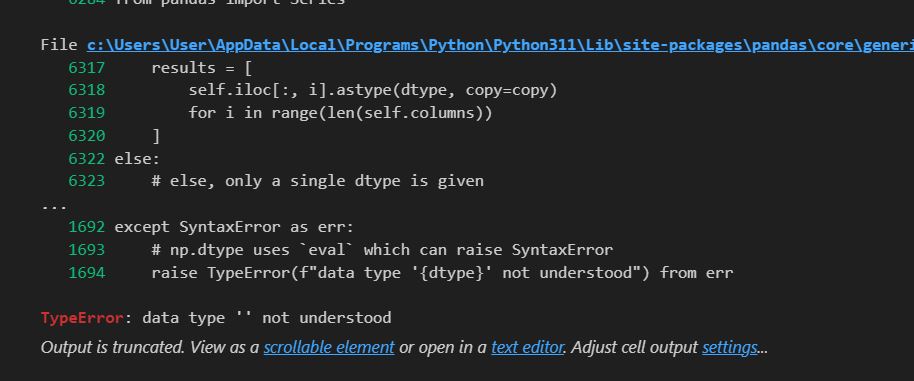
에러메세지
TypeError: data type '' not understood
->
#명목척도 타입 변경 후 복제본을 만드는 방법
df2 = df.astype({'CLASS':'category'})
df2.dtypes
#원본에 바로 저장하려면
df['CLASS'] = df['CLASS'].astype({'CLASS':'category'})
이 부분을 실행하지 않아서 발생한 문제였음
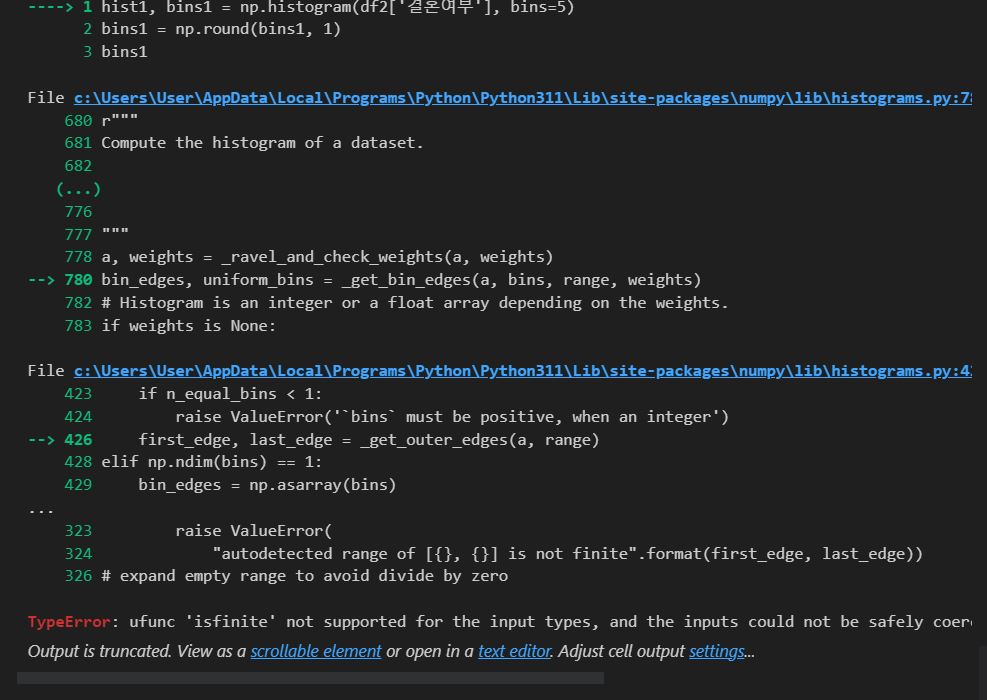
TypeError: ufunc 'isfinite' not supported for the input types, and the inputs could not be safely coerced to any supported types according to the casting rule ''safe''
오류가 발생했던 이유는 사용하고자 하는 데이터의 형태가 float32가 아니었기 때문이다. 따라서 '# 변경 코드'의 두 번째 줄에 있는 data = dataframe.astype(float)을 추가해주고, data를 기준으로 데이터를 설정하면 올바르게 생성되는 것을 확인할 수 있다
