[CSS] 실습: 프로필 페이지 스타일 시트 더하기 + 회원가입페이지 스타일시트 더하기
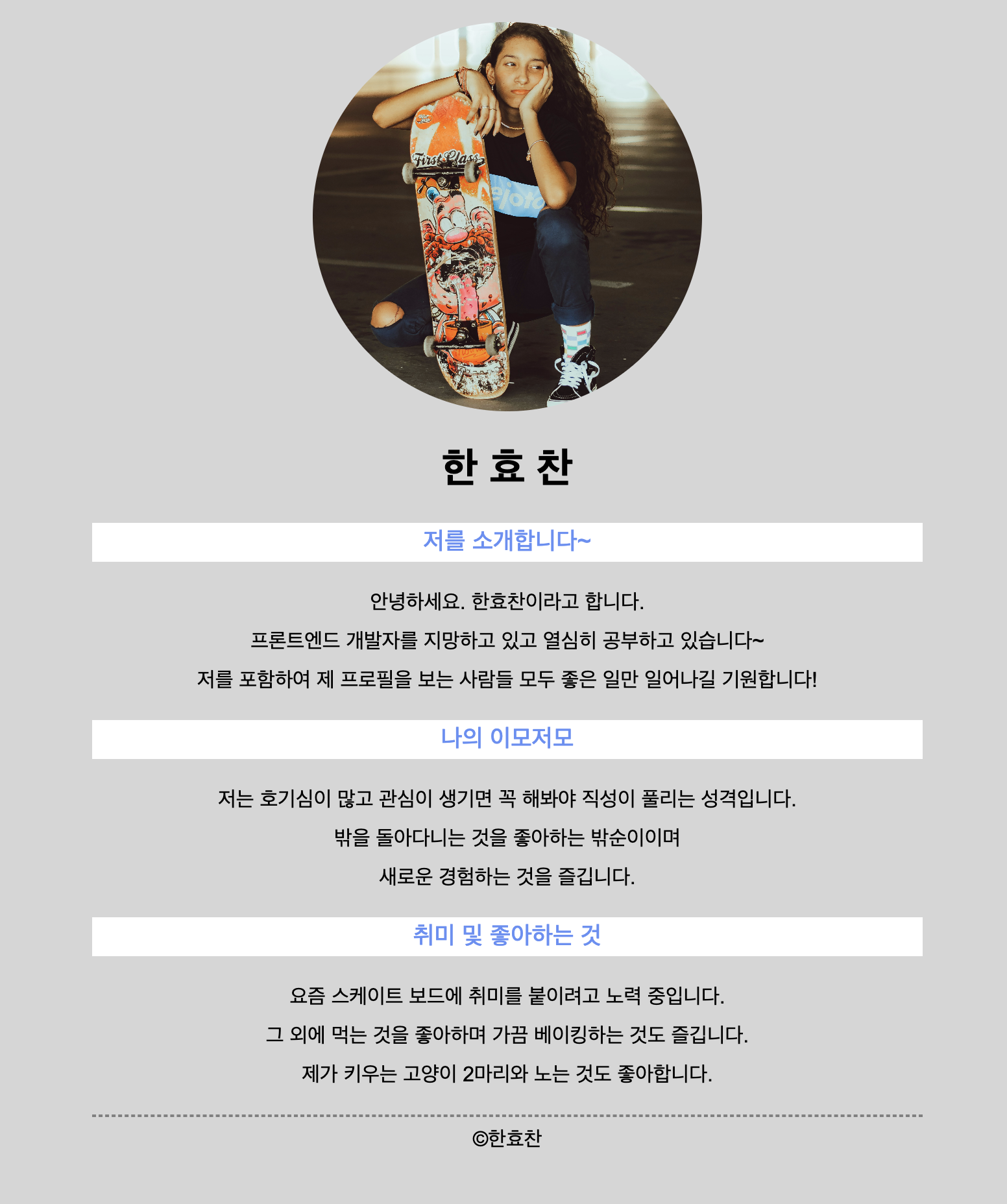
실습01: 자기소개 프로필 페이지에 스타일 시트 더하기
사용 css
*{
    text-align: center;
    font-family: Nanum Gothic Coding, Arial, "Helvetica Neue", Helvetica, sans-serif;
}

html{
    background-color: rgb(214, 214, 214);
}

body{
    width: 640px;
    margin: auto;
    padding: 20px;
}

img {
    width: 300px;
    height: 300px;
    object-fit: cover;
    border-radius: 500px;
}

.line{
    border: 1px dashed gray;
}

div{
    background-color: white;
    height: 30px;
    display: flex;
    align-items: center;
    justify-content: center;
}

h3{
    color: rgb(101, 142, 246);
    font-weight: 500;
}

p{
    line-height: 30px;
}
실습02: 기존에 만들었던 회원가입 페이지 스타일 시트 더하기
사용 css
* {
    font-family: Nanum Gothic Coding, Arial, Helvetica, sans-serif;
}

.layout {
    display: flex;
    justify-content: center;
    align-items: center;
}

#headerLayout_1 {
    height: 7rem;
    background-color: #9b9b9b;
}

#headerLayout_2 {
    text-align: center;
    color: white;
}

#title_1 {
    font-size: 20px;
    font-weight: 600;
}

img {
    display: block;
    margin: 1rem auto;
    width: 10rem;
    height: 10rem;
    border-radius: 100rem;
    box-shadow: 5px 5px 5px #b2b2b2;
}

.label_2 {
    display: block;
    margin: 0.5rem 0rem;
}

.layout_2 {
    display: block;
}

.input_1 {
    border: 1px solid gray;
    padding: 0.7rem;
    width: 30rem;
}

#radio_1 {
    margin-top: 1rem;
}

textarea {
    border: 1px solid gray;
    padding: 0.7rem;
    width: 30rem;
    margin-top: 0;
}

fieldset {
    margin-top: 1rem;
    width: 30rem;
}

#btn {
    display: block;
    margin: 1rem auto;
    width: 7rem;
    height: 3rem;
    border: none;
    background-color: black;
    border-radius: 5px;
    color: white;
}

li {
    list-style: none;
    line-height: 30px;
    margin: 1px;
}

a {
    display: block;
    margin: 2rem auto;
    width: 20rem;
    text-align: center;
    line-height: 0px;
}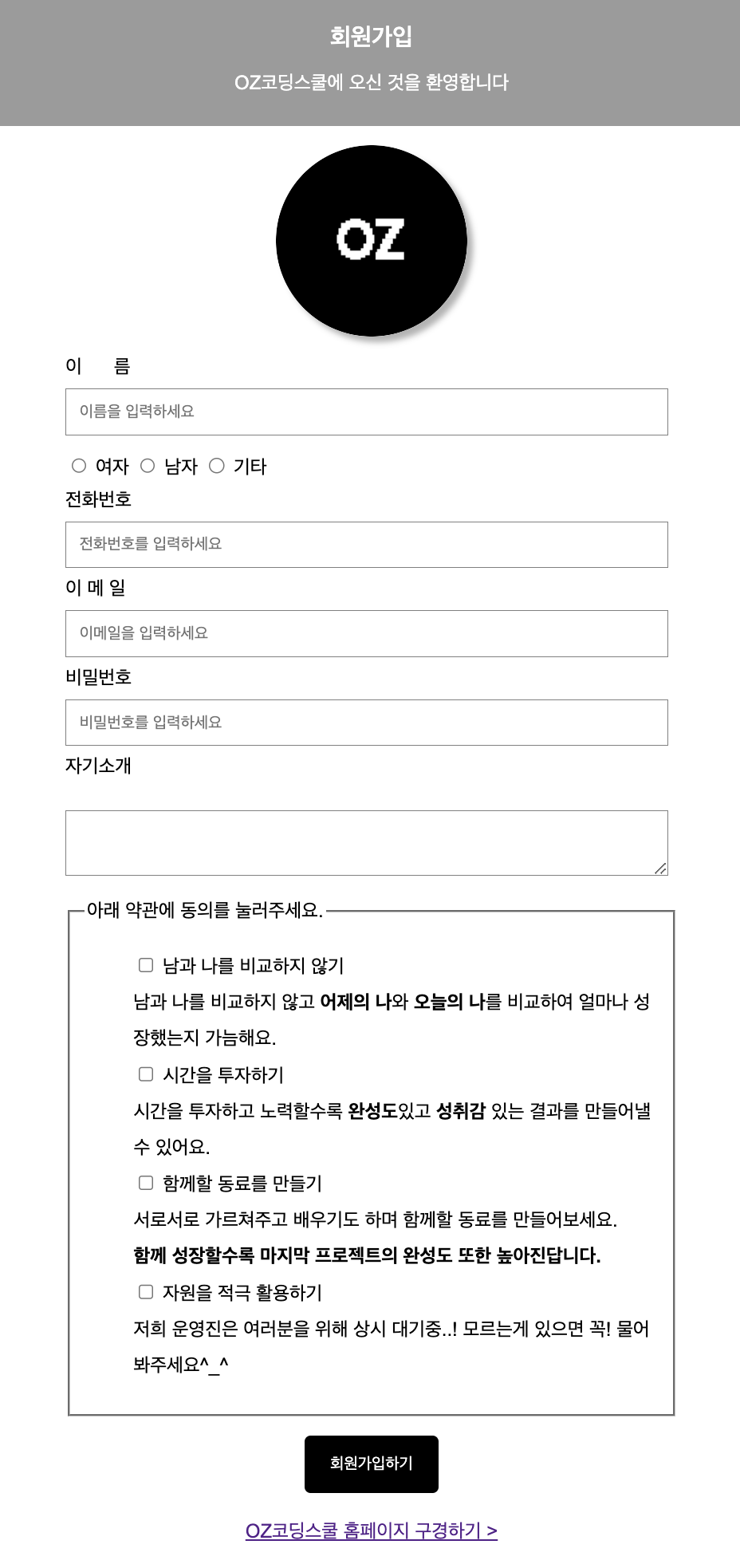
단 textarea 윗부분에 공백이 뜨는 문제가 생겼다.
혹시 margin-top문제인가 싶어 0값을 줘도 반응이 없었고
바로 위의 label도 0.5rem 정도의 값 밖에 없었기 때문에 저렇게 큰 공백이 생길 이유는 없었다.
문제 해결

hyohyo