깃 비공개 프로젝트 생성, 토큰 생성
1. github 접속
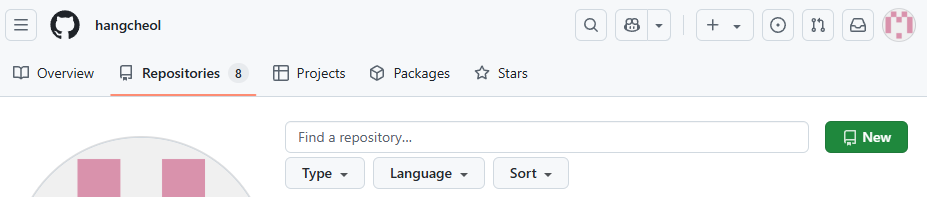
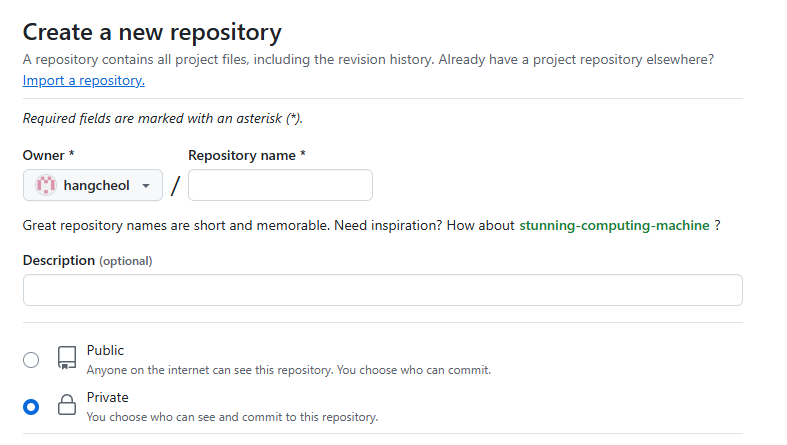
2. 프로젝트 생성(작성하는 글은 private 기준으로 작성되었습니다)
(New 클릭)
(private 설정하기)
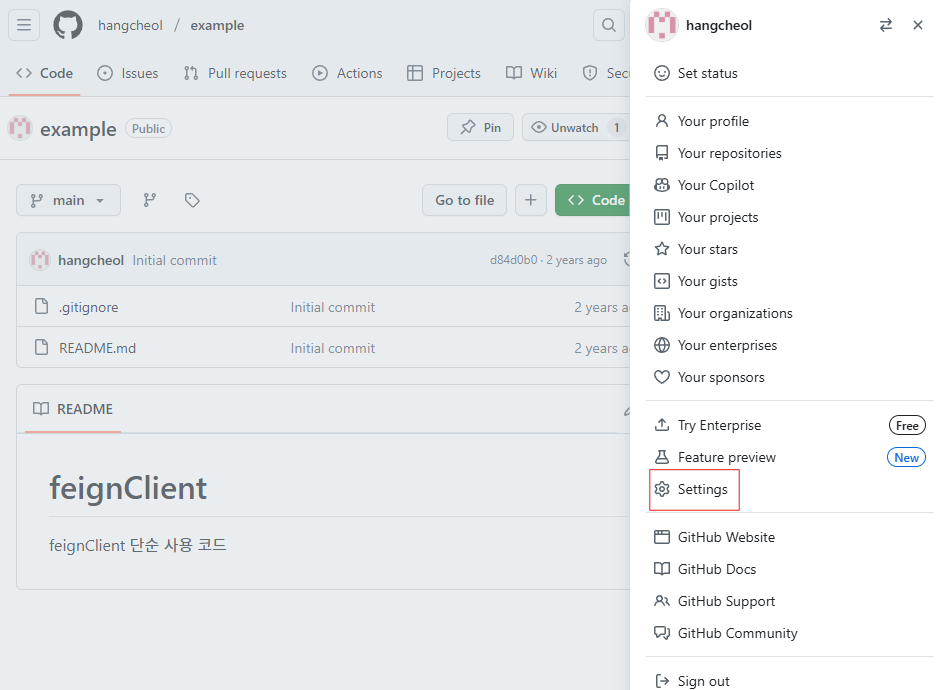
3. 우측 상단 사용자 초상화 > Settings 클릭
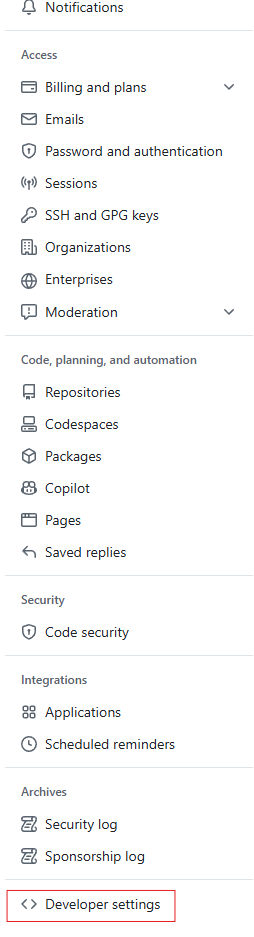
4. 왼쪽 메뉴의 Developer settings 클릭
5. Personal access tokens > Tokens (classic) 클릭
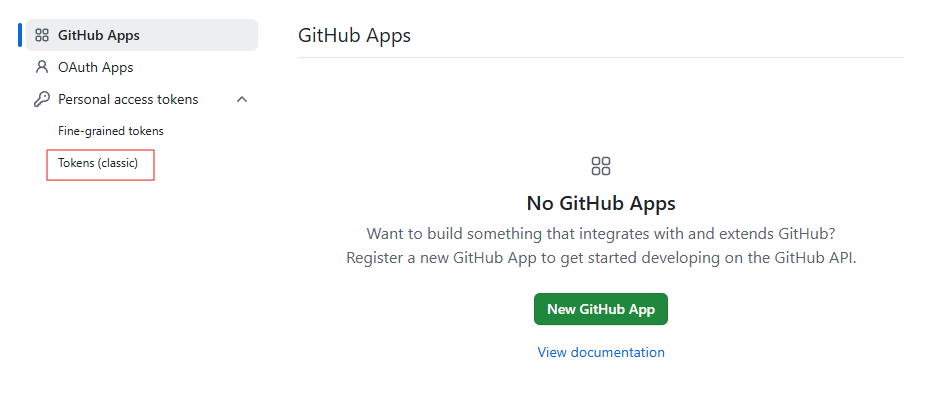
6. Generate new token으로 토큰 생성 후 토큰 잘 저장하기
VS Code 세팅
터미널에 아래 git 명령어를 입력한다. 이 때 중요한건 깃 저장소 url을 입력할 때 https:// 바로 뒤에 username이 들어가는 것과 마지막에 .git이 붙지 않는 것이다.
git remote add origin https://<your-username>@github.com/<your-username>/<your-repository>

git config --global user.name "Your Name"
git config --global user.email "your-email@example.com"

git push -u origin main
이렇게 입력하면 토큰을 입력하는 창이 뜨므로 입력하게 되면 세팅 완료.
기존에 깃에 있던 프로젝트 연결하기
git clone https://github.com/<your-username>/<your-repository>프로젝트 이동해서 가상환경 생성하고 requirements.txt 설치하기
python -m venv venv
.\venv\Scripts\actiate; pip install -r requirements.txt