위 링크의 따라하기를 따라하거나 파일을 받아 실행해보며 발생했던 혹은 발생할 수 있는 문제 해결
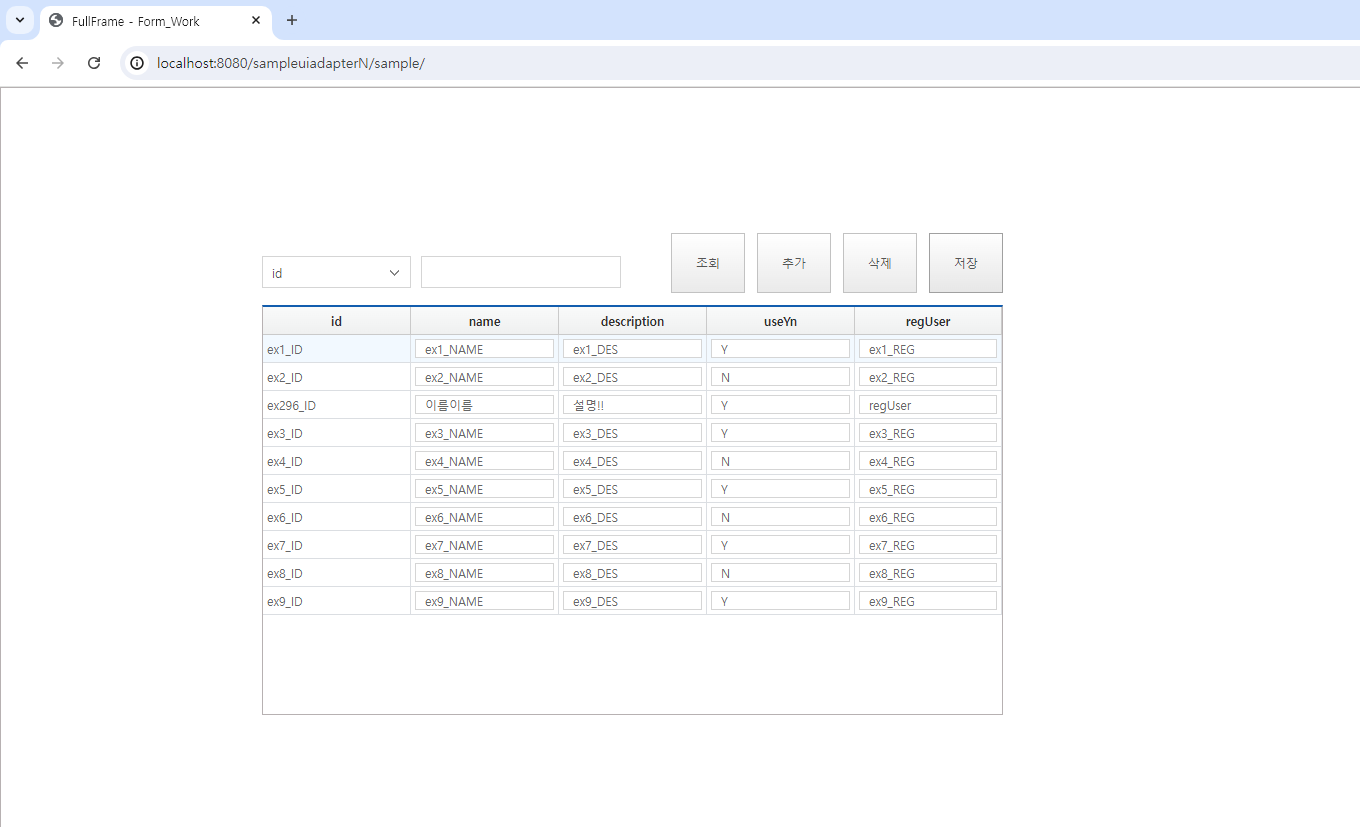
- 파일을 받아 실행했을 때 추가와 삭제는 되는데 조회와 저장이 false 뜰 때
개발자모드를 실행하여 보았더니 다음과 같은 오류 발생
http://localhost:8090/sampleuiadapterN/selectSampleList.do net::ERR_CONNECTION_REFUSED
해결 방법은 넥사크로에서 Project Explorer > TypeDefinition > Services > svc의 URL이 8090으로 되어있는 것을 8080으로 변경해주고 브라우저 캐시 삭제하고 다시 실행하기
- pom.xml에서 artifactId javax.api라고만 되어있으면 javax.servlet-api라고 수정하기
<!-- Servlet -->
		<dependency>
			<groupId>javax.servlet</groupId>
			<artifactId>javax.servlet-api</artifactId>
			<version>3.1.0</version>
			<scope>provided</scope>
</dependency>- mssql이 아닌 mysql로 연동하려고 할 때 pom.xml에 아래 디펜던시 추가하기
	<dependency>
			<groupId>mysql</groupId>
			<artifactId>mysql-connector-java</artifactId>
			<version>8.0.29</version>
</dependency>- 조회가 제대로 안 된다면 Mapper 파일에서 +로 쓰지 않고 concat으로 쓰기
	<if test="keyword != null and keyword != ''">
			<choose>
				<!-- LIKE의 %는 DB마다 방법이 다릅니다 -->
				 <when test="searchType == 'ID'">
                    AND ID LIKE CONCAT('%', #{keyword}, '%')
                </when>
                <when test="searchType == 'NAME'">
                    AND NAME LIKE CONCAT('%', #{keyword}, '%')
                </when>
			</choose>
</if>-
NexacroN_client_license.xml이 아닌 NexacroN_server_license.xml로 넣은 게 맞는지 확인하기
-
넥사크로에서 ui 수정한 후에 Generate > Application하고 Spring refresh하기
-
잘 안 될 땐 tomcat clean 해보고 브라우저 캐시 삭제해보기
안녕하세요. 본 컨텐츠까지 작업한 소스는 따로 존재하지 않아 "uiadapter 시리즈 - NexacroException" 까지 적용된 샘플을 아래 링크 첨부파일로 올려드리겠습니다. [[따라 하기] Spring Tool Suite v3.9.14 & uiadapter - NexacroException 사용 하기]( https://www.playnexacro.com/#show:learn:5536) 첨부파일을 받으시고 아래 사항을 순차적으로 따라 수정해 주시길 바랍니다.
- 넥사크로 스튜디오 ui 원본(src\main\ui\ui.xprj) 열기
- 제너레이트 경로 재지정(src\main\webapp\sample)
- STS의 기존 sampleuiadapterN 프로젝트 삭제 후 새로 다운로드 받은 프로젝트 import
- root-context.xml 의 DB 설정 변경(name, id, pw) - DB 환경에 맞게 조정
- 서버 라이센스 변경(src\main\resources)
- STS Server WAS(Tomcat 9.0) 삭제 후 프로젝트 재등록