업데이트 후 앱을 빌드해보니 에러가 났다.
Error (Xcode): DT_TOOLCHAIN_DIR cannot be used to evaluate LIBRARY_SEARCH_PATHS, use TOOLCHAIN_DIR insteadiOS의 최소 빌드 버전이 12로 올라가면서 생긴 에러였고,
일주일전에 Xcode 15와 호환이 되도록 CocoaPods 1.13.0이 release 된 것을 확인했다.
Update CocoaPods
[CocoaPods 버전 확인]
pod --version
[CocoaPods 버전 업데이트]
sudo gem install cocoapods
[CocoaPods 버전 강제 업데이트]
sudo gem install cocoapods --pre
버전 업데이트는 successful 했다는 안내 문구가 뜨는데, 버전을 확인하면 계속해서 이전 버전을 보여주었다.
CocoaPods는 Ruby 기반의 도구인데, 문제는 Ruby가 너무 예전 버전이었다. (그동안은 쭉 2.6 버전의 시스템 Ruby를 사용하고 있었다.)
Update Ruby
[Ruby 버전 확인]
ruby -v
[Ruby 업데이트]
brew install ruby
zshrc에서 관련 $PATH 환경 변수 설정이 필요하다.
open -e ~/.zshrc
그런데, 공식 문서 가이드대로 따라하면 (https://mac.install.guide/ruby/13.html)
arch: posix_spawnp: pod: Bad CPU type in executable이러한 에러가 발생하여(macOS에서 애플리케이션의 아키텍처 불일치로 인해 발생하는 에러인데, 왜 발생하는지 이유를 찾을 수 없었다.)
https://stackoverflow.com/questions/12287882/installing-ruby-with-homebrew
를 참고하여 zshrc의 최상단을 아래와 같이 수정해주었다.
export PATH=/opt/homebrew/bin:$PATH
export LDFLAGS="-L/opt/homebrew/opt/ruby/lib"
export CPPFLAGS="-I/opt/homebrew/opt/ruby/include"
[zshrc 업데이트 사항 적용]
source ~/.zshrc
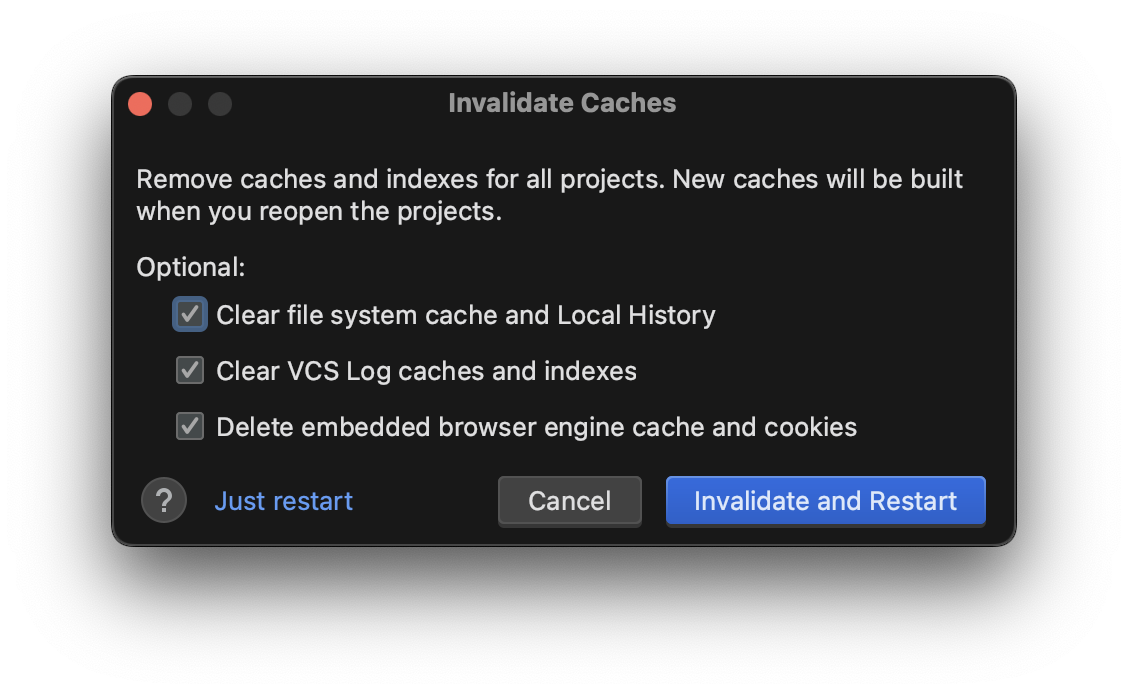
이후 다시 Android Studio에 들어오면 Ruby와 CocoaPods의 버전이 업데이트된 것을 확인할 수 있다.
App crashes when Using the Impeller rendering backend
이제 다 된 줄 알고 앱을 실행해 보니 아래와 같이 에러 문구가 뜨고 그냥 앱이 꺼졌다.
(lldb) 2023-10-01 23:48:30.911201+0900 Runner[1401:1182449] [VERBOSE-2:FlutterDarwinContextMetalImpeller.mm(37)] Using the Impeller rendering backend.
* thread #1, queue = 'com.apple.main-thread', stop reason = EXC_BAD_ACCESS (code=1, address=0x0)
    frame #0: 0x0000000000000000
error: memory read failed for 0x0
Target 0: (Runner) stopped.
Error launching application on 아이폰8.
Podfile의 최하단을 아래와 같이 수정하였다.
post_install do |installer|
  installer.pods_project.targets.each do |target|
    flutter_additional_ios_build_settings(target)

    target.build_configurations.each do |config|
      config.build_settings['IPHONEOS_DEPLOYMENT_TARGET'] = '12.0'
...
결국은 iOS 12로 직접 명시해 주었지만, 임시적인 방법이라는 생각이 든다.
Flutter Doctor
[✓] Flutter (Channel stable, 3.13.6, on macOS 14.0 23A344 darwin-arm64, locale ko-KR)
[✓] Android toolchain - develop for Android devices (Android SDK version 33.0.2)
[✓] Xcode - develop for iOS and macOS (Xcode 15.0)
[✓] Chrome - develop for the web
[✓] Android Studio (version 2022.3)
[✓] VS Code (version 1.82.2)
[✓] Connected device (4 available)
[✓] Network resources
참고