🦋BeautifulSoup기초
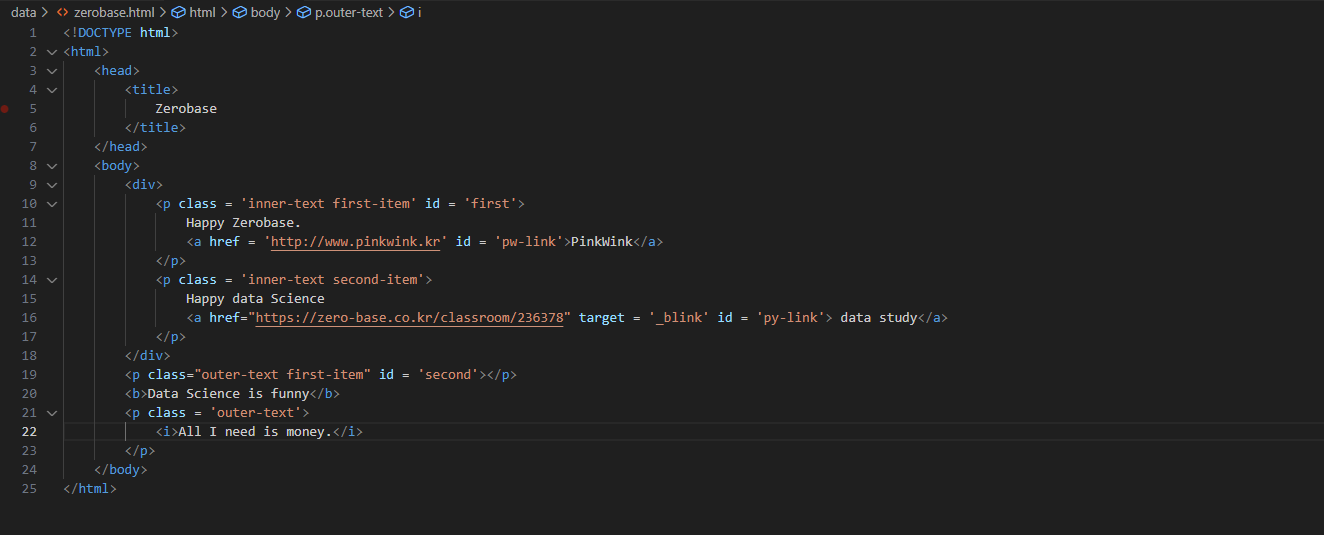
+html구조 알고 넘어가기!
- head부분 은웹페이지의 올라오는 제목을 나타낸다.
- body는 웹페이지 안에서 표현되는 글들을 나타낸다.
- p: 문장을 의미
- b/ target/ 등의 옵션을 사용하여 웹페이지 구성이 가능하다.
<!DOCTYPE html>
<html>
    <head>
        <title>
            Zerobase
        </title>
    </head>
    <body>
        <div>
            <p class = 'inner-text first-item' id = 'first'>
                Happy Zerobase.
                <a href = 'http://www.pinkwink.kr' id = 'pw-link'>PinkWink</a>
            </p>
            <p class = 'inner-text second-item'>
                Happy data Science
                <a href="https://zero-base.co.kr/classroom/236378" target = '_blink' id = 'py-link'> data study</a>
            </p>
        </div>
        <p class="outer-text first-item" id = 'second'></p>
        <b>Data Science is funny</b>
        <p class = 'outer-text'>
            <i>All I need is money.</i>
        </p>
    </body>
</html>
BeautifulSoup
공식문서참고
#import
from bs4 import BeautifulSoup
page = open('../data/zerobase.html').read()
soup = BeautifulSoup(page, 'html.parser')
print(soup.prettify())-prettify()를 사용하여 soup객체에 할당된 html문서를 들여쓰기로 볼 수 있다.
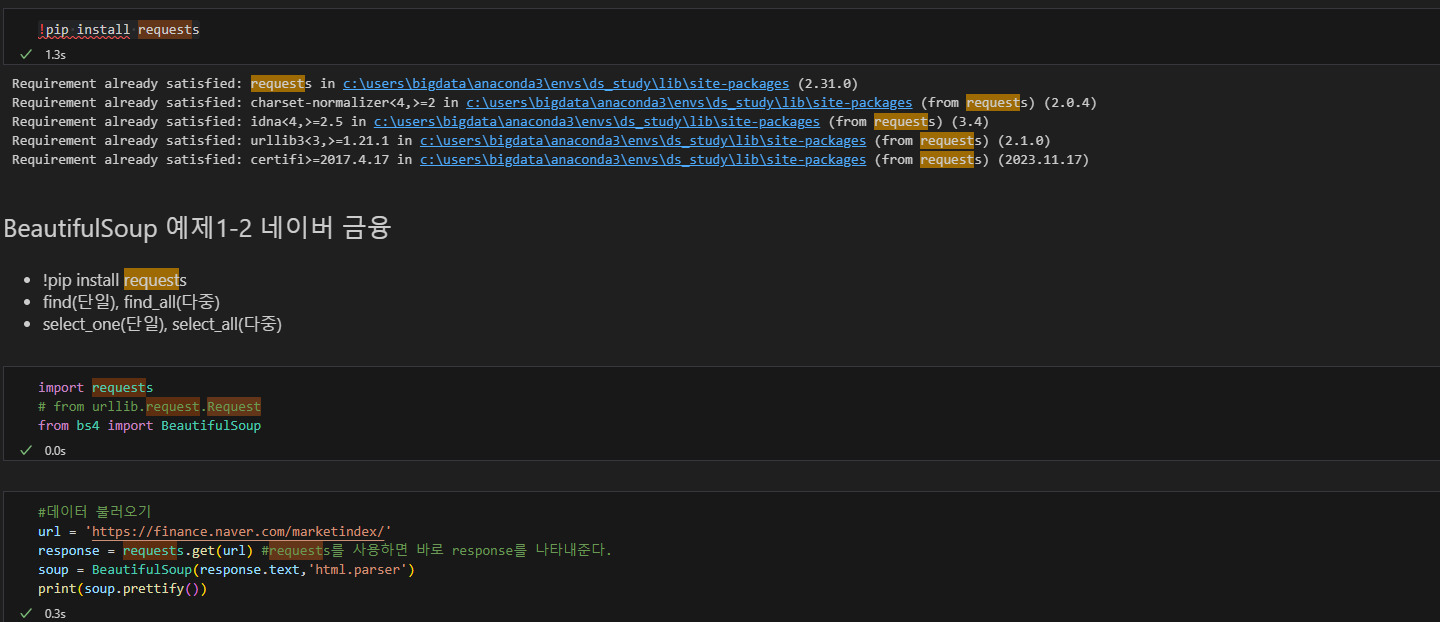
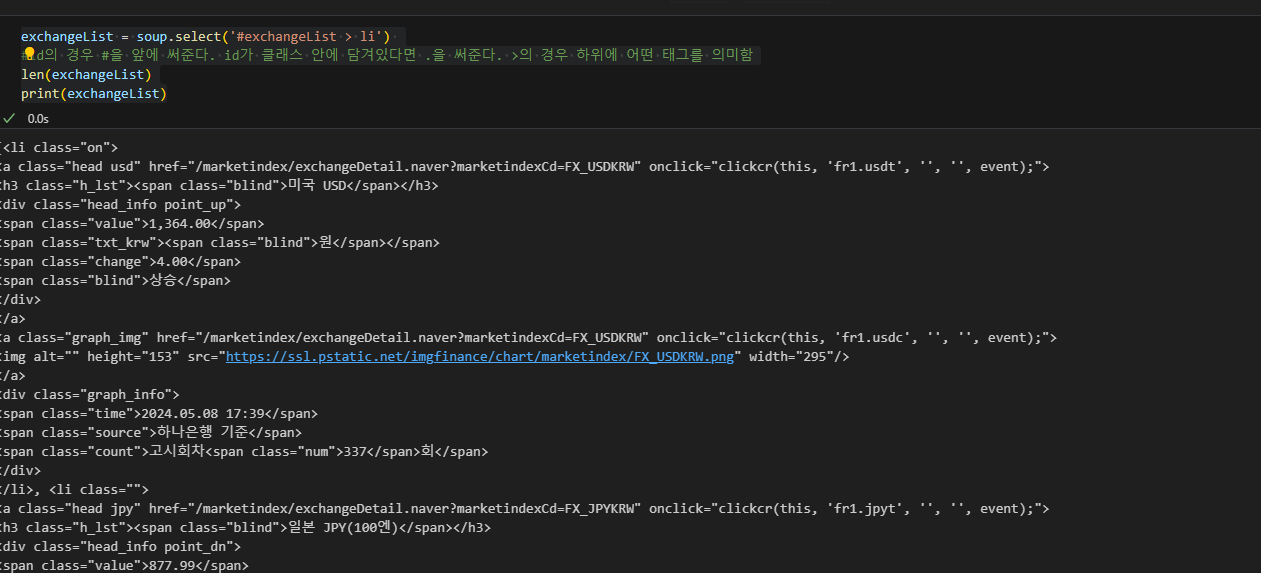

url을 오픈하는 방법
1. urlopen()
2.requests.get()