디자인 시스템 구축(2) - Github package
💡 git submodule을 이용한 모노레포를 채택하려 했으나, 버전 오류 때문인지 모듈을 불러오는 부분에서 막힘 (main 프로젝트는 노드 버전 12, 디자인 시스템은 노드 버전 18)
→ 다른 방안을 찾아보던 도중 우선 github package 라는 기능이 있다는 것을 알아냈고, github organization 내 private으로 패키지를 pubish함으로써 스토리북을 불러오는 방식 또한 깔끔할 것 같아서 새로운 접근 방식을 시도해보기로 했다.
(Github Organization 계정의 경우 500mb까지 Package 무료 사용 가능)
nodev.22.4.1
🎨 디자인 시스템 github package 배포 절차
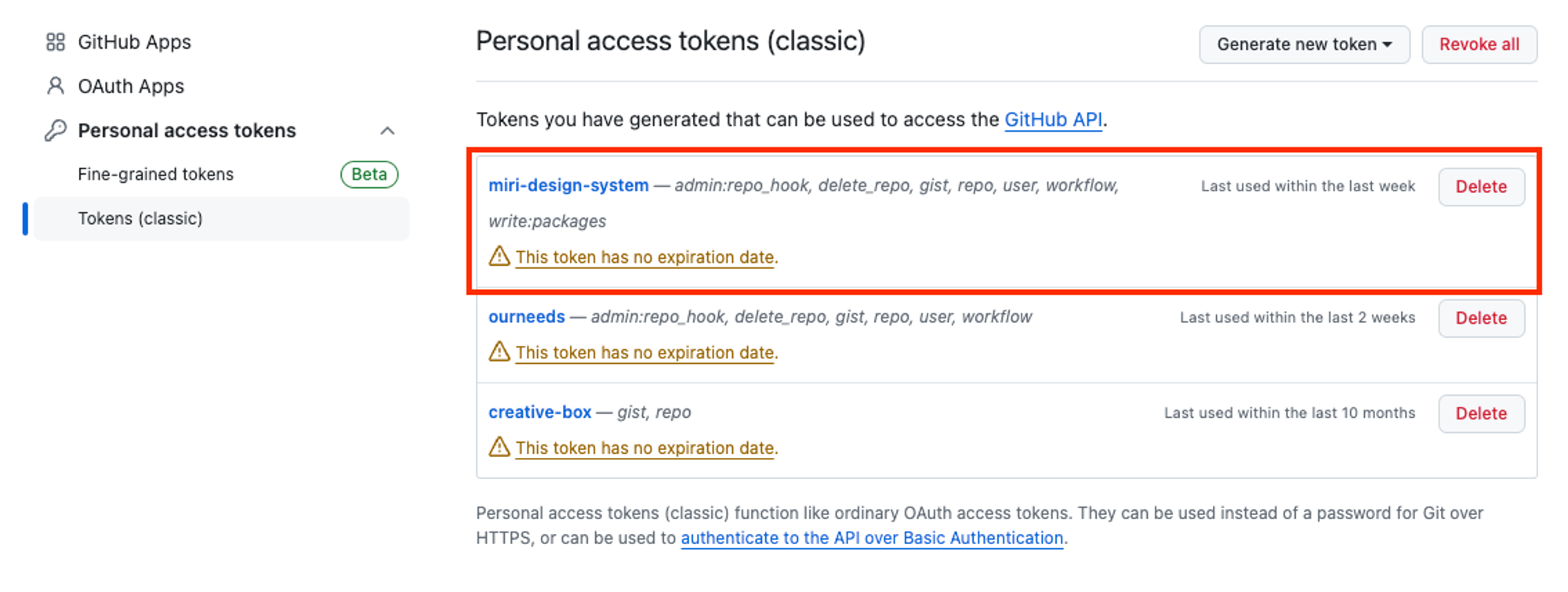
1. 토큰 발급
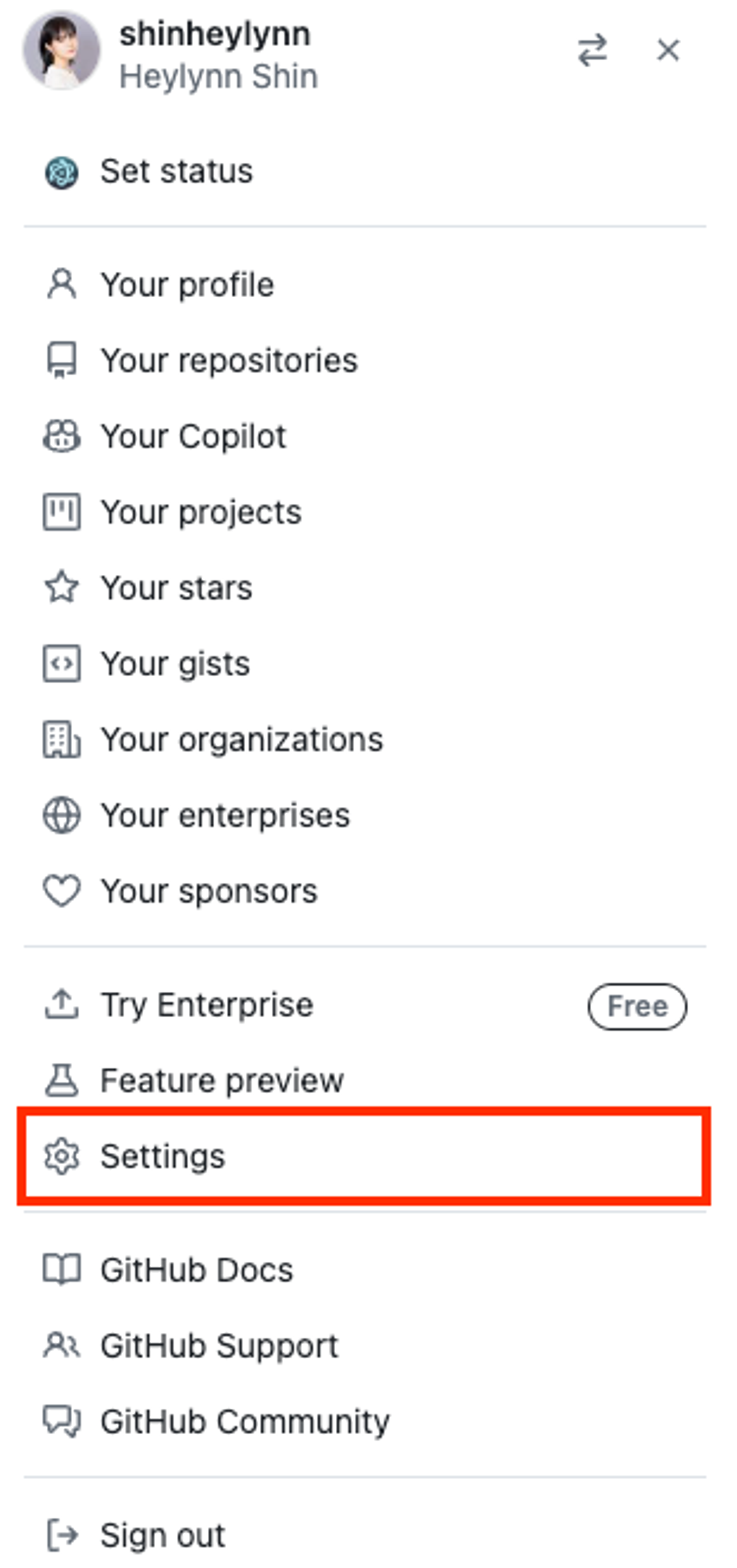
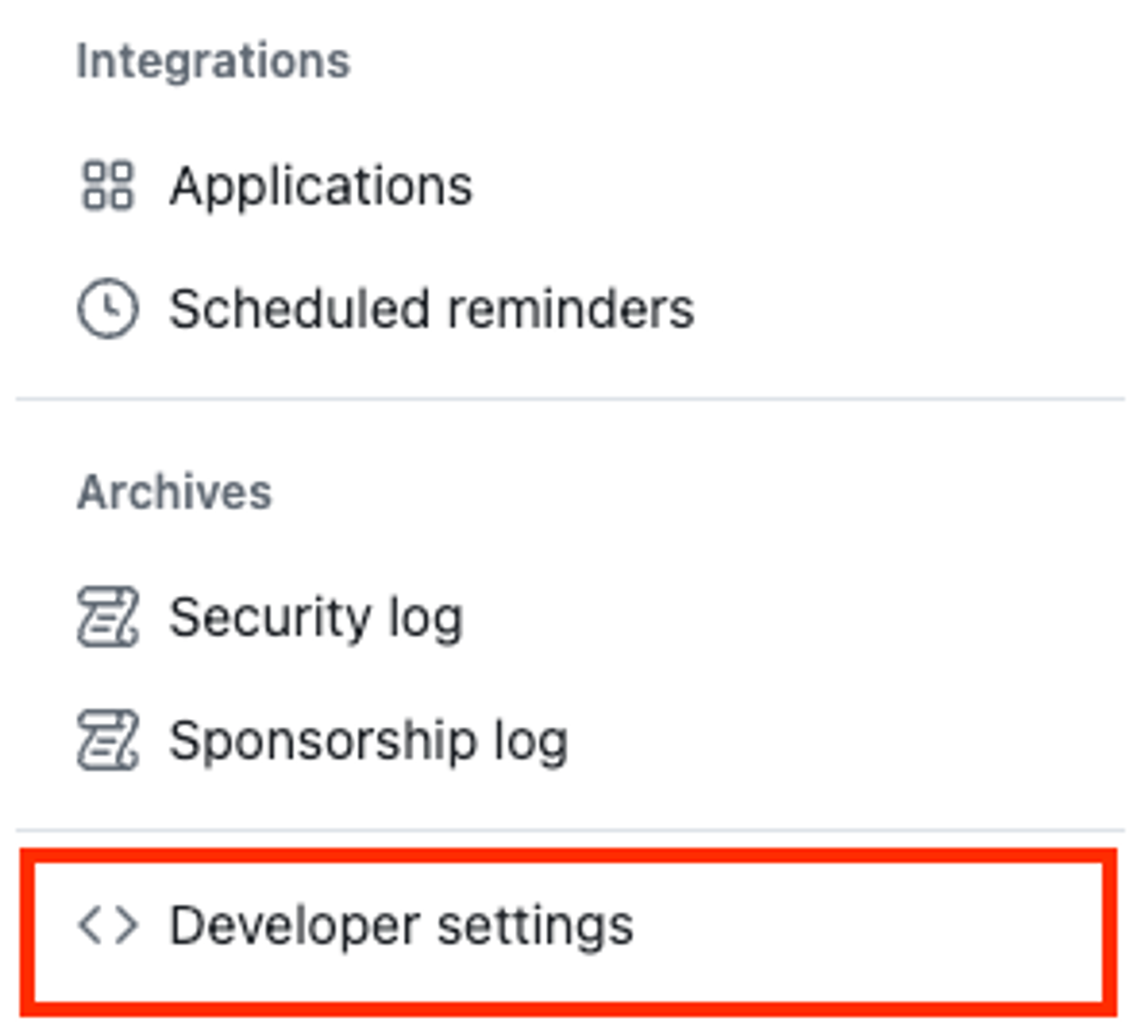
- github Settings > Developer settings > Personal access tokens
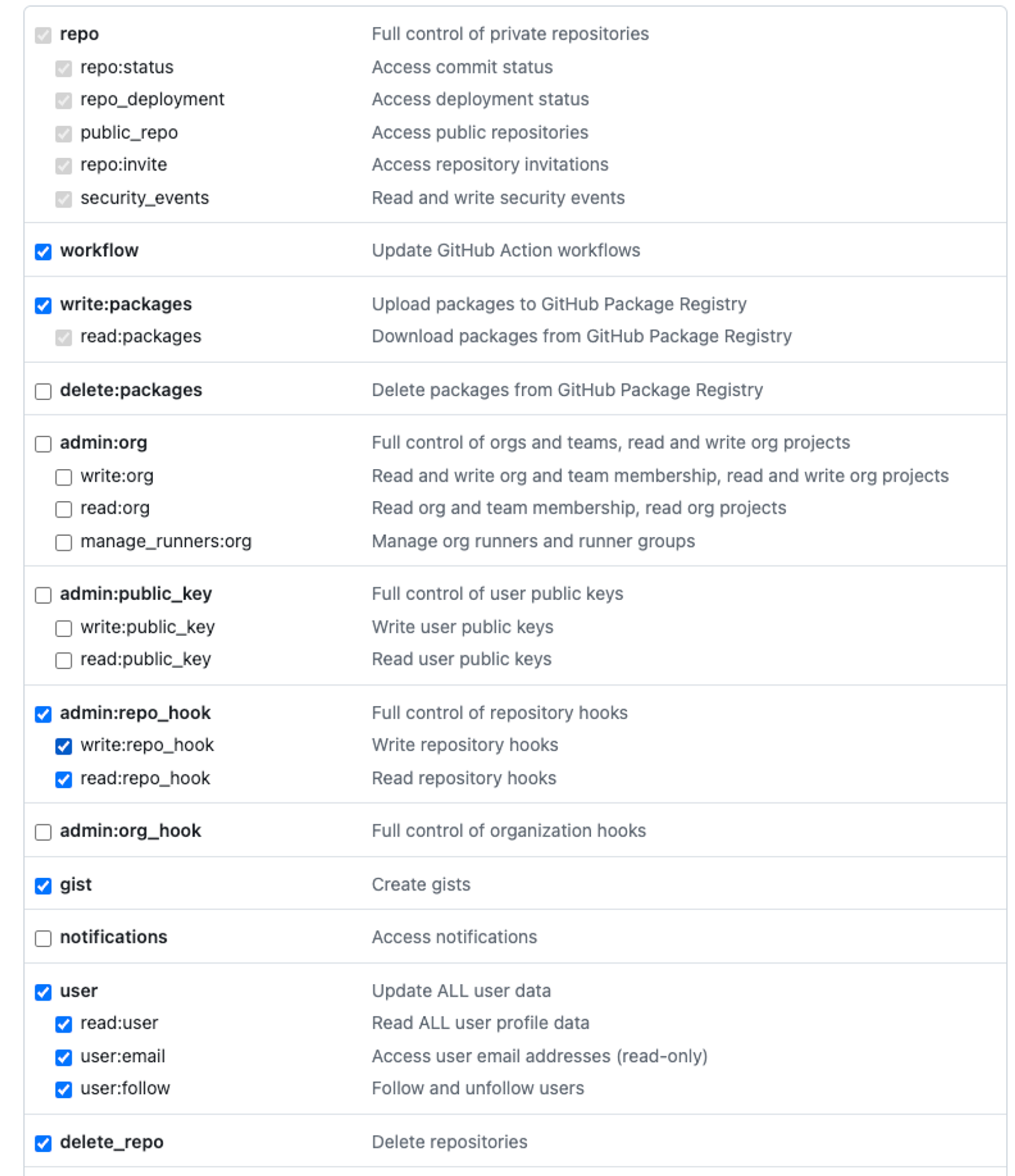
- 토큰 권한 설정 (
write:packages,read:packages는 꼭 체크)
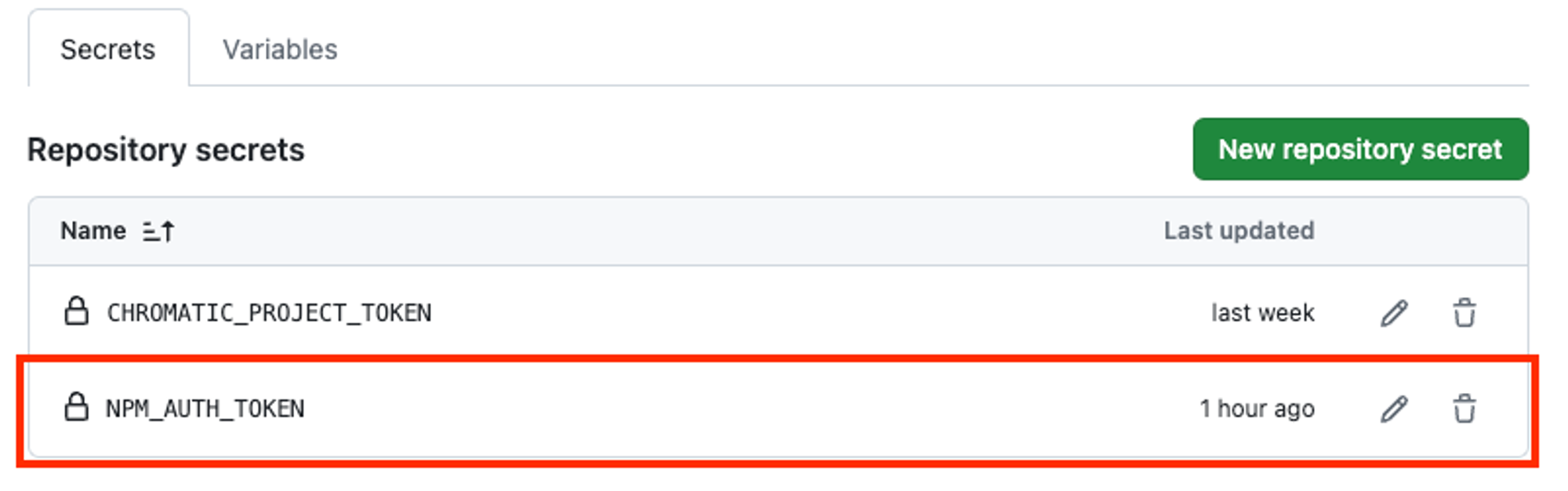
2. 발급 받은 토큰 환경변수 처리
miri_design_systemrepo 내secrets and variables > actions로 환경변수 설정
3. .yarnrc 파일 추가
miri_design_systemrepo 내 루트 디렉토리에.yarnrc파일을 추가//npm.pkg.github.com/:\_authToken=ghp_${NPM_AUTH_TOKEN} @ourneeds:registry=https://npm.pkg.github.com//npm.pkg.github.com/:_authToken=ghp_${NPM_AUTH_TOKEN}: → GitHub에 호스팅된 npm 패키지 레지스트리에 접근하기 위한 인증 토큰을 지정
@ourneeds:registry=https://npm.pkg.github.com: →@ourneeds범위 아래의 패키지들이 이 GitHub 패키지 레지스트리에서 가져올 것임을 의미함
4. package.json 작성
name: @[유저이름 or Organization 이름]/[패키지 이름] 형식으로 작성해줘야 한다. (@ 뒤에오는걸 scope라고 지칭)
💡 repo의 owner와 name의 scope가 일치해야 Publish가 정상적으로 진행된다.
ex)
ourneeds/miri_design_system
1. repo owner = ourneeds
2. name = ourneeds
version: 패키지 버전description: 패키지에 대한 설명repository: repository 정보publishConfig: npm publish 명령어를 사용할 때 필요한 설정으로, registry 속성의 값을 https://npm.pkg.github.com/ 으로 하면 된다.author: author가 누군지license: 어떤 license를 따르는지
⚙️ miri_design_system config 설정
더 자세한 config 설정 코드는 다음을 참고
package.json
{
  "name": "@ourneeds/design-system",
  "version": "0.1.2",
  "description": "Design system for Miri",
  "main": "dist/design-system.umd.js",
  "module": "dist/design-system.es.js",
  "types": "dist/index.d.ts",
  "exports": {
    ".": {
      "require": "./dist/design-system.umd.js",
      "import": "./dist/design-system.es.js",
      "types": "./dist/index.d.ts"
    },
    "./src/*": "./dist/src/*"
  },
  "files": [
    "dist",
    "dist/assets",
    "dist/src",
    "dist/stories"
  ],
  "scripts": {
    "dev": "vite",
    "build": "tsc && vite build",
    "lint": "eslint . --ext ts,tsx --report-unused-disable-directives --max-warnings 0",
    "preview": "vite preview",
    "storybook": "storybook dev -p 6006",
    "build-storybook": "storybook build"
  },
  "repository": {
    "type": "git",
    "url": "https://github.com/ourneeds/miri_design_system.git"
  },
  "publishConfig": {
    "registry": "https://npm.pkg.github.com/"
  },
  "author": "OurNeeds",
  "license": "MIT",
  "dependencies": {
    "@emotion/react": "^11.11.4",
    "@emotion/styled": "^11.11.5",
    "@types/node": "^20.14.9",
    "install": "^0.13.0",
    "npm": "^10.8.1",
    "path": "^0.12.7",
    "react": "^18.2.0",
    "react-dom": "^18.2.0",
    "vite-plugin-dts": "^3.9.1"
  },
  "devDependencies": {
    "@chromatic-com/storybook": "^1.5.0",
    "@newhighsco/storybook-addon-svgr": "^2.0.20",
    "@storybook/addon-essentials": "^8.1.8",
    "@storybook/addon-interactions": "^8.1.8",
    "@storybook/addon-links": "^8.1.8",
    "@storybook/addon-onboarding": "^8.1.8",
    "@storybook/addon-themes": "^8.1.8",
    "@storybook/blocks": "^8.1.8",
    "@storybook/react": "^8.1.8",
    "@storybook/react-vite": "^8.1.11",
    "@storybook/test": "^8.1.8",
    "@types/react": "^18.2.66",
    "@types/react-dom": "^18.2.22",
    "@typescript-eslint/eslint-plugin": "^7.2.0",
    "@typescript-eslint/parser": "^7.2.0",
    "@vitejs/plugin-react": "^4.2.1",
    "eslint": "^8.57.0",
    "eslint-plugin-react-hooks": "^4.6.0",
    "eslint-plugin-react-refresh": "^0.4.6",
    "eslint-plugin-storybook": "^0.8.0",
    "storybook": "^8.1.11",
    "typescript": "^5.2.2",
    "vite": "^5.2.0"
  }
}
- vite.config.ts
import { defineConfig } from 'vite';
import react from '@vitejs/plugin-react';
import path from 'path';
import dts from 'vite-plugin-dts';

// https://vitejs.dev/config/
export default defineConfig({
  plugins: [
    react(),
    dts({
      outDir: 'dist',
      insertTypesEntry: true,
    }),
  ],
  build: {
    lib: {
      entry: 'src/index.ts',
      name: 'DesignSystem',
      formats: ['es', 'umd'],
      fileName: (format) => `design-system.${format}.js`,
    },
    rollupOptions: {
      external: ['react', 'react-dom'],
      output: {
        globals: {
          react: 'React',
          'react-dom': 'ReactDOM',
        },
      },
    },
  },
  resolve: {
    alias: [
      { find: '@', replacement: path.resolve(__dirname, 'src') },
      { find: 'public', replacement: path.resolve(__dirname, 'public') },
    ],
    extensions: ['.mjs', '.js', '.ts', '.jsx', '.tsx', '.json'],
  },
  css: {
    modules: {
      localsConvention: 'camelCaseOnly', // Optional: converts class names to camel case
    },
  },
});
- tsconfig.json
{
  "compilerOptions": {
    "target": "ES2020",
    "useDefineForClassFields": true,
    "lib": ["ES2020", "DOM", "DOM.Iterable"],
    "module": "ESNext",
    "skipLibCheck": true,

    /* Bundler mode */
    "moduleResolution": "bundler",
    "allowImportingTsExtensions": true,
    "resolveJsonModule": true,
    "isolatedModules": true,
    "noEmit": false,
    "emitDeclarationOnly": true,
    "jsx": "react-jsx",
    "jsxImportSource": "@emotion/react",

    /* Output directories */
    "declaration": true,
    "declarationDir": "dist/types",
    "outDir": "dist",

    /* Linting */
    "strict": true,
    "noUnusedLocals": true,
    "noUnusedParameters": true,
    "noFallthroughCasesInSwitch": true,

    "baseUrl": ".",
    "paths": {
      "@/*": ["src/*"],
      "public/*": ["public/*"]
    }
  },
  "include": ["src", "stories"],
  "references": [{ "path": "./tsconfig.node.json" }]
}
5. npm login
$ npm login --scope=@OWNER --registry=https://npm.pkg.github.com

> Username: USERNAME // 본인의 깃허브 유저네임
> Password: TOKEN // 발급 받은 깃헙 토큰
> Email: PUBLIC-EMAIL-ADDRESS // 본인 이메일- Github Packages로 배포하기 위해 전에 발급해둔 깃허브 토큰을 사용한 인증이 필요함
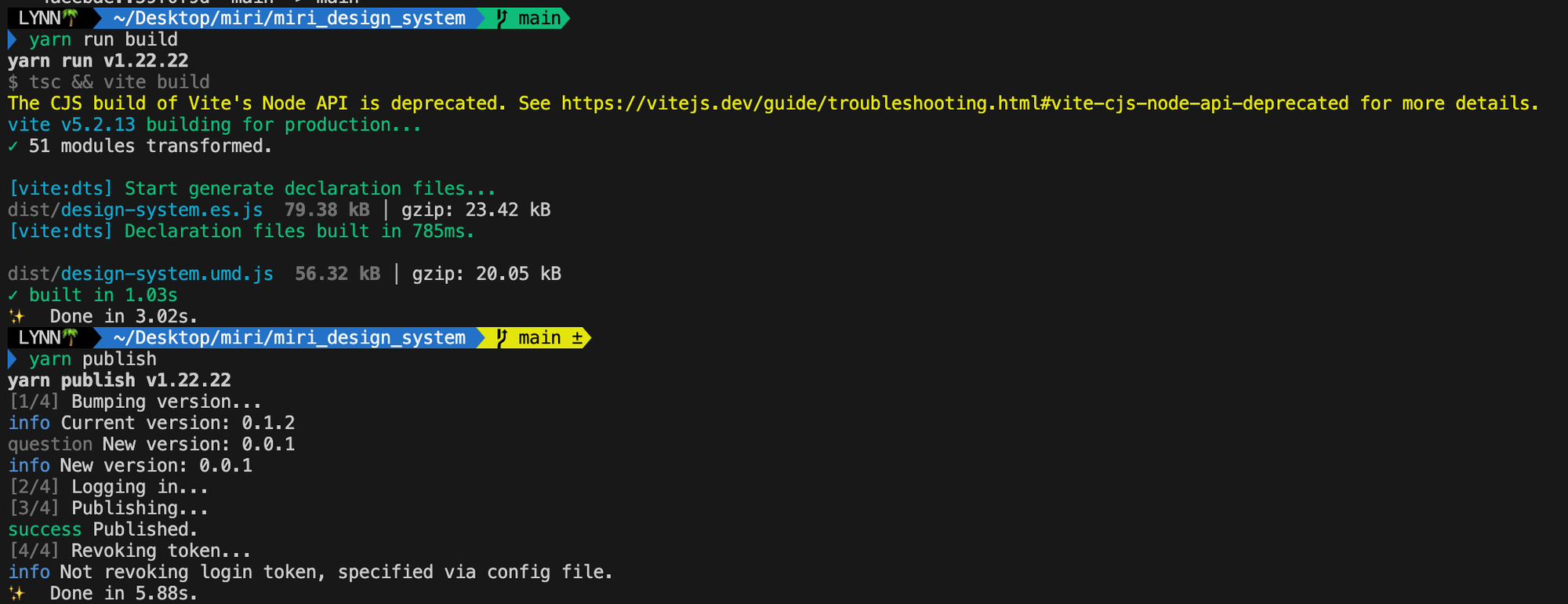
6. npm run build & npm publish
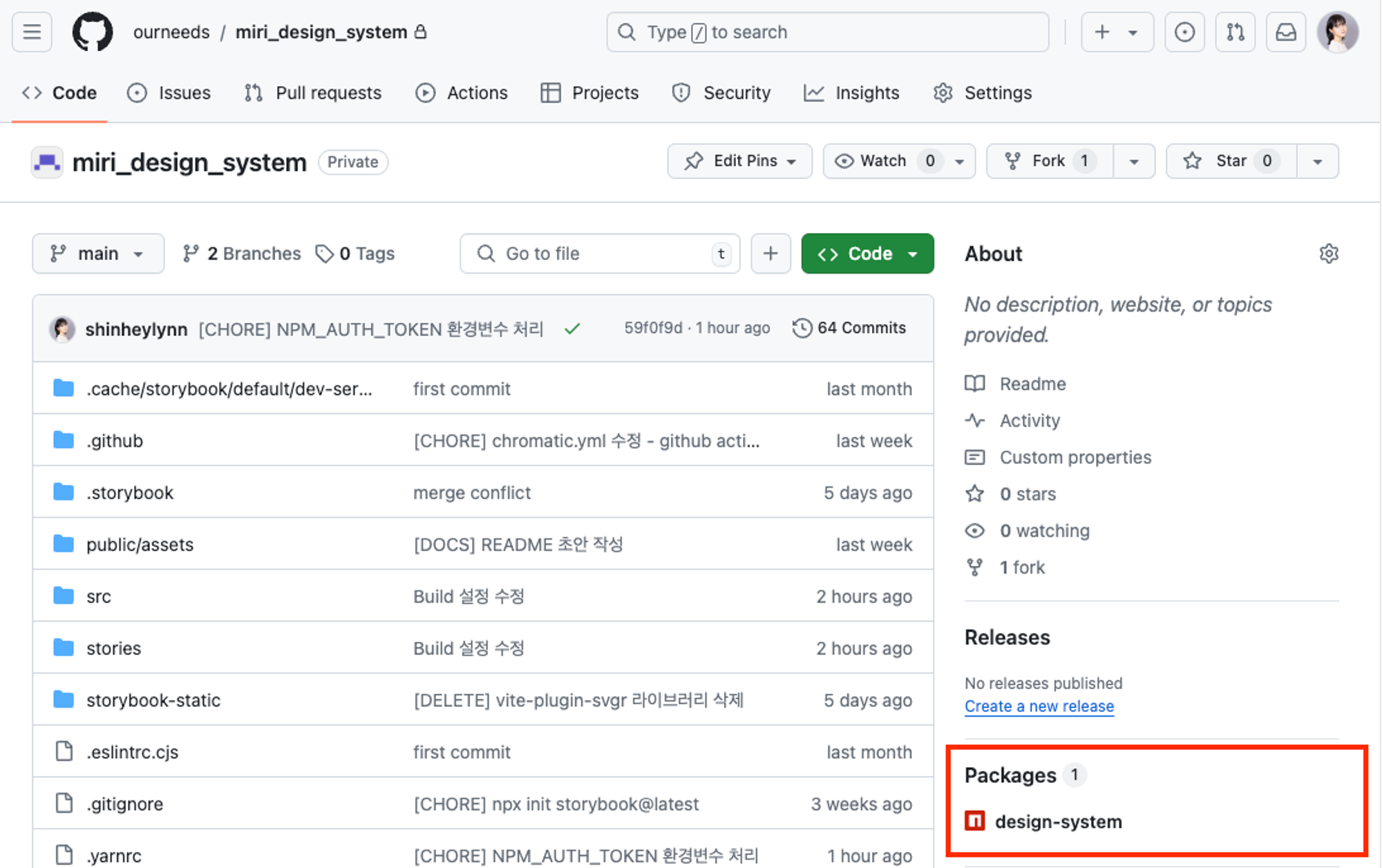
💡 배포 완료!
로그인 이후 빌드와 퍼블리시를 해주면 github repo 내에 Packages로 추가된 것을 확인할 수 있다.
이렇게 하면 Organization 내 private package로 활용 가능하다.

개 발자국 🐾