Push 방식
struct ContentView: View {

    var body: some View {
        NavigationView {
            VStack(alignment: .leading){
                CustomNavBar(screenTitle: "메인두둥")

                Text("집중할일 목록")

                ZStack(alignment: .bottomTrailing){
                    NavigationLink(destination:
                                    AddScreen()
                    ){
                        Circle()
                    }
                }//Zstack
            }
        } //NavigationView
    }
}
Modal 방식
struct ContentView: View {

    @State private var isAddScreenPresented = false

    var body: some View {
        NavigationView {
            VStack(alignment: .leading) {
                CustomNavBar(screenTitle: "메인두둥")

                Text("집중할일 목록")

                ZStack(alignment: .bottomTrailing) {
                    VStack {
                        MyList()
                    }

                    Button(action: {
                        isAddScreenPresented.toggle()
                    }) {
                        Circle()
                    }
                    .sheet(isPresented: $isAddScreenPresented) {
                        AddScreen()
                    }
                } // Zstack
            }
        } // NavigationView
    }
}
Half Modal
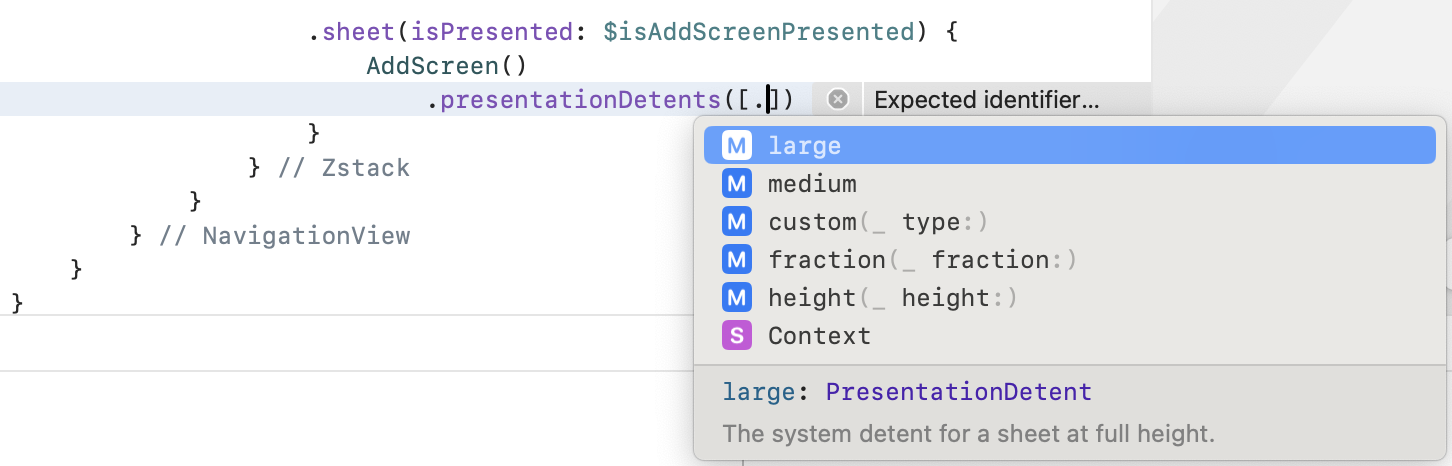
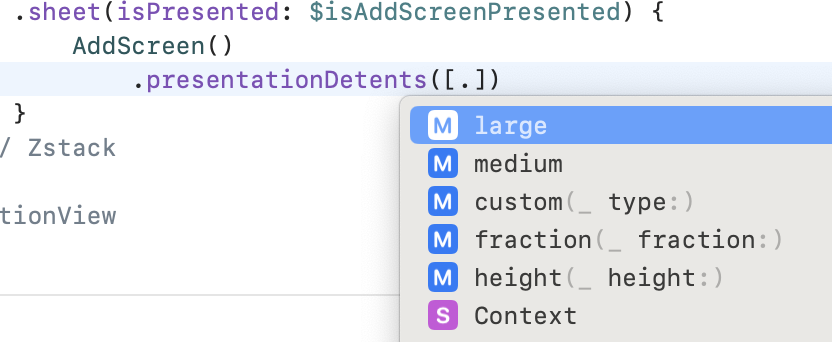
Modal 방식에 presentationDetents값을 설정해서 크기를 정할 수 있다.
height으로 고정값을 넣어줄수도 있고, large와 medium을 선택해서
화면 비율에 따라 달라지게 설정할 수도 있다.
                    .sheet(isPresented: $isAddScreenPresented) {
                        AddScreen()
                            .presentationDetents([.height(400)])
                    }