
rc-tree를 사용하고 있는 antd tree를 활용해서 drag and drop이 되는 트리 메뉴 구조를 개발해야 되는 일이 생겼다.
tree props 내에 onDragOver 를 통해 요소가 유효한 drop target 위에 있을 경우에 대해 내가 정의한 메서드를 호출할 수 있다. 이를 활용해서 메뉴 노드에 위치에 따라서 자동으로 스크롤이 되도록 구현하였는데, 이를 requestAnimationFrame를 활용하여 최적화했다.
초기 상태
DragOver 이벤트 발생할 때 드래그된 요소가 상단 또는 하단에 접근하면 스크롤이 되도록 구현했다.
const onDragOver = useCallback(
    ({ event }: OnDragOverProps) => {
      const treeElement = treeRef.current
      if (!treeElement) return

      const boundingRect = treeElement.getBoundingClientRect()

      const { clientY } = event
      const offset = 100 // Offset for triggering scroll
      console.log('DragOver 이벤트 발생')

      if (clientY > boundingRect.bottom - offset) {
        treeElement.scrollBy({ top: 30 })
      } else if (clientY < boundingRect.top + offset) {
        treeElement.scrollBy({ top: -30 })
      }
}
일단 DragOver 이벤트가 너무 불필요하게 많이 발생한다는 점이 최적화를 해주고 싶었다.

또한 현재 scrollBy로 스크롤이 움직이는데 자연스럽게 스크롤이 되지 않고 뚝뚝 끊기면서 스크롤이 됐다.. 나는 사용자에게 좀 더 좋은 경험을 주고 싶다..!
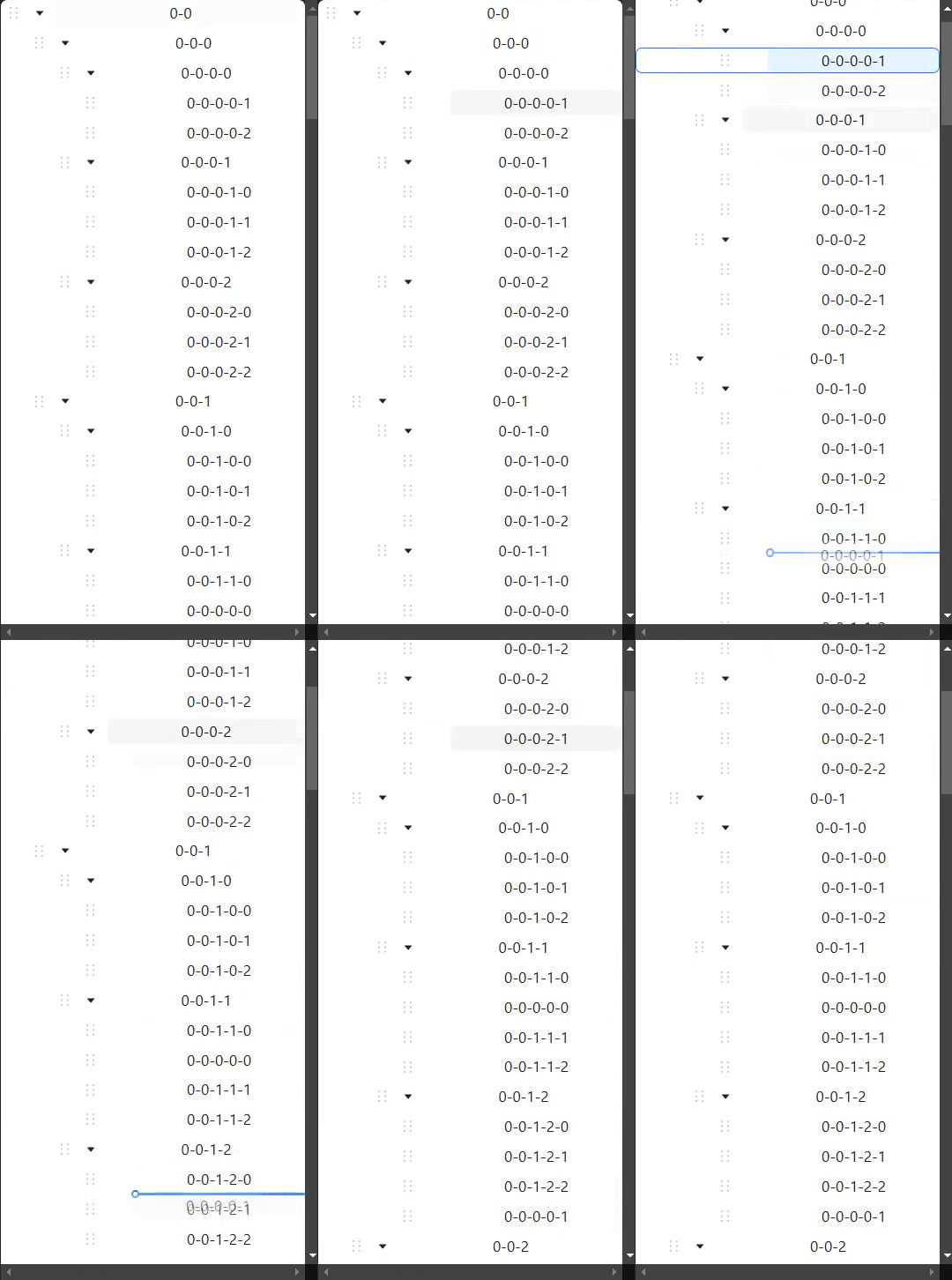
시도 1 - Throttle 적용
우선 나는 DragOver 이벤트가 과도하게 호출되는 것을 줄이고 싶었다. 그래서 Throttle을 해당 함수에 적용했다.
보통 화면 주사율은 60Hz이기 때문에 Throttle 적용할 때 시간을 16ms로 설정했다.
(1000ms/60)
const onDragOver = useThrottle(({ event }: OnDragOverProps) => {
    const treeElement = treeRef.current
    if (!treeElement) return

    const boundingRect = treeElement.getBoundingClientRect()

    const { clientY } = event
    const offset = 100 // Offset for triggering scroll
    console.log('DragOver 이벤트 발생')
    const newDirection: number | null = null
    if (clientY > boundingRect.bottom - offset) {
      treeElement.scrollBy({ top: 10 })
    } else if (clientY < boundingRect.top + offset) {
      treeElement.scrollBy({ top: -10 })
    }
  }, 16)
확실히 전보단 이벤트 발생이 줄었다. 하지만 스크롤이 버벅거리는건 여전하다.
보통 스크롤 이벤트를 최적화하기 위해 requestAnimationFrame을 사용할 수 있다고 한다.
requestAnimationFrame를 적용하면 부드럽게 스크롤이 되지 않을까? 예상을 하며 적용을 했다.
시도 2 - requestAnimationFrame 적용
requestAnimationFrame에 대해 간단히 짚고 넘어가자.
자바스크립트의 내장함수로써 매 프레임마다 호출되어 다음 프레임에 호출할 애니메이션을 지정하고 이를 호출하는 함수이다. (리페인트(repaint) 전에 callback 함수를 호출한다, 브라우저의 다음 페인트 사이클 전에 콜백 함수를 실행하도록 예약하는 함수)
이 정도만 알아보고 나머지는 MDN 문서를 보면 된다!
바로 적용해보자.
const smoothScroll = useCallback((element: HTMLElement, scrollAmount: number) => {
    console.log('Scroll')
    element.scrollBy({ top: scrollAmount })
    requestAnimationFrame(() => smoothScroll(element, scrollAmount))
  }, [])

  const onDragOver = useCallback(
    ({ event }: OnDragOverProps) => {
      const treeElement = treeRef.current
      if (!treeElement) return

      const boundingRect = treeElement.getBoundingClientRect()

      const { clientY } = event
      const offset = 100 // Offset for triggering scroll


      if (clientY > boundingRect.bottom - offset) {
        requestAnimationFrame(() => smoothScroll(treeElement, 10))
      } else if (clientY < boundingRect.top + offset) {
        requestAnimationFrame(() => smoothScroll(treeElement, -10))
      }
    },
    [smoothScroll]
  )
재귀적으로 requestAnimationFrame를 호출해서 부드럽게 스크롤을 해주고 싶었다.
하지만.. 종료 조건 없이 재귀로 호출하니 무한으로 호출되는 이슈가 발생했다.
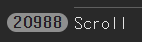
시도 3 - rAF 종료 조건 추가
결국 생각해보면 Drag 이벤트가 끝났을 때 더 이상 스크롤 이벤트를 호출할 필요가 없다.
그러면 현재 스크롤이 되고 있다라는 flag를 생성하고 스크롤 이벤트가 발생할 때 해당 값을 true로 변경하고 true일 때만 스크롤을 해주면 되지 않을까? 생각을 했다.
그리고 Drag 이벤트가 끝났을 때는 스크롤 flag를 false로 해주는거다. 그리고 requestAnimationFrame에 전달된 콜백 함수를 중단하는거다..!
다시 코드를 수정하자.
const smoothScroll = useCallback((element: HTMLElement, scrollAmount: number) => {
    // 현재 스크롤 상태가 아니면 종료한다.
    if (!isScrolling.current) return
    console.log('Scroll')
    element.scrollBy({ top: scrollAmount })
    requestAnimationFrame(() => smoothScroll(element, scrollAmount))
  }, [])

  const onDragOver = useCallback(
    ({ event }: OnDragOverProps) => {
      const treeElement = treeRef.current
      if (!treeElement) return

      const boundingRect = treeElement.getBoundingClientRect()

      const { clientY } = event
      const offset = 100 // Offset for triggering scroll

      if (clientY > boundingRect.bottom - offset) {
        isScrolling.current = true
        requestAnimationFrame(() => smoothScroll(treeElement, 10))
      } else if (clientY < boundingRect.top + offset) {
        isScrolling.current = true
        requestAnimationFrame(() => smoothScroll(treeElement, -10))
      }
    },
    [smoothScroll]
  )
dragend 이벤트를 통해 드래그가 끝나면 스크롤 플래그 값과 requestAnimationFrame 내 콜백을 중단한다. 근데 이제 바로 중단하지 않고 0.1초 후에 중단을 시켜줬다.
const onDragEnd = () => {
    if (timerIdRef.current) window.clearTimeout(timerIdRef.current)

    timerIdRef.current = window.setTimeout(() => {
      isScrolling.current = false
      cancelAnimationFrame(rafId.current!)
    }, 100)
  }
확인을 해보니 재귀적으로 무한으로 호출되지 않았다.
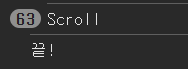
그리고 스크롤도 훨씬 부드러워졌다. 그치만 속도가 너무 빠른 것이 아닌가? 그리고 스크롤 이벤트가 너무 과도하게 호출되고 있다... raf를 적용하면 1초에 60번까지 호출되야 하는 것이 아닌가..?
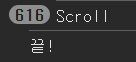
MDN 공식문서를 보니 다수의 콜백이 한 프레임 내에서 실행될 수 있다고 한다..
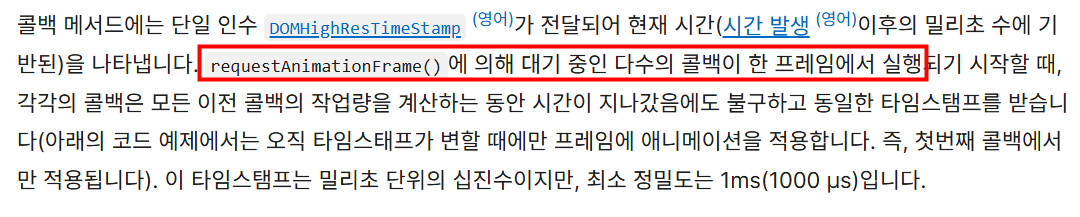
그래서 DOMHighResTimeStamp 인자를 사용해서 프레임 내에서 얼마나 애니메이션을 진행될 것인지에 대해 조절해야 된다
결국 스크롤 이벤트도 그냥 한 프레임에서 과도하게 호출될 필요가 없다. 한번만 호출되면 된다.
시도 4 - rAF의 DOMHighResTimeStamp 사용
DOMHighResTimeStamp을 사용해서 동일한 프레임 내에 과도하게 호출되는 콜백들을 걸러내자.
const smoothScroll = useCallback((timeStamp: number, element: HTMLElement, scrollAmount: number) => {
    if (!isScrolling.current) return
    if (prevTimestampRef.current === timeStamp) return
    console.log('Scroll')
    element.scrollBy({ top: scrollAmount })
    prevTimestampRef.current = timeStamp
    rafId.current = requestAnimationFrame((curTimeStamp) => smoothScroll(curTimeStamp, element, scrollAmount))
  }, [])
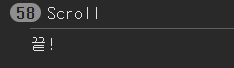
확실히 콜백 함수인 smoothScroll 함수의 호출이 이전보다 줄었고 스크롤 속도가 훨씬 자연스럽게 되었다.
시도 5 - 스크롤 가능 범위 벗어나면 requestAnimationFrame 종료해주기
근데 현재 Drag를 한 상태에서 위, 아래로 스크롤이 모두 정상적으로 되어야 하는데 한쪽으로 스크롤이 동작하면 반대편 영역으로 접근할 때 스크롤이 되지 않는 이슈가 발생했다.
한쪽 방향으로 스크롤 이벤트가 발생하면 재귀적으로 requestAnimationFrame이 호출이 되니까 반대 방향으로 접근해도 스크롤이 정상적으로 되지 않는게 원인이다.
생각을 해보니 스크롤이 되는 영역은 상/하단의 100px 이기 때문에 해당 범위를 벗어나는 경우에는 현재의 requestAnimationFrame 콜백을 종료해주면 된다.
const directionValue =
        clientY > boundingRect.bottom - offset ? 10 : clientY < boundingRect.top + offset ? -10 : null

if (directionValue === null) {
  isScrolling.current = false
  if (rafId.current) cancelAnimationFrame(rafId.current)
  return
}
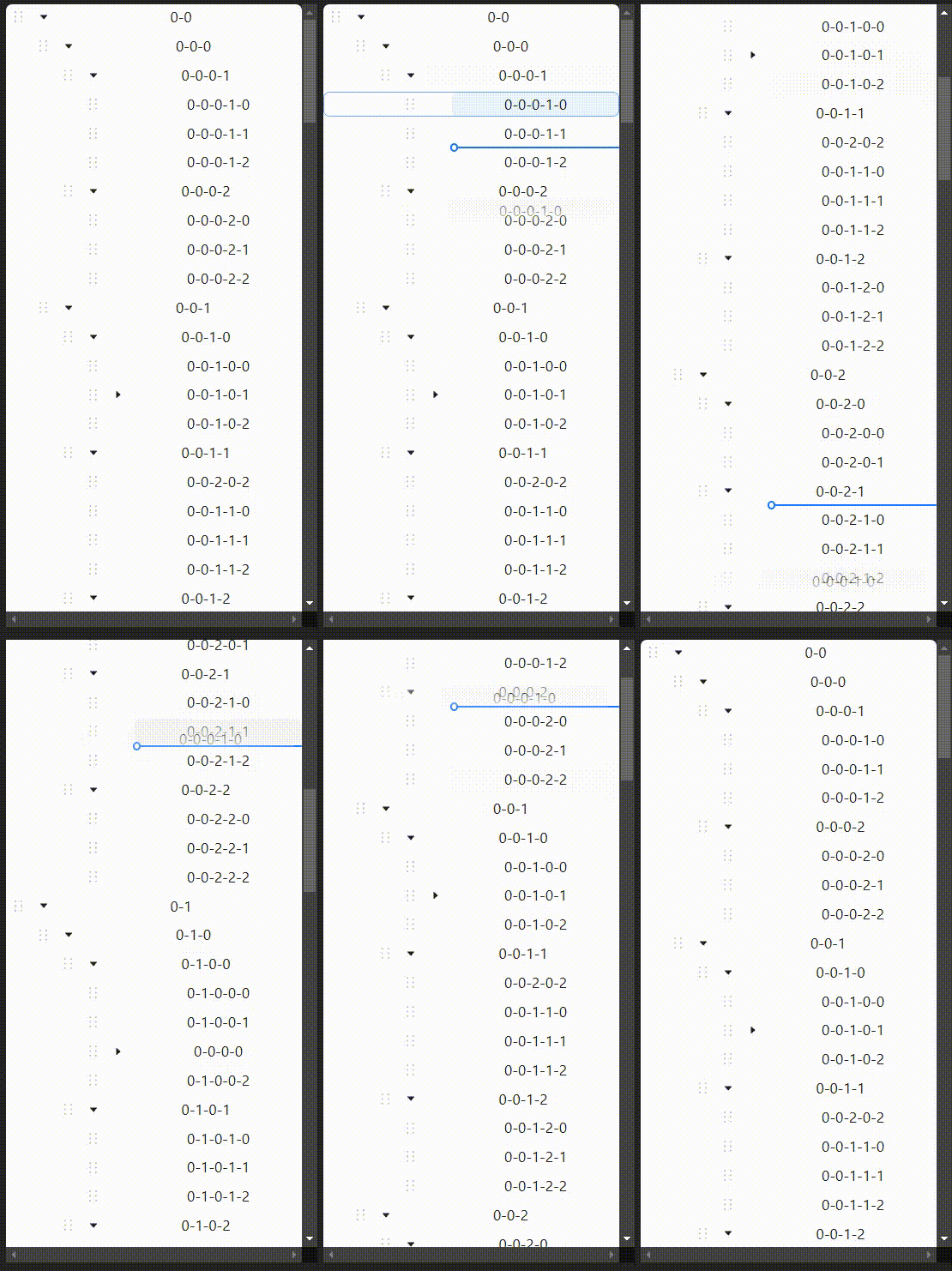
이제 방향 전환까지 너무 잘되고 부드럽게 잘된다..!!
참고
https://blog.naver.com/dndlab/221633637425
https://ethansup.net/blog/deal-with-scroll-event
https://stackoverflow.com/questions/41740082/scroll-events-requestanimationframe-vs-requestidlecallback-vs-passive-event-lis
https://black7375.tistory.com/79
https://web.dev/articles/avoid-large-complex-layouts-and-layout-thrashing?hl=ko#avoid_forced_synchronous_layouts
https://itchallenger.tistory.com/839
https://jsbin.com/ebicuJu/2/edit?js,output