폼 관리를 할때 이용해보자
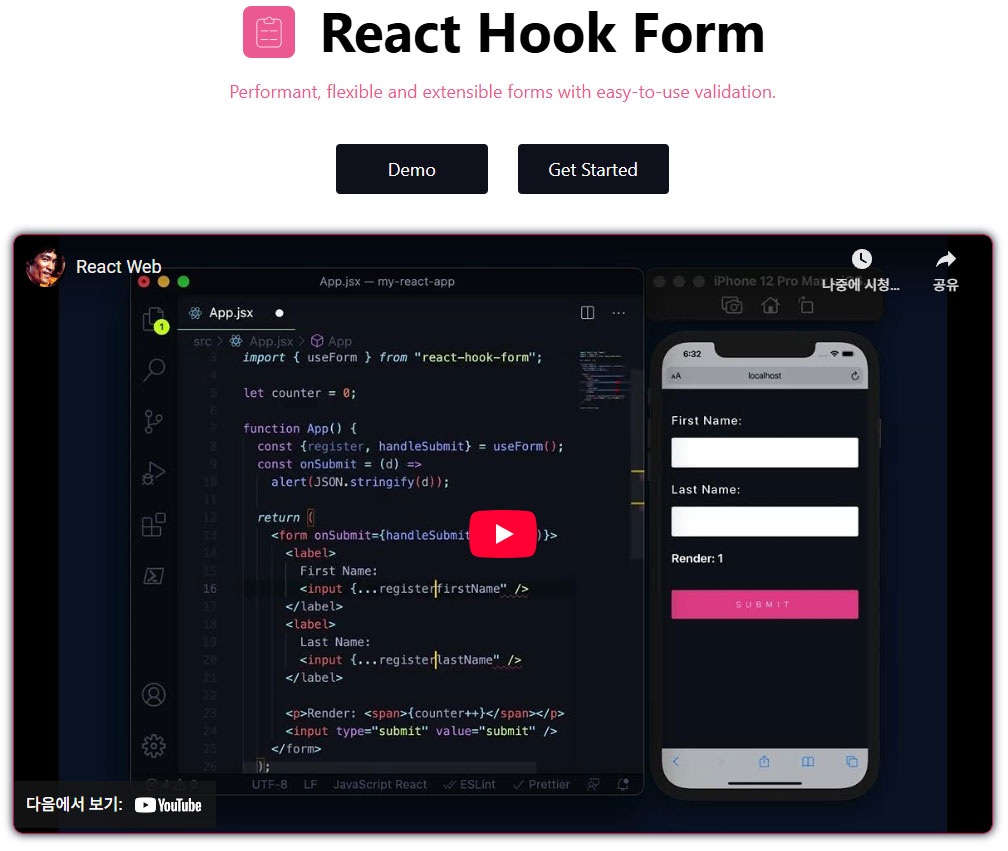
글들을 찾아보니,
React Hook Form의 장점은 즉각적인 Error표시등을 쉽게 구현 가능하다고 함,코드도 깔끔한편이고, React 19 버전이후로는 useActionState(기존 useFormState)를 사용한다는 사람도 많음.("Zod"란것도 찾아보자)
보충자료
React에서 useFormStatus 와 useFormState는 비슷해 보이지만, 목적과 동작 범위가 다릅니다.
1. useFormStatus (React 18.2+, Server Actions 관련)
-
정의:
react-dom에서 제공하는 훅으로,<form>내에서 현재 form의 전송 상태를 추적합니다. -
주로 하는 일:
pending(폼 제출 중인지 여부)action(현재 실행 중인 server action)method(GET/POST)data(전송되는 formData)
"use client";

import { useFormStatus } from "react-dom";

function SubmitButton() {
  const { pending } = useFormStatus();

  return (
    <button type="submit" disabled={pending}>
      {pending ? "Submitting..." : "Submit"}
    </button>
  );
}
👉 특징:
<form>내부에서만 동작- 주로 버튼, 로딩 스피너 같은 UI 제어에 사용됨
- Next.js Server Actions와 함께 자주 쓰임
2. useFormState (React 19+, Server Actions 관련)->😎useActionState 로 변경됨
-
정의:
react-dom에서 제공하는 훅으로,<form>에 바인딩한 server action의 결과 상태를 추적합니다. -
주로 하는 일:
- 서버 액션 실행 후 반환된 값을 저장
- 이전 상태(
prevState)와 함께 관리 가능 - 폼의 에러 메시지, 성공 메시지, 검증 상태를 관리할 때 유용
"use client";

import { useFormState } from "react-dom";
import { login } from "./actions";

function LoginForm() {
  const [state, formAction] = useFormState(login, { error: null });

  return (
    <form action={formAction}>
      <input type="email" name="email" />
      <input type="password" name="password" />
      <button type="submit">Login</button>
      {state.error && <p>{state.error}</p>}
    </form>
  );
}
👉 특징:
- 서버 액션과 연결됨
- 서버에서 돌려준 값(예: 검증 에러, 메시지)을 상태로 관리
useState처럼[state, actionFn]형태로 동작
const [state, formAction, isPending] = useActionState(fn, initialState, permalink?);
import { useActionState } from "react";

async function increment(previousState, formData) {
  return previousState + 1;
}

function StatefulForm({}) {
  const [state, formAction] = useActionState(increment, 0);
  return (
    <form>
      {state}
      <button formAction={formAction}>Increment</button>
    </form>
  );
}
✅ 정리 (비교 표)
| 구분 | useFormStatus | useFormState |
|---|---|---|
| 제공 위치 | react-dom | react-dom |
| 목적 | 현재 <form> 제출 상태 추적 | 서버 액션 실행 결과(상태) 관리 |
| 주요 값 | pending, data, method, action | [state, dispatchFn] |
| 사용 범위 | <form> 안 (주로 버튼/로딩 표시) | <form> 전체 (결과/에러 관리) |
| Next.js 활용 | 버튼 disable/로딩 UI | 서버 액션 결과(에러, 메시지) 표시 |
👉 쉽게 말하면:
useFormStatus= "폼 지금 제출 중이야?" (UI 제어)useFormState= "폼 제출 후 서버에서 뭐라고 했어?" (상태 관리)

반갑습니다.!