🍑 justify-content
주 축의 정렬 방법을 설정
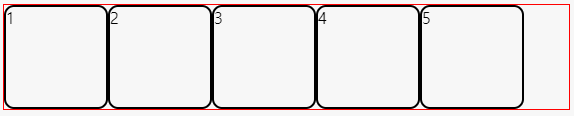
flex-start
Items를 시작점으로 정렬
flex-end
Items를 끝점으로 정렬

center
Items를 가운데 정렬

space-between
시작 Item은 시작점에, 마지막 Item은 끝점에 정렬되고 나머지 Items는 사이에 고르게 정렬됨
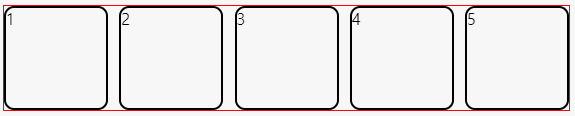
space-around
Items를 균등한 여백을 포함하여 정렬

🍑 align-content
- 교차축의 정렬 방법을 설정
⭐ flex-wrap을 통해 Items가 여러 줄(2줄 이상)이고 여백이 있을 경우만 사용 가능
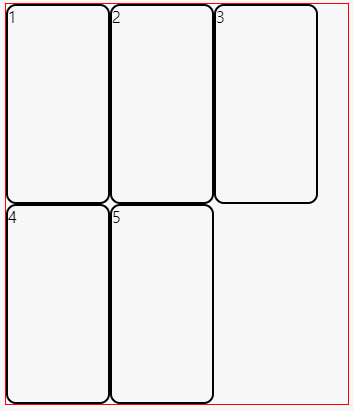
stretch
Container의 교차 축을 채우기 위해 Items를 늘림
⭐ height 값이 auto일 경우 교차 축을 채우기 위해(Container의 height값 만큼) 자동으로 늘어남!!
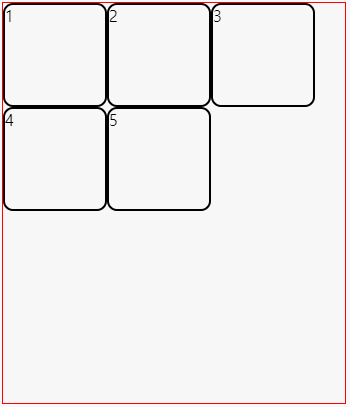
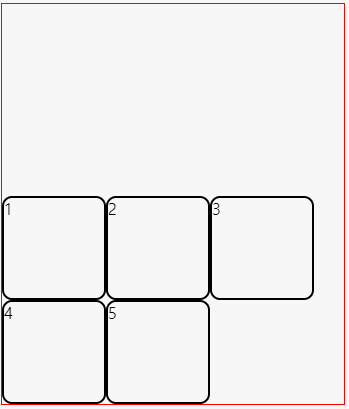
flex-start
Items를 시작점으로 정렬
flex-end
Items를 끝점으로 정렬
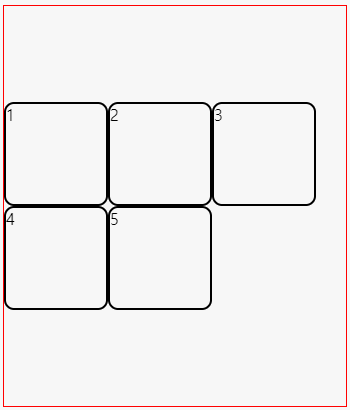
center
Items를 가운데 정렬
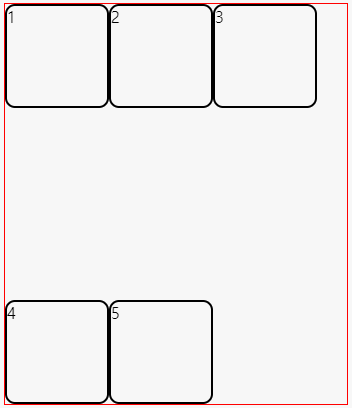
space-between
시작 Items은 시작점에, 마지막 Items은 끝점에 정렬되고 나머지 Items는 사이에 고르게 정렬됨
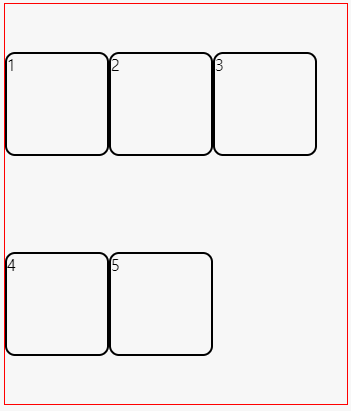
space-around
Items를 균등한 여백을 포함하여 정렬
🍑 align-items
- 교차 축의 정렬 방법을 설정
⭐ Items가 한 줄일 경우 많이 사용
(Items가 flex-wrap을 통해 2줄 이상일 경우는 align-content속성이 우선한다.)
⭐ align-items를 사용하려면 align-content 속성을 기본값(stretch)로 설정해야 함!!
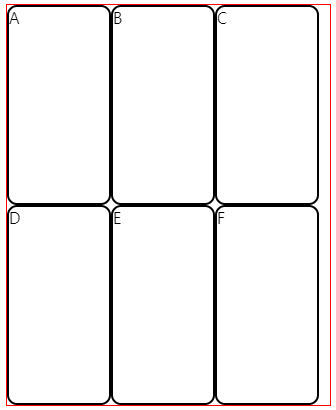
stretch
Container의 교차 축을 채우기 위해 Items를 늘림 ⭐(height값 auto)
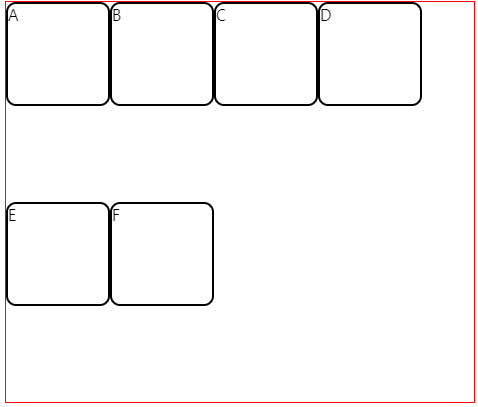
flex-start
Items를 각 줄의 시작점으로 정렬
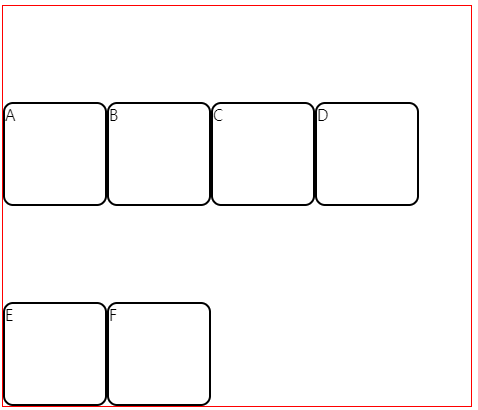
flex-end
Items를 각 줄의 끝점으로 정렬
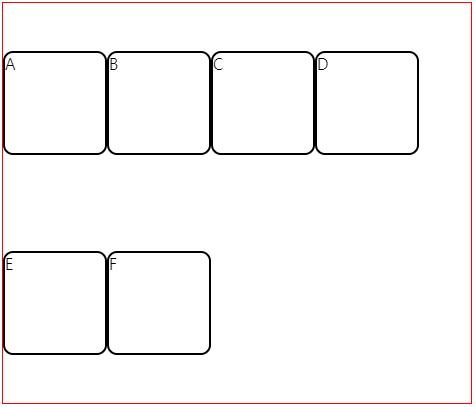
center
Items를 가운데 정렬
baseline
Items를 문자 기준선에 정렬
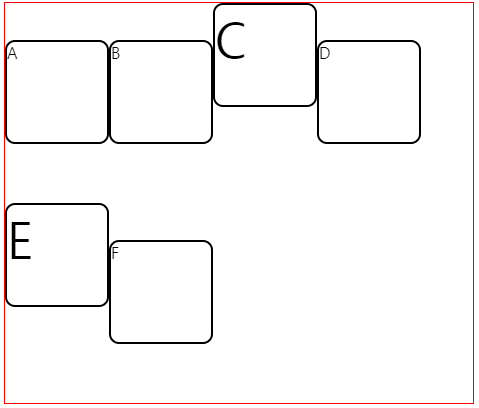
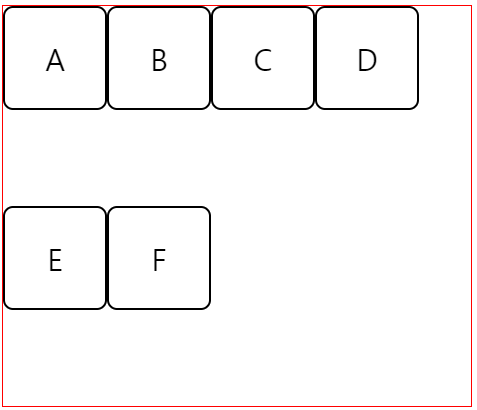
🐣 Items 안의 글자를 가운데 정렬 하는 법
- Container에
display: flex; - Items에
display: flex;
justify-content: center;
align-itmes: center;
.container {
  height: 400px;
  border: 1px solid red;
  display: flex;
  flex-wrap: wrap;
  align-items: baseline;
}

.container .item {
  width: 100px;
  height: 100px;
  border: 2px solid;
  border-radius: 10px;
  font-size: 30px;
  display: flex;
  justify-content: center;
  align-items: center;
}

안녕하세요, 개발자를 꿈꾸는 한서희입니다.