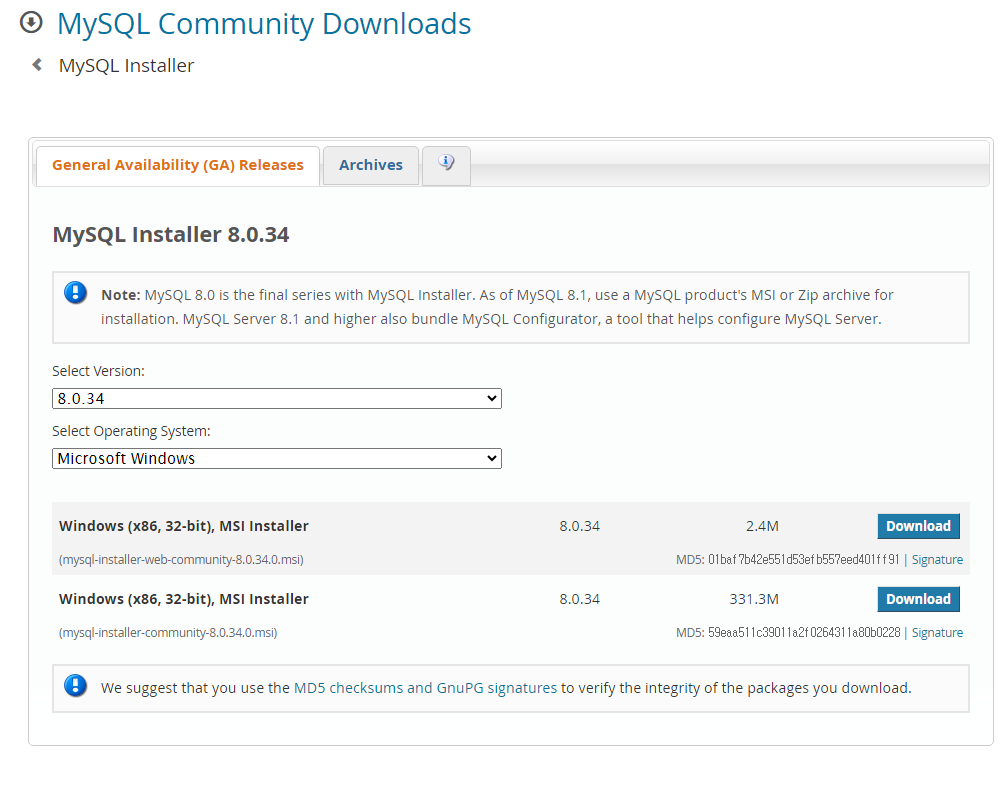
MYSQL 설치: https://dev.mysql.com/downloads/installer/
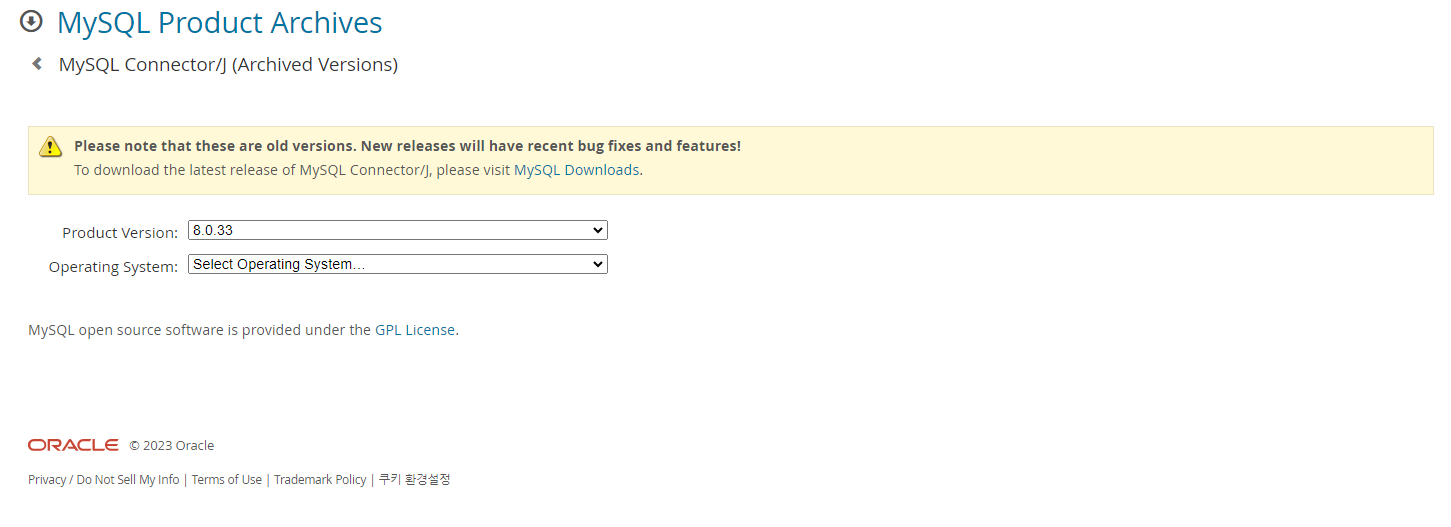
MYSQL CONNECTOR 설치: https://downloads.mysql.com/archives/c-j/
연동방법:
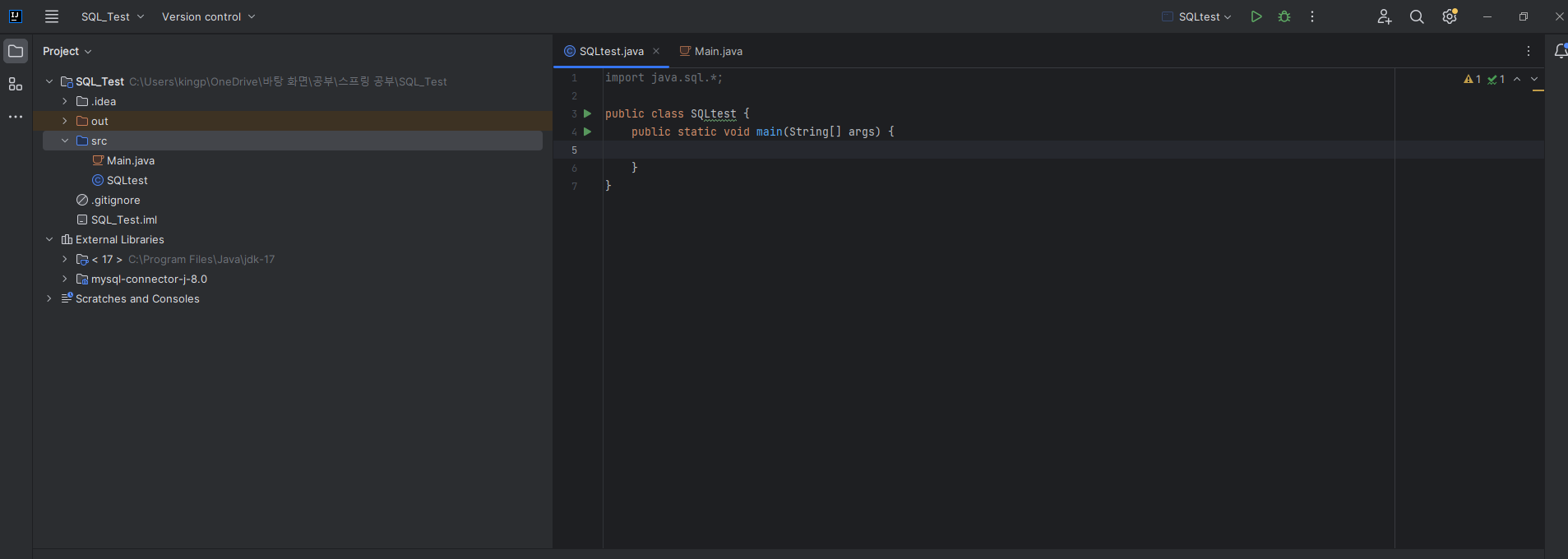
- 새 프로젝트 생성 혹은 기존 프로젝트를 열어줍니다.
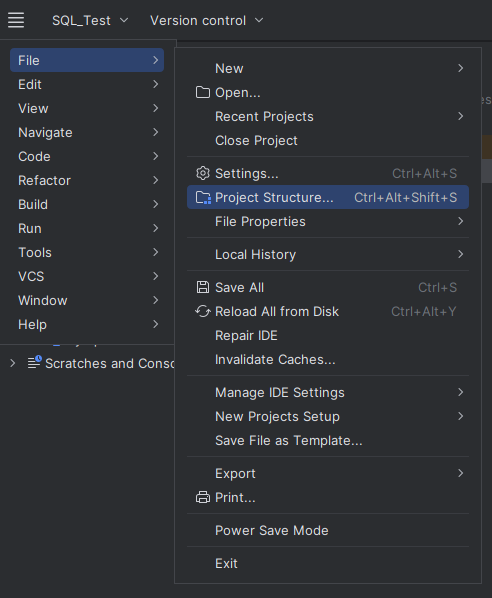
- FILE -> Project Structure를 선택합니다
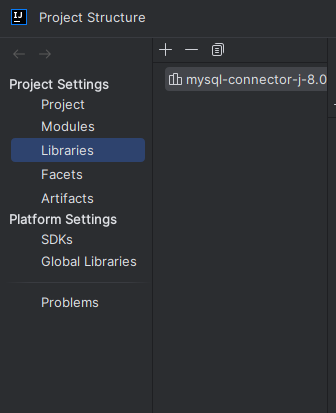
- 설치한 MYSQL CONNECTOR 파일을 +버튼을 눌러서 추가해줍니다
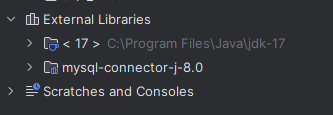
- External Libraries로 잘 들어온 것을 확인할 수 있습니다
import java.sql.*;

public class SQLtest {
    public static void main(String[] args) {
        Connection con = null;

        String server = "localhost:3306"; // 서버 주소
        String user_name = "root"; //  접속자 id
        String password = ""; // 접속자 pw

        // JDBC 드라이버 로드
        try {
            Class.forName("com.mysql.jdbc.Driver");
        } catch (ClassNotFoundException e) {
            System.err.println("JDBC 드라이버를 로드하는데에 문제 발생" + e.getMessage());
            e.printStackTrace();
        }

        // 접속
        try {
            con = DriverManager.getConnection("jdbc:mysql://" + server + "/" + "?useSSL=false", user_name, password);
            System.out.println("연결 완료!");
        } catch(SQLException e) {
            System.err.println("연결 오류" + e.getMessage());
            e.printStackTrace();
        }

        // 접속 종료
        try {
            if(con != null)
                con.close();
        } catch (SQLException e) {}
    }
}- SQL을 켜준 뒤 테스트 코드를 통해 연결을 테스트 합니다
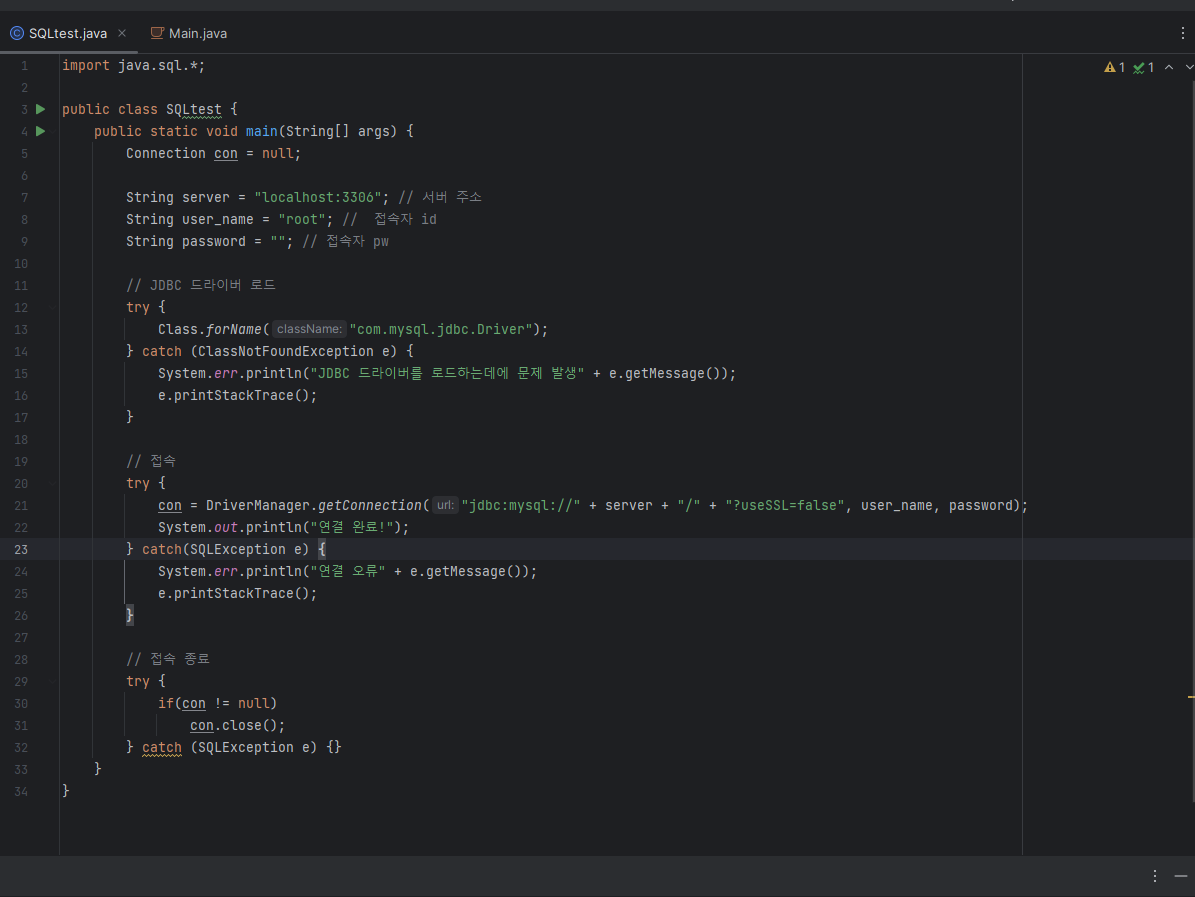

잘 연결 된 것을 확인할 수 있습니다.
Loading class com.mysql.jdbc.Driver'. This is deprecated. The new driver class is com.mysql.cj.jdbc.Driver'. The driver is automatically registered via the SPI and manual loading of the driver class is generally unnecessary.
위 경고문은 com.mysql.jdbc.Driver가 예전 버전이라서 발생하는 문제라고 합니다.
참고 출처:
연결방법: https://youn0111.tistory.com/19
경고문: https://wakestand.tistory.com/695
현재 진행 과정:
- W3R로 MYSQL 기본 문법 및 데이터 베이스, 테이블 생성 방법 공부 (완)
- IntelliJ랑 MYSQL 연결 방법 확인 (완)
- 프로그래머스 MYSQL 연습문제 풀이 (진행중)

Software Developer
좋은 글 감사합니다. 자주 방문할게요 :)