📚 진행한 공부
- 메인페이지에 api 불러오기 및 canvas 이용해서 움직이게 하기
어제 진행하려고 했던 스포티파이 API를 이용한 프로젝트는.. 이런저런 문제로 인해 다른 주제로 노선을 틀었음
📖 메인페이지 작업
피그마
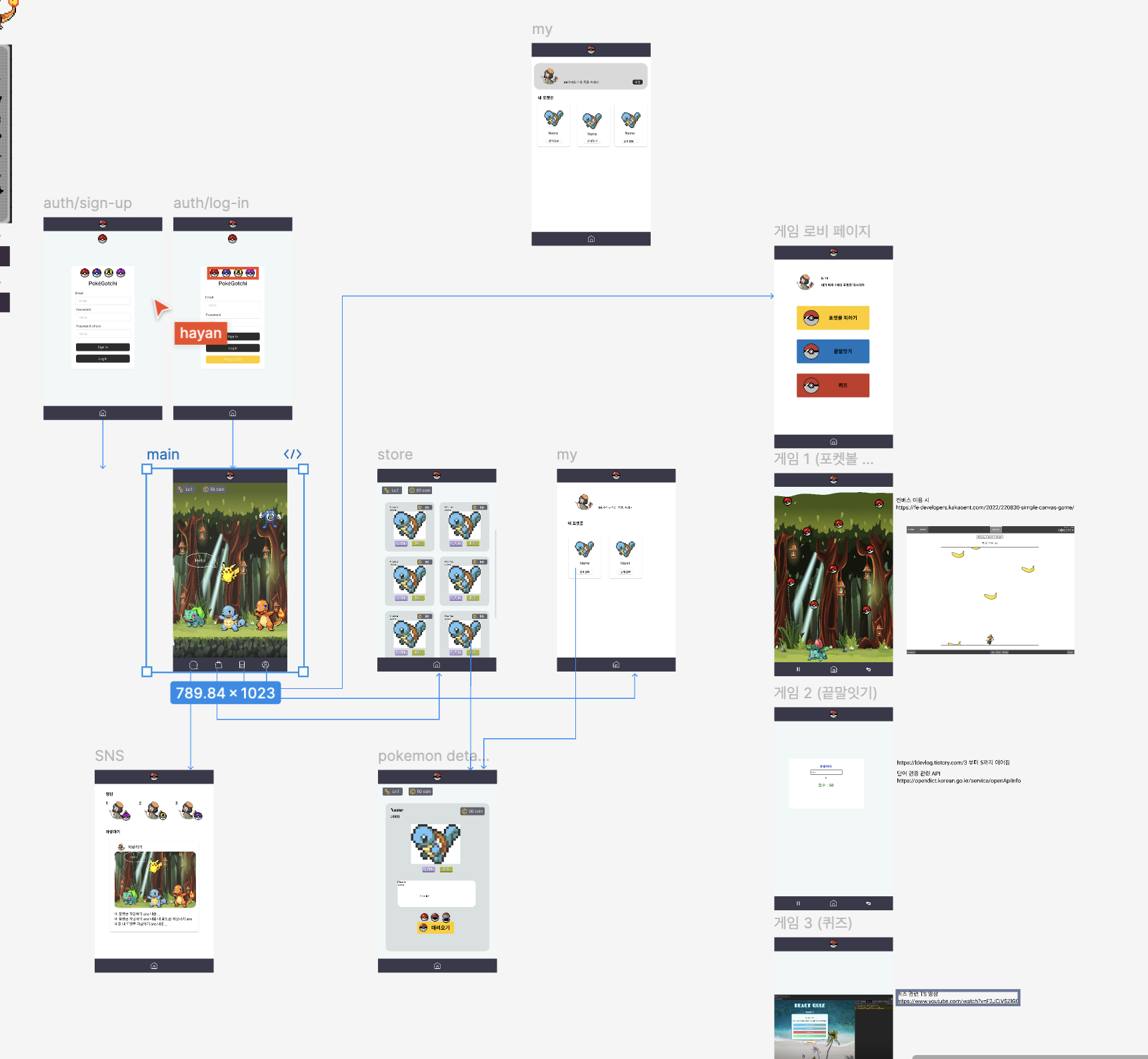
메인페이지에 포켓몬 사진을 불러오고 싶은데 계속
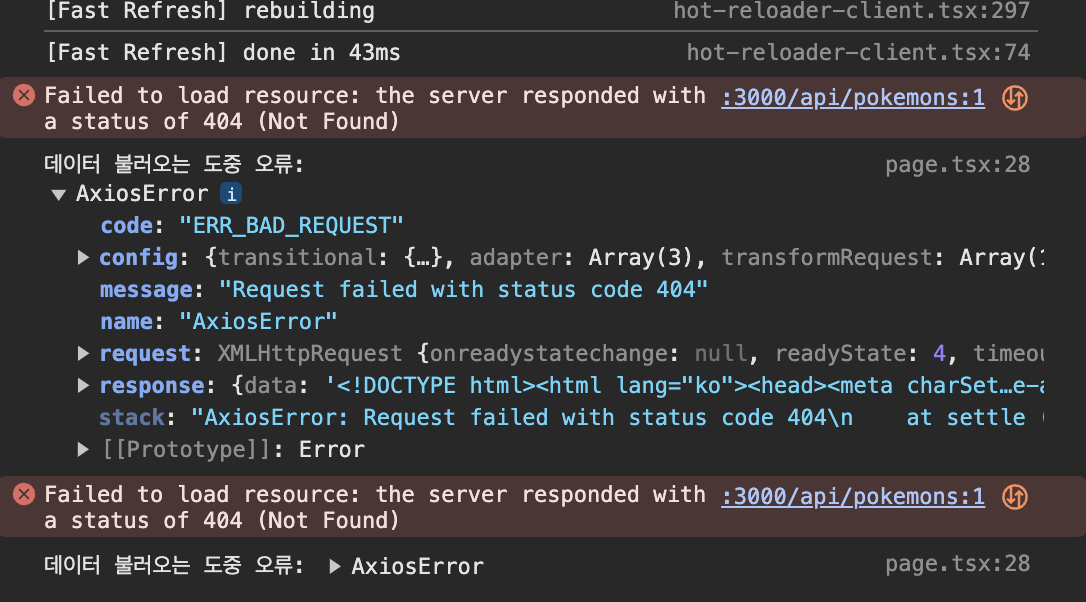
이런 404 오류가 떠서 왜 그런가 곰곰히 생각을 해봤는데
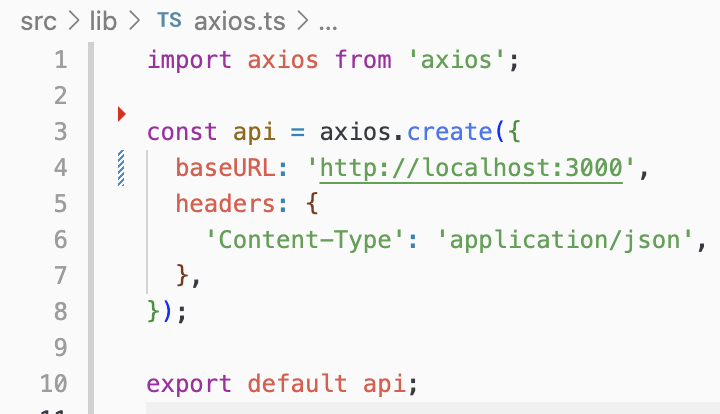
혹시 axios.ts에서 baseUrl을 설정을 안 해둬서 그런가? 싶어서 axios.ts 설정도 해주고 next.config.mjs에서
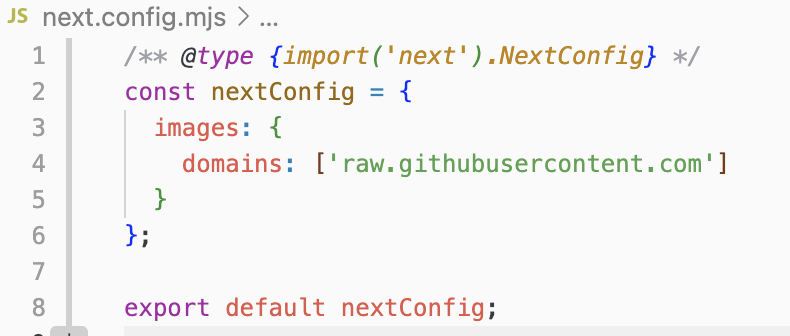
images 설정도 해줬는데도 계속 404가 뜨길래 경로가 뭐가 잘못됐나 하고 파일명을 다시 살펴보던 도중 진짜 바보같은 실수를 해버렸음.. 바로 route.ts 앞에 띄어쓰기를 해서 404 오류가 떴던 것..
진짜 오타 하나하나 조심하려고 노력하는데 이런 실수를 할 줄이야 ㅠㅠㅠ 이거때매 1시간은 날린 거 같은데.. 조심하자
canvas를 이용해서 포켓몬을 좌우로 움직이게끔 하려고 검색, 주변 분들의 도움을 받아서 화면에 띄워봤음
const pokemonImages: Record<number, HTMLImageElement> = {}; // 이미지 캐시를 위한 객체

export default function Home() {
  const canvasRef = useRef<HTMLCanvasElement>(null);
  const contextRef = useRef<CanvasRenderingContext2D | null>(null);
  const [pokemonData, setPokemonData] = useState<Pokemon[]>([]);

  useEffect(() => {
    const fetchPokemon = async () => {
      try {
        const response = await api.get<Pokemon[]>('/api/pokemons');
        const data = response.data;
        if(data.length > 0) {
          setPokemonData(data);
        }
      } catch (error) {
        console.log('데이터 불러오는 도중 오류:', error);
      }
    };
    fetchPokemon();
  }, []);

  useEffect(() => {
    const canvas = canvasRef.current;
    const context = canvas?.getContext('2d');
    if (context) {
      contextRef.current = context;
    }

    // 포켓몬 데이터가 업데이트 될 때마다 이미지를 로드하고 위치를 초기화함
    pokemonData.forEach(pokemon => {
      const img = new Image();
      img.src = pokemon.sprites.front_default;
      img.onload = () => {
        pokemonImages[pokemon.id] = img;
        drawPokemon(); // 이미지가 로드된 후에 그림을 그리도록 함
      };
      pokemon.x = (canvas!.width - 100) / 2; // 랜덤한 초기 x 좌표 설정
      pokemon.y = (canvas!.height - 100); // 랜덤한 초기 y 좌표 설정
    });

    const drawPokemon = () => {
      const ctx = contextRef.current;
      if (ctx) {
        ctx.clearRect(0, 0, canvas!.width, canvas!.height);
        pokemonData.forEach(pokemon => {
          const img = pokemonImages[pokemon.id];
          if (img) {
            ctx.drawImage(img, pokemon.x, pokemon.y, 100, 100); // 포켓몬 이미지 크기와 위치 조정
          }
        });
      }
    };

    const handleKeyDown = (e: KeyboardEvent) => {
      const keyCode = e.keyCode;
      const stepSize = 10; // 이동 거리 설정

      if (keyCode === 37) {
        // 왼쪽 방향키
        pokemonData.forEach(pokemon => {
          pokemon.x -= stepSize;
        });
      } else if (keyCode === 39) {
        // 오른쪽 방향키
        pokemonData.forEach(pokemon => {
          pokemon.x += stepSize;
        });
      } else if (keyCode === 38) {
        // 위쪽 방향키 (점프)
        pokemonData.forEach(pokemon => {
          pokemon.y -= stepSize;
        });
      }

      drawPokemon(); // 방향키 이벤트 후 포켓몬 위치 업데이트
    };

    window.addEventListener('keydown', handleKeyDown);

    return () => {
      window.removeEventListener('keydown', handleKeyDown);
    };
  }, [pokemonData]);

  return (
    <div className="h-full w-full flex flex-col items-center justify-center">
      <canvas ref={canvasRef} className="border-2 border-gray-400" width={800} height={600}></canvas>
      <Link href="/lobby" className="mt-4 text-blue-600 underline">로비로 이동</Link>
    </div>
  );
}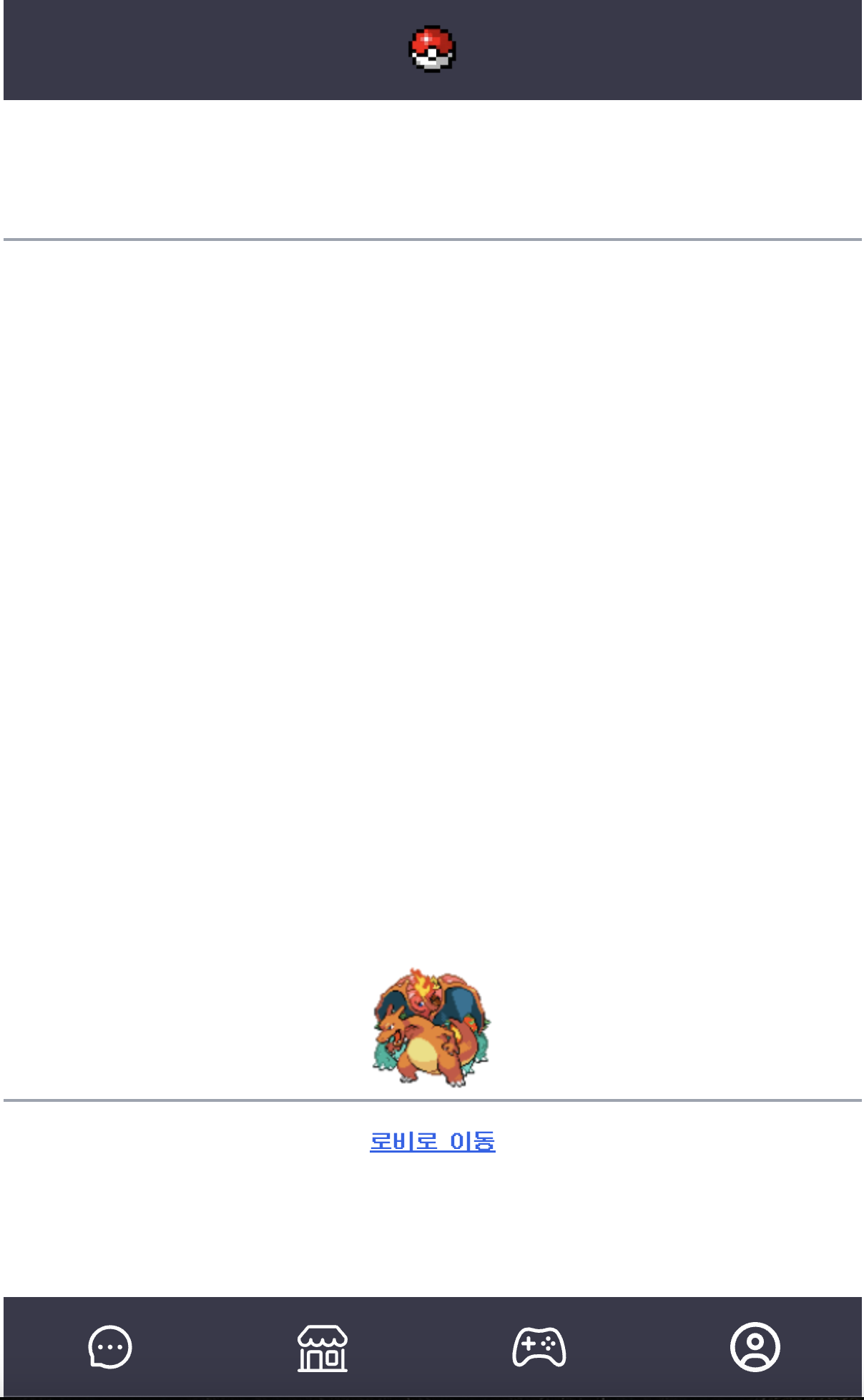
포켓몬을 잘 움직이긴 하는데, 이 6마리의 겹친 포켓몬들을 일정한 간격으로 움직일 수가 있어야 하는데 그럴라면 아마 각각의 포켓몬을 지정하기 위한 useState를 하나 만들어 줘야 하지 싶은데 아직까지 뭐가 정답인지 모르겠다

개발자가 되고 싶어~~~