List
-목록 = Array
-JavaScript의 변수나 객체들을 하나의 변수로 묶어놓은 것
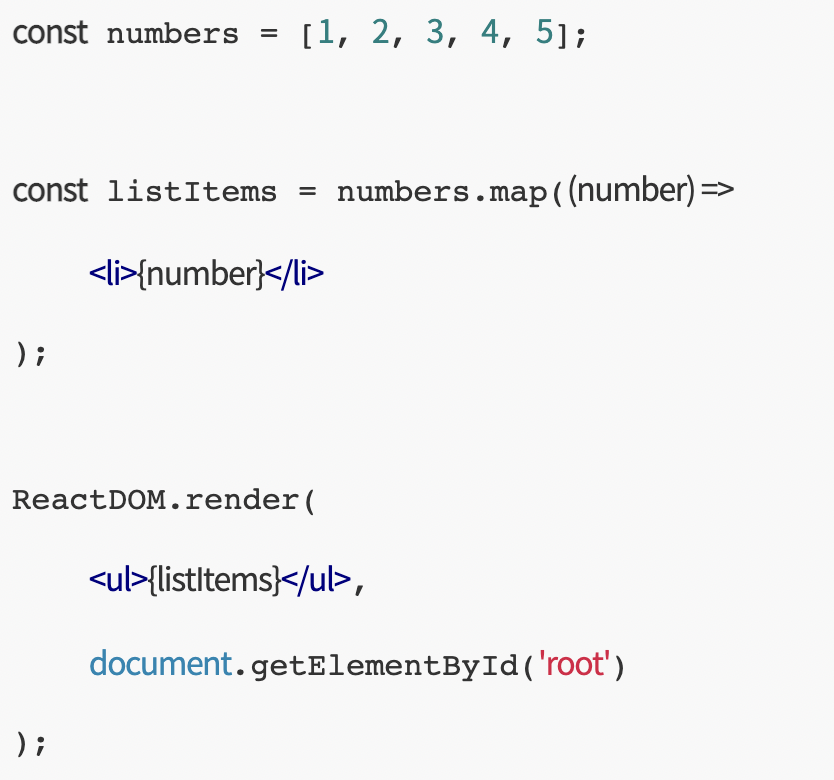
-React에선 Array를 이용해 다수의 Element를 렌더링할 수 있음
EX)
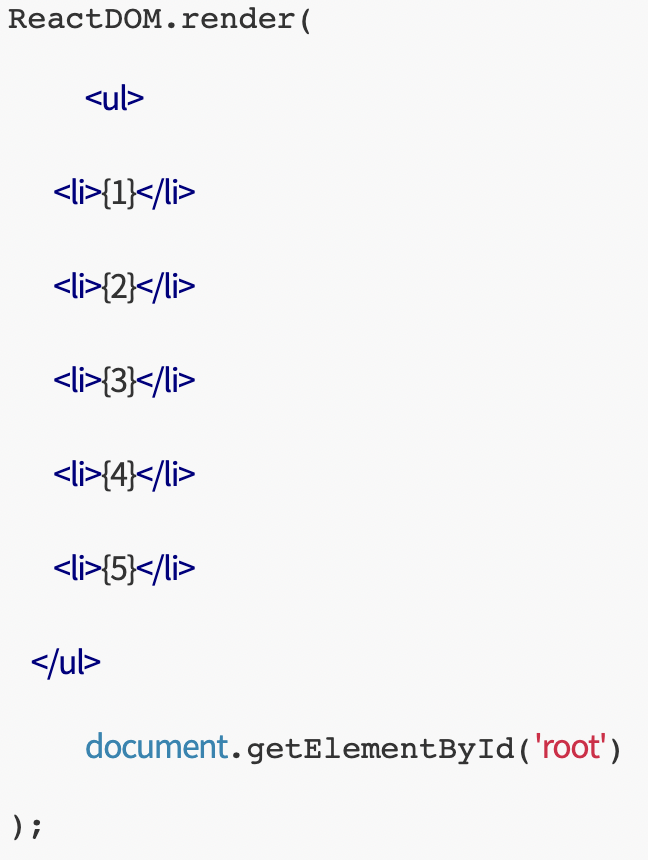
Result)
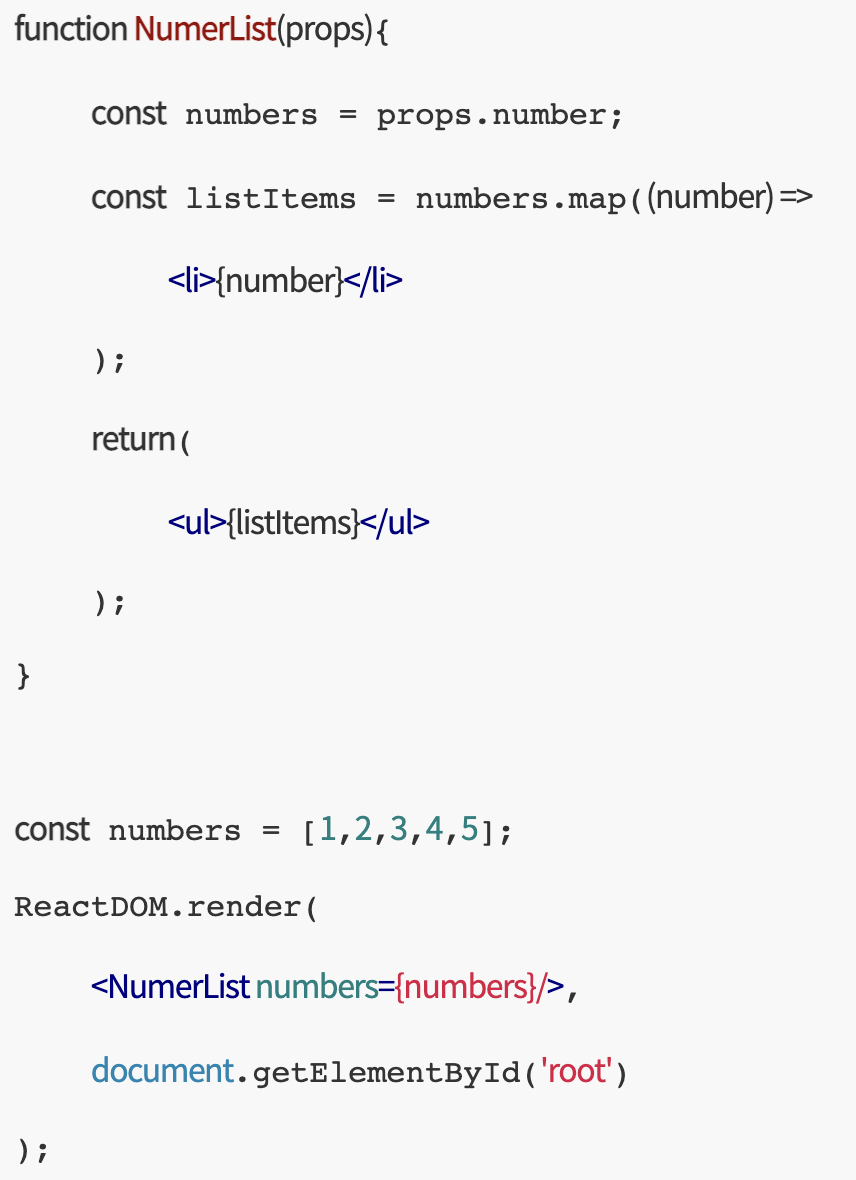
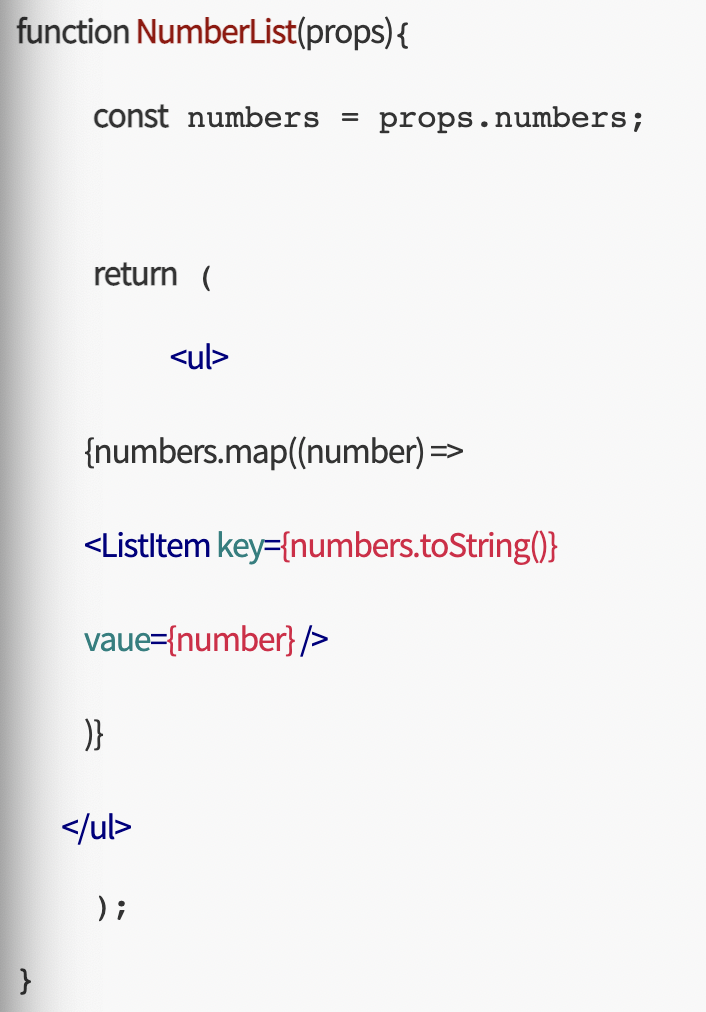
Component화
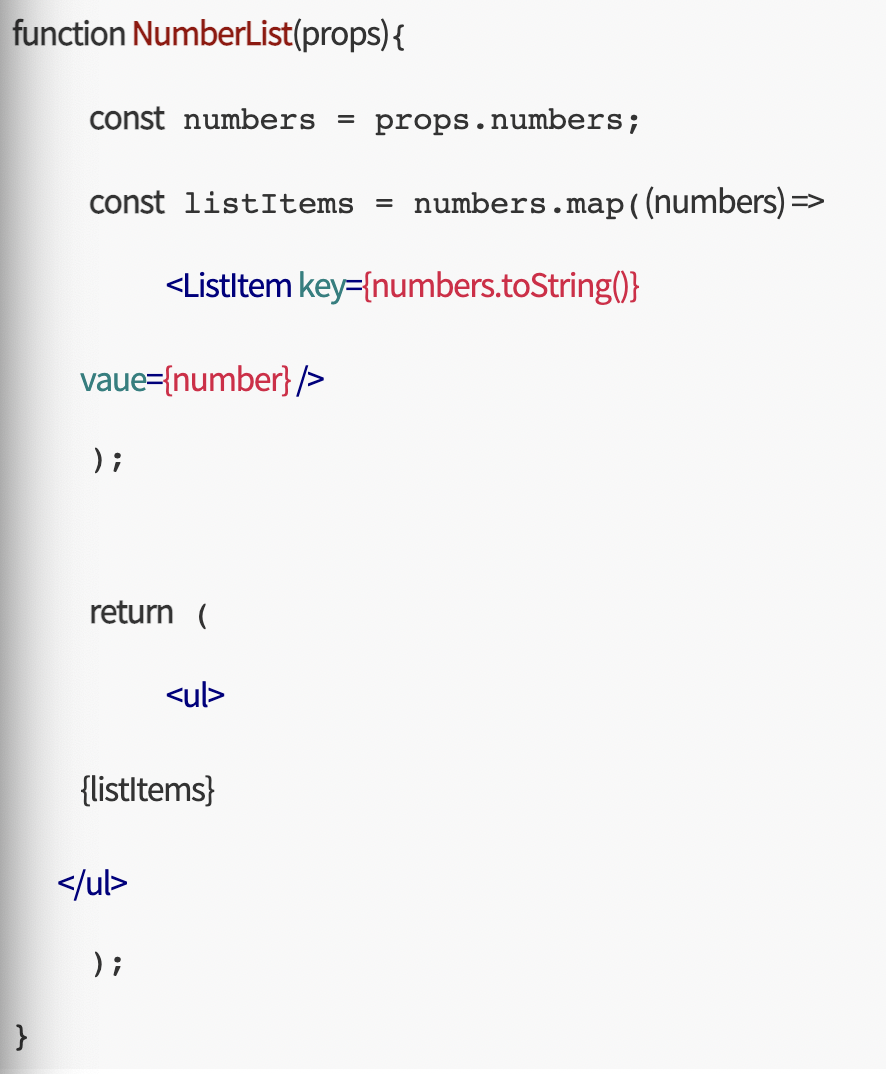
Key
-
아이템들을 구분하기 위한 고유한 문자열
-
key의 값은 해당 Element사이에서만 고유한 값이면 된다.
//key로 값을 사용하는 경우
const numbers = [1,2,3,4,5];
const listItems = numbers.map((number)=>
<li key={number.toString()}>

    {number}

</li>
);
//key로 객체의 ID를 사용하는 경우
const todoItems = todos.map((todo)=>
<li key={todo.id}>

    {todo.text}

</li>
);
//key로 index를 사용하는 경우
const todoItems2 = todos2.map((todo, index)=>
<li key={index}>

    {todo.text}

</li>
);
index의 경우는 가변적이기에 가급적 회피한다
-
map()안에 있는 element는 key가 필요하다.
-
key는 props로 전달되지 않는다.
JSX안에 map() 넣기
{Project Name} / src / Chapter08 / AttendanceBook.js
import React from 'react'
class AttendanceBook extends React.Component {
constructor(props){

    super(props);


    this.state = {

        students: [

            {name : 'Mike'},

            {name : 'Jane'},

            {name : 'Susan'},

            {name : 'Steve'},

            {name : 'Brad'},

            {name : 'Leo'},

            {name : 'John'},

            {name : 'Sam'},

            {name : 'Kate'},

        ]

    }

}


render(){

    var {students} = this.state;

    const studentList = students.map((student) =>

        <li>{student.name}</li>

    );


    return (

        <ul>

            {studentList}

        </ul>

    )

}
}
export default AttendanceBook;
{Project Name} / src / index.js
import React from 'react';
import ReactDOM from 'react-dom';
import './index.css';
import App from './App';
import reportWebVitals from './reportWebVitals';
import AttendanceBook from './Chapter08/AttendanceBook';
ReactDOM.render(
,
document.getElementById('root')
);
reportWebVitals();
Key값이 없다!
{Project Name} / src / Chapter08 / AttendanceBook.js
import React from 'react'
class AttendanceBook extends React.Component {
constructor(props){

    super(props);


    this.state = {

        students: [

            { id: 1, name : 'Mike'},

            { id: 2, name : 'Jane'},

            { id: 3, name : 'Susan'},

            { id: 4, name : 'Steve'},

            { id: 5, name : 'Brad'},

            { id: 6, name : 'Leo'},

            { id: 7, name : 'John'},

            { id: 8, name : 'Sam'},

            { id: 9, name : 'Kate'},

        ]

    }

}


render(){

    var {students} = this.state;

    const studentList = students.map((student) =>

        <li key={student.id}>{student.name}</li>

    );


    return (

        <ul>

            {studentList}

        </ul>

    )

}
}
export default AttendanceBook;
JSX 안에서 사용하려면?
...
render(){

    var {students} = this.state;


    return (

        <ul>

            {students.map((student) =>

                <li key={student.id}>{student.name}</li>

            )}

        </ul>

    )

}
...