부트스트랩
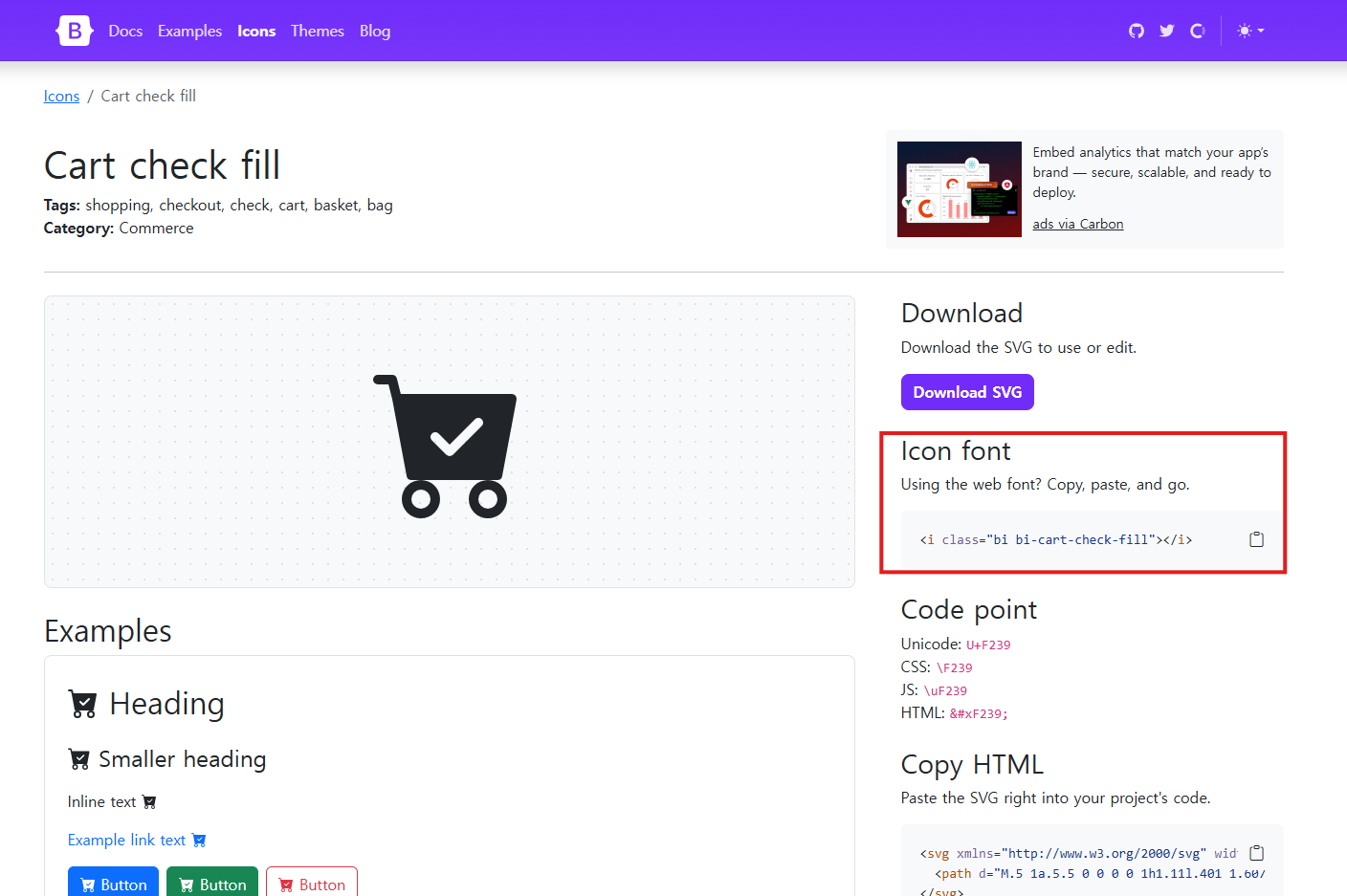
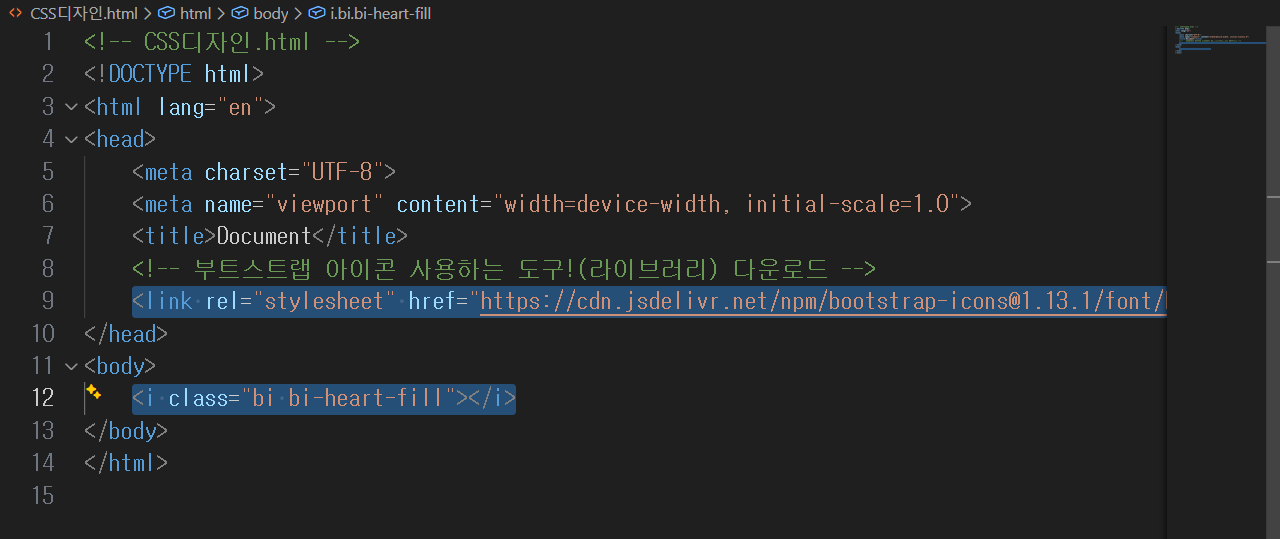
저렇게 상단에 link 어쩌고 코드를 넣어야
저렇게 라이브러리 도구 코드 삽입 가능
솔직히 없더라도 그냥 하단에 svg 코드 입력하면 되는듯
<!-- CSS디자인.html -->
<!DOCTYPE html>
<html lang="en">
<head>
    <meta charset="UTF-8">
    <meta name="viewport" content="width=device-width, initial-scale=1.0">
    <title>Document</title>
    <!-- 부트스트랩 아이콘 사용하는 도구!(라이브러리) 다운로드 -->
    <link rel="stylesheet" href="https://cdn.jsdelivr.net/npm/bootstrap-icons@1.13.1/font/bootstrap-icons.min.css">
</head>
<body>
    <i class="bi bi-heart-fill"></i>
</body>
</html>
반응형
작은아이콘
마우스가 올라갔을 떄 반응하는 아이콘을 만들어보자.
<!-- CSS디자인.html -->
<!DOCTYPE html>
<html lang="en">
<head>
    <meta charset="UTF-8">
    <meta name="viewport" content="width=device-width, initial-scale=1.0">
    <title>Document</title>
    <!-- 부트스트랩 아이콘 사용하는 도구!(라이브러리) 다운로드 -->
    <link rel="stylesheet" href="https://cdn.jsdelivr.net/npm/bootstrap-icons@1.13.1/font/bootstrap-icons.min.css">
    <style>
        .heart {
            /*아이콘이 폰트(글자)처럼 행동함*/
            font-size:30px;
            color:black;
        }
        /* 마우스가 올라가면 반응할 디자인 */
        .heart:hover{
            color:red;
        }
    </style>
</head>
<body>
    <!-- <i class="bi bi-heart-fill" ></i>  -->
    <i class="bi bi-heart-fill heart" ></i> <!--해당 폰트 class 이름 옆에 클래스명 추가-->
</body>
</html>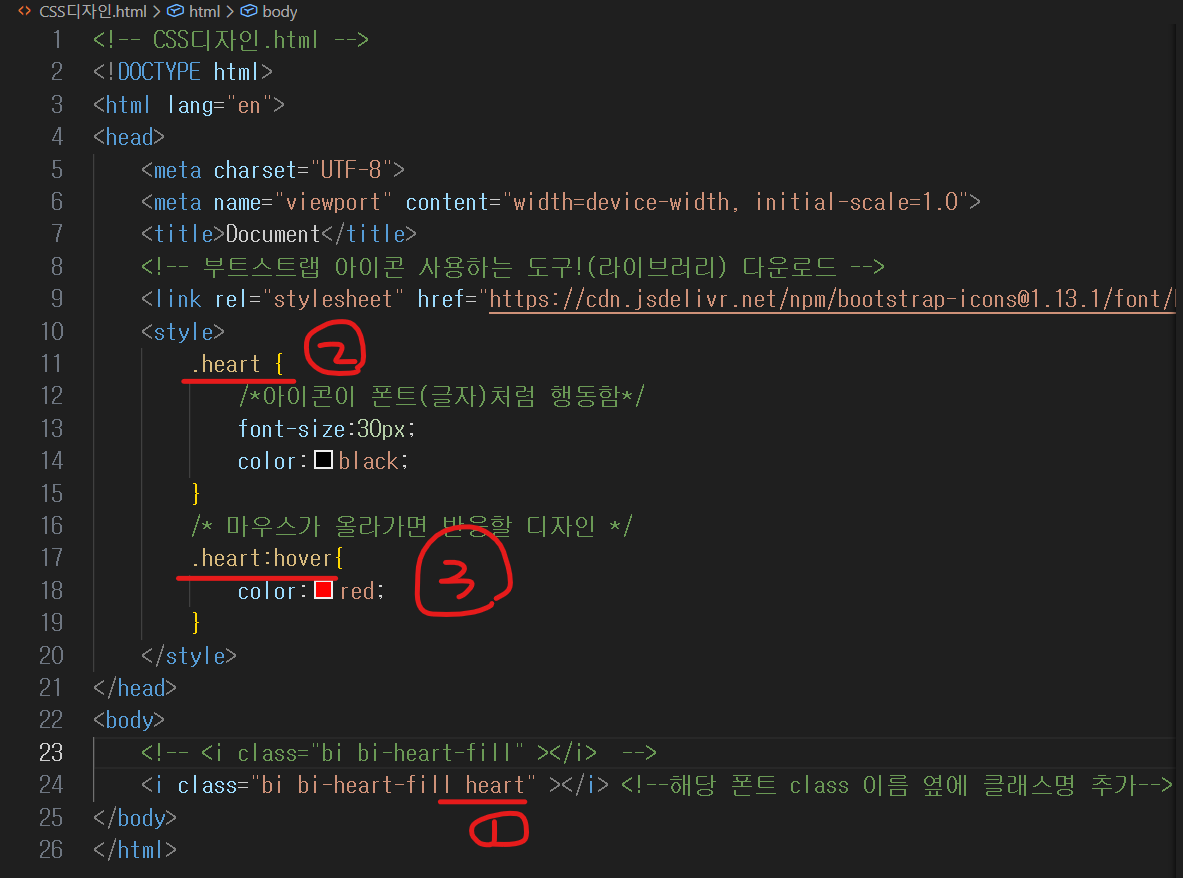
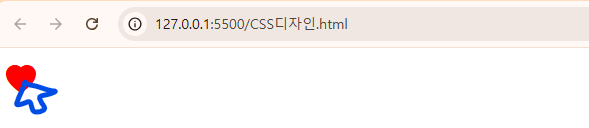
버튼
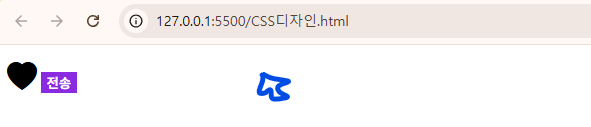
버튼 모양으로도 만들어보자.
아직 클릭하면 바뀌는게 아니라
일단 똑같이 마우스 갖다대면 다른 색으로 바뀌는걸로 해보자.
<!-- CSS디자인.html -->
<!DOCTYPE html>
<html lang="en">
<head>
    <meta charset="UTF-8">
    <meta name="viewport" content="width=device-width, initial-scale=1.0">
    <title>Document</title>
    <!-- 부트스트랩 아이콘 사용하는 도구!(라이브러리) 다운로드 -->
    <link rel="stylesheet" href="https://cdn.jsdelivr.net/npm/bootstrap-icons@1.13.1/font/bootstrap-icons.min.css">
    <style>
        .heart {
            /*아이콘이 폰트(글자)처럼 행동함*/
            font-size:30px;
            color:black;
        }
        /* 마우스가 올라가면 반응할 디자인 */
        .heart:hover{
            color:red;
        }
        .sub{
            outline:none;
            border:none;
            background-color: blueviolet;
            color:white;
            font-weight: bold;
        }
        .sub:hover{
            color:red;
            background-color: white;
            font-weight: bold;
        }
    </style>
</head>
<body>
    <!-- <i class="bi bi-heart-fill" ></i>  -->
    <i class="bi bi-heart-fill heart" ></i> <!--해당 폰트 class 이름 옆에 클래스명 추가-->
    <button class="sub"> 전송 </button>
</body>
</html>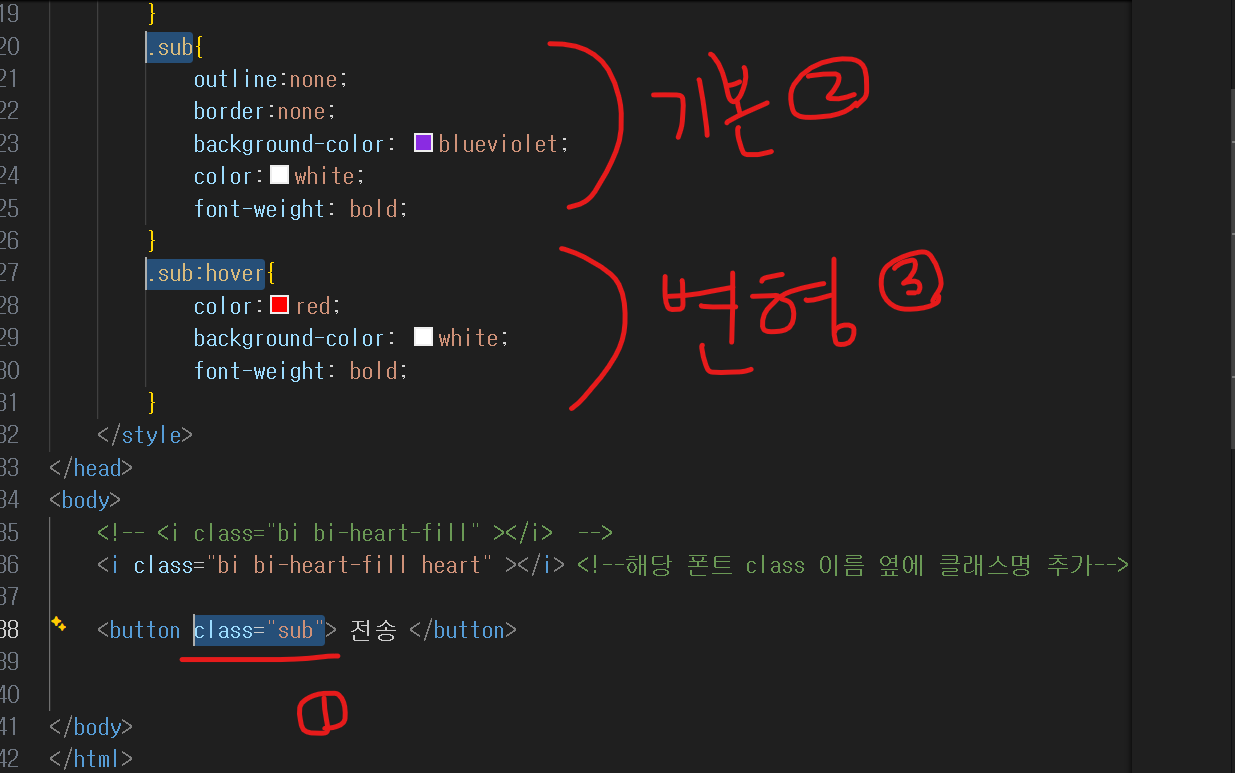

텍스트
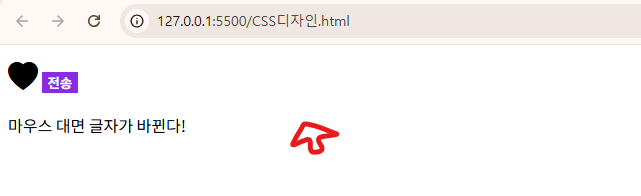
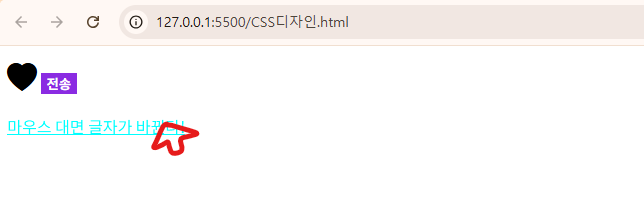
p태그에 적힌 텍스트에도 마우스가 올라가면 바뀌는걸 만들어보죠.
<!-- CSS디자인.html -->
<!DOCTYPE html>
<html lang="en">
<head>
    <meta charset="UTF-8">
    <meta name="viewport" content="width=device-width, initial-scale=1.0">
    <title>Document</title>
    <!-- 부트스트랩 아이콘 사용하는 도구!(라이브러리) 다운로드 -->
    <link rel="stylesheet" href="https://cdn.jsdelivr.net/npm/bootstrap-icons@1.13.1/font/bootstrap-icons.min.css">
    <style>
        .heart {
            /*아이콘이 폰트(글자)처럼 행동함*/
            font-size:30px;
            color:black;
        }
        /* 마우스가 올라가면 반응할 디자인 */
        .heart:hover{
            color:red;
        }
        .sub{
            outline:none;
            border:none;
            background-color: blueviolet;
            color:white;
            font-weight: bold;
        }
        .sub:hover{
            color:red;
            background-color: white;
            font-weight: bold;
        }
        .content_change:hover{
            color:aqua;
            text-decoration: underline;   /*밑줄*/
        }
    </style>
</head>
<body>
    <!-- <i class="bi bi-heart-fill" ></i>  -->
    <i class="bi bi-heart-fill heart" ></i> <!--해당 폰트 class 이름 옆에 클래스명 추가-->
    <button class="sub"> 전송 </button>
    <p class="content_change">마우스 대면 글자가 바뀐다!</p>


</body>
</html>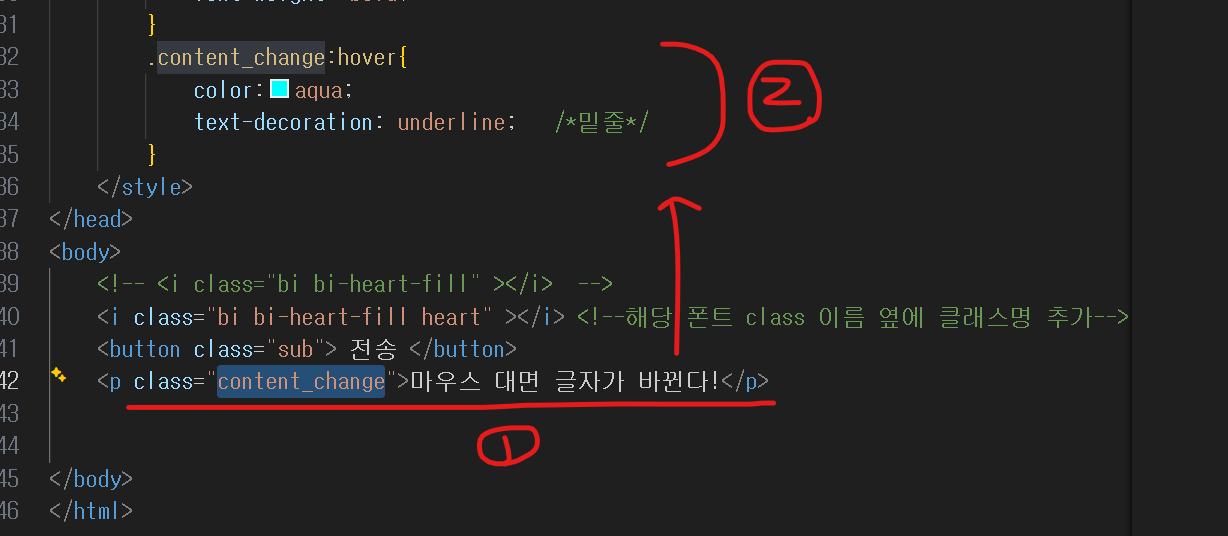
리스트
흔한 쇼핑몰 사이트 들어가보면 카테고리 목록들이 있죠.
마우스 위로 올라가면 색상이 시그니처 컬러로 바뀌고, 회색 배경색을 깔아보겠습니다.
시도
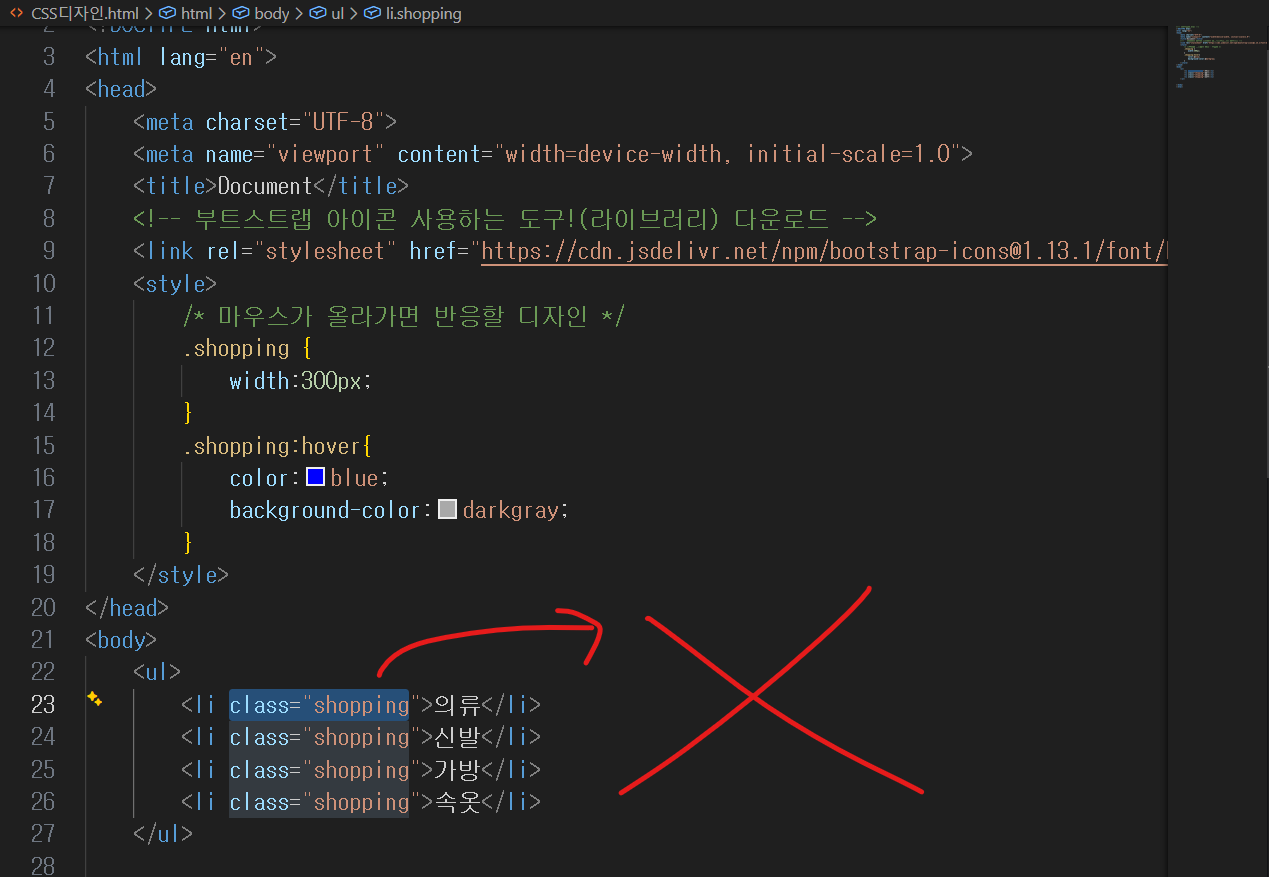
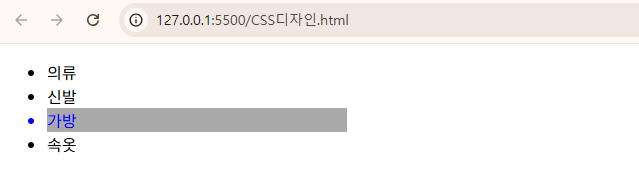
내 코드이다.
강사님은 다르게 하셨다.
강사님
.shopping :hover 가 아니라
.shopping li:hover 로 하면 된다. 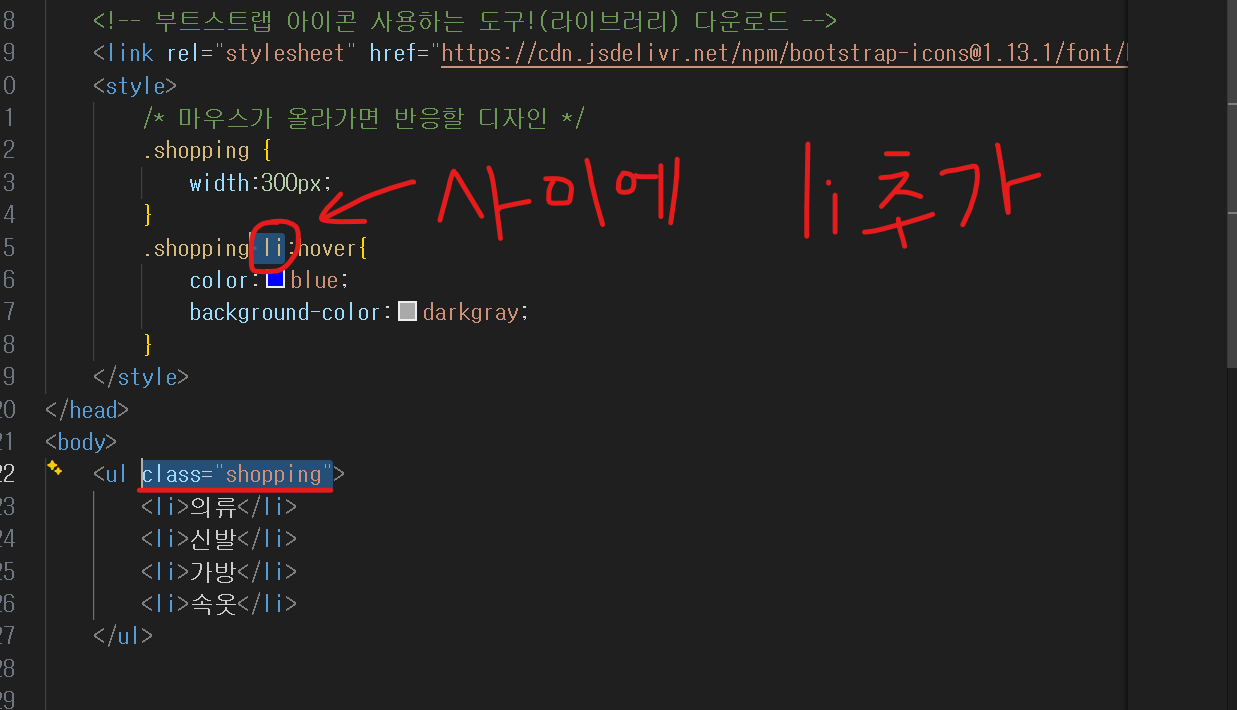
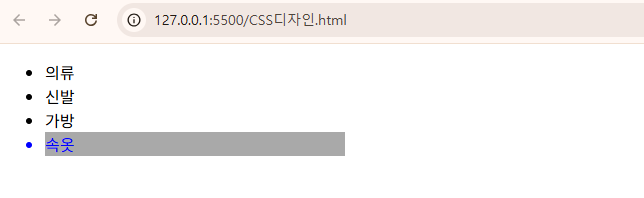
그래도 결과는 동일하다.

데이터기반 스토리텔링을 통해 인사이트를 얻습니다.