서론
어제 배운 건 멀티플레이간 매치메이킹
오늘은 파이어베이스를 활용해 로그인 기능 등을 구현해보겠다.
TIL 요약
- Firebase 인증 연동: 유니티 프로젝트에 Firebase SDK를 추가하고, 회원가입 및 로그인 구현
- 비동기 로직 고도화: FirebaseException을 활용해 에러(비밀번호 누락, 중복 이메일 등) 피드백 구현
- Custom Property: 커스텀 프로퍼티는 레디, 현재 HP 같은 지속적인 상태를 동기화하는 저장소
FireBase
파이어베이스 프로젝트 만들기
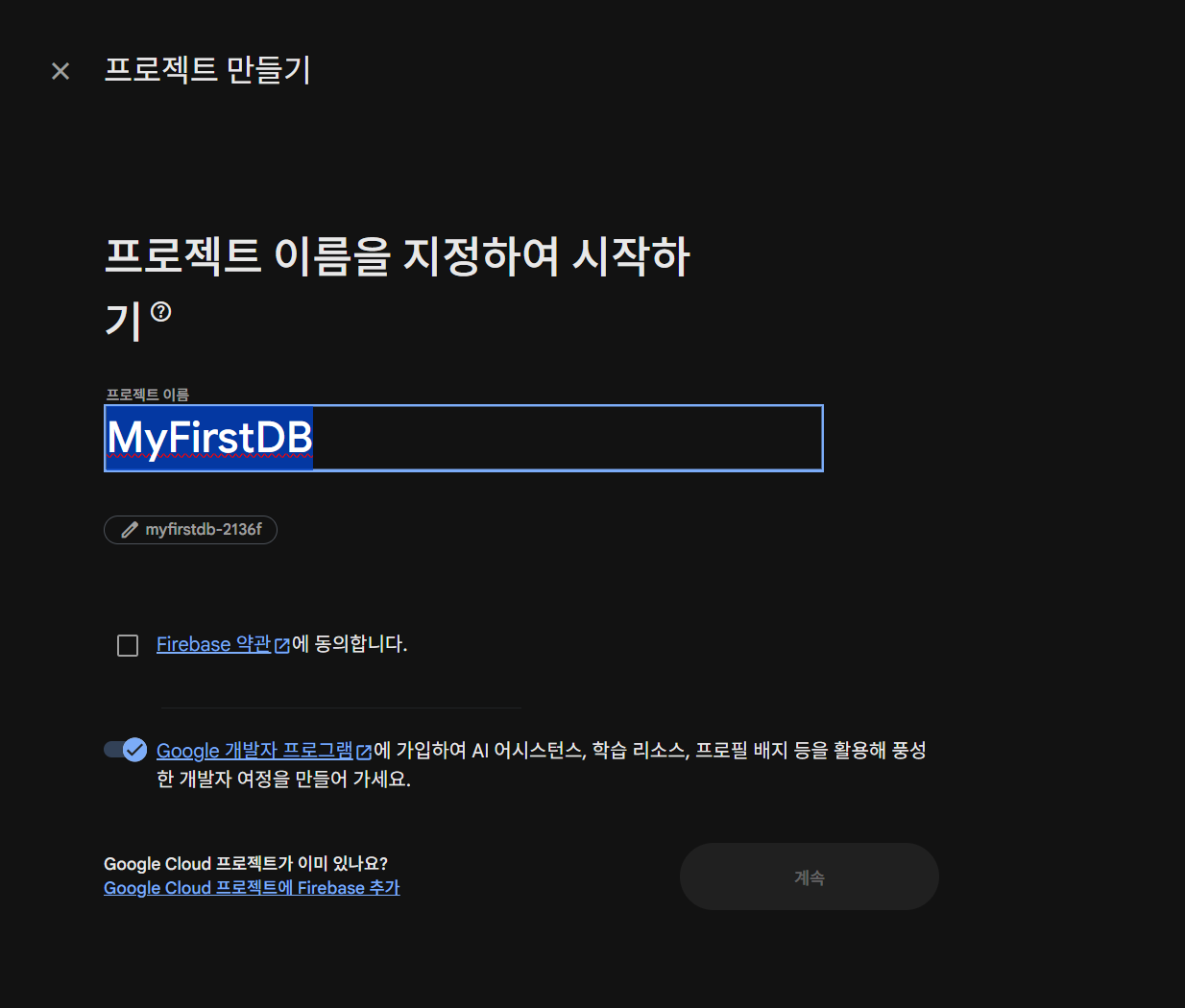
프로젝트 설정
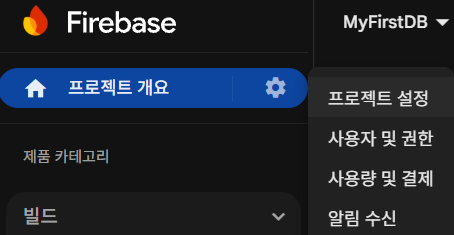
하단의 유니티
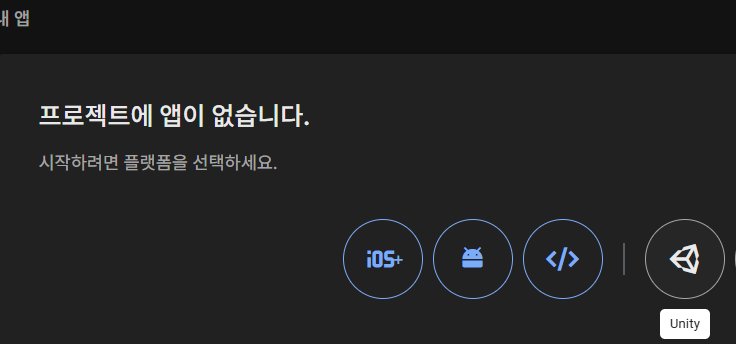
이것저것 스스슥하면 끝
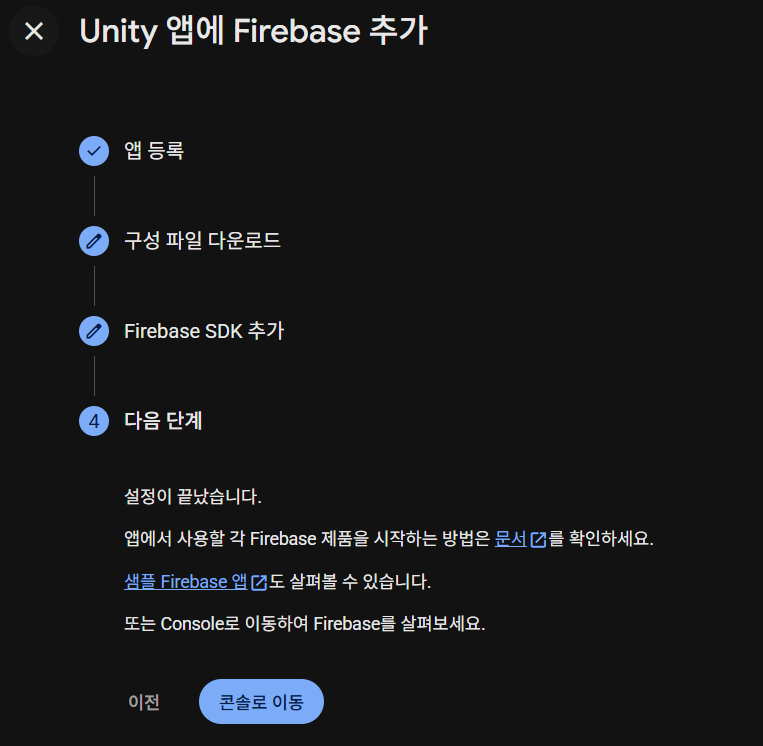

google-services.json 파일에는 API 키 등 민감한 정보가 포함될 수 있으므로
.gitignore 등록 등, 외부에 노출되지 않도록 주의
로그인!
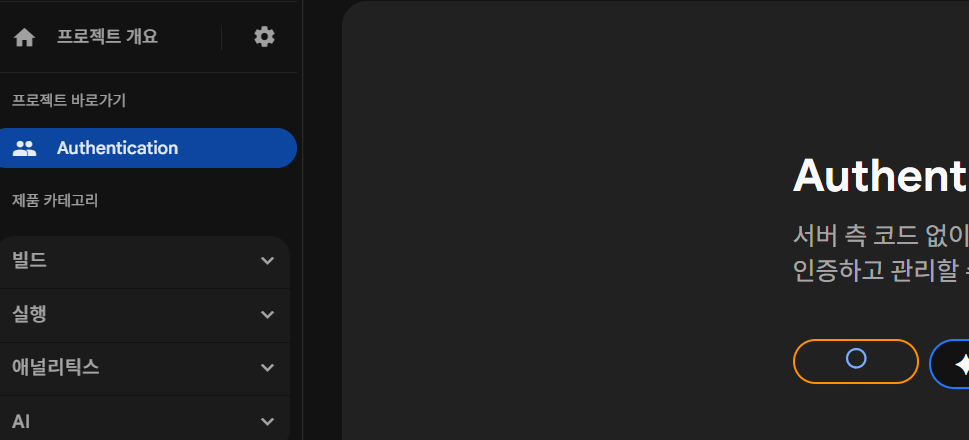
시작하기 누르고
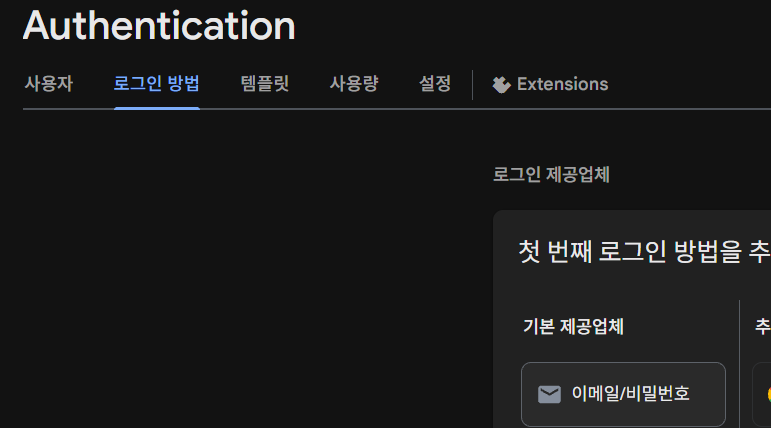
이메일/비밀번호 클릭
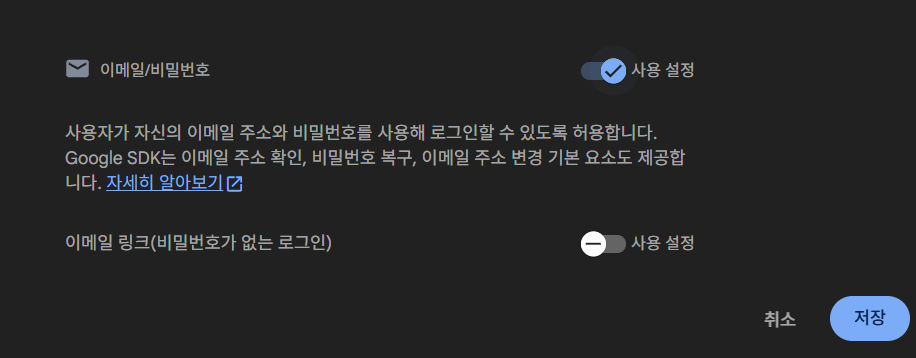
사용설정
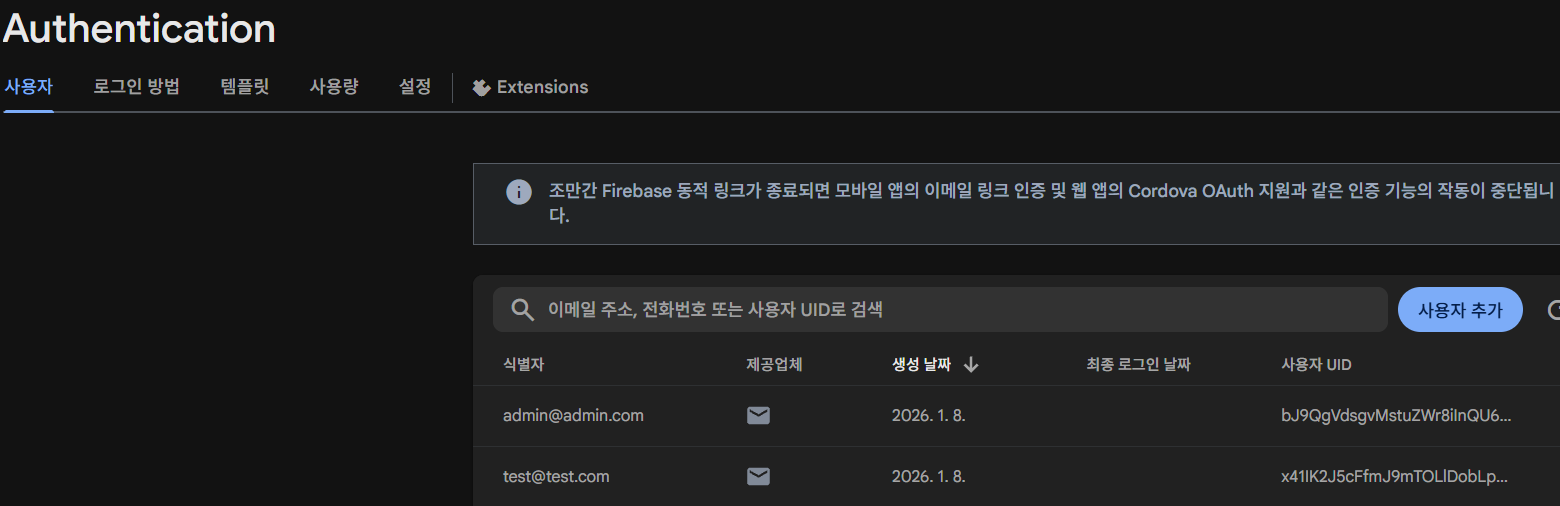
사용자 추가로 간단 계정 생성 완료
이제 이걸 코드로써
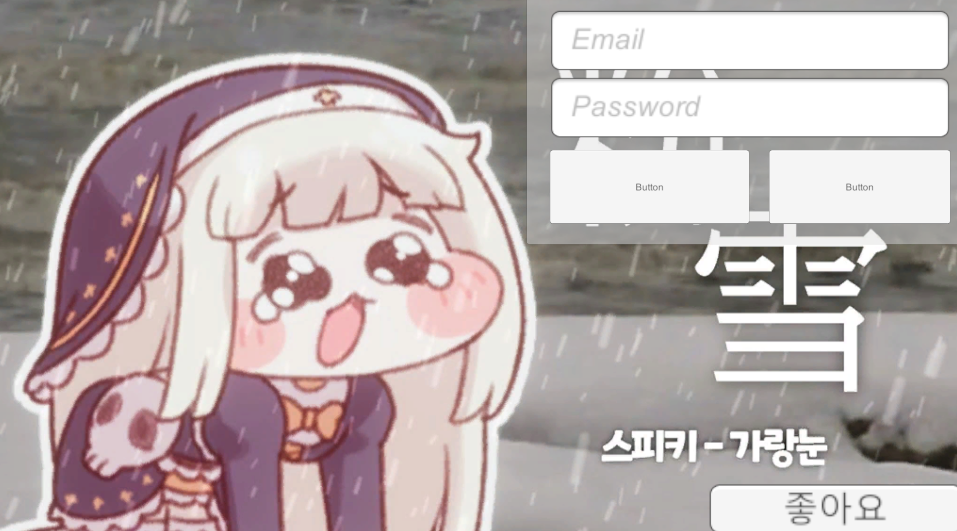
여기에 연결해보도록 하겠다.
스크립트 작성
using UnityEngine;
using UnityEngine.UI;
using Firebase.Auth; //파이어베이스 로그인기능 사용!
using Firebase;
using Firebase.Extensions; //비동기

public class FirebaseAuthManager : MonoBehaviour
{
    public FirebaseAuth auth; //인증 진행을 위한 객체
    public FirebaseUser user; //인증이 다 되고 나서 인증된 유저 정보를 들고 있게 하는 것

    [SerializeField] Button startButton;
    [SerializeField] InputField emailField;
    [SerializeField] InputField pwField;

    private void Start()
    {
        //FireBase 초기화
        //프로젝트와 맞지 않는 코드를 고쳐줌
        //비동기 작업은 중간 내역을 확인하기 어려움
        //ContinueWithOnMainThread <= 플랫폼별 스레드에 맞춰서
        Firebase.FirebaseApp.CheckAndFixDependenciesAsync().ContinueWithOnMainThread(task =>
        //이 작업 할거읾
        {
            var dependencyStatus = task.Result; //비동기 작업 결과를 기억시킴
            if (dependencyStatus == Firebase.DependencyStatus.Available) //가능하다는 결과 받았으면?
            {
                auth = Firebase.Auth.FirebaseAuth.DefaultInstance; //인증 정보 기억시키기
                startButton.interactable = true; //초기화 성공 시 입장 버튼 활성화
            }
            else
            {
                //실패 시 로그 띄우기
                Debug.LogError(System.String.Format("뭔가 잘못되었음" + dependencyStatus));
            }
        });
    }

    public void Login()
    {
        auth.SignInWithEmailAndPasswordAsync(emailField.text, pwField.text).ContinueWithOnMainThread(task =>
        {
            if (task.IsFaulted)
            {
                Debug.Log("로그인 오류");
                return;
            }
            if (task.IsCanceled)
            {
                Debug.Log("로그인 취소");
                return;
            }
            //이 시점에선 로그인 완료 정보가 task에 들어있음
            user = task.Result.User;
        });
    }

    public void Register()
    {
        auth.CreateUserWithEmailAndPasswordAsync(emailField.text, pwField.text).ContinueWithOnMainThread(task =>
        {
            if (task.IsFaulted)
            {
                Debug.Log("회원가입 오류");
                return;
            }
            if (task.IsCanceled)
            {
                Debug.Log("회원가입 취소");
                return;
            }
            //이 시점에선 로그인 완료 정보가 task에 들어있음
            user = task.Result.User;
        });
    }
}
실패처리 출력 등의 고도화는 이따가
일단 로그인, 회원가입 테스트 시작
테스트
로그인은 문제없이 되고
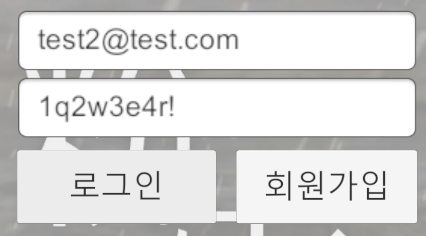
회원가입 시도
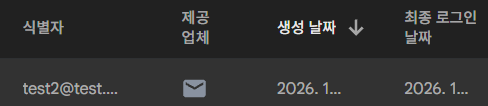
성공
이제 고도화 해보자
패스워드 가리기
그 전에 하나 추가
늘 보던 패스워드 입력 시 별표로 출력되는 방식
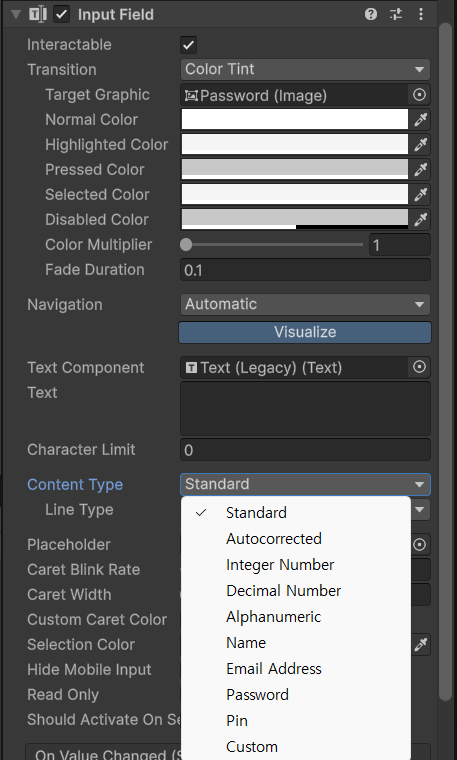
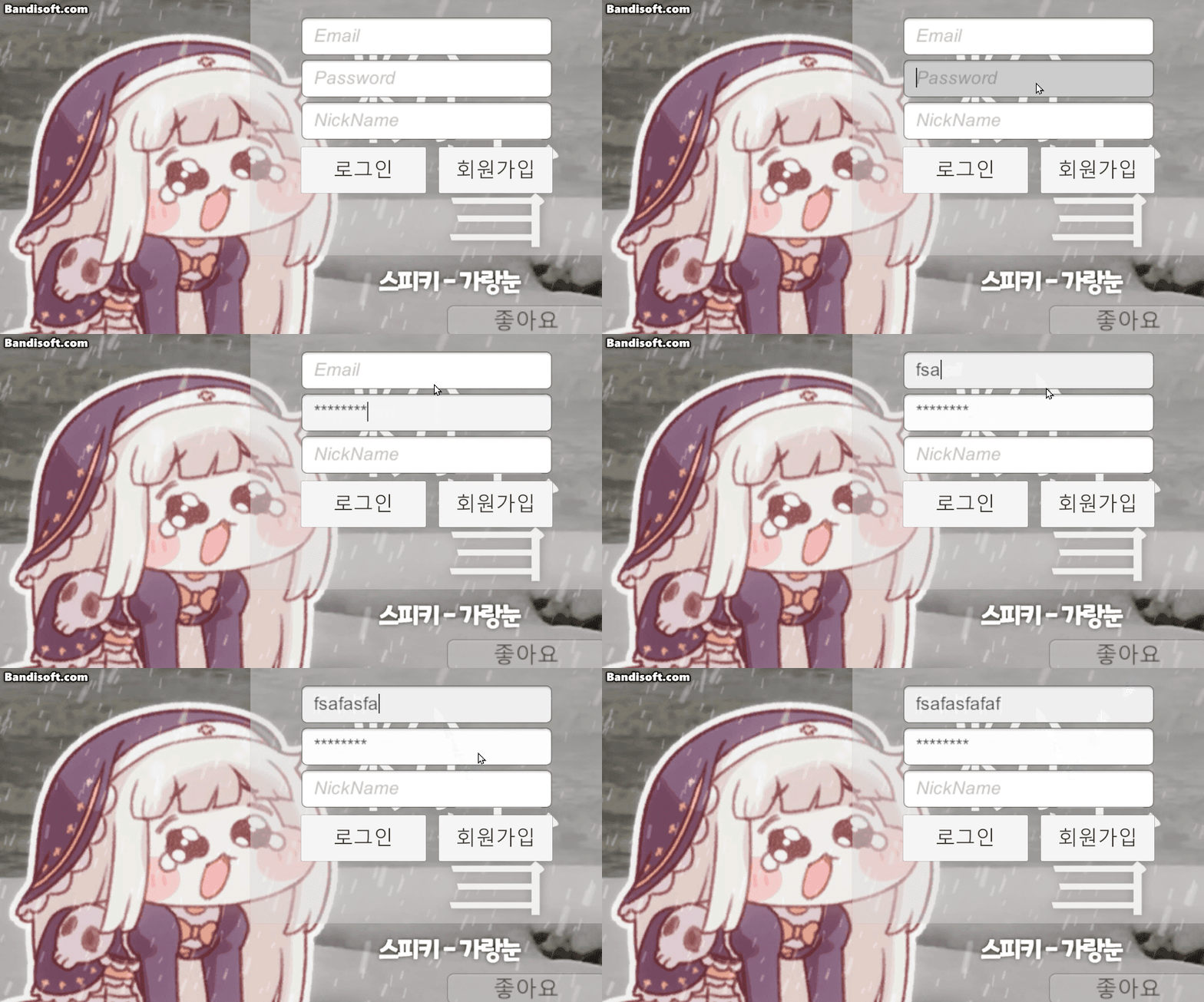
기억해두자
로직 고도화
예외처리 과정이라 생각해도 될 듯?
using UnityEngine;
using UnityEngine.UI;
using Firebase.Auth; //파이어베이스 로그인기능 사용!
using Firebase;
using Firebase.Extensions;
using System.Collections; //비동기
using System.Threading.Tasks;

public class FirebaseAuthManager : MonoBehaviour
{
    public FirebaseAuth auth; //인증 진행을 위한 객체
    static public FirebaseUser user; //인증이 다 되고 나서 인증된 유저 정보를 들고 있게 하는 것

    [SerializeField] Button startButton;
    [SerializeField] InputField emailField;
    [SerializeField] InputField pwField;
    [SerializeField] InputField nickField;

    public Text warningText;
    public Text confirmText;

    private void Awake()
    {
        //FireBase 초기화
        //프로젝트와 맞지 않는 코드를 고쳐줌
        //비동기 작업은 중간 내역을 확인하기 어려움
        //ContinueWithOnMainThread <= 플랫폼별 스레드에 맞춰서
        Firebase.FirebaseApp.CheckAndFixDependenciesAsync().ContinueWithOnMainThread(task =>
        //이 작업 할거읾
        {
            var dependencyStatus = task.Result; //비동기 작업 결과를 기억시킴
            if (dependencyStatus == Firebase.DependencyStatus.Available) //가능하다는 결과 받았으면?
            {
                auth = Firebase.Auth.FirebaseAuth.DefaultInstance; //인증 정보 기억시키기
            }
            else
            {
                //실패 시 로그 띄우기
                Debug.LogError(System.String.Format("뭔가 잘못되었음" + dependencyStatus));
            }
        });
    }
    private void Start()
    {
        startButton.interactable = false; //시작 시 입장 버튼 비활성화
        warningText.text = "";
        confirmText.text = "";
    }

    public void Login()
    {
        StartCoroutine(LoginCoroutine(emailField.text, pwField.text));
    }

    IEnumerator LoginCoroutine(string email, string password)
    {
        Task<AuthResult> LoginTask = auth.SignInWithEmailAndPasswordAsync(email, password);
        yield return new WaitUntil(() => LoginTask.IsCompleted);

        if (LoginTask.Exception != null) //로그인에 문제가 있으면 Exception에 담김
        {
            Debug.Log("다음과 같은 이유로 로그인 실패!" + LoginTask.Exception);
            //파베는 에러를 파베 형식으로 분석할 수 있는 형식 제공
            FirebaseException firebaseEx = LoginTask.Exception.GetBaseException() as FirebaseException;
            //해석 가능한 형태로 변경
            AuthError errorCode = (AuthError)firebaseEx.ErrorCode;

            string message = "";
            switch (errorCode)
            {
                case AuthError.MissingEmail:
                    message = "이메일 누락";
                    break;
                case AuthError.MissingPassword:
                    message = "패스워드 누락";
                    break;
                case AuthError.WrongPassword:
                    message = "패스워드 틀림";
                    break;
                case AuthError.InvalidEmail:
                    message = "이메일 형식이 옳지 않음";
                    break;
                case AuthError.UserNotFound:
                    message = "아이디가 존재하지 않음";
                    break;
                default:
                    message = "관리자에게 문의 바랍니다";
                    break;
            }
            warningText.text = message;
        }
        else //성공
        {
            user = LoginTask.Result.User; //유저 정보 기억
            nickField.text = user.DisplayName; //파베 상에 기억된 닉네임 가져옴
            warningText.text = "";
            confirmText.text = "로그인 완료, 반갑습니다" + user.DisplayName + "님";
            startButton.interactable = true;
        }
    }

    IEnumerator RegisterCoroutine(string email, string password, string userName)
    {
        Task<AuthResult> RegisterTask = auth.CreateUserWithEmailAndPasswordAsync(email, password);
        yield return new WaitUntil(predicate: () => RegisterTask.IsCompleted); //대기

        if (RegisterTask.Exception != null)
        {
            Debug.LogWarning(message: "실패 사유" + RegisterTask.Exception);
            FirebaseException firebaseEx = RegisterTask.Exception.GetBaseException() as FirebaseException;
            AuthError errorCode = (AuthError)firebaseEx.ErrorCode;

            string message = "회원가입 실패";
            switch (errorCode)
            {
                case AuthError.MissingEmail:
                    message = "이메일 누락";
                    break;
                case AuthError.MissingPassword:
                    message = "패스워드 누락";
                    break;
                case AuthError.WeakPassword:
                    message = "패스워드 약함";
                    break;
                case AuthError.EmailAlreadyInUse:
                    message = "중복 이메일";
                    break;
                default:
                    message = "기타 사유. 관리자 문의 바람";
                    break;
            }
            warningText.text = message;
        }
        else//생성 완료
        {
            user = RegisterTask.Result.User;
            if (user != null)
            {
                //로컬에서 만듦
                UserProfile profile = new UserProfile { DisplayName = user.DisplayName };

                //파이어베이스에 올림
                Task profileTask = user.UpdateUserProfileAsync(profile);
                yield return new WaitUntil(predicate: () => profileTask.IsCompleted); //등록 완료까지 대기

                if (profileTask.Exception != null)//로그인과 마찬가지로 문제가 있으면 Exception에 담김
                {
                    Debug.LogError("닉네임 설정 실패" + profileTask.Exception);
                    FirebaseException firebaseEx = profileTask.Exception.GetBaseException() as FirebaseException;
                    AuthError errorCode = (AuthError)firebaseEx.ErrorCode;
                    warningText.text = "닉네임 설정에 실패했습니다.";
                }
                else
                {
                    warningText.text = "";
                    confirmText.text = "생성완료, 반갑습니다" + user.DisplayName + "님";
                    startButton.interactable = true;
                }
            }
        }
    }

    public void Register()
    {
        StartCoroutine(RegisterCoroutine(emailField.text, pwField.text, nickField.text));
    }
}
변경점
- 기존 콜백 방식에서 코루틴 사용하여 로그인 시도 -> 대기 -> 결과 확인 플로우로 변경
- 파이어베이스 에러코드 추출해서 case에 맞춰 한글로 warningText 띄우기
- DisplayName 추가
- UI 피드백 추가(성공 실패 텍스트)
- 기존 user를 인스턴스 변수로 구현했는데 static 으로 변경
다른 스크립트에서FirebaseAuthManager를 찾을 필요 없이
바로 유저 정보에 접근할 수 있게 됨.
테스트
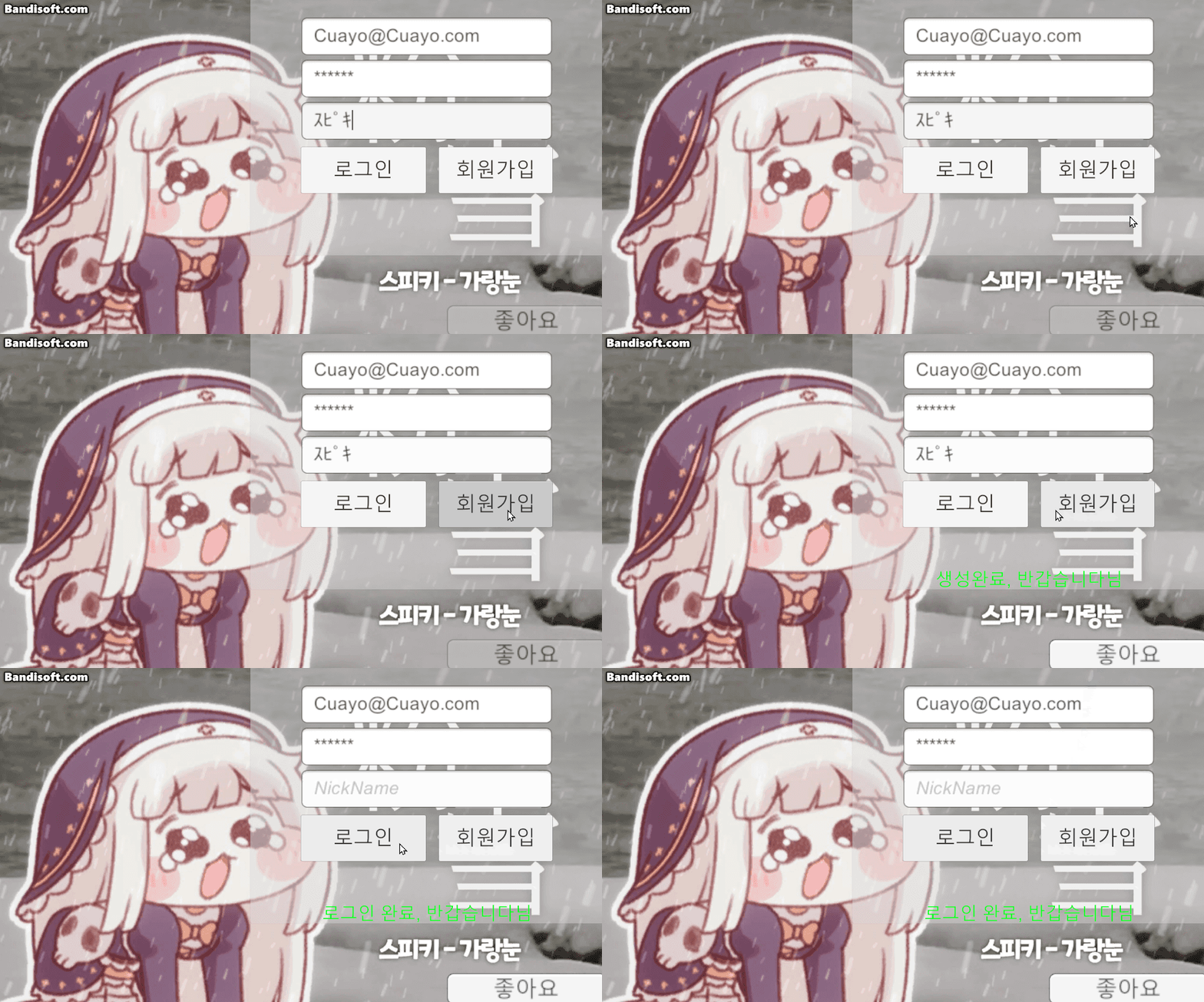
반갑습니다 ~~~ 님 으로 출력되어야하는데 공백이다
왜이래 이거

너구나
인자값 userName을 넣어야 하는데
비어있는 user.DisplayName 을 넣고 있었음
바꿔주고 다시 테스트
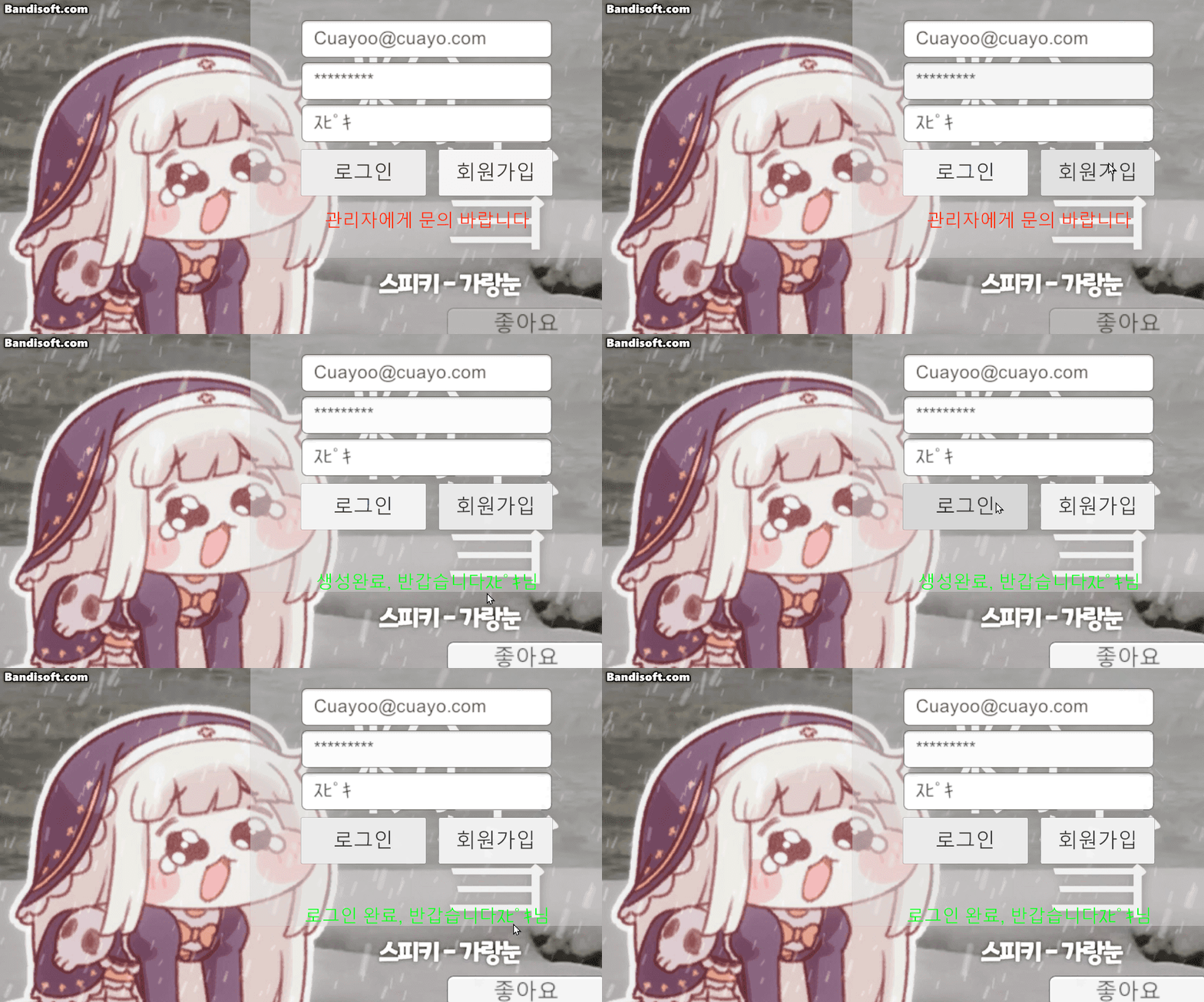
완료
커스텀 프로퍼티
커스텀 프로퍼티에 대해 알아보자
네트워크상의 모든 플레이어가 공유해야하는 변수 저장소
RPC가 총을 쏜다, 문을 연다 같은 일회성 행동을 보낼 때 쓴다면
커스텀 프로퍼티는 현재 HP, 레디 상태, 팀 정보 같은
지속적인 상태를 저장하고 동기화할 때 사용.
그리고 C#의 기본 Hashtable이 아니라 포톤 전용 해시테이블을 써야 한다는 점.
//이걸 선언해줘야 함
using Hashtable = ExitGames.Client.Photon.Hashtable;

public void SetReady()
{
    Hashtable props = new Hashtable();
    props["IsReady"] = true;

    //내 로컬 플레이어의 프로퍼티를 갱신하면 네트워크상의 모두에게 동기화됨
    PhotonNetwork.LocalPlayer.SetCustomProperties(props);
}
마무리
오늘은 파이어베이스를 통해 로그인과 회원가입을 구현하고, 닉네임 설정까지 완료.
멀티플레이 게임의 상태 관리를 위한 커스텀 프로퍼티의 개념도 이해
내일은 RPC 심화 or 어드레서블