typescript로 새롭게 프로젝트 시작하려고 하는데,
로그가 얽혀서 굉장히 많은 error를 띄워냈다...
처음엔 이렇게 로그 하나였는데
MacBookAir:project ooo$ npx tailwindcss init -p
npm error could not determine executable to run
npm error A complete log of this run can be found in: /Users/ooo/.npm/_logs/2025-04-20T07_43_56_605Z-debug-0.log
package-lock.json을 삭제하고 캐시도 삭제하려고 했는데, wow... 엄청난 오류가 발생했다.
MacBookAir:project hyunji$ rm -rf node_modules package-lock.json
MacBookAir:project ooo$ npm cache clean --force
npm warn using --force Recommended protections disabled.
MacBookAir:hyungpt hyunji$ npm install
npm error code ERESOLVE
npm error ERESOLVE could not resolve
npm error
npm error While resolving: react-scripts@3.4.4
npm error Found: typescript@4.9.5
npm error node_modules/typescript
npm error   typescript@"^4.9.5" from the root project
npm error
npm error Could not resolve dependency:
npm error peerOptional typescript@"^3.2.1" from react-scripts@3.4.4
npm error node_modules/react-scripts
npm error   react-scripts@"^3.0.1" from the root project
npm error
npm error Conflicting peer dependency: typescript@3.9.10
npm error node_modules/typescript
npm error   peerOptional typescript@"^3.2.1" from react-scripts@3.4.4
npm error   node_modules/react-scripts
npm error     react-scripts@"^3.0.1" from the root project
npm error
npm error Fix the upstream dependency conflict, or retry
npm error this command with --force or --legacy-peer-deps
npm error to accept an incorrect (and potentially broken) dependency resolution.
npm error
npm error
npm error For a full report see:
npm error /Users/ooo/.npm/_logs/2025-04-20T07_45_19_244Z-eresolve-report.txt
npm error A complete log of this run can be found in: /Users/ooo/.npm/_logs/2025-04-20T07_45_19_244Z-debug-0.log
결론적으로는 ?
- typescript의 버전이 react랑 꼬여서
- npm ENOENT 경로가 잘못되어서
가 원인이었다
1번을 해결하기 위해서 그냥..삭제하고 다시 CRA를 설정했다.
나의 version을 첨부한다.
$ node -v
v20.16.0
$ npm -v
10.8.1
중심적인 원인은 2번이었다.
우선, 내 ENOENT 에러가 특정 디렉토리에 npm이 설정되어 있었다.
그렇지만 우선, cache를 삭제하고, 경로를 확인하고, 수정했다.
npm cache clean --force ##캐시삭제
npm config get prefix ##경로확인
npm config set prefix /usr/local ##경로초기화
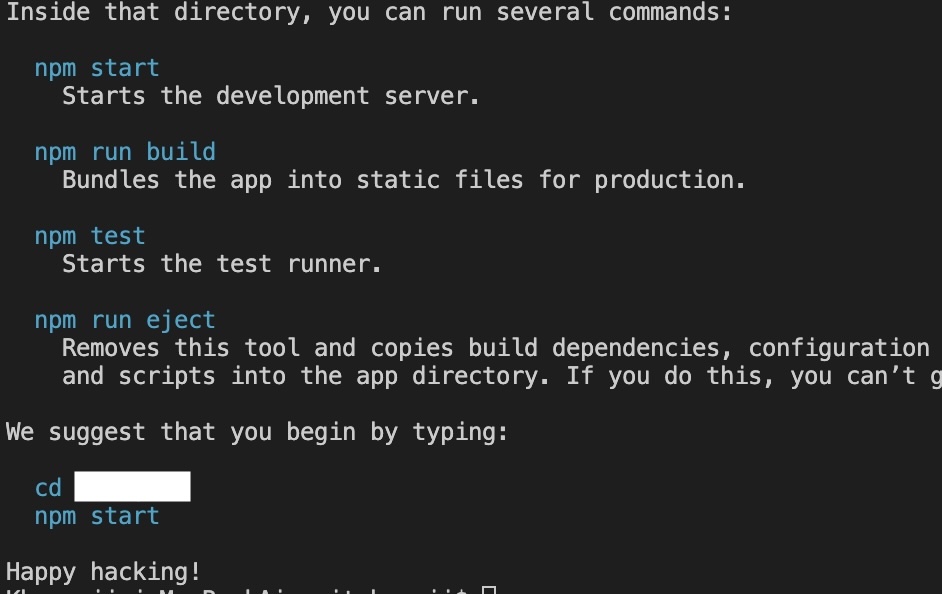
그 뒤에 npx create-react-app 후 드디어 만난... 성공메시지..!!

ad astra per aspera