React
OverView
Recact는 "Face-book"의 UI를 더 잘 만들기위해 만들어진 JS의 UI 라이브러리 입니다.
Quick Start
npm 설치
사용버전
Downloads Node.js v20.13.1
react 설치
사용 환경: windows 10
cmd를 실행하고 다음 명령을 이용하여 설치 진행.
npm install -g create-react-appnpx로 설치하면 매번 최신 버전이 설치됨
react app 실행
작업대상 폴더로 이동 후 아래 명령 실행
create-react-app .git이용시 .gitignore
# Created by https://www.toptal.com/developers/gitignore/api/react
# Edit at https://www.toptal.com/developers/gitignore?templates=react

### react ###
.DS_*
*.log
logs
**/*.backup.*
**/*.back.*

node_modules
bower_components

*.sublime*

psd
thumb
sketch

# End of https://www.toptal.com/developers/gitignore/api/react
104.18.29.213# See https://help.github.com/articles/ignoring-files/ for more about ignoring files.

# dependencies
/node_modules
/.pnp
.pnp.js

# testing
/coverage

# production
/build

# misc
.DS_Store
.env.local
.env.development.local
.env.test.local
.env.production.local

npm-debug.log*
yarn-debug.log*
yarn-error.log*
run start
터미널에서 작업 폴더위치에서 npm을 이용해서 react 실행.
npm run start실행결과
Starting the development server...

One of your dependencies, babel-preset-react-app, is importing the
"@babel/plugin-proposal-private-property-in-object" package without
Compiled successfully!

You can now view react-opentutorials in the browser.

  Local:            http://localhost:3000
  On Your Network:  http://192.168.0.202:3000

Note that the development build is not optimized.
To create a production build, use npm run build.

webpack compiled successfully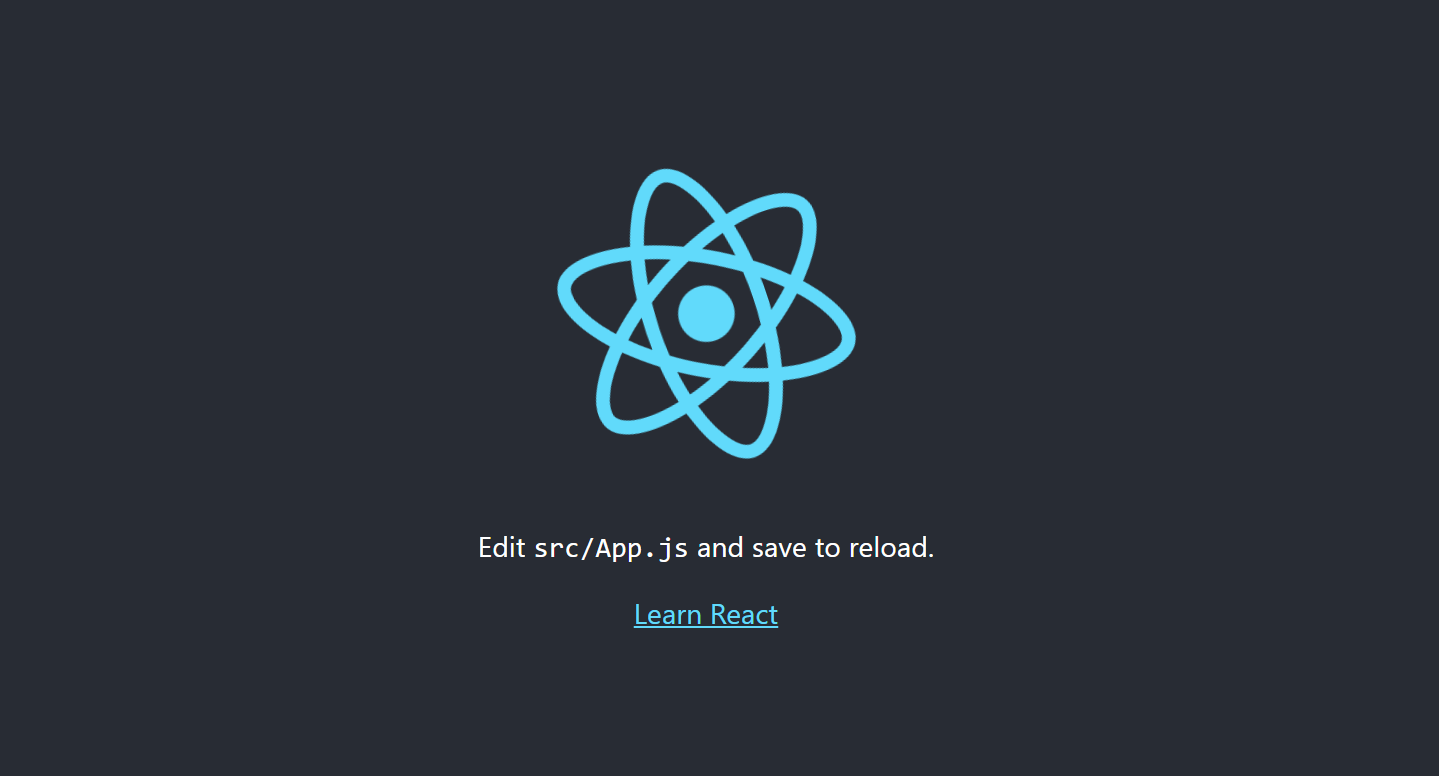
참고문헌
- 이고잉.2021.생활코딩!React 리액트 프로그래밍.위키북스.
낮에는 클라우드엔지니어, 밤에는 나홀로 개발자...