쿠버네티스 사용하는 방법
- 설치 없이 WEB UI로 사용하는 방법
- 가상머신에 쿠버네트스 설치하여 사용하는 방법
이 글에서는 설치 없이 WEB UI로 사용하는 방법에 대해 알아본다.
카타코다 쿠버네티스 플레이그라운드(닫음)
현재는 운영되고 있지 않다
https://www.katacoda.com/ -> https://www.oreilly.com/
Play with Kubernetes
https://labs.play-with-k8s.com/
위 링크를 통해 쿠버네티스 사용이 가능
- docker에서 제공하는 서비스
- docker hub 계정 로그인 필요
- 4시간 사용 가능
- Master, Worker를 직접 구성 후 사용 가능
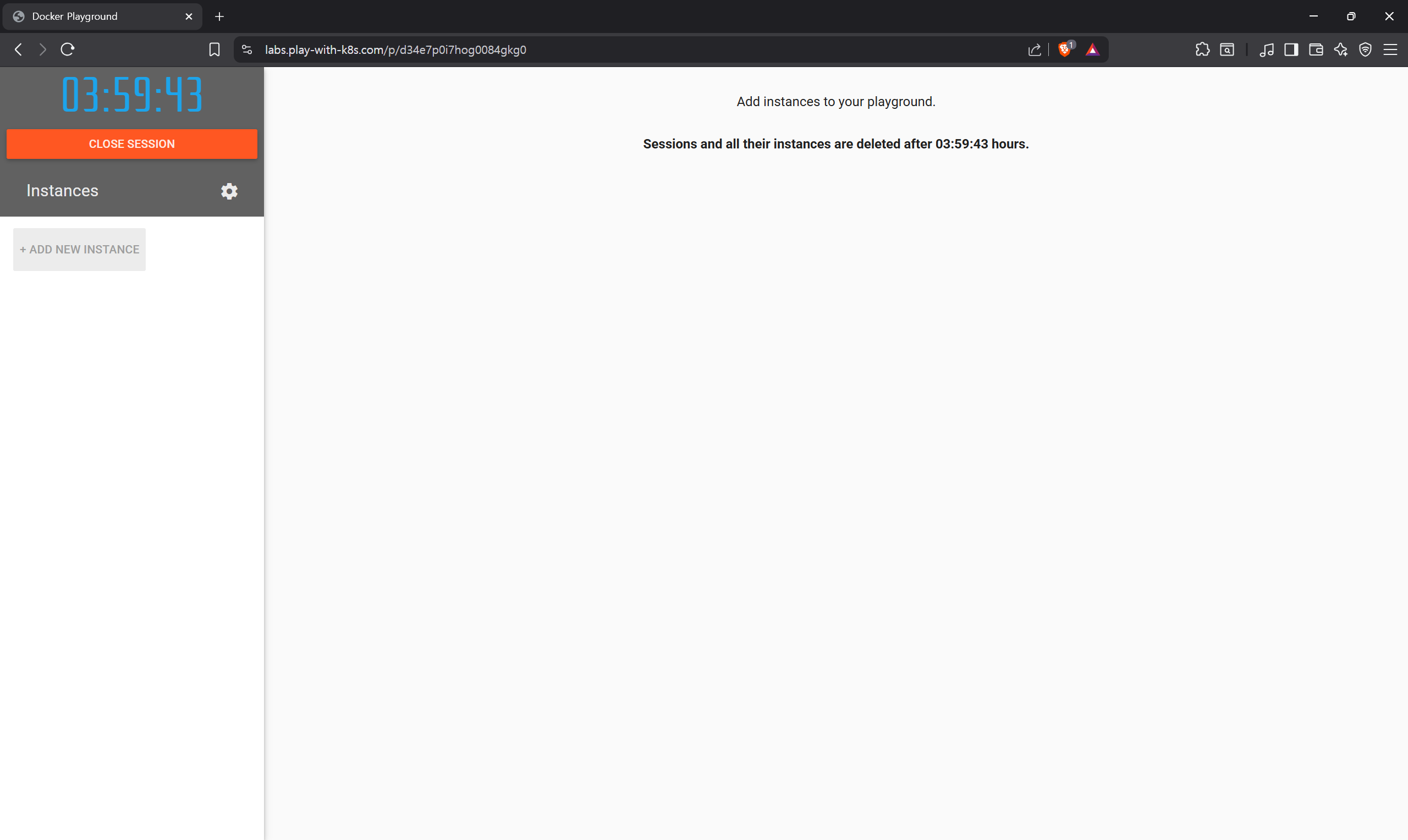
+ ADD NEW INSTANCE클릭 시 새로운 노드 생성 가능ctl + Ins: 복사shift + Ins: 붙여넣기
[master] node1 생성
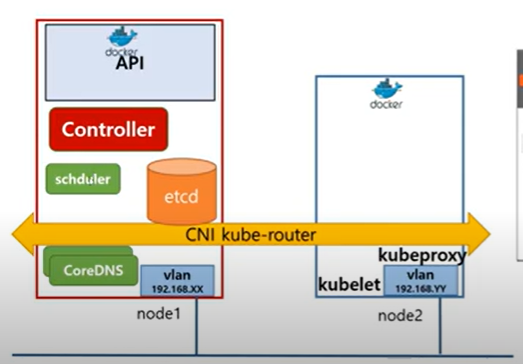
- node1을 master node로 사용
kubectl get nodes -o wide: 노드 확인 가능
- Initializes cluster master node:
kubeadm init --apiserver-advertise-address $(hostname -i) --pod-network-cidr 10.5.0.0/16
- 마스터 노드 초기화를 위해 위 명령어 사용
- Controller, schuler, etcd, coreDNS 등 구성
Then you can join any number of worker nodes by running the following on each as root: 아래에 있는 명령어를 통해 노드에 join 할 수 있음
- Initialize cluster networking:
kubectl apply -f https://raw.githubusercontent.com/cloudnativelabs/kube-router/master/daemonset/kubeadm-kuberouter.yaml
- CNI kube-router 구성
[worker] node2 생성
- node1에서 초기화 시 생성된 join 명령어 복사 붙여넣기
- 위 join 명령어를 통해 worker 노드를 여러개 생성 가능
사용 후기
- 실제로 가상머신에 설치해서 사용하는 것보다 입력이 느림
- 시간 제한이 있어서 오래 학습하기에 불편
- 간단한 테스트에는 용이할듯
클라우드 서비스 쿠버네티스 도구
- 구글 쿠버네티스 엔진: https://cloud.google.com/kubernetes-engine?hl=ko
- 아마존 쿠버네티스 일래스틱 컨테이너 서비스: https://aws.amazon.com/ko/kubernetes/
- 애저 쿠버네티스 서비스: https://azure.microsoft.com/ko-kr/products/kubernetes-service
-> 클라우드에서 서비스한다는 것은 공통적이고 브랜드만 다른듯

많은 경험을 해보고자 하는