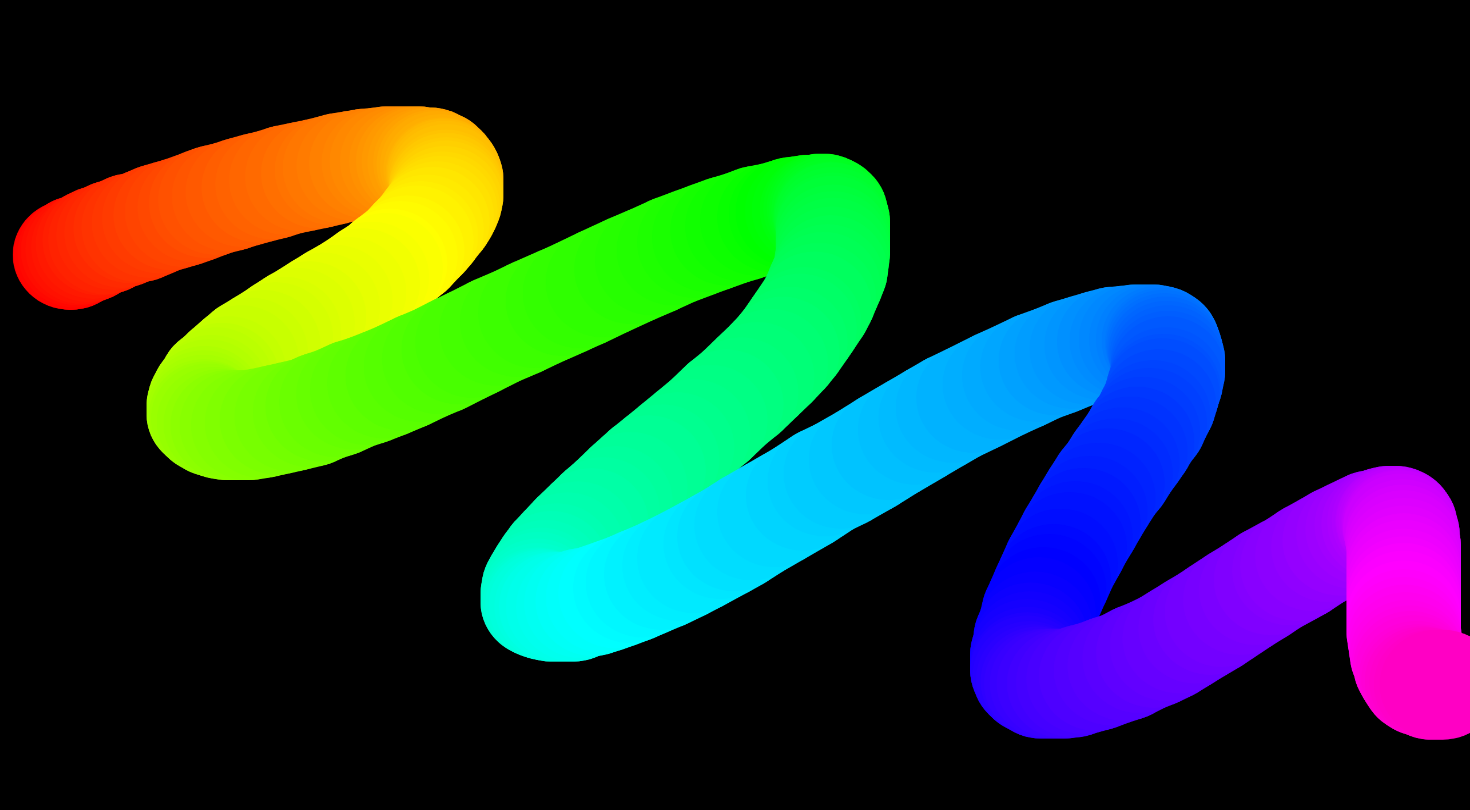
lineJoin 선과 선이 꺾이는 지점 (꼭짓점)의 모양을 정함
lineCap 선 끝 (start, end)의 모양을 정함
    <canvas class="canvas"></canvas>
    <script>
        const canvas = document.querySelector('canvas');
        const ctx = canvas.getContext("2d");

        canvas.width = window.innerWidth * 2;
        canvas.height = window.innerHeight * 2;

        ctx.strokeStyle = '#000';
        ctx.lineJoin = "round";
        ctx.lineCap = "round";
        ctx.lineWidth = 100;
        ctx.scale(2,2)

        let isDrawing = false;
        let lastX = 0;
        let lastY = 0;
        let hue = 0;
        let direction = true;

        function draw(e) {
            if (!isDrawing) return;

            ctx.strokeStyle = `hsl(${hue},100%,50%)`;
            ctx.beginPath();
            ctx.moveTo(lastX, lastY);
            ctx.lineTo(e.offsetX, e.offsetY);
            ctx.stroke();
            [lastX, lastY] = [e.offsetX, e.offsetY];

            hue++;
      		// 값 범위는 0~360도
            if (hue >= 360) {
                hue = 0;
            }
        }

        function clearCanvas() {
            ctx.clearRect(0, 0, canvas.width, canvas.height)
        }

        // 마우스 누를 때
        canvas.addEventListener('mousedown', (e) => {
            isDrawing = true;
            [lastX, lastY] = [e.offsetX, e.offsetY];
        })

        // 마우스 움직일 때
        canvas.addEventListener('mousemove', draw);


        // 마우스 누르고 있다가 뗄 때
        canvas.addEventListener('mouseup', () => {
            isDrawing = false;
        })
    </script>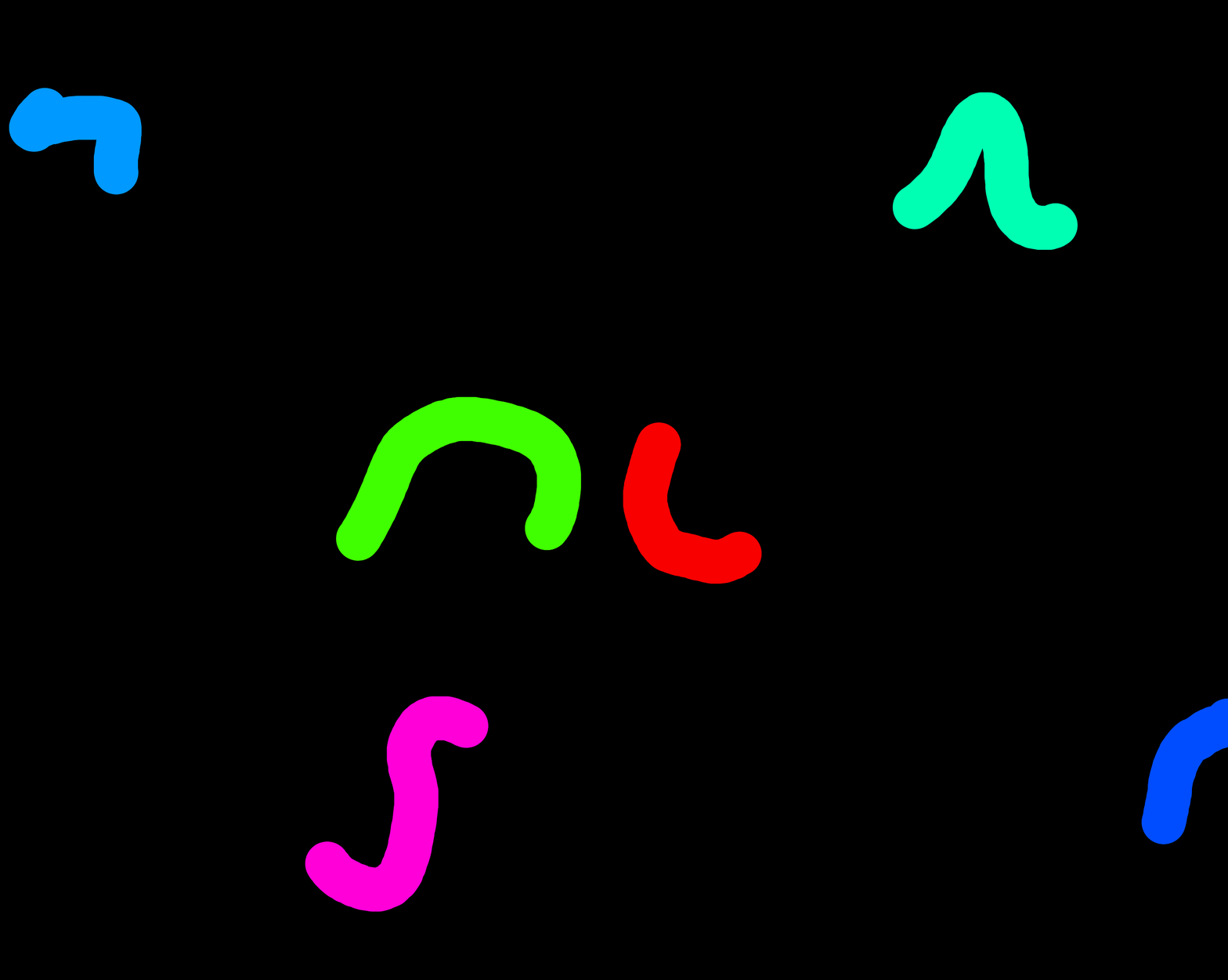
    <canvas class="canvas"></canvas>
    <script>
        const canvas = document.querySelector('canvas');
        const ctx = canvas.getContext("2d");

        canvas.width = window.innerWidth * 2;
        canvas.height = window.innerHeight * 2;

        ctx.scale(2, 2);

        ctx.lineJoin = "round";
        ctx.lineCap = "round";
        ctx.lineWidth = 100;

        let hue = 0;

        // 점들 저장할 배열
        const points = [];
        const maxPoints = 100;

        function draw(e) {
          // 현재 좌표를 배열에 저장
          points.push({ x: e.offsetX, y: e.offsetY, hue });

          // 오래된 좌표 제거 (꼬리 길이 제한)
          if (points.length > maxPoints) {
            points.shift();
          }

          ctx.clearRect(0, 0, canvas.width, canvas.height);

          // 선 그리기
          ctx.beginPath();
          for (let i = 0; i < points.length - 1; i++) {
            const p1 = points[i];
            const p2 = points[i + 1];
            ctx.strokeStyle = `hsl(${p1.hue}, 100%, 50%)`;
            ctx.moveTo(p1.x, p1.y);
            ctx.lineTo(p2.x, p2.y);
          }
          ctx.stroke();

          hue = (hue + 3) % 360;
        }

        canvas.addEventListener('mousemove', draw);
      </script>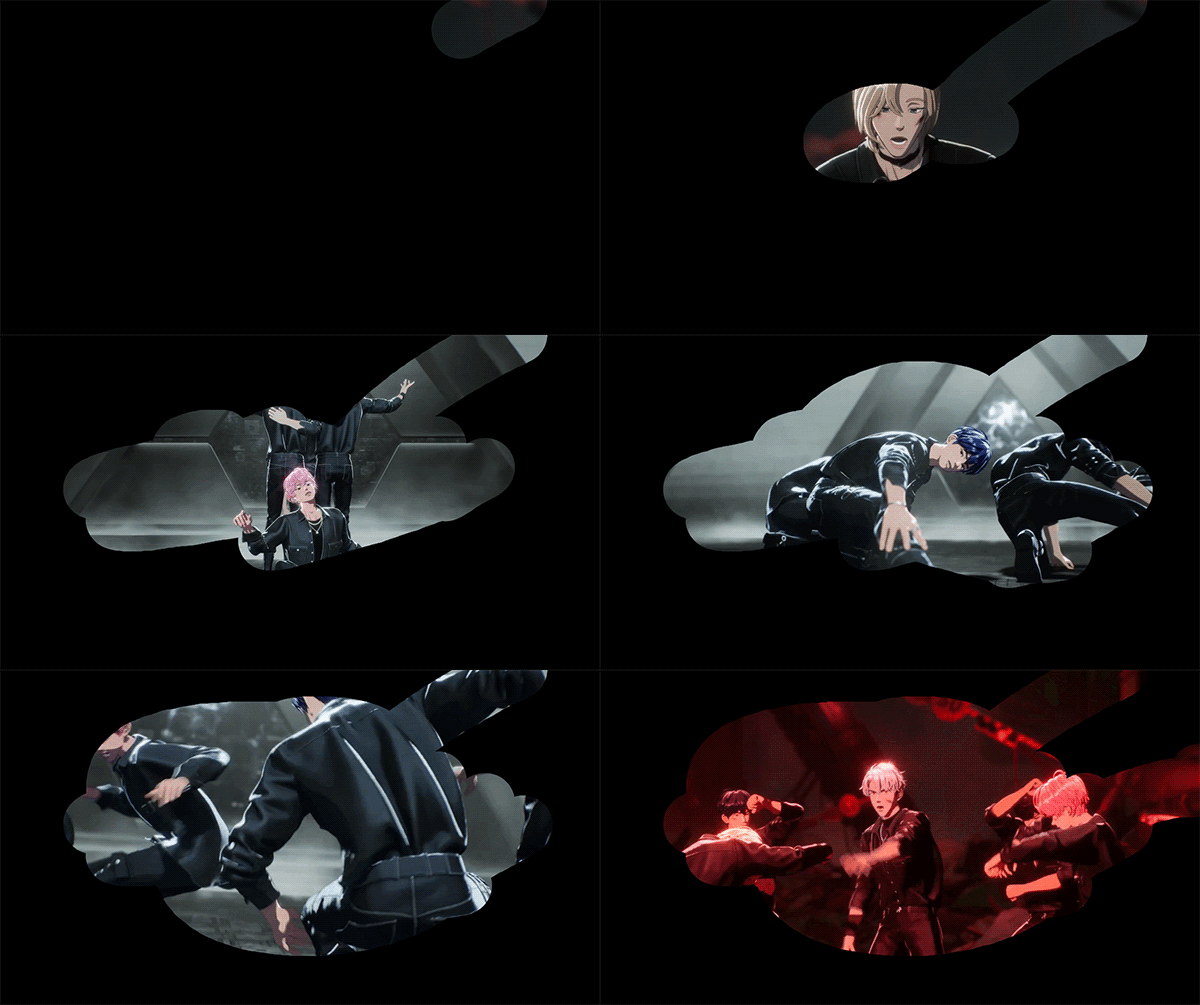
    <div class="video-container">
        <video autoplay muted loop>
            <source src="./images/v1.mp4" type="video/mp4">
        </video>
    </div>
    <canvas class="canvas"></canvas>
    <script>
        const canvas = document.querySelector('canvas');
        const ctx = canvas.getContext('2d');

        canvas.width = window.innerWidth * 2;
        canvas.height = window.innerHeight * 2;
        ctx.scale(2, 2)

        ctx.fillStyle = 'black';
        ctx.fillRect(0, 0, canvas.width, canvas.height);

        ctx.lineJoin = "round";
        ctx.lineCap = "round";
        ctx.lineWidth = 100;

        ctx.globalCompositeOperation = "destination-out";

        let isDrawing = false;
        let lastX = 0;
        let lastY = 0;

        function draw(e) {
            if (!isDrawing) return;
            ctx.beginPath();
            ctx.moveTo(lastX, lastY);
            ctx.lineTo(e.offsetX, e.offsetY);
            ctx.stroke();
            [lastX, lastY] = [e.offsetX, e.offsetY];
        }

        canvas.addEventListener('mouseenter', (e) => {
            isDrawing = true;
            [lastX, lastY] = [e.offsetX, e.offsetY];
        })

        canvas.addEventListener('mousemove', draw);
        canvas.addEventListener('mouseout', () => (isDrawing = false));
    </script>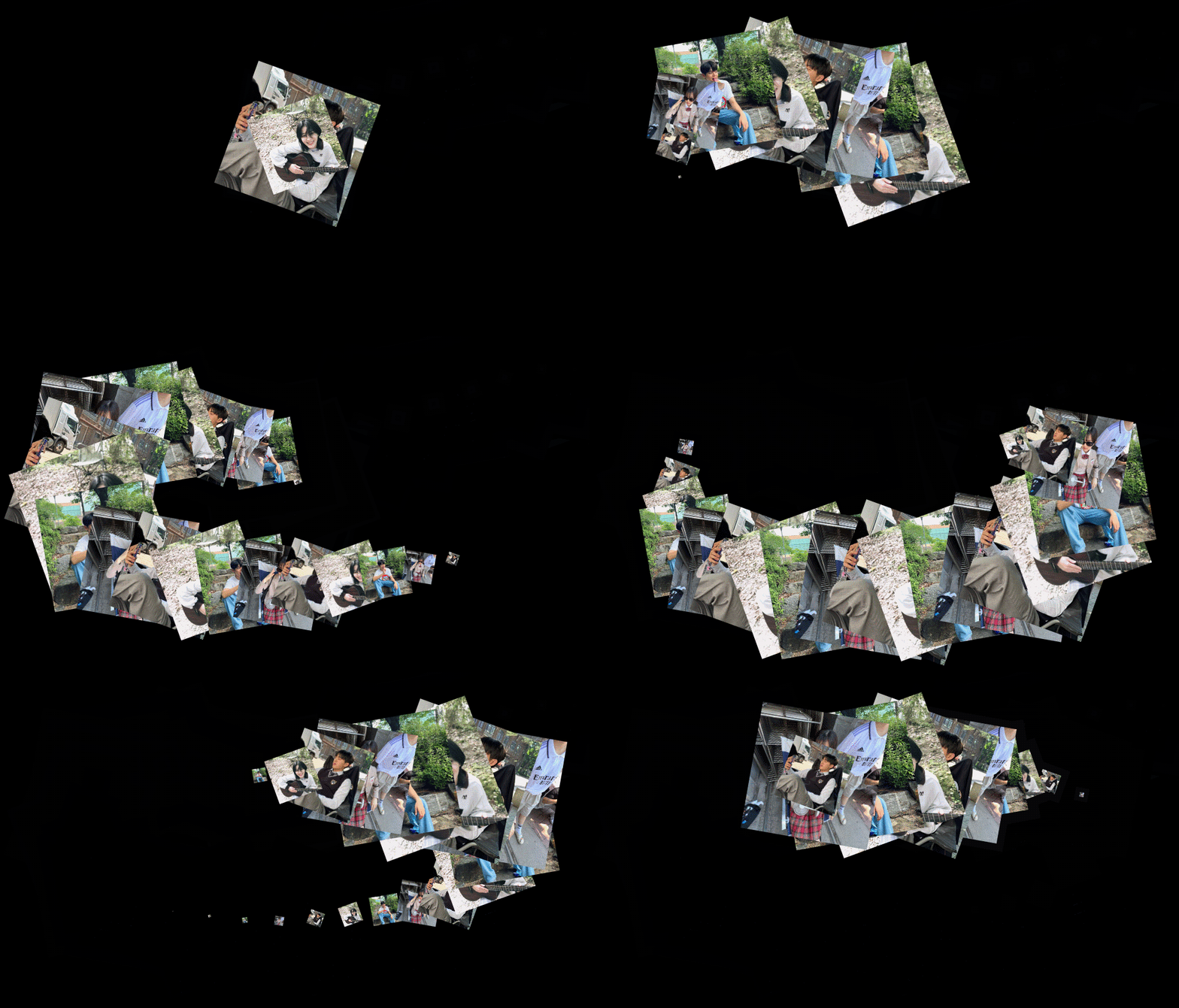
  <canvas class="canvas"></canvas>
  <script>
    const canvas = document.querySelector('canvas');
    const ctx = canvas.getContext('2d');

    canvas.width = window.innerWidth * 2;
    canvas.height = window.innerHeight * 2;

    const images = [
      './images/g3.jpg',
      './images/g1.jpg',
      './images/g2.jpg',
      './images/g4.jpg',
    ];

    const angles = [-10, 10, 20, -20];
    let imageIndex = 0;
    let angleIndex = 0;

    let lastX = window.innerWidth / 2;
    let lastY = window.innerHeight / 2;
    let lastMoveTime = Date.now();

    const threshold = 50;
    const idleDelay = 500;

    function createFloatingImage(x, y) {
      const img = document.createElement('img');
      img.src = images[imageIndex];
      imageIndex = (imageIndex + 1) % images.length;

      const angle = angles[angleIndex];
      angleIndex = (angleIndex + 1) % angles.length;

      img.style.position = 'absolute';
      img.style.left = `${x}px`;
      img.style.top = `${y}px`;
      img.style.width = '200px';
      img.style.height = '200px';
      img.style.objectFit = 'cover';
      img.style.pointerEvents = 'none';
      img.style.transform = `translate(-50%,-50%) rotate(${angle}deg) scale(0)`;
      img.style.transition = 'transform 1s ease-out';

      document.body.appendChild(img);

      // 👉 강제 layout 계산 (flush)
      void img.offsetWidth;

      requestAnimationFrame(() => {
        img.style.transform = `translate(-50%,-50%) rotate(${angle}deg) scale(1)`;
      });

      // ✅ 사라짐
      setTimeout(() => {
        img.style.transform = `translate(-50%,-50%) rotate(${angle}deg) scale(0)`;
      }, 1500);

      // ✅ DOM 제거
      setTimeout(() => {
        img.remove();
      }, 3000);
    }

    // 마우스 움직일 때
    document.addEventListener('mousemove', (e) => {
      const dx = Math.abs(e.clientX - lastX);
      const dy = Math.abs(e.clientY - lastY);

      if (dx > threshold || dy > threshold) {
        lastX = e.clientX;
        lastY = e.clientY;
        lastMoveTime = Date.now();
        createFloatingImage(e.clientX, e.clientY);
      }
    });

    // 정지 상태 감지
    setInterval(() => {
      const now = Date.now();
      if (now - lastMoveTime > idleDelay) {
        createFloatingImage(lastX, lastY);
        lastMoveTime = now;
      }
    }, 200);
  </script>