Create Cinematic AI Videos: Your Guide to MindVideo's Text & Image to Video Prompts

Ready to turn text and static images into stunning videos? This guide reveals the secrets of effective prompting for Text to Video and Image to Video. Learn through practical examples with MindVideo AI to enhance your creative projects.
Hello, fellow creators!
Have you ever felt constrained by the high demands of video production? The costly equipment, challenging editing software, and time commitment can stifle brilliant ideas. But that era is coming to an end. A new wave of creativity is here, fueled by AI video generators like MindVideo AI, and it's transforming the landscape.
The key to harnessing this power lies not in complex code, but in the art of the prompt.
A well-crafted prompt serves as a detailed script for your personal AI director. This guide will not only showcase what MindVideo can do but will also teach you how to master its Text to Video and Image to Video features, bringing your imagination to life.
Painting Worlds with Words – The Formula for MindVideo Text to Video Prompts
Think of MindVideo's Text to Video feature as an endlessly creative artist awaiting your instructions. To achieve stunning and precise results, you need to provide a clear vision. Here's the core formula:
[Subject] + [Action] + [Setting/Background] + [Style & Mood] + [Camera Language]
1. The Foundation: Subject + Action + Setting
This forms the skeleton of your video.
- Simple Prompt: a dog running
○ Likely Result: A generic, blurry video with an undefined background.
- Optimized Prompt: A golden retriever joyfully running through a field of yellow flowers at sunrise.
○ Improved Result: The scene becomes clearer and more evocative, as the AI understands the subject, action, and setting.
2. The Soul: Style & Mood
Inject artistry to make your video unique.
- Adding Style: A golden retriever is joyfully running through a field of yellow flowers at sunrise, cinematic, fantasy, dreamy, soft glowing light.
○ Transformed Result: The video gains emotional depth and a professional aesthetic. Explore styles like anime, Van Gogh, cyberpunk, 8K, and highly detailed looks to elevate your prompts.
3. The Director's Eye: Camera Language
To create a dynamic and professional video, think like a director.
- Final Professional Prompt: Wide-angle shot of a golden retriever joyfully running through a field of yellow flowers at sunrise, cinematic, fantasy, dreamy, soft glowing light, slow motion.
○ Peak Result: Adding terms like wide-angle shot, close-up, drone shot, or panning shot lets you control the viewer's perspective, enhancing the storytelling.
Ready to try? Here are 3 text-to-video prompt examples for MindVideo:
✧ Cinematic Fantasy Prompt:
Epic cinematic drone shot of a majestic white dragon soaring through a storm over an ancient, moss-covered castle, dramatic volumetric lighting, lightning flashes in the dark clouds, hyperrealistic, 8K.
/https://fbi.cults3d.com/uploaders/36733655/illustration-file/a9b3223b-88e8-4e23-ab21-e9ac08fbc8e4/2.png)
✧ Cyberpunk Night Scene Prompt:
Eye-level shot of a person in a futuristic trench coat walking through a crowded street in a cyberpunk city, neon signs reflecting on the wet pavement, flying vehicles in the background, Blade Runner style, rainy night.
✧ Surreal Prompt:
Drone shot of a cute orange cat running across a lush green lawn, cinematic lighting, fantasy, dreamy, soft colors, slow motion

Breathing Life into Stills – The Magic of MindVideo Image to Video
Do you have a stunning photo, a brilliant design, or a sharp logo that you'd like to see in motion? That's exactly what MindVideo's Image to Video feature is designed for. It's the ultimate tool for AI photo animation.
Instead of generating content from scratch, you guide the motion of an existing image. Your "prompt" describes the desired movement.
- For Landscape Photos: Add Life
○ Your Image: A static photo of a serene mountain lake.
○ Your Goal: Make it feel like a real-time lapse.
○ The Motion Prompt: After uploading your image in MindVideo, describe the movements you envision.
- For Product & Brand Assets: Grab Attention
○ Your Image: A clean product shot or your company logo.
○ Your Goal: Create an eye-catching short video for ads or social media.
○ The Motion Prompt: Focus on highlighting the subject.
- For Digital Art & Portraits: Create a "Living Painting"
○ Your Image: A digital painting of a character.
○ Your Goal: Bring your character to life.
○ The Motion Prompt: Focus on subtle, believable movements.
Ready to make your images move? Here are 3 copy-paste motion prompts to guide the animation on MindVideo:
- For a Landscape Photo :
Sunbeams gently filter through the tree canopy, subtle wind makes the leaves sway, tiny dust particles float in the air, a slow and subtle zoom-in effect.

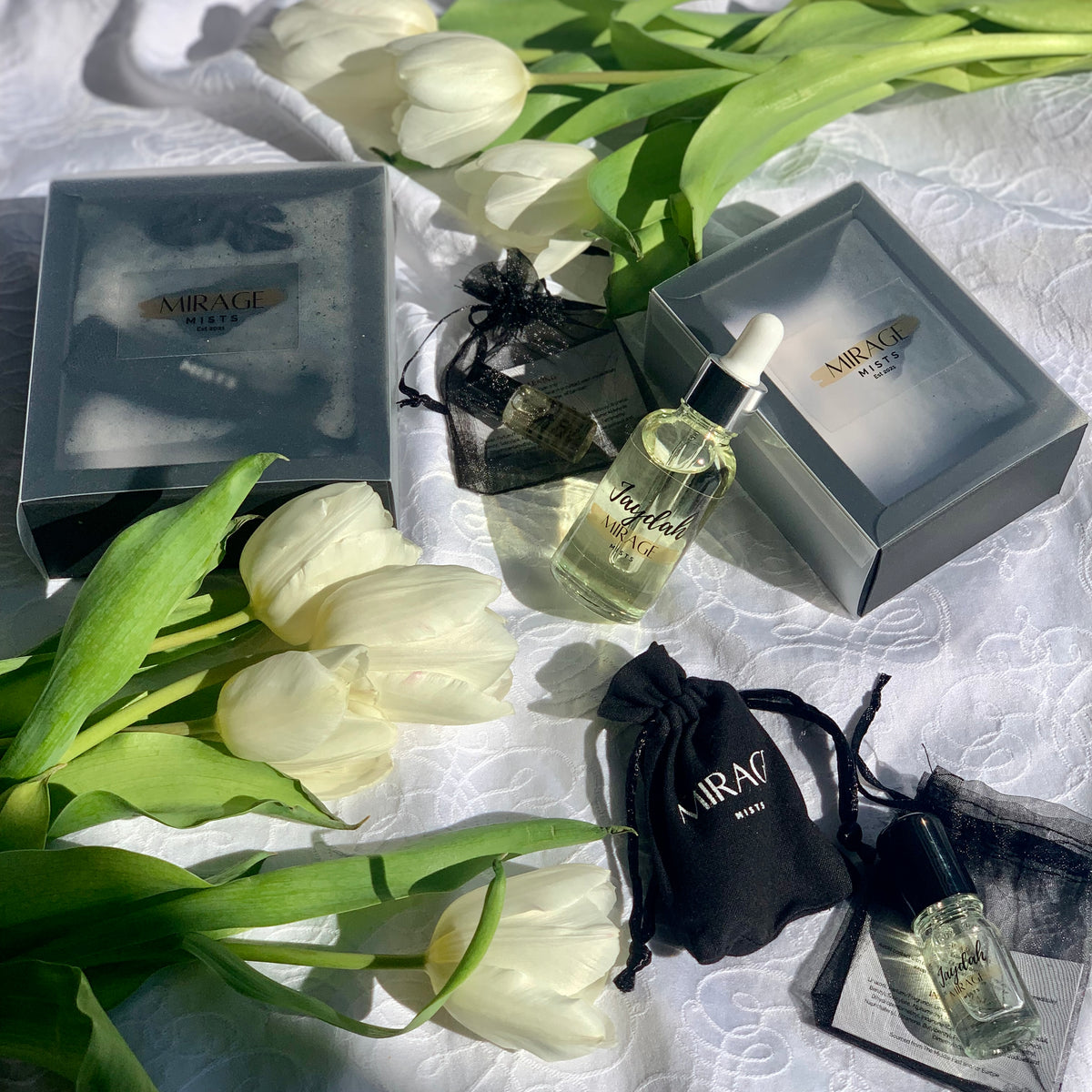
- For a Product Photo :
Slow 360-degree rotation to showcase the product, a glint of light sweeps across the metallic surface from left to right, the background slightly blurs to create a depth of field effect.
- For a Portrait Painting/Photo:
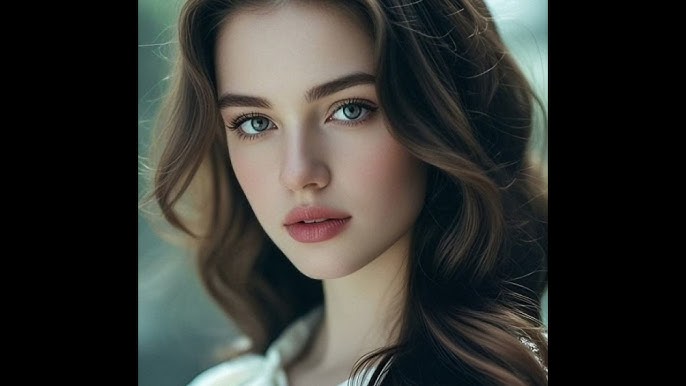
Hair gently sways as if in a light breeze, the character's eyes slowly blink once, their chest moves in a subtle breathing motion, background elements remain static.
For the Modern Creator – Start Building Your Future Today
You now possess the "grammar" of a new creative language. This skill is a superpower for:
Social Media Managers: Quickly generate unique video content for daily posts and Reels/Shorts.
Digital Marketers: Create compelling, low-cost video ads from static product images.
Content Creators: Produce B-roll footage for fantasy, sci-fi, or historical scenes without a physical set.
Conclusion: Your Imagination is the Only Limit
AI video technology is advancing rapidly, and tools like MindVideo AI empower everyone with professional-grade capabilities. What we've shared today transcends a mere AI video creation tutorial; it offers a new way of thinking.Forget about complex gear and expensive software. Now, all you need is a device, your boundless creativity, and the right words.
Ready to turn your first brilliant idea into reality? → Start your AI video creation journey for free on MindVideo.ai today!