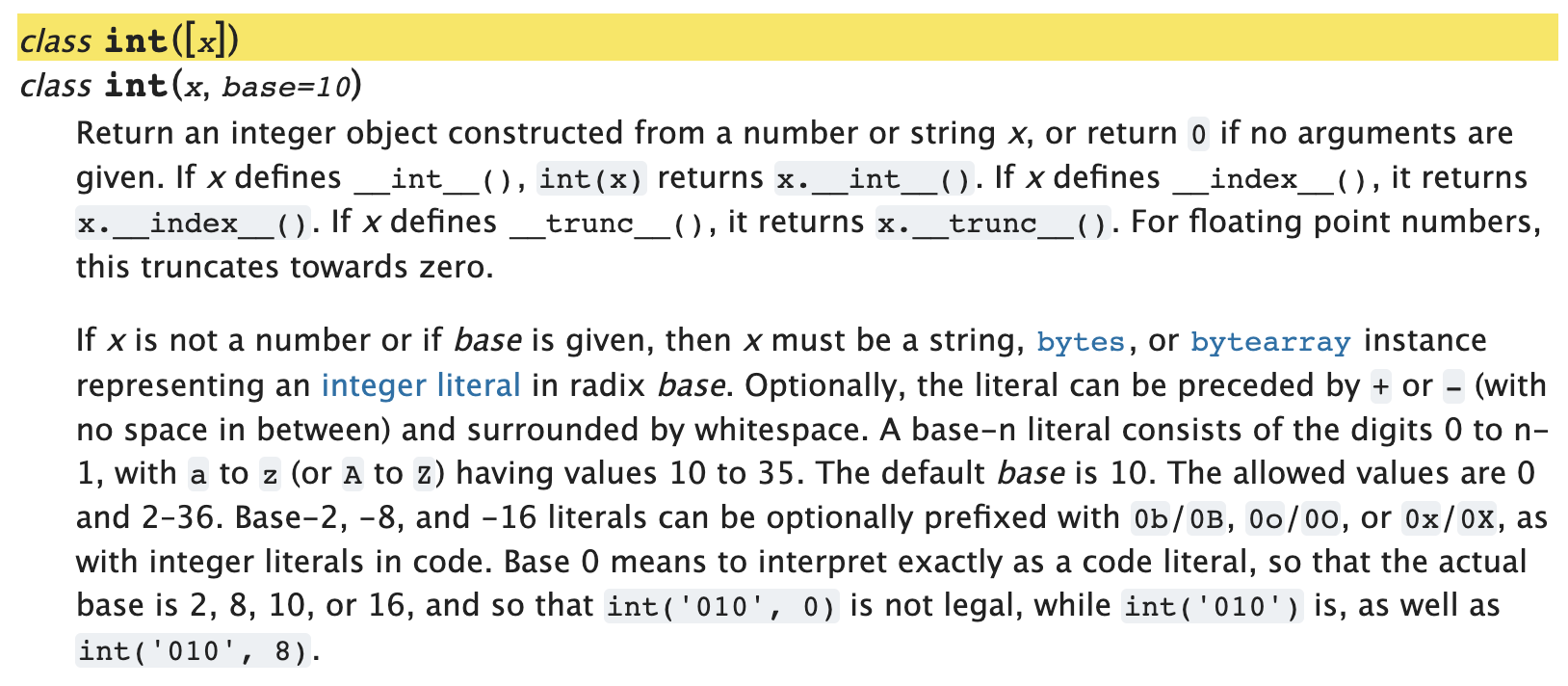
터미널에서 help(int)를 해보자.
>>> help(int)

Help on class int in module builtins:

class int(object)
 |  int([x]) -> integer
 |  int(x, base=10) -> integer
 |
 |  Convert a number or string to an integer, or return 0 if no arguments
 |  are given.  If x is a number, return x.__int__().  For floating point
 |  numbers, this truncates towards zero.
 |
 |  If x is not a number or if base is given, then x must be a string,
 |  bytes, or bytearray instance representing an integer literal in the
 |  given base.
요약하자면 int(x)는 정수나 문자열인 x를 10진수 정수로 return한다.
>>> int(5), int('5'), int(0b101), int()
(5, 5, 5, 0)
x는 default로 10진수로 설정되어있는데, 2진수나 16진수를 10진수로 변환하고 싶다면 아래와 같이 base를 명시적으로 변경하면 된다. 이런 explicit base의 경우 x는 반드시 문자열이어야 한다.
# explicit base
>>> int("1010", 2), int("0b1010", 2), int("0b001010", 2), int("0x1AB", 16)
(10, 10, 10, 427)

(10, 10, 427)

# explicit base with non-string x
>>> int(10, base=8)
Traceback (most recent call last):
  File "<stdin>", line 1, in <module>
TypeError: int() can't convert non-string with explicit base

# x가 2진수인데 base를 변경하지 않으면
>>> int("0b101")
Traceback (most recent call last):
  File "<stdin>", line 1, in <module>
ValueError: invalid literal for int() with base 10: '0b101'
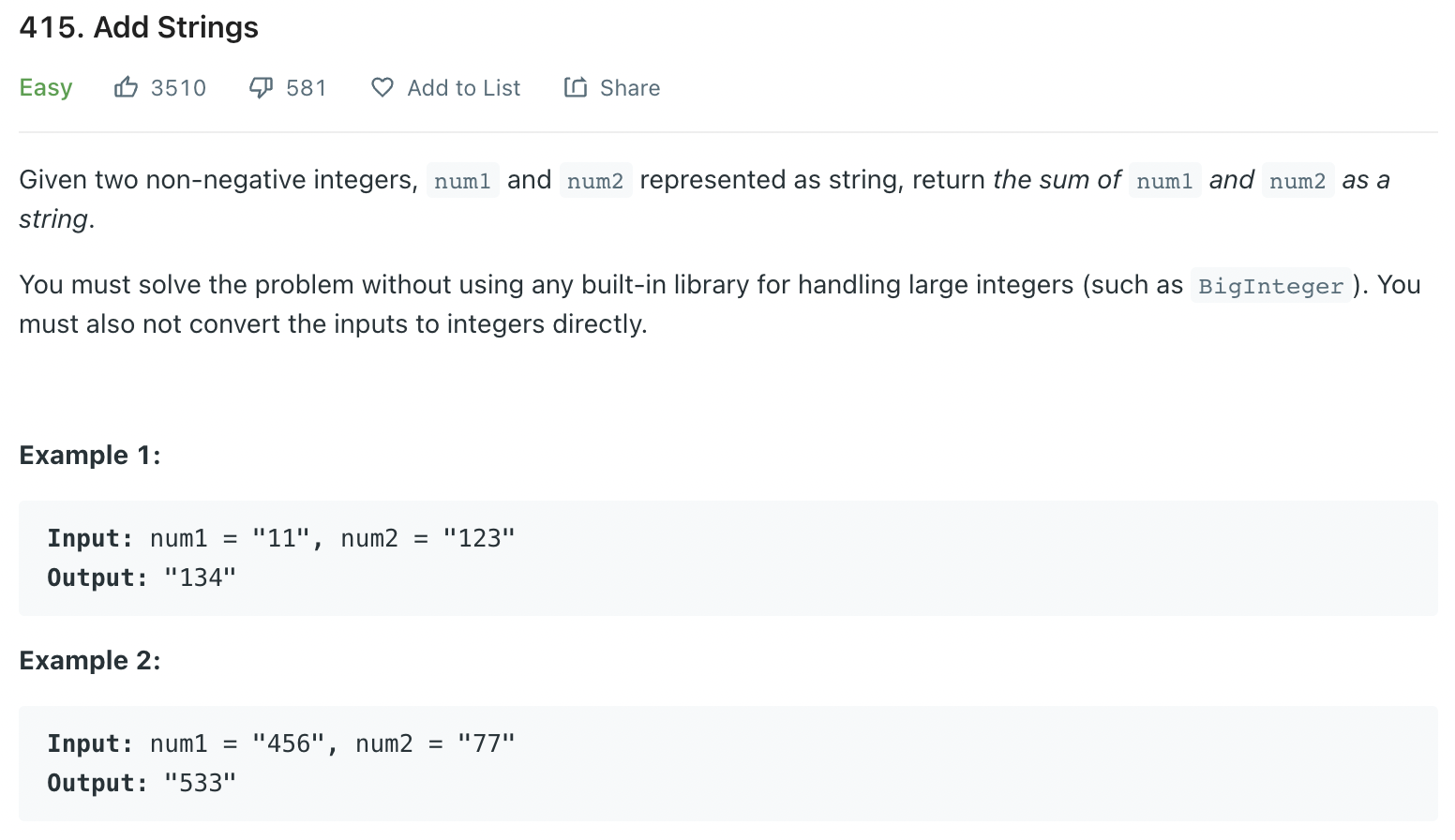
int()를 이용해서 아래 문제를 풀어보자.
- leetcode #415. Add Strings
class Solution:
    def addStrings(self, num1: str, num2: str) -> str:
        ans = []
        p1, p2 = len(num1)-1, len(num2)-1
        overflow = 0

        # 마지막 자리수 부터 더해주고 10으로 나눈 나머지를 ans에 저장
        while p1 >= 0 or p2 >= 0 :
            n1 = ord(num1[p1])-ord('0') if p1 >= 0 else 0
            n2 = ord(num2[p2])-ord('0') if p2 >= 0 else 0

            val = (n1 + n2 + res) % 10
            overflow = (n1 + n2 + res) // 10

            p1 -= 1
            p2 -= 1
            ans.append(val)

        # overflow가 남았으면
        if overflow:
            ans.append(overflow)

        return "".join(str(x) for x in ans[::-1])
Random Access Memories