개발환경
Intel Chip Macbook Pro (2019)
MacOS Monterey 12.6.2
Prerequisites
Node.js 설치
Node.js 공식 홈페이지: https://nodejs.org/en/download/
$ brew install node

$ node -v
v18.14.0

$ npm -v
9.3.1
Yarn 설치
$ brew install yarn

$ yarn -v
1.22.19
Vue-Cli 설치
- Vue CLI란?
- Vue 개발을 편하게 시작할 수 있도록 프로젝트를 구성해주는 도구
- 초기 프로젝트 구성을 해주므로 폴더구조, lint, build, webpack 설정에 대한 고민 없이 쉽게 프로젝트 구성 가능
- Vue CLI 공식 홈페이지 참고: https://cli.vuejs.org/
$ npm install -g @vue/cli
# OR
$ yarn global add @vue/cli
권한 관련 오류가 발생한다면 명령어 앞에 sudo 를 붙여서 실행해주면 된다
$ vue --version
@vue/cli 5.0.8- visual studio에서 vetur를 설치해주면 Vue를 편리하게 사용 가능
프로젝트 생성
$ vue create <프로젝트 이름>

Vue CLI v5.0.8
?  Please pick a preset:  Default  ([Vue  3] babel, eslint)
?  Pick the package manager to use  when installing dependencies:  Yarn


$ cd <프로젝트 이름>
$ yarn serve
Vue Router 설치
$ npm install -S vue-routerVue CLI 프로젝트 Preset 생성하기
$ vue create <프로젝트 이름>vue create명령어 실행 후Manually select features선택
?  Please pick a preset:  Manually select features
?  Check the features needed for your project:
	Babel
	Router
	Vuex
	Linter / Formatter
? Choose a version of Vue.js that you want to start the project with: 3.x
? Use history mode for router? Y
? Pick a linter / formatter config:
	ESLint + Standard config
? Pick additional lint features:
	Lint on save
? Where do you prefer placing config for Babel, ESLint, etc.?
	In package.json
? Save this as a preset for future projects? Y
? Save preset as: 원하는 이름 입력
Vuetify 사용하기
- Vuetify란?
- Vue 기반 UI 프레임워크
- 구글의 Meterial Design을 기반으로 설계됨
$ vue add vuetify

vuetify3
가급적 프로젝트 시작 시에 추가해주기
실행 시 화면에 Vuetify가 잘 출력되면 된다!
$ yarn serve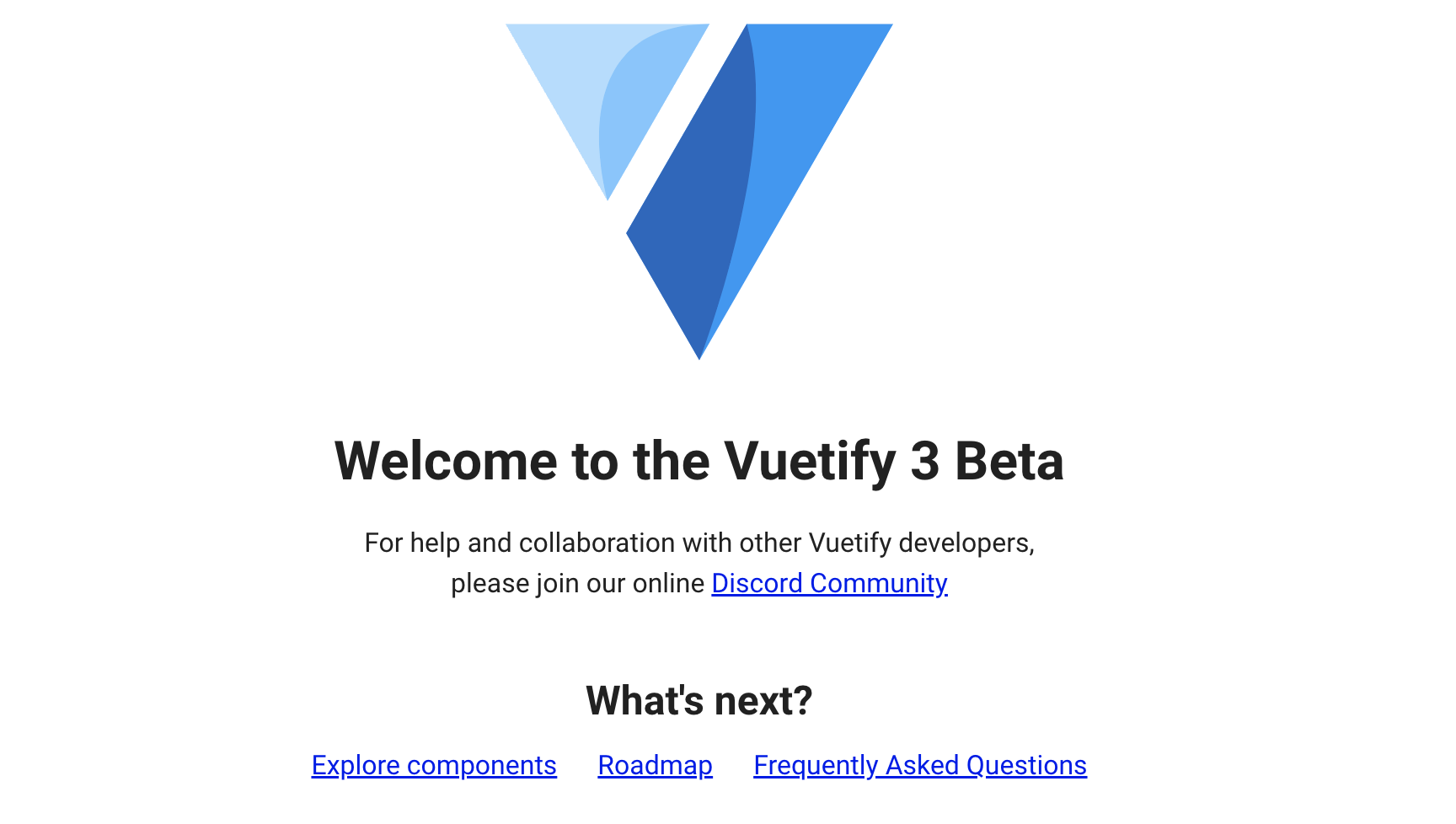
- 참고
- 유튜브 Vue.js 버전3 강의: https://www.youtube.com/watch?v=b0ImUEsqaAA
- 유튜브 짐코딩 Vuetify 강의: https://www.youtube.com/watch?v=6kQFotoh80Q&list=PLlaP-jSd-nK8FYw7iL-GffpmFlCoby2T5