1. 코드 설명
@EnableJpaAuditing
create date와 modify date를 만들어 준다.
isPresent()
객체의 존재여부를 확인하여 가져온다.
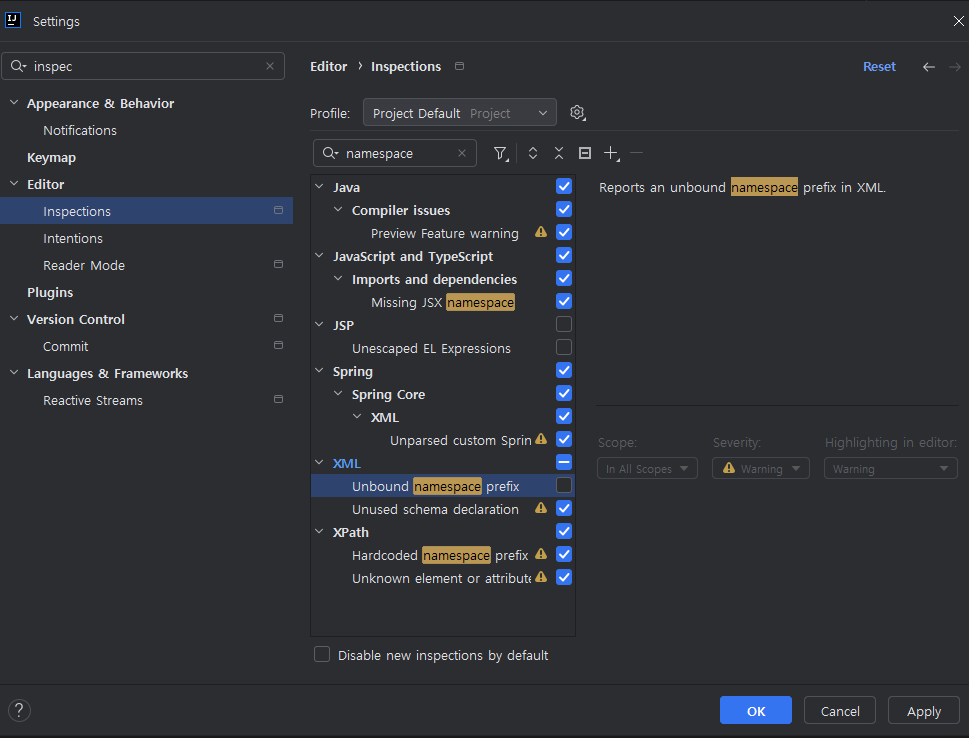
코드 주석 1.
AuthenticationFailureHandler
@Component
// 이 부분은 이 클래스가 '컴포넌트'라는 것을 나타내요. 이렇게 표시하면 스프링 프레임워크가 자동으로 이 클래스를 찾아서 사용할 수 있어요.

public class CustomAuthenticationFailureHandler implements AuthenticationFailureHandler {
    // 이 클래스는 'CustomAuthenticationFailureHandler'라고 하며, 로그인 실패시 어떻게 처리할지 정의하는 부분이에요.

    private final RedirectStrategy redirectStrategy = new DefaultRedirectStrategy();
    // 'redirectStrategy'는 로그인 실패 후 사용자를 다른 페이지로 보내는 방법을 결정하는 도구에요. 'DefaultRedirectStrategy'라는 기본 방법을 사용할 거에요.

    @Override
    public void onAuthenticationFailure(HttpServletRequest request, HttpServletResponse response, AuthenticationException exception) throws IOException {
        // 'onAuthenticationFailure' 메소드는 로그인이 실패했을 때 실행되는 부분이에요.
        // HttpServletRequest와 HttpServletResponse는 웹 요청과 응답을 처리하는 도구이며, AuthenticationException은 로그인 실패의 이유를 알려줘요.

        String url = "/member/login?errorMsg=" + Ut.url.encode("로그인 정보가 올바르지 않습니다.");
        // 'url'은 로그인 실패 후 보여줄 웹 페이지 주소에요. 사용자에게 "로그인 정보가 올바르지 않습니다"라는 메시지를 보여주기 위해 이 메시지를 웹 주소에 추가해요.

        redirectStrategy.sendRedirect(request, response, url);
        // 'redirectStrategy'를 사용하여 사용자를 'url'에 지정된 주소로 보내요. 이렇게 하면 로그인 실패 메시지를 사용자에게 보여줄 수 있어요.
    }
}
CustomAuthSuccessHandler
@Component
// 이 클래스를 스프링의 컴포넌트로 등록하여, 스프링이 자동으로 관리할 수 있게 합니다.
public class CustomAuthSuccessHandler extends SimpleUrlAuthenticationSuccessHandler {
    // 로그인 성공 시 처리를 담당하는 핸들러 클래스를 정의합니다.

    private final RequestCache requestCache = new HttpSessionRequestCache();
    // 로그인 전 사용자의 요청을 저장하는 캐시입니다.

    private final RedirectStrategy redirectStrategy = new DefaultRedirectStrategy();
    // 사용자를 다른 페이지로 리다이렉션하는 전략을 정의합니다.

    @Override
    public void onAuthenticationSuccess(HttpServletRequest request, HttpServletResponse response,
                                        Authentication authentication) throws IOException {
        // 로그인이 성공했을 때 실행되는 메서드입니다.

        clearSession(request);
        // 로그인 성공 후 이전에 남아있던 에러 관련 세션 정보를 제거합니다.

        SavedRequest savedRequest = requestCache.getRequest(request, response);
        // 로그인 전 사용자가 요청했던 페이지 정보를 가져옵니다.

        String prevPage = (String) request.getSession().getAttribute("prevPage");
        // 사용자가 로그인 페이지로 이동하기 전에 있던 마지막 페이지 주소를 세션에서 가져옵니다.
        if (prevPage != null) {
            // 이전 페이지 정보가 있으면 세션에서 제거합니다.
            request.getSession().removeAttribute("prevPage");
        }

        String url = "/";
        // 로그인 성공 후 리다이렉트할 기본 URL을 "/"로 설정합니다.

        if (savedRequest != null) {
            // 로그인 전 요청된 페이지가 있으면 그 페이지의 URL을 리다이렉트 URL로 설정합니다.
            url = savedRequest.getRedirectUrl();
        } else if (prevPage != null && prevPage.length() > 0) {
            // 저장된 이전 페이지가 있고 그 길이가 0보다 크면 그 페이지로 리다이렉트합니다.
            if (prevPage.contains("/member/join")) {
                // 만약 이전 페이지가 회원가입 페이지였다면 홈으로 리다이렉트합니다.
                url = "/";
            } else {
                url = prevPage;
            }
        }

        MemberContext memberContext = (MemberContext) authentication.getPrincipal();
        // 인증 정보에서 사용자의 상세 정보를 가져옵니다.

        url = Ut.url.modifyQueryParam(url, "msg", memberContext.getName() + "님 환영합니다.");
        // URL에 환영 메시지를 추가합니다.

        redirectStrategy.sendRedirect(request, response, url);
        // 설정된 URL로 사용자를 리다이렉트합니다.
    }

    protected void clearSession(HttpServletRequest request) {
        // 로그인 성공 후 이전에 남아있던 에러 세션을 제거하는 메서드입니다.
        HttpSession session = request.getSession(false);
        if (session != null) {
            session.removeAttribute(WebAttributes.AUTHENTICATION_EXCEPTION);
        }
    }
}
@PreAuthorize("isAuthenticated()") 로그인 했는지 안했는지를 확인해 준다.

백엔드 취업을 꿈꾸는 일본어 전공자