Wiremock 이란?
- 간단히 말해서 Wiremock은 통합 테스트를 위한 모의 설정 서버
- 주어진 요청에 대해 예상되는 응답을 반환하도록 고도로 구성 할 수있는 단순한 모의 서버
- HTTP-based API를 위한 시뮬레이터
- Mock 으로 만드는 웹서버
- https://wiremock.org/
사용방법
standalone jar 활용
- https://wiremock.org/docs/download-and-installation/ 링크에서 jar 파일을 다운로드
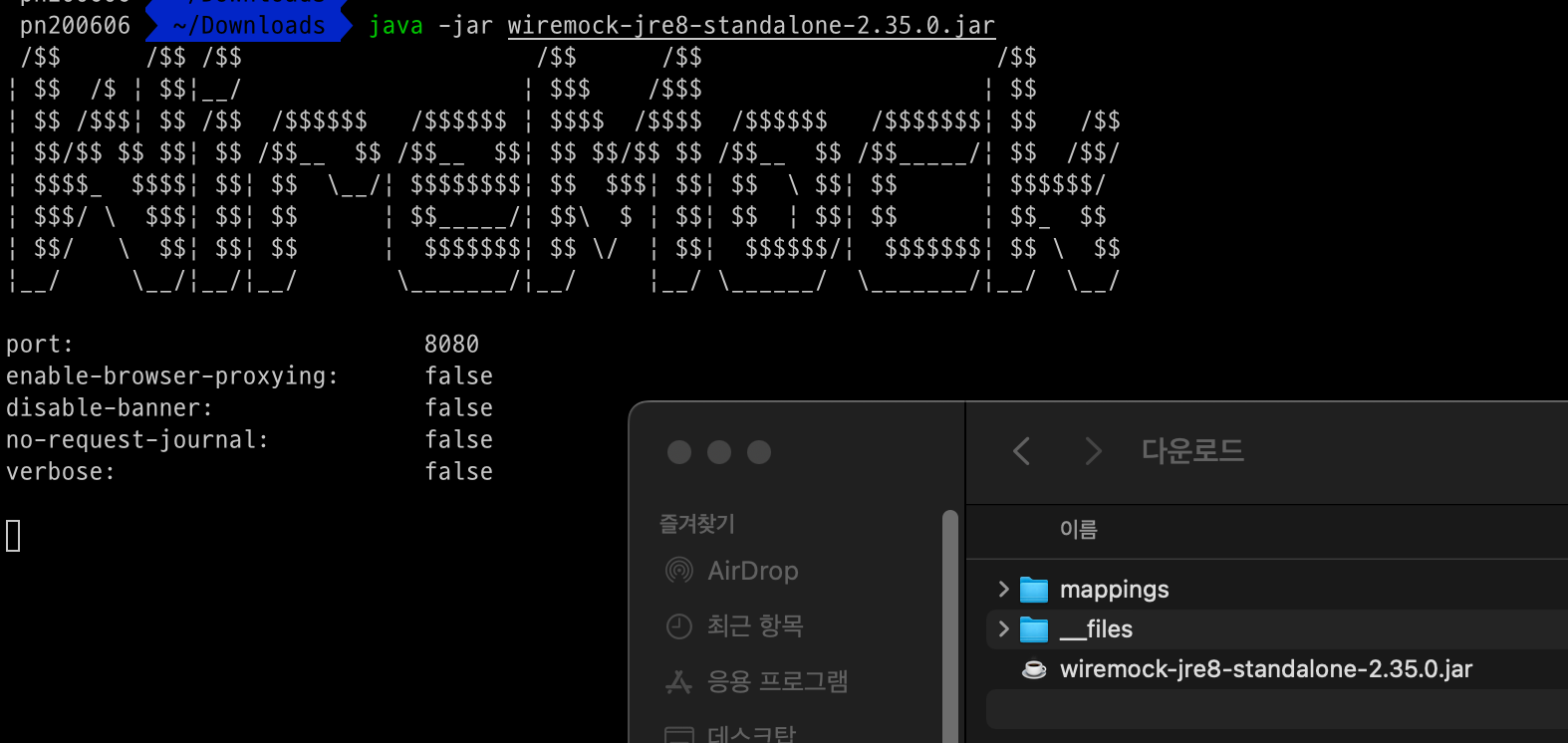
- 아래의 커맨드를 실행
java -jar wiremock-jre8-standalone-2.35.0.jar-
아래처럼 실행되면서 mappings폴더와 __files 폴더가 생성됨
-
테스트용 stub 파일 설정
{
    "request": {
        "url": "/test/abc",
        "method": "GET"
    },
    "response": {
        "status": 200,
        "headers": {
            "Content-Type": "application/json"
        },
        "jsonBody": {
            "code": 0,
            "message": "OK",
            "data": "success"
        }
    }
}-
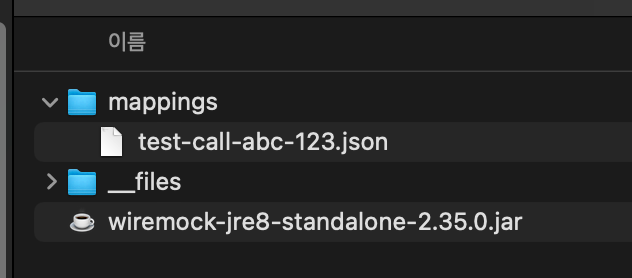
mappings 폴더 하위로 복사
-
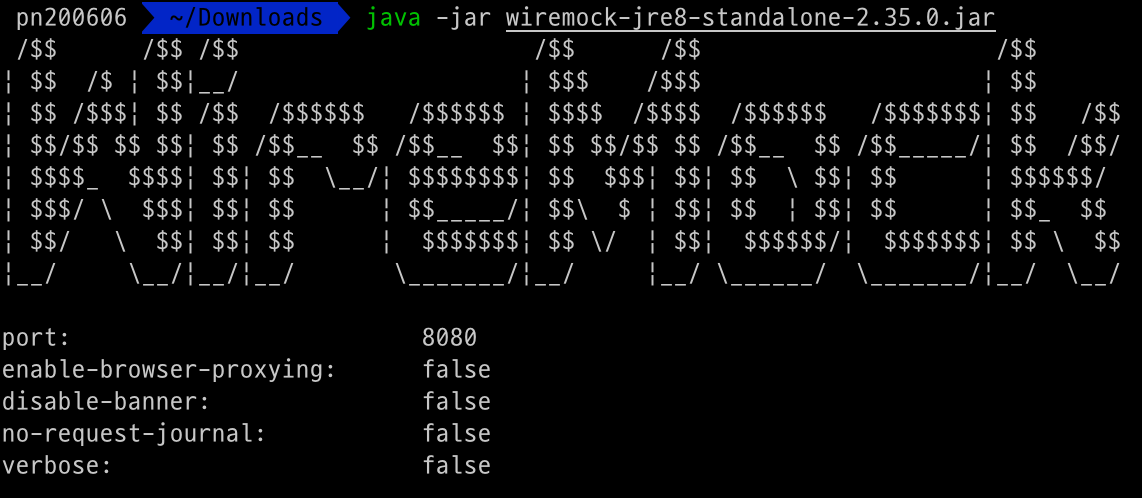
process 재실행
-
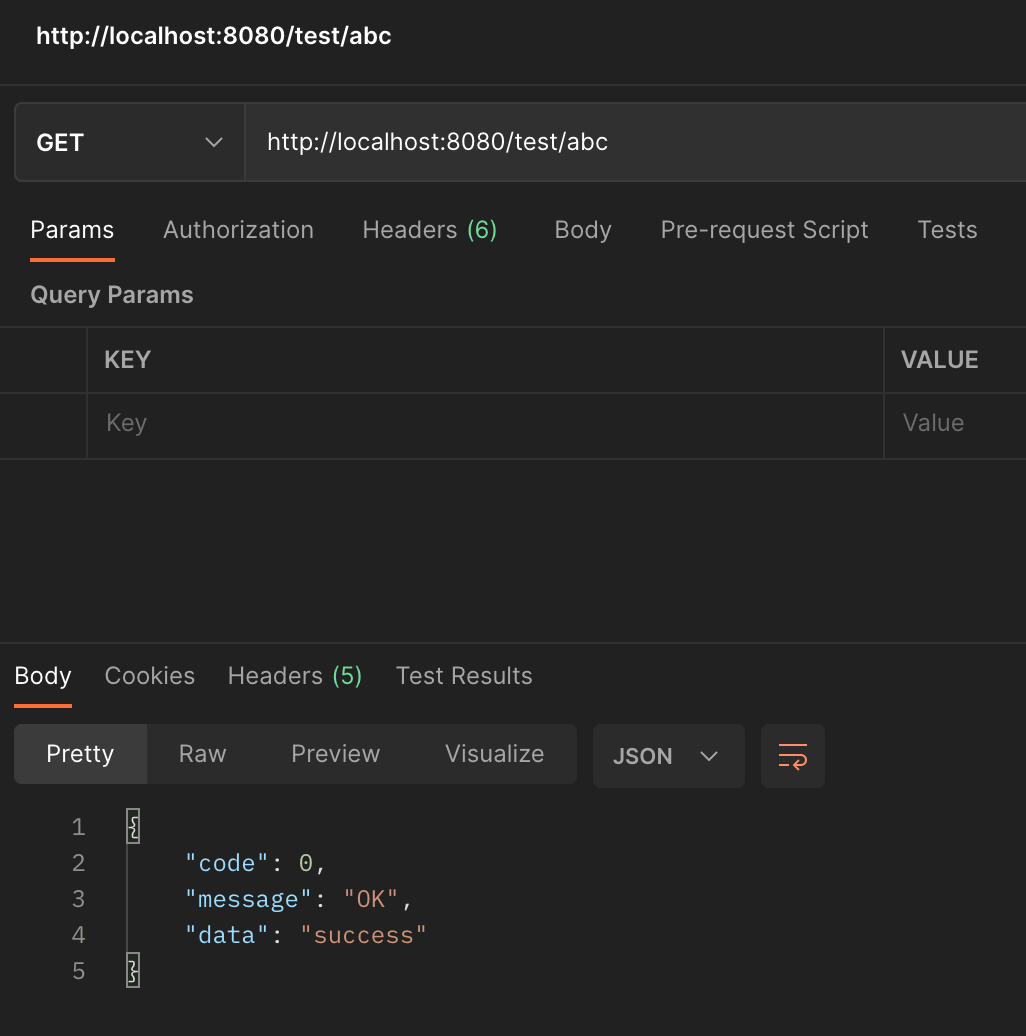
8080 포트로 API 테스트 결과
Docker 활용
- docker-compose.yml 파일 작성
version: '2.14.0'

services:

  wiremock:
    container_name: wiremock-test
    image: 'wiremock/wiremock:2.35.0'
    ports:
      - '8081:8080'
      - '8443:8443'
    command: '--https-port 8443 --verbose'
    volumes:
      - "./mappings:/home/wiremock/mappings"
restart: unless-stopped- docker compose 실행
docker-compose up -d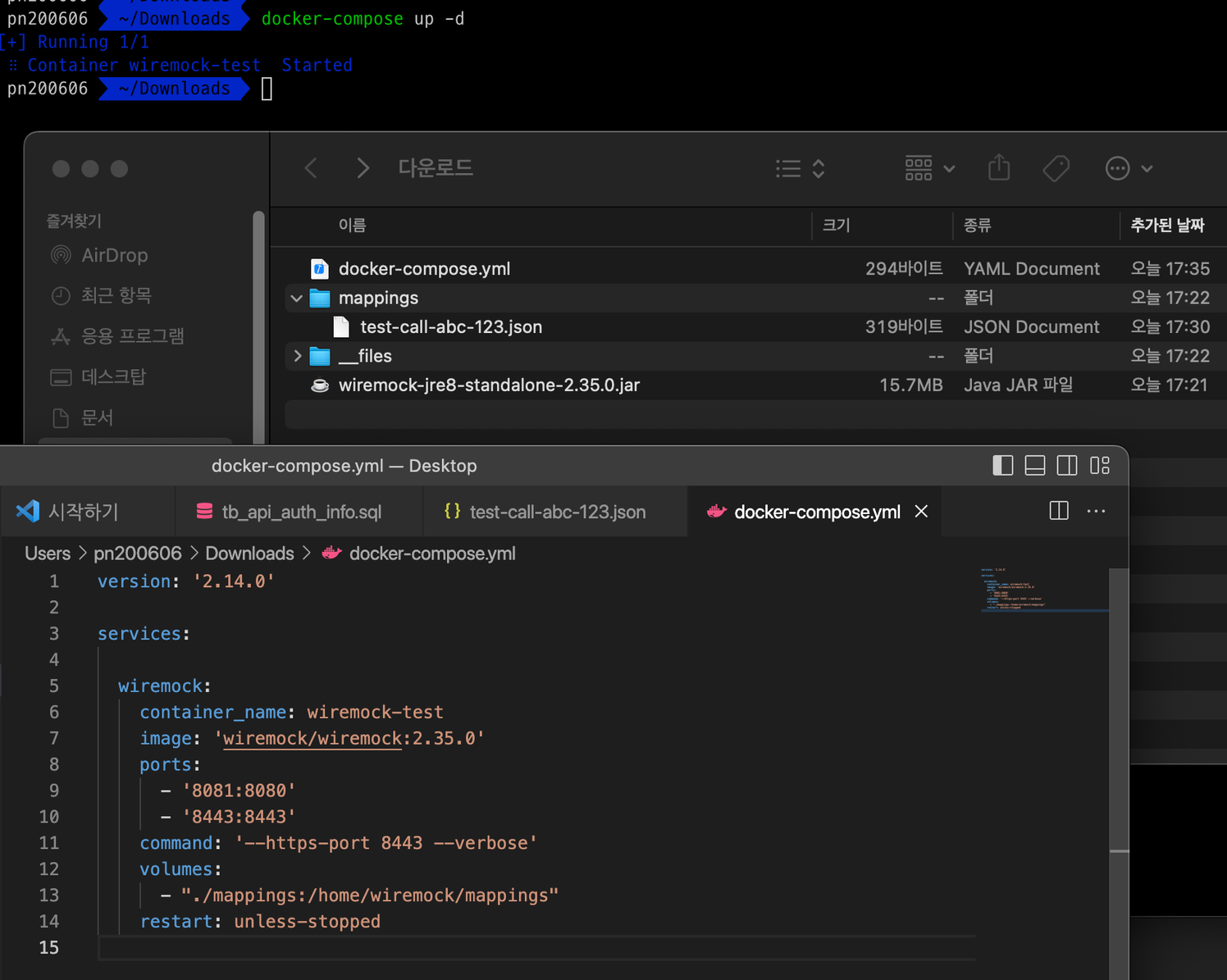
-
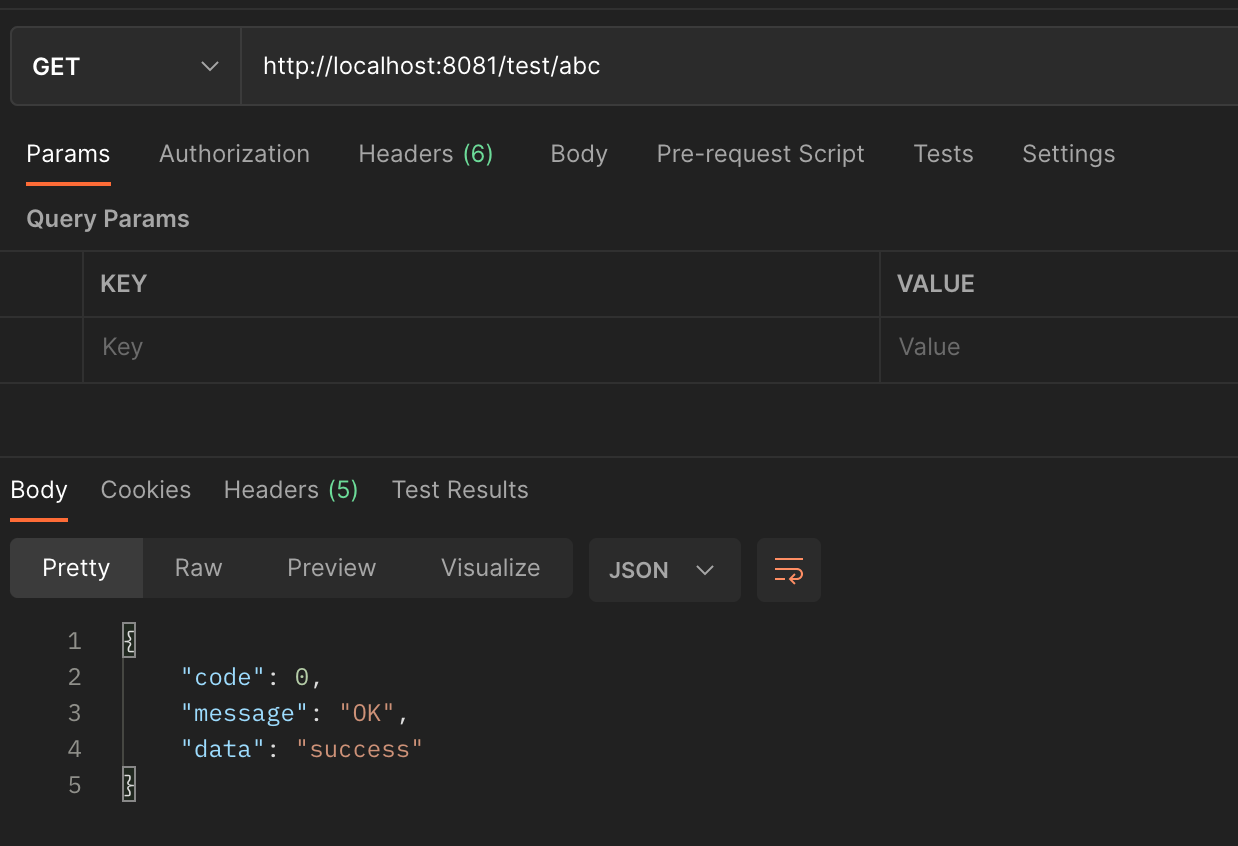
http 프로토콜 8081 포트로 API 테스트
-
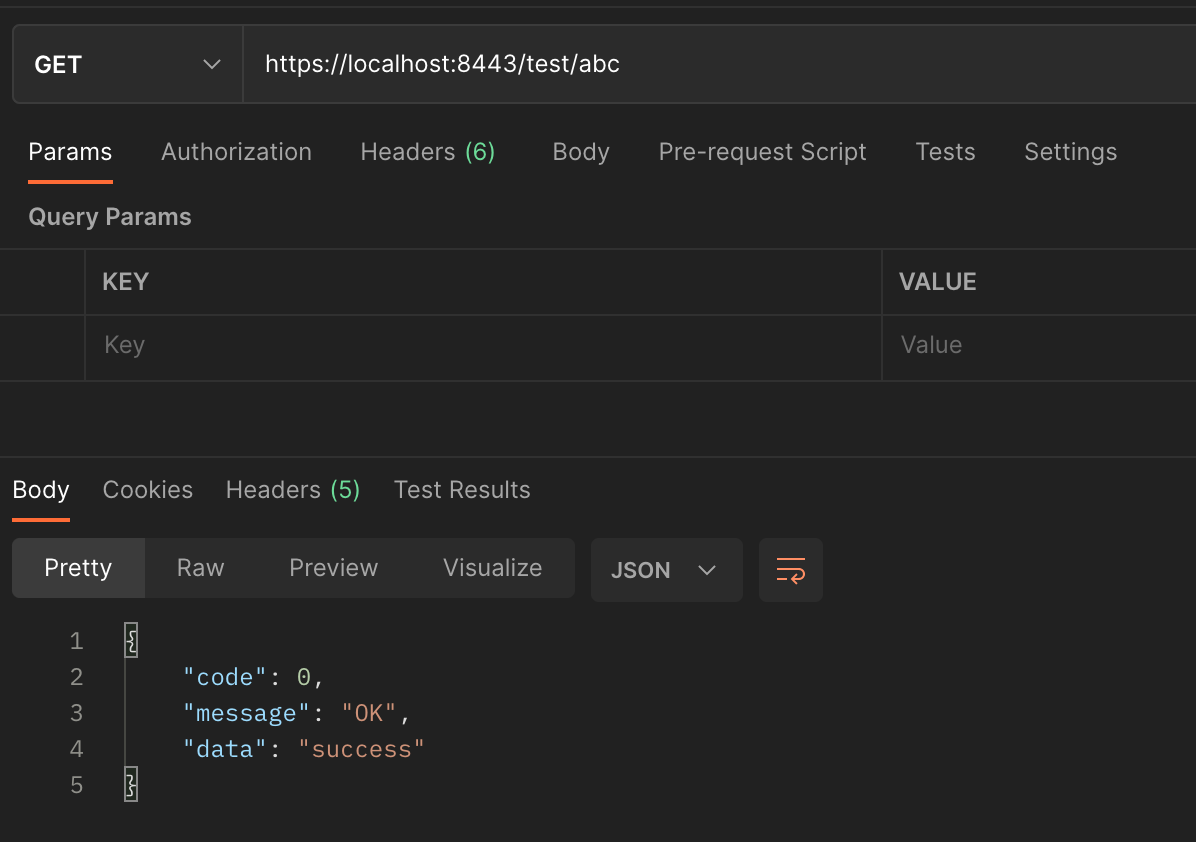
https 프로토콜 8443 포트로 API 테스트
Stubbing 응용
- 공식 Docs 참고 :
{
  "mappings": [
    {
      "request": {
        "url": "/v1/get-test",
        "method": "GET",
        "headers": {
          "x-api-key": {
            "equalTo": "test-token",
            "caseInsensitive": true
          }
        }
      },
      "response": {
        "status": 200,
        "headers": {
          "Content-Type": "application/json"
        },
        "jsonBody": [
          {
            "order_id": "ORD-11111",
            "user_id": "user11111",
            "product_id": "SHOES11111",
            "product_name": "NIKE SHOES",
            "requested_at": "2022-12-07T00:00:00.000Z",
            "canceled": false,
            "fee": 3000
          },
          {
            "order_id": "ORD-22222",
            "user_id": "user22222",
            "product_id": "SHOES22222",
            "product_name": "ADIDAS SHOES",
            "requested_at": "2022-12-10T00:00:0.000Z",
            "canceled": false,
            "fee": 3000
          }
        ]
      }
    },
    {
      "request": {
        "urlPattern": "/v1/get-test/([0-9a-zA-Z\\-]*)",
        "method": "GET",
        "headers": {
          "x-api-key": {
            "equalTo": "test-token",
            "caseInsensitive": true
          }
        }
      },
      "response": {
        "status": 200,
        "headers": {
          "Content-Type": "application/json"
        },
        "jsonBody": {
          "order_id": "ORD-11111",
          "user_id": "user11111",
          "product_id": "SHOES11111",
          "product_name": "NIKE SHOES",
          "requested_at": "2022-12-07T00:00:00.000Z",
          "canceled": false,
          "fee": 3000
        }
      }
    },
    {
      "request": {
        "url": "/v1/post-test",
        "method": "POST",
        "headers": {
          "x-api-key": {
            "equalTo": "test-token",
            "caseInsensitive": true
          }
        },
        "bodyPatterns": [
          {
            "matchesJsonPath": "$.order_id"
          }
        ]
      },
      "response": {
        "status": 200,
        "headers": {
          "Content-Type": "application/json"
        },
        "jsonBody": {
          "code": 0,
          "message": "OK",
          "data": "success"
        }
      }
    }
  ]
}
Java Test Code 사용 방법
-
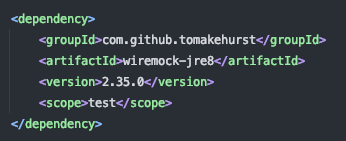
pom.xml 에 library 추가
-
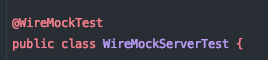
@WireMockTest어노테이션 추가
-
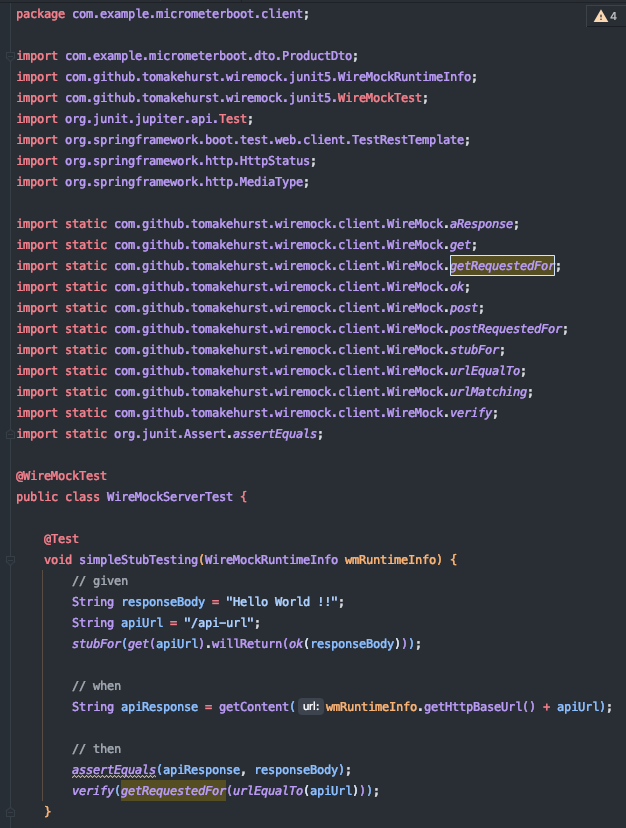
Wiremock 구동 후 stub 후 API 호출 테스트

Backend Engineer