210913 오늘은 예제를 통해 마우스 스크롤을 내리면 z축 순서대로 배치한 요소들이 앞으로 나오는 것처럼 보이는 효과를 구현해 보았다.
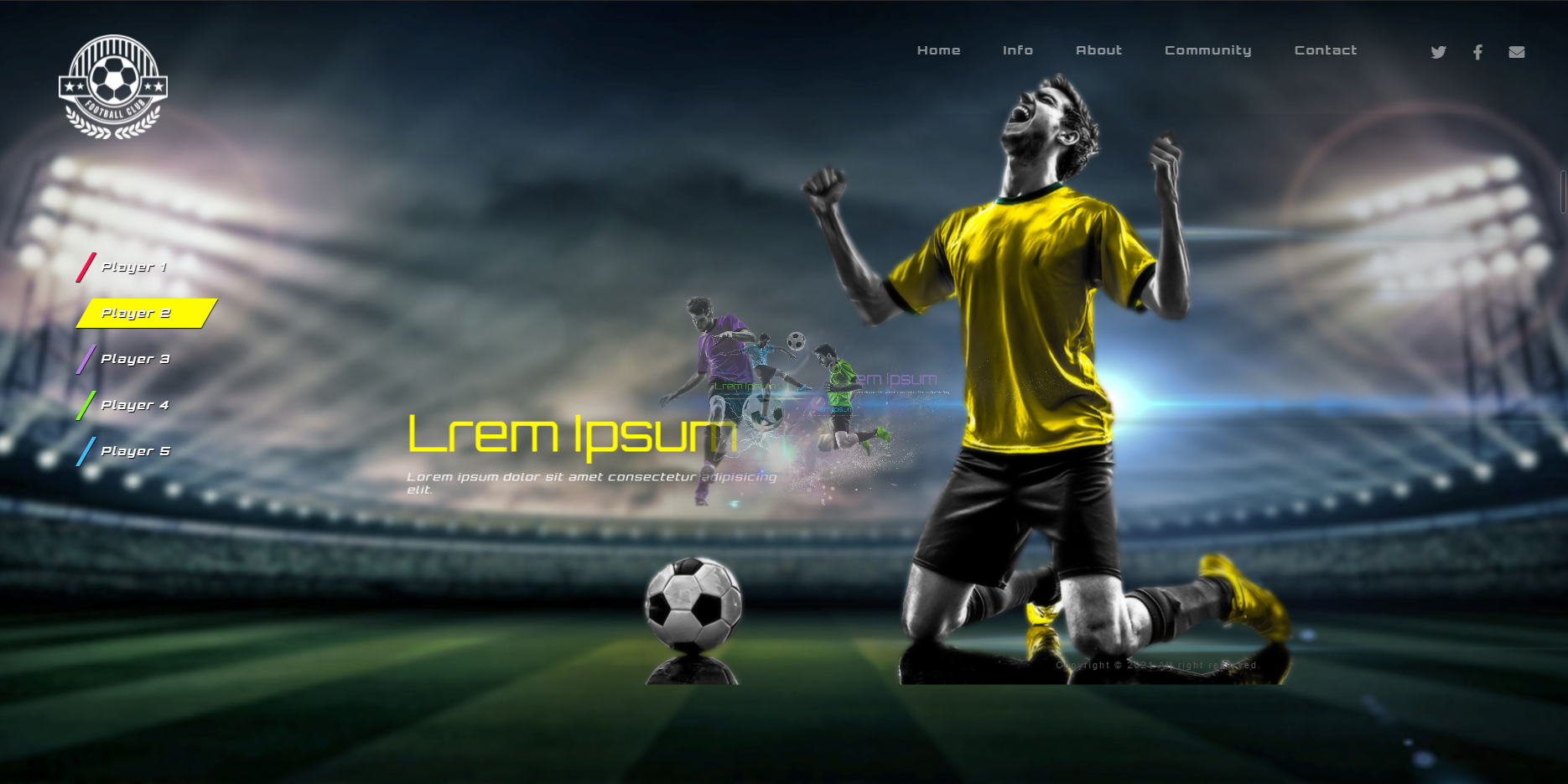
Must Remember
- 부모 요소에 perspective로 값을 주고(body에 준 높이 값에 1/10정도), 각 요소에 transform: translateZ(-값)로 거리를 주어 위치시켜준다.
section {perspective: 2300px;}
section article:nth-child(1) {transform: translateZ(0px);}
section article:nth-child(2) {transform: translateZ(-5000px);}
section article:nth-child(3) {transform: translateZ(-10000px);}- Jquery는 현재 스크롤 위치를 가져와서 변수에 저장 후 각 article에 더해줌으로 스크롤을 내릴수록 점점 앞으로 나오도록 한다.
$(window).scroll(function() {
  var scr = Math.floor($(this).scrollTop()); //현재 스크롤 위치
  // z값을 준 article마다 현재 스크롤 위치를 더해준다.
  $("article").eq(0).css({"transform":`translateZ(${0 + scr}px)`})
});- 마우스를 움직였을 때 좌표에 따라 아주 조금씩 움직이고 싶을 때 변수를 저장할 때부터 100정도로 나누어 준다.
var posX=e.pageX/100;
var posY=e.pageY/150;
UI개발자 in Hivelab