GitHub에서 제공하는 자동화된 CI/CD 도구
- git 레파지토리에서 action 선택
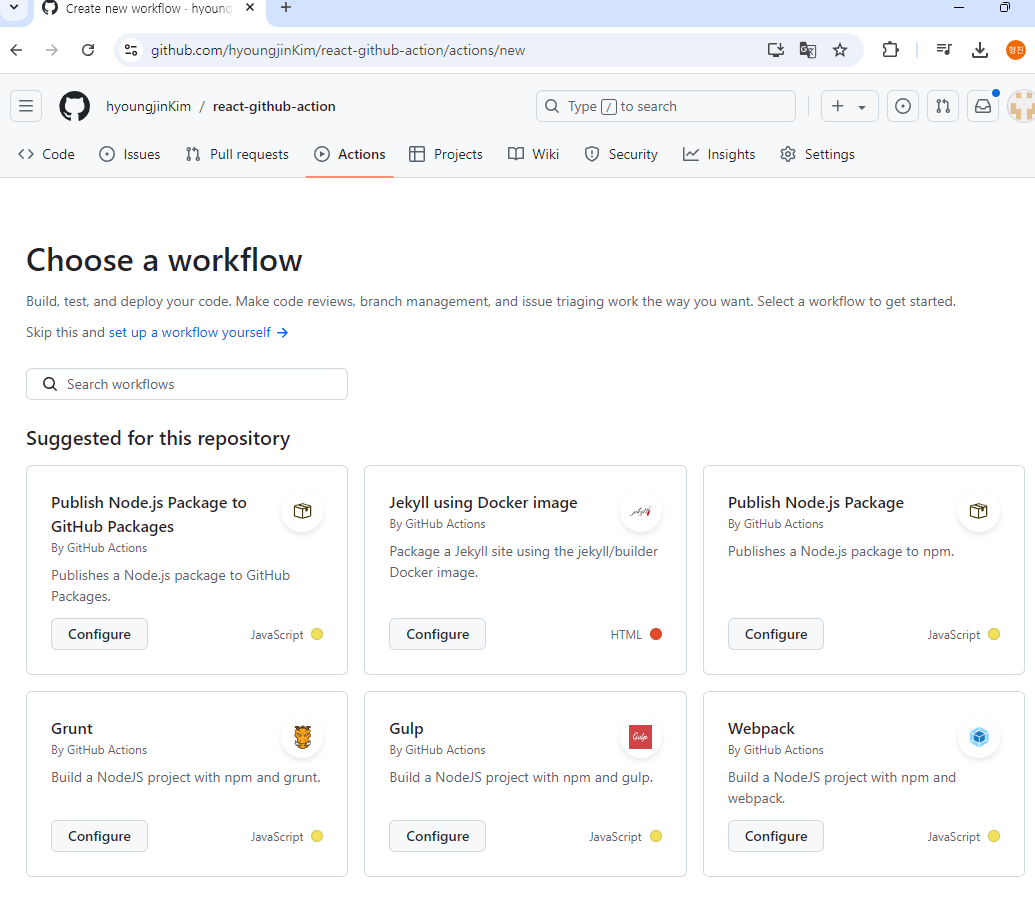
- 사용할 workflow 선택 (Node.js)
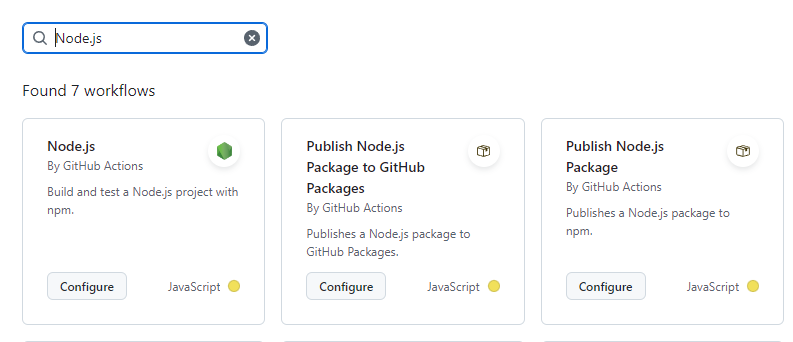
3.yml파일 작성
# This workflow will do a clean installation of node dependencies, cache/restore them, build the source code and run tests across different versions of node
# For more information see: https://docs.github.com/en/actions/automating-builds-and-tests/building-and-testing-nodejs

name: Node.js CI
# pull push 할 때 실행
on:
  push:
    branches: [ "master" ]
  pull_request:
    branches: [ "master" ]
# 워크플로우에서 실행할 작업 정의
jobs:
  build:

    runs-on: ubuntu-latest

    strategy: # 여러 버전의 Node.js에서 작업을 병렬로 실핼 할 수 있도록 설정
      matrix:
        node-version: [18.x, 20.x, 22.x] # 여러버전의 Node.js에서 테스트 코드 수행
        # See supported Node.js release schedule at https://nodejs.org/en/about/releases/

    steps:
    - uses: actions/checkout@v4 # 현재 레포지토리 코드 클론
    - name: Use Node.js ${{ matrix.node-version }}# Node 설치
      uses: actions/setup-node@v4
      with:
        node-version: ${{ matrix.node-version }}
        cache: 'npm'# npm 사용
    - run: npm i #package.jsondp 정의된 의존성 설치
    - run: npm run build --if-present #npm run bulild 설치 --if-present: 스크립트에 build가 없을시 이 단계 건너 뜀
    - run: npm test //npm run test