react-native생성 부터 NFC 동작 Android 빌드 까지
완성
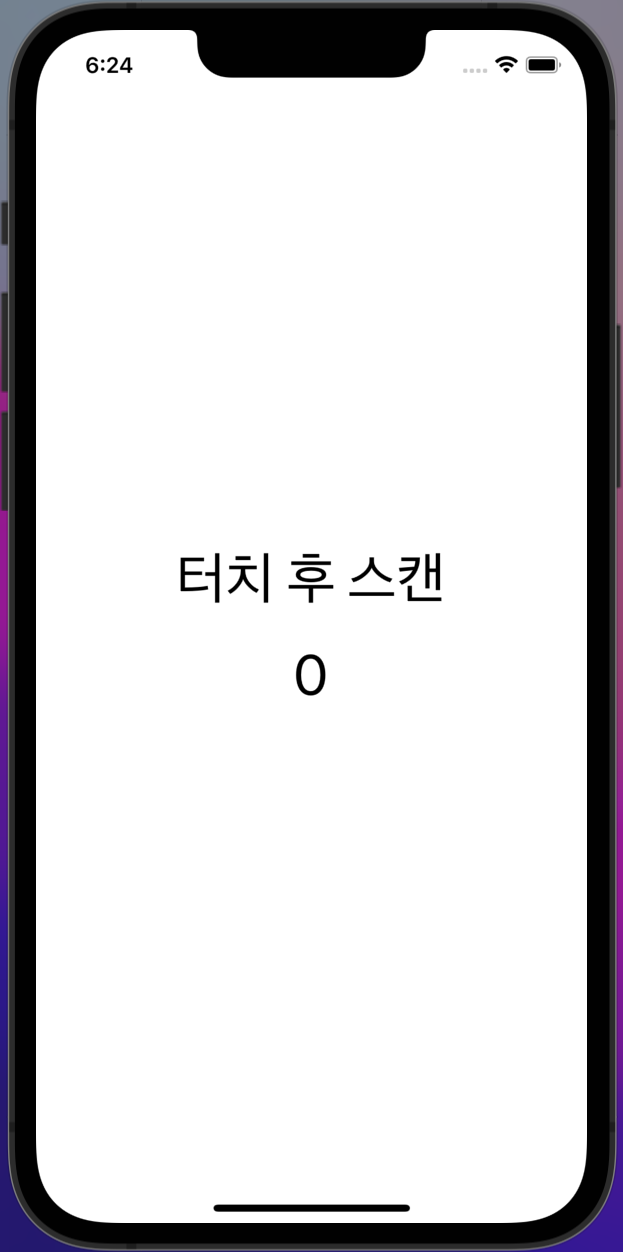
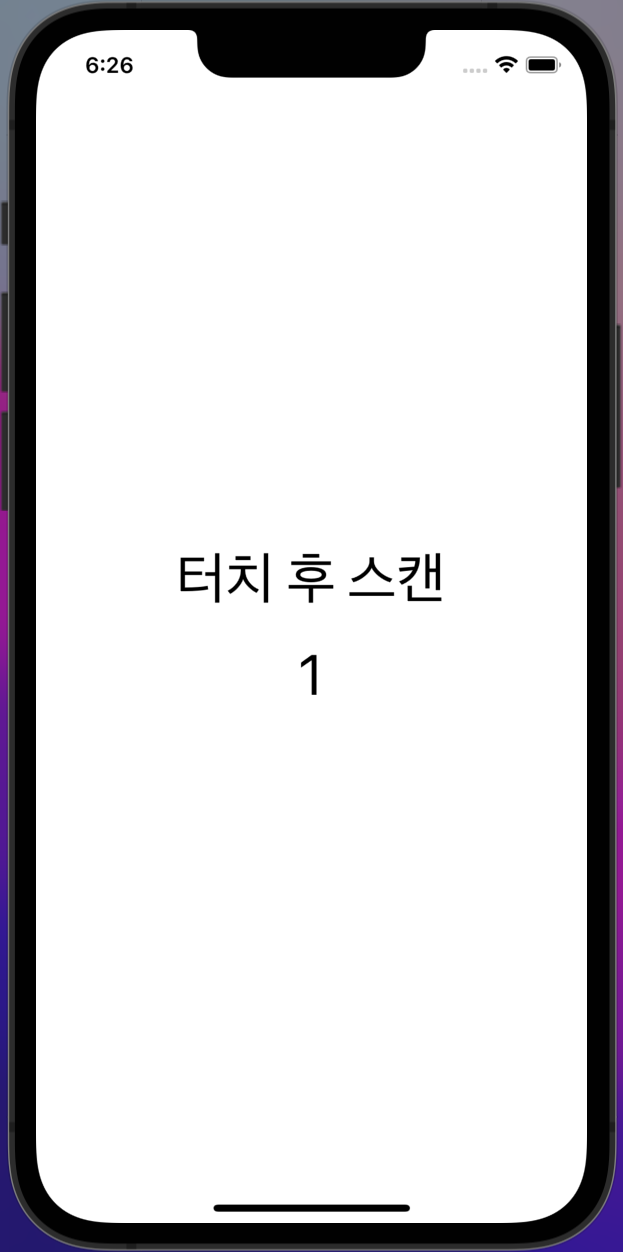
특징 설명
- 화면 글씨를 터치 후 NFC스캔 하면 Count증가
개발 환경 mac으로 진행 해서 xcode Simulator 실행
구현
react-native생성
npx react-native init 'my-app'프로젝트 생성 후 해당 프로젝트로 이동
이동 후 명령어를 입력해야 적상적으로 작동
cd 'my-app'

yarn start

yarn run-ios
순서대로 입력 해주었습니다.
참조링크: https://reactnative.dev/docs/environment-setup
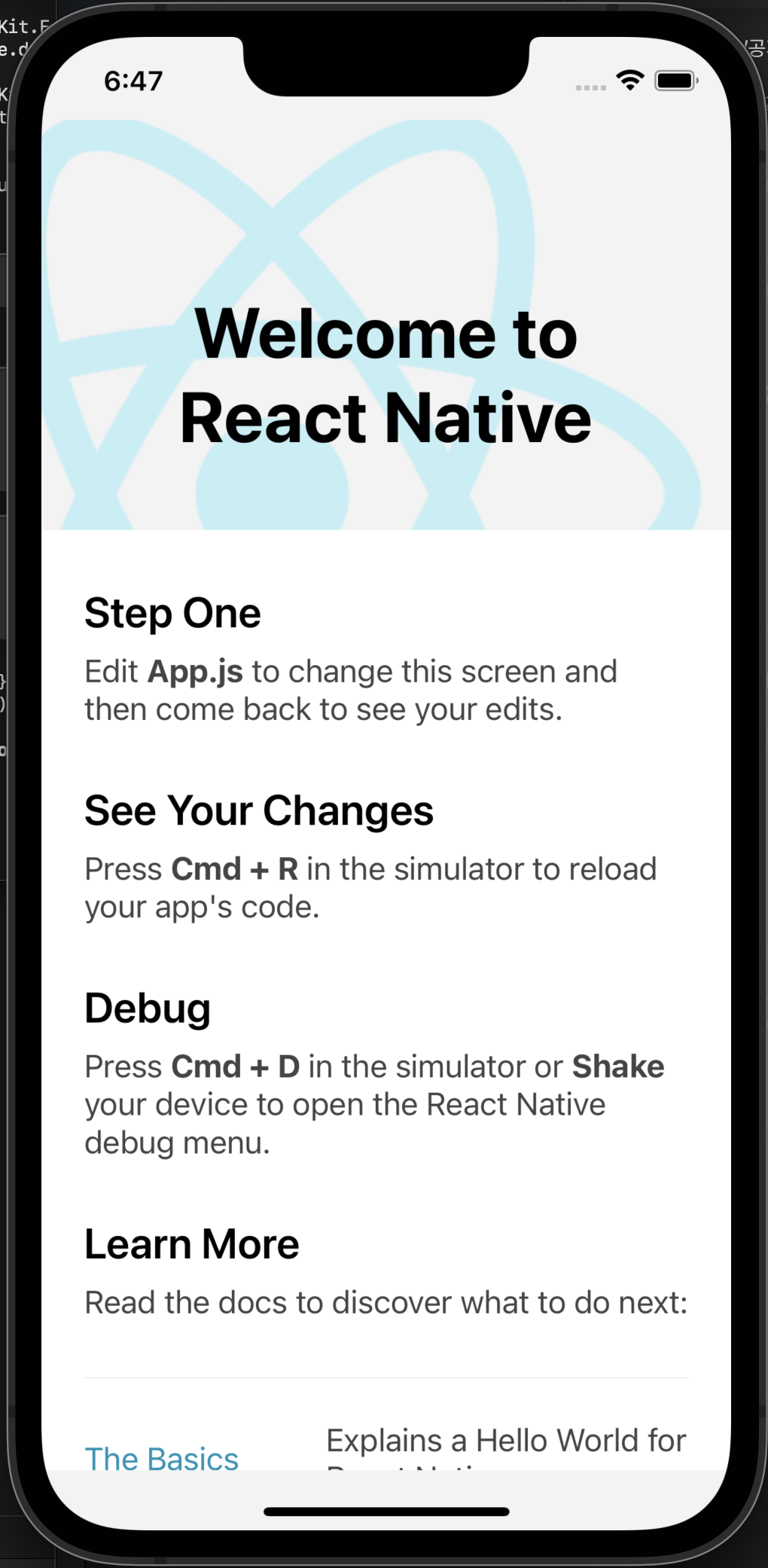
app.js
import {SafeAreaView, Text, View, StyleSheet} from 'react-native';

const App: () => Node = () => {
  return (
    <SafeAreaView>
      <Text>GoGo</Text>
    </SafeAreaView>
  );
};

const styles = StyleSheet.create({});

export default App;
app.js청소 진행
react-native-nfc-manager 설치
yarn add react-native-nfc-managergit링크 참조: https://github.com/revtel/react-native-nfc-manager
설치 진행 후
Android 설정
경로

AndroidManifest.xml에 다음 코드 추가
<uses-feature android:name="android.hardware.nfc" android:required="false" />Ios 설정
IOS 프로젝트 설정
Apple Developer Program에 가입 되어 있지 않으면 NFC권한을 얻을 수가 없어서 진행 하지 않았습니다.
간단한 코드 작성
import React, {useState} from 'react';
import {View, Text, TouchableOpacity, StyleSheet} from 'react-native';
import NfcManager, {NfcTech} from 'react-native-nfc-manager';

// Pre-step, call this before any NFC operations
NfcManager.start();

function App() {
  const [count, setCount] = useState(1);
  async function readNdef() {
    try {
      await NfcManager.requestTechnology(NfcTech.Ndef);
      const tag = await NfcManager.getTag();
      setCount(count + 1);
      console.warn('Tag found', tag);
    } catch (ex) {
      console.warn('Oops!', ex);
    } finally {
      NfcManager.cancelTechnologyRequest();
    }
  }

  return (
    <View style={styles.wrapper}>
      <TouchableOpacity onPress={readNdef}>
        <Text style={styles.tit}>터치 후 스캔</Text>
      </TouchableOpacity>
      <Text style={styles.count}>{count}</Text>
    </View>
  );
}

const styles = StyleSheet.create({
  wrapper: {
    flex: 1,
    justifyContent: 'center',
    alignItems: 'center',
  },
  tit: {
    marginBottom: 20,
    fontSize: 40,
  },
  count: {
    fontSize: 40,
  },
});

export default App;
빌드
assets 폴더를 추가
android/app/src/main/assets
CMD 창에 명령어를 입력해 줍니다.
react-native bundle --platform android --dev false --entry-file index.js --bundle-output android/app/src/main/assets/index.android.bundle --assets-dest android/app/src/main/res/요류 발생 할 수 있습니다
react-native bundle --dev false --entry-file index.js --bundle-output ios/main.jsbundle --platform ios
npm install -i -g --force react-native-cli위 코드로 install후 다시 입력해 주었더니 깔끔하게 해결 되었습니다.
Android Studio 실행 후 빌드 준비

open버튼 클릭 후
우리가 만든 프로젝트의 android 폴더를 open
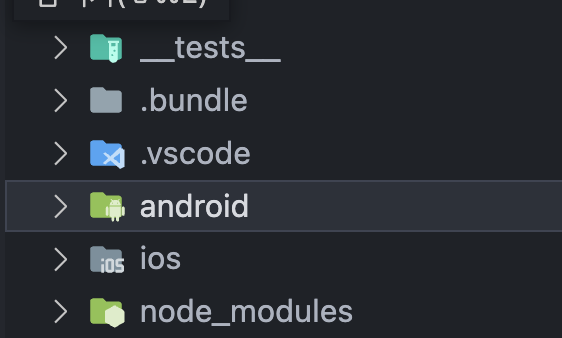

loading일때는 빌드가 뜨지 않습니다
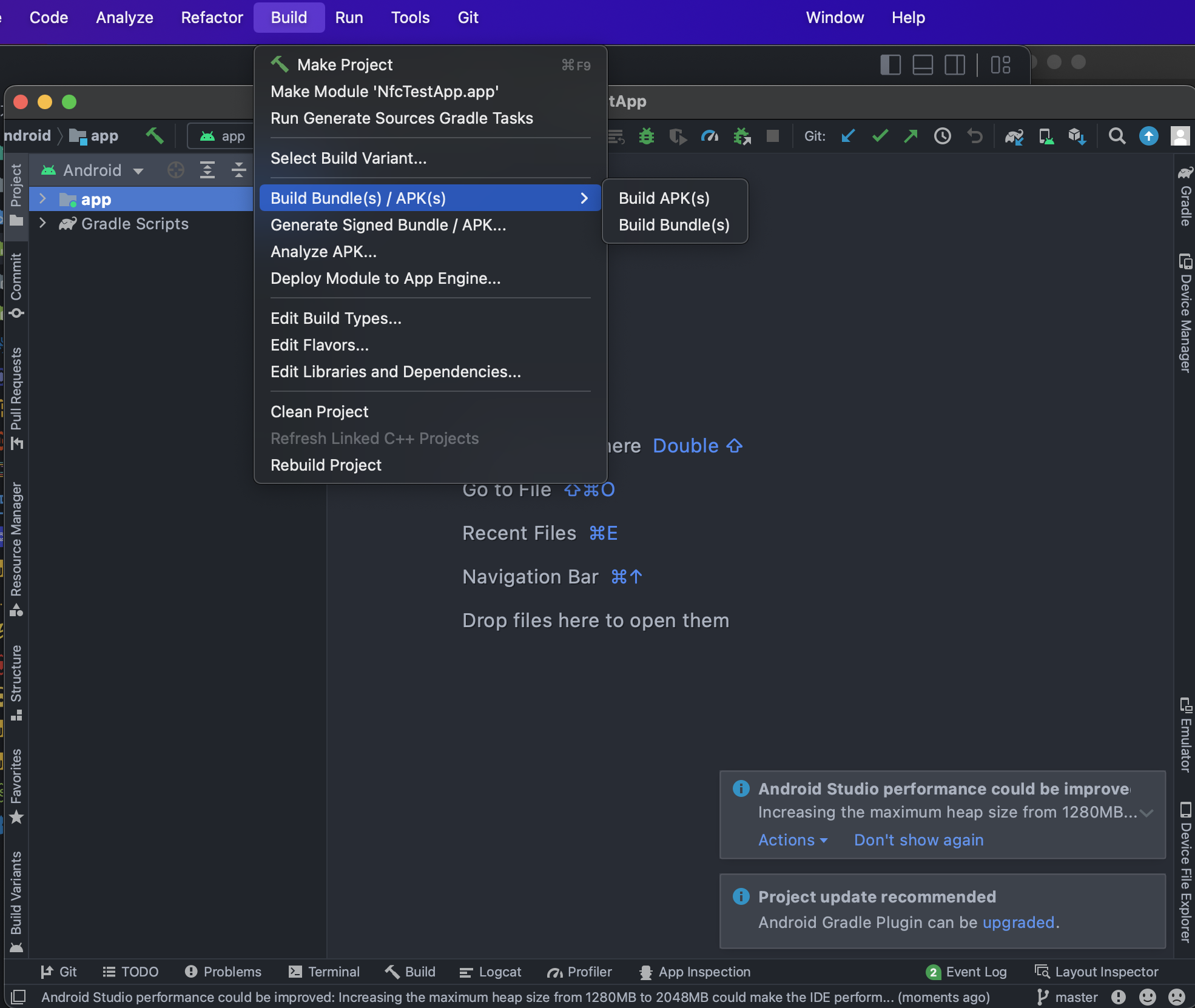
loading이 완료 되면 Build APK클릭 후 APK추출 하면 끝

react-native android APK추출 까지 완료

rnrnrnr