IntelliJ git clone 및 연동 방법
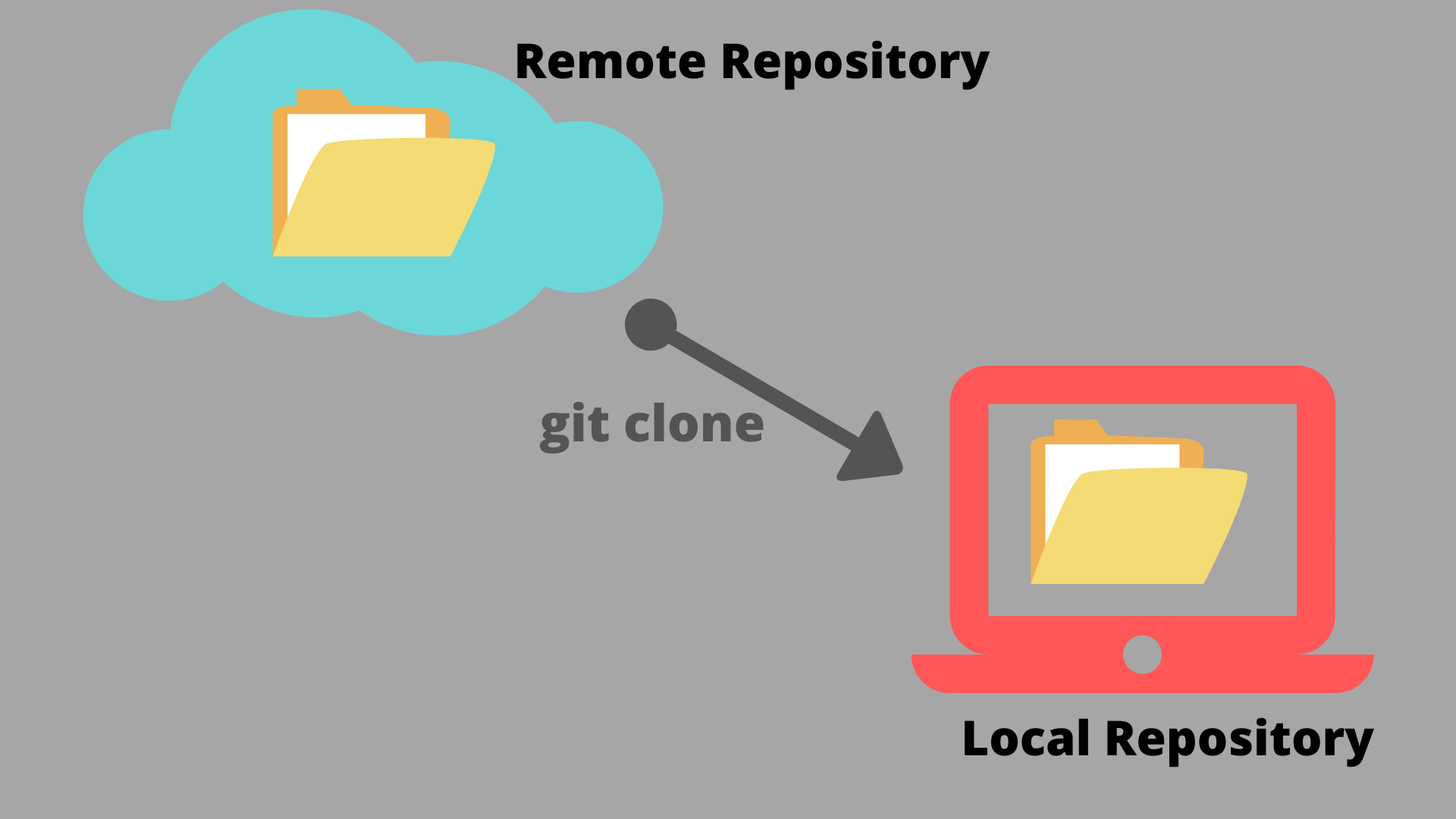
# IntelliJ & github 연동
1. git의 설치 유무 및 버전 확인
- 상단의 메뉴바에서
File >> Settings >> Version Control >> Git

2. github 계정 설정
- File >> Settings >> Version Control >> GitHub

'+' 버튼 클릭해 깃허브 계정 추가
3. github 주소 추가
- 상단의 메뉴바에서
VCS >> Enable Vesion Control Intergration 에서 Git으로 변경
(VCS가 Git으로 변경됨) - Git >> Manage Remotes
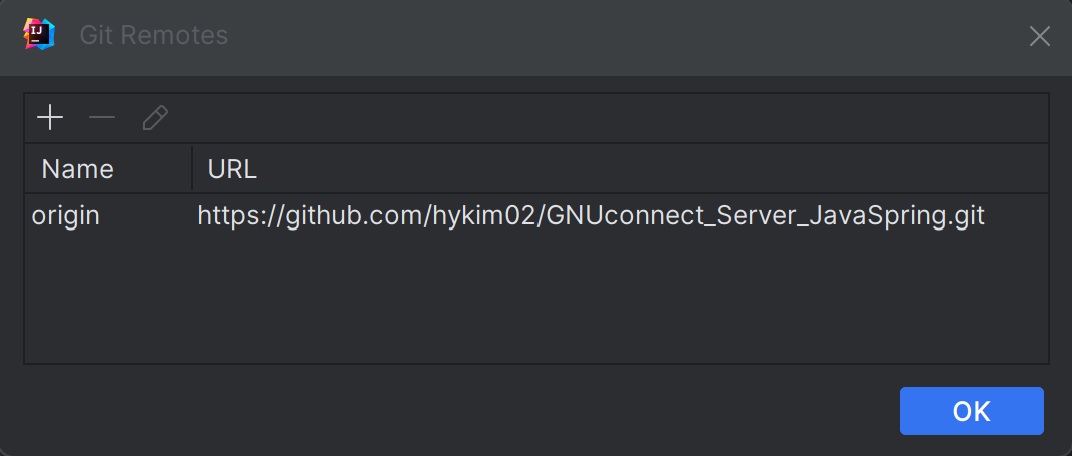
'+' 버튼 클릭해 깃허브 주소 추가
# git clone 하는 방법
- File >> New >> Project from Version Control
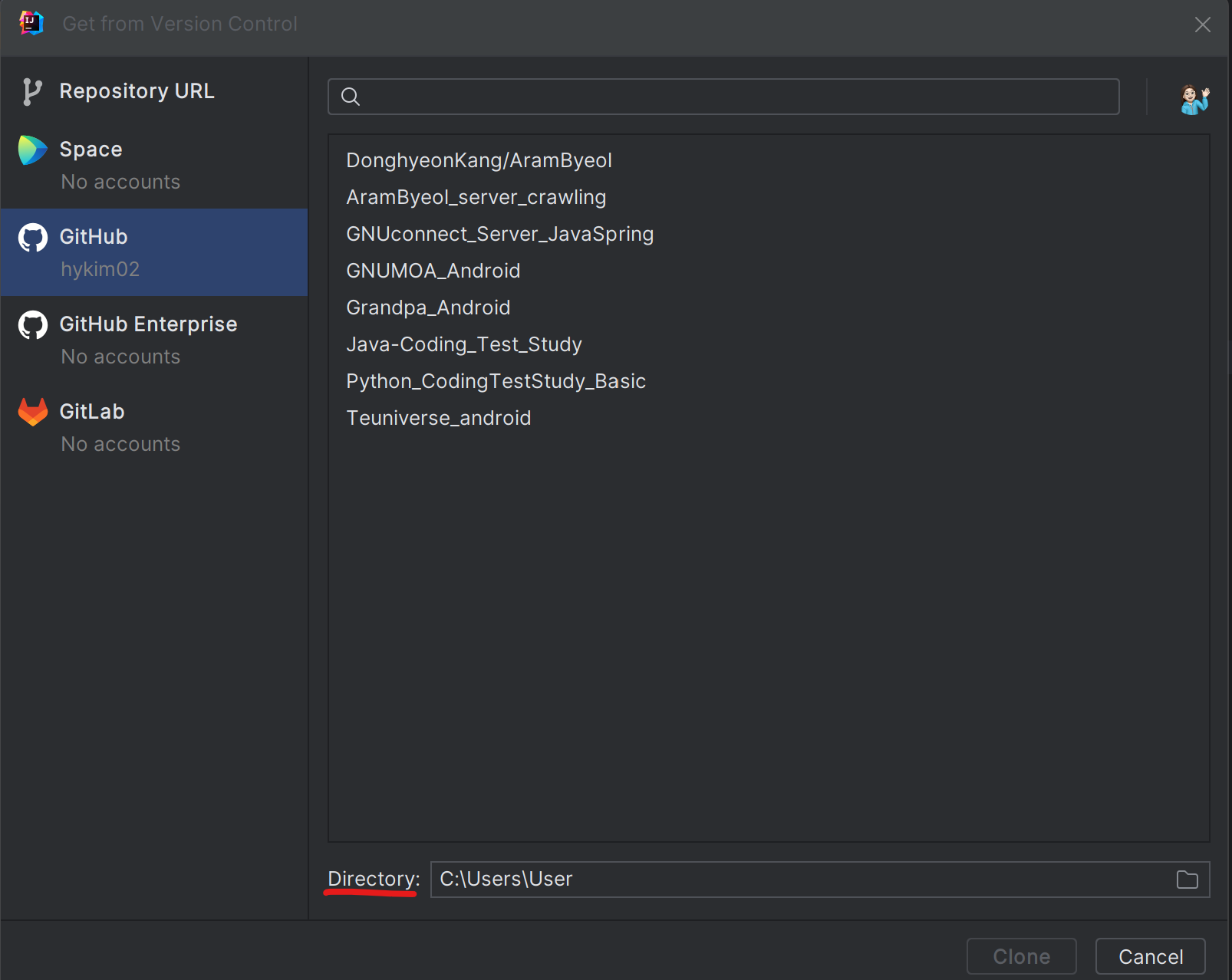
본인의 github 레포지토리에서 프로젝트와 directory 저장할 폴더 파일 선택 후 clone하기

🐜👣steadiness🐜👣