Coin trackers!
코인 가격을 리스트형식으로 뽑을껀데 API호출되는거라 effects 기능을 연습할 수 있다.
import { useEffect, useState } from "react";

function App() {
  const [loading, setLoading] = useState(true);
  useEffect(()=>{
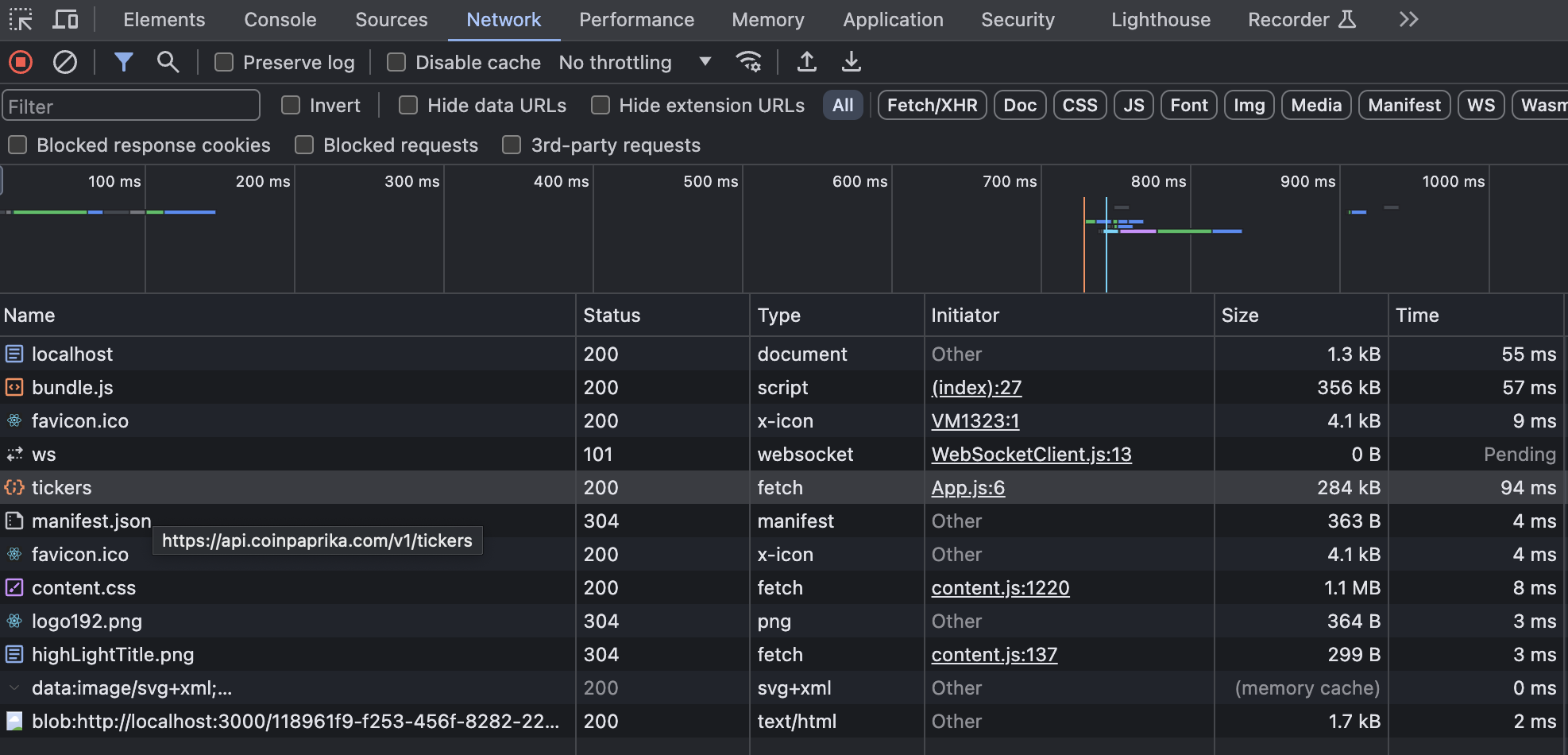
    fetch("https://api.coinpaprika.com/v1/tickers") //API주소 연결로 가져오는거임. 개발자도구 network에 들어가서 fetch된 결과를 확인 할 수 있음. [결과1]참고!
    .then((response)=>{response.json()})
    .then((json) => console.log(json)); // 응답한데이터를 json형태로 만들어주고 console.log로 데이터 찍어보기! [결과2]참고!
    ,[]})

  return (
    <div>
      <h1>The Coins!!</h1>
      {loading ? <strong>Loading...</strong> : null}
    </div>
  );
}

export default App;
[결과1]
[결과2]
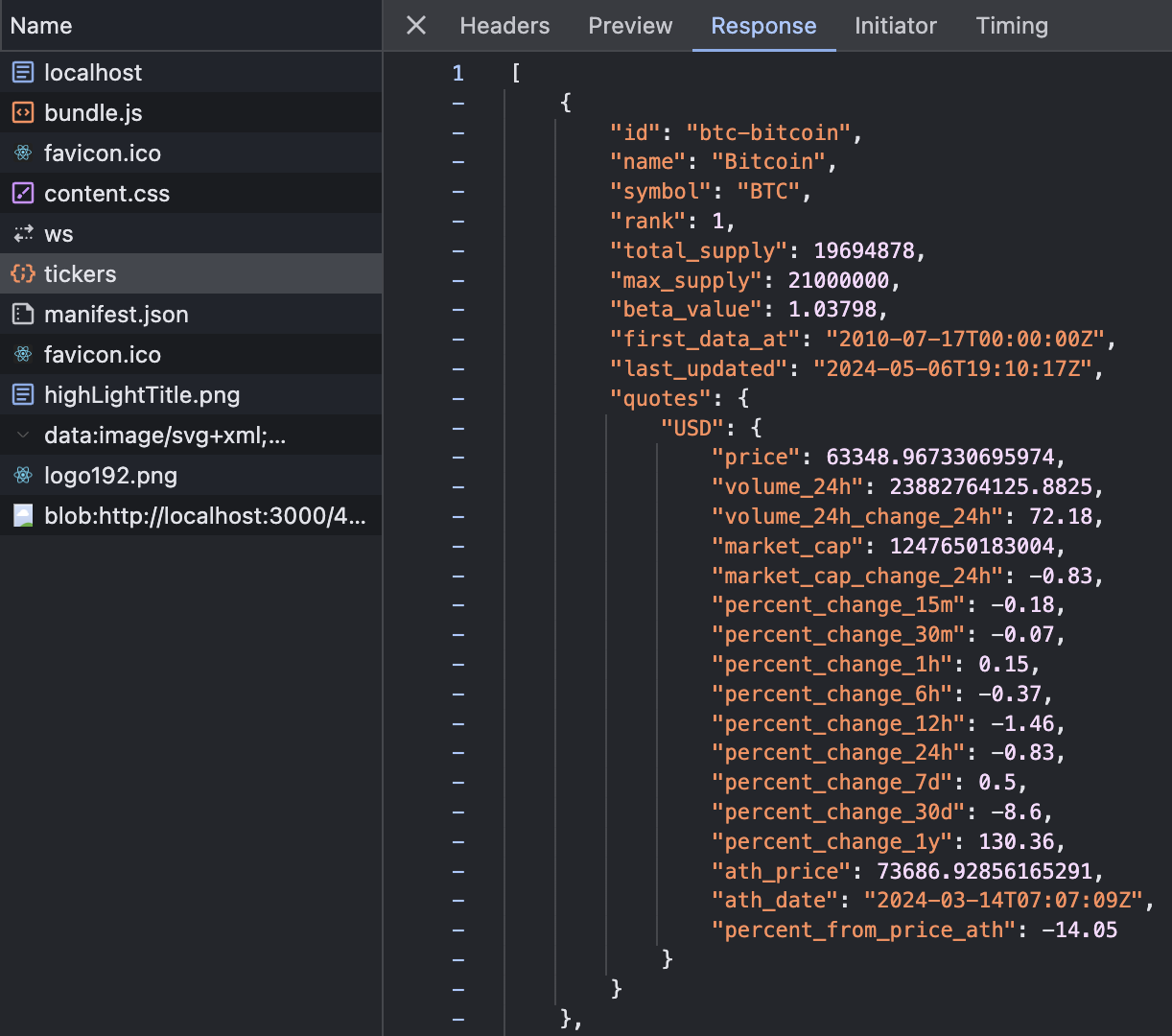
json형식을 저장해주려면 State로 한번더 호출해줘야 겠지?
import { useEffect, useState } from "react";

function App() {
  const [loading, setLoading] = useState(true);
  const [coins, setCoins] =useState([]);
  useEffect(()=>{
    fetch("https://api.coinpaprika.com/v1/tickers") //API주소 연결로 가져오는거임. 개발자도구 network에 들어가서 fetch된 결과를 확인 할 수 있음. [결과1]참고!
    .then((response)=>{response.json()})
    .then((json) => {
      	   setCoins(json);
           setLoading(false);
      	   console.log(json);

     }); // 응답한데이터를 json형태로 만들어주고 console.log로 데이터 찍어보기! [결과2]참고!
    ,[]})

  return (
    <div>
      <h1>The Coins!! (how many coins? {coins.length})</h1>
      {loading ? <strong>Loading...</strong> : null}
    </div>
    <ul>
    coins.map((coin)=>{<li key={coin.id}>{coin.name}({coin.symbol:coin.quotes.USD.price})</li>});
    </ul>
  );
}
const [coins, setCoins] =useState([]); 여기서 []비어있는 배열을 default값으로 넣어주는 이유는, coins.length를 출력할때, 기본으로 셋팅되어있는 값이 없으면 undefinded error를 반환하기 때문이다.
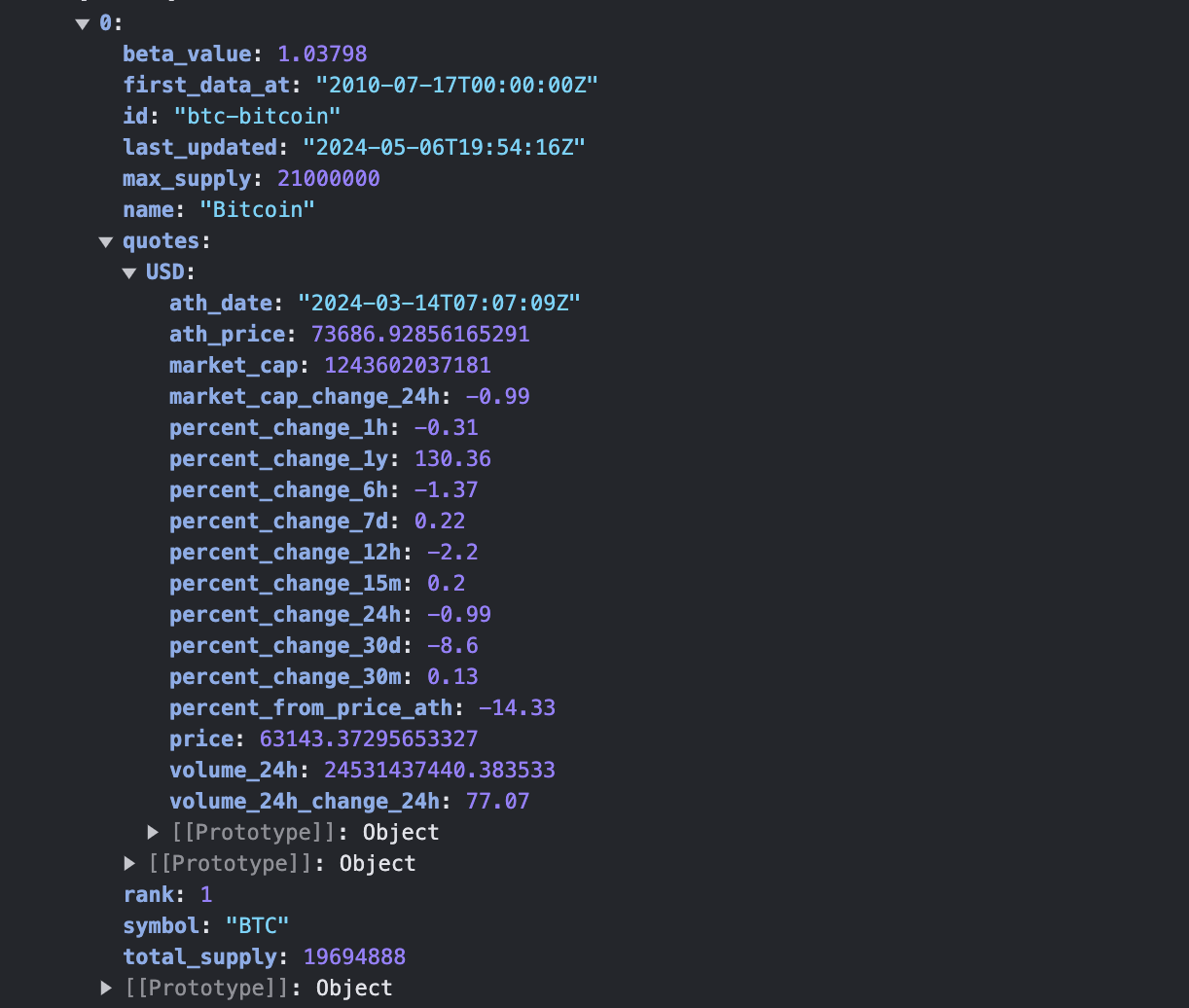
console.log(json); 개발자 도구에서 json형식이 어떤 object(객체)안에 들어있는지 확인가능하며, map()함수를 사용해서 리스트를 출력할때 사용하면 좋댜. key값으로 2번째 인자에 index를 넣어 map()함수를 처리했지만, json파일을 봤을때, 고유한 id값을 가지고 있는게 확인되어 key값으로 활용하면 오류를 처리할 수 있다. 끝!

Interested in coding, meat lover, in love with dogs , enjoying everything happens in my life.