Mesh 를 직접 설정하지 않고 drei 를 사용하면 더 간편하게 구현 가능
내부적으로 Buffer Geometry 로 구현되어 GPU 를 더 효율적으로 사용
import { Box } from "@react-three/drei";
import React from "react";

export default function Meshes() {
  return (
    <>
     <Plane args={[40, 40]} rotation-x={-Math.PI / 2} receiveShadow>
         <meshStandardMaterial />
     </Plane>
     // drei 사용하지 않을 시 아래처럼 직접 구현
     // <mesh>
     //   <boxGeometry args={[1, 1, 1]} />
     //   <meshBasicMaterial color={0x00ff00} />
     // </mesh>
     <Box args={[1, 2, 2]} material-color={0xff0} >
       // 선언 안해주면 기본적으로 meshBasicMaterial
       <meshStandardMaterial />
     </Box>
    </>
  );
}wireframe: 3D 형태의 선으로 이루어진 mesh 로 변경
<meshStandardMaterial color={"hotpink"} wireframe />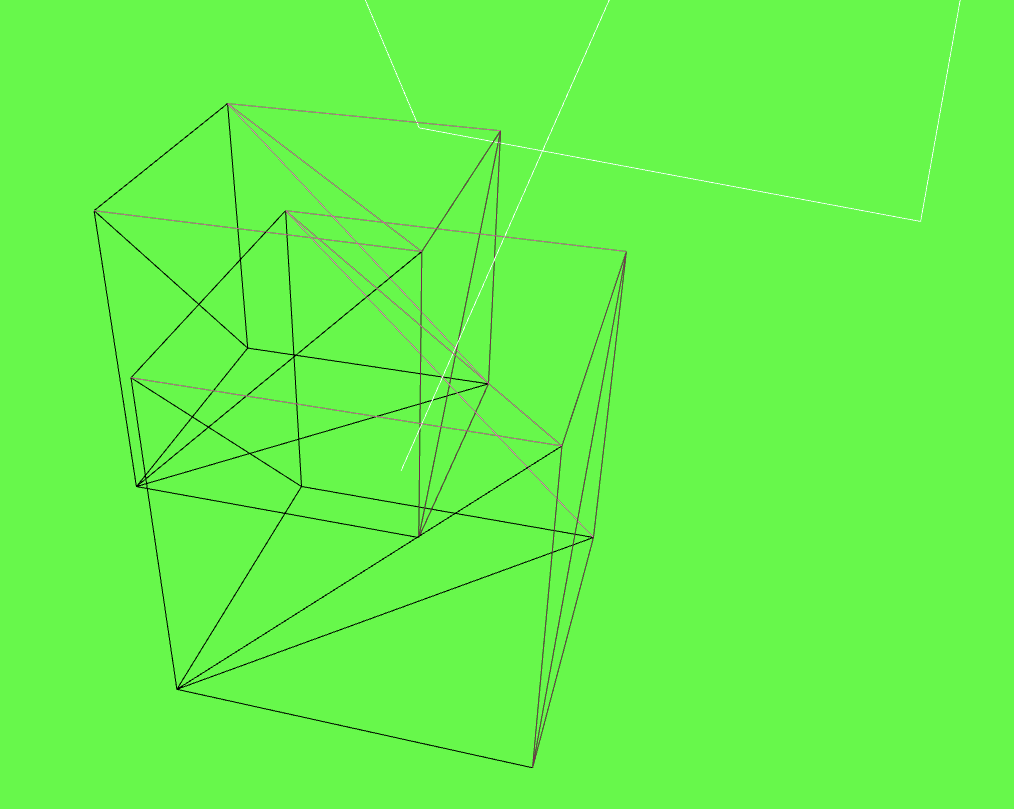

안녕하세요