✅ 오늘의 작업 요약
- 플레이어가 조준 시 마우스 방향에 따라 투척 궤도(trajectory) 를 시각적으로 보여주는 시스템 구현
- 궤도 계산에 물리 엔진을 고려한 포물선 적용
- 마우스 위치를 기반으로 45도 위쪽으로 향하는 투척 방향 계산 로직 구현
⚙️ TrajectoryController 핵심 기능 요약
클래스: TrajectoryController
| 기능 | 설명 |
|---|---|
Init(throwPoint) | 시작 위치 설정, LineRenderer 참조 및 비활성화 |
Show() / Hide() | 궤도 라인 표시 여부 설정 |
Update() | 현재 투척 방향과 힘에 따라 궤도 포인트 계산 |
GetAimDirection(out float force) | 마우스 위치 → 투척 방향 및 힘 반환 |
GetThrowForce(targetPos) | 목표 위치 거리 기반으로 투척 힘 산정 |
💡 투척 궤도 계산
void Update()
{
    if (!trajectoryLine.enabled) return;

    Vector3 direction = GetAimDirection(out float force);
    Vector3[] points = new Vector3[pointCount];

    Vector3 pos = throwPoint.position;
    Vector3 velocity = direction * force;
    for (int i = 0; i < pointCount; i++)
    {
        points[i] = pos;
        pos += velocity * timeStep;
        velocity += Physics.gravity * timeStep;
    }

    trajectoryLine.positionCount = pointCount;
    trajectoryLine.SetPositions(points);
}- 매 프레임마다
pointCount만큼의 궤도 점 계산 - 기본적인 투사체 운동 공식 적용 (
v = v0 + at,x = x0 + vt)
📝 방향 및 힘 계산
🔄 방향 계산
public Vector3 GetAimDirectionForce(out float force)
{
    Ray ray = cam.ScreenPointToRay(Input.mousePosition);
    Plane groundPlane = new Plane(Vector3.up, throwPoint.position);
    if (groundPlane.Raycast(ray, out float enter))
    {
        // 평면에서 위쪽으로 45에 향하는 벡터 구하기
        Vector3 target = ray.GetPoint(enter);
        Vector3 dir = (target - throwPoint.position).normalized;

        Quaternion tilt = Quaternion.AngleAxis(-45f, Vector3.Cross(Vector3.up, dir));
        Vector3 finalDirection = tilt * dir;

        force = GetThrowForce(target);
        return finalDirection;
    }

    force = minThrowForce;
    return transform.forward;
}dir: 마우스 클릭 위치까지의 수평 방향 벡터Vector3.Cross(Vector3.up, dir): 수평 벡터를 기준으로 회전할 축(axis) 계산- 즉,
dir벡터를 위로(45도) 기울이기 위한 회전축
- 즉,
Quaternion.AngleAxis(-45f, axis): 해당 축을 기준으로 -45도 회전하는 회전값(쿼터니언) 생성tilt * dir: 수평 벡터를 위쪽으로 45도 기울인 벡터 반환
목표점 방향을 그대로 향하게 하되, "위로 던지는 느낌"을 주기 위함
💪 힘 계산
public float GetThrowForce(Vector3 targetPos)
{
    float distance = Vector3.Distance(throwPoint.position, targetPos);
    float t = Mathf.Clamp01(distance / maxDistance);
    return Mathf.Lerp(minThrowForce, maxThrowForce, t);
}disctance: 던지는 위치와 목표간의 거리 계산t: 위 거리와 최대 거리간의 비율 계산Mathf.Lerp(minThrowForce, maxThrowForce, t): 최소 파워와 최대 힘 사이의 보간 값
거리에 따른 던지는 힘을 계산하기 위함
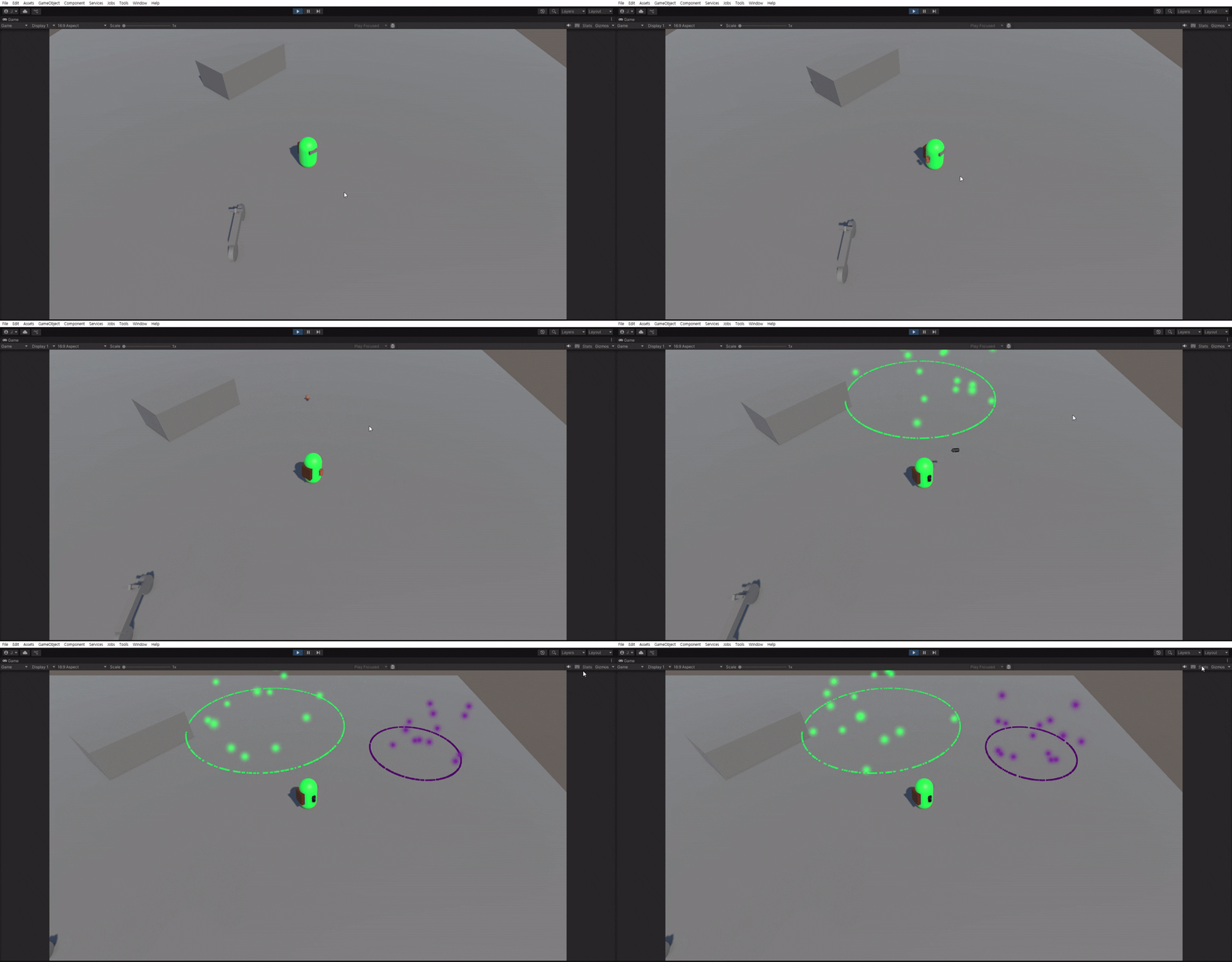
💻 투척 무기 결과물

Unity, C#