✅ 마우스를 기준으로 회전하는 플레이어 만들기
3D 공간에서 마우스 위치를 기준으로 캐릭터 회전 방향을 결정하고 싶을 때,
마우스 포지션을 월드 좌표의 평면상 위치로 변환하는 것이 필요하다.
이때, Unity의 Plane과 Ray를 활용하여 구현 할 수 있다.
📌 Plane.Raycast
Plane groundPlane = new Plane(Vector3.up, Vector3.zero);- 이 코드는 y = 0에 해당하는 가상의 바닥 평면을 생성한다.
- Vector3.up은 평면의 법선 벡터이며, Vector3.zero는 평면이 지나는 점.
즉, 씬에 별도로 바닥 오브젝트가 없어도, 수학적으로 평면을 하나 만들어 사용할 수 있다.
Ray ray = cam.ScreenPointToRay(mouseScreenPos);- 마우스 화면 좌표를 기준으로 카메라에서 쏘는 Ray를 만든다.
if (groundPlane.Raycast(ray, out float point))
{
    Vector3 hitPoint = ray.GetPoint(point);
}- 이 Ray가 groundPlane과 충돌하는 지점까지의 거리(point)를 계산하고,
- 실제 월드상의 충돌 위치 (hitPoint)를 구할 수 있다.
왜 사용하는가 ?
- 마우스 포지션은 2D 화면 좌표
- 이를 3D 공간의 위치로 변환하려면,
- 어떤 "기준 평면"에 마우스가 닿는 지점을 계산
- Plane.Raycast는 그 평면과 Ray가 만나는 지점을 찾음
- 씬에 별도의 Collider가 없어도 동작
📝 회전 처리 코드
// Input 관련 코드
public void OnLook(InputAction.CallbackContext context)
{
    Vector2 mouseScreenPos = context.ReadValue<Vector2>();

    Ray ray = cam.ScreenPointToRay(mouseScreenPos);
    Plane groundPlane = new Plane(Vector3.up, Vector3.zero); // y=0인 평면

    if (groundPlane.Raycast(ray, out float point))
    {
        Vector3 hitPoint = ray.GetPoint(point); // 바닥과의 교점
        Vector3 direction = hitPoint - transform.position;
        direction.y = 0; // y축 제거

        if (direction.magnitude < 0.9f)
        {
            lookDirection = Vector3.zero; // 너무 가까우면 무시
        }
        else
        {
            lookDirection = direction.normalized;
        }
    }
}

// 실제 회전
private void Rotate()
{
    float angle = Mathf.Atan2(lookDirection.x, lookDirection.z) * Mathf.Rad2Deg;
    transform.rotation = Quaternion.Euler(0f, angle, 0f);
}
💻 동작 화면
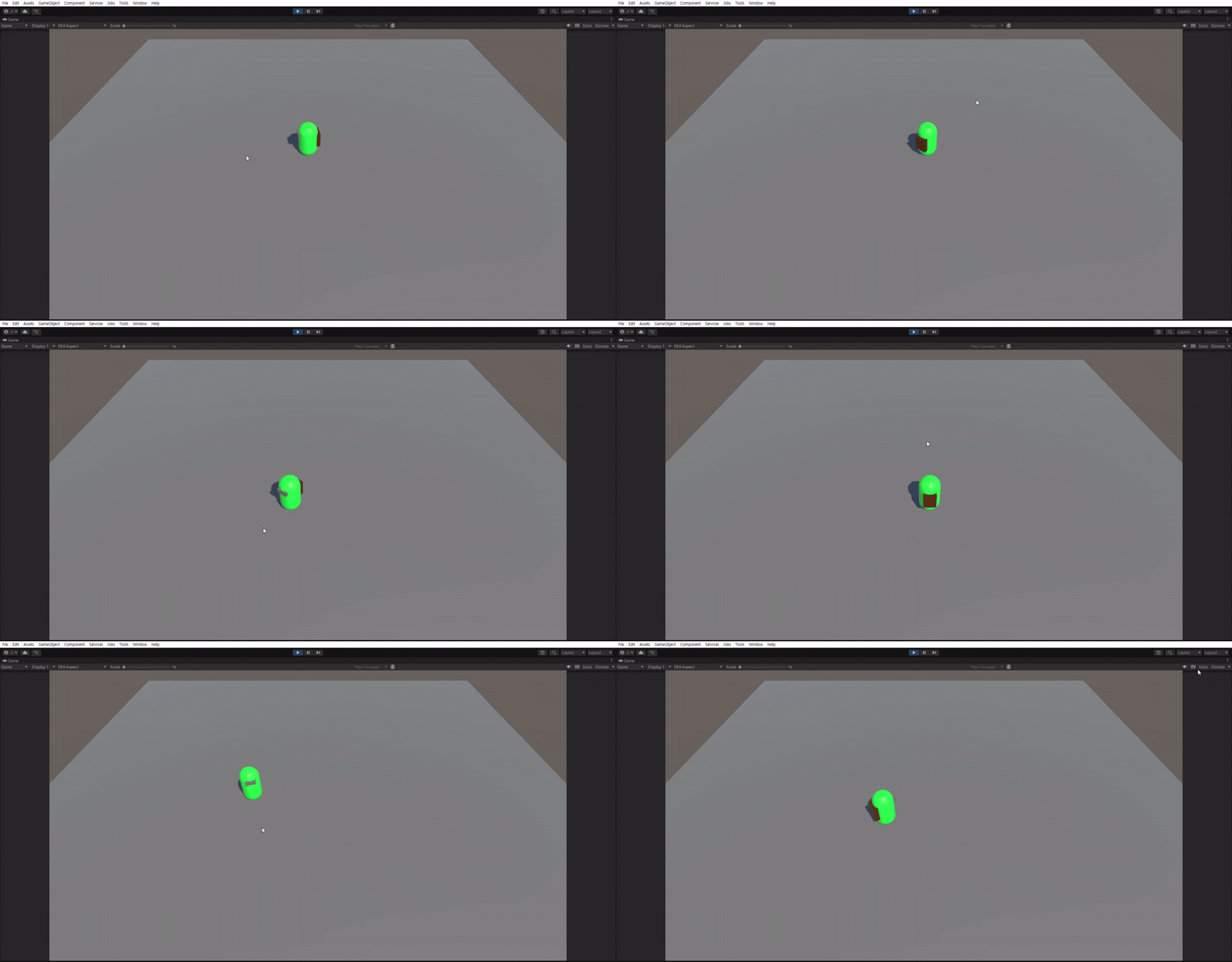
💡 느낀 점
Plane.Raycast를 활용해 가상의 평면을 만들고, 해당 평면에 닿는 지점을 기준으로 플레이어의 회전 방향을 계산하는 방식이 Collider 없이 동작한다는 점이 신기했다.
이 방식을 활용해서, 나중에 NavMesh와 결합하여 마우스 클릭으로 원하는 위치로 이동하는 시스템도 만들어보고 싶다.

Unity, C#