- 프로젝트 폴더 안에서 git init하여 저장소로 만들기
git init
git clone https://<token>@github.com/<username>/<project_name>.git

git status  # working directory와 Staging area 상태 표시
git add fileName
git commit -m 'commit message'
git commit -a -m 'commit withouth adding step'

# working directory에서도 한번에 삭제됨
git rm fileName
rm fileName	# 나중에 git rm 후 commit 해주어야 반영됨

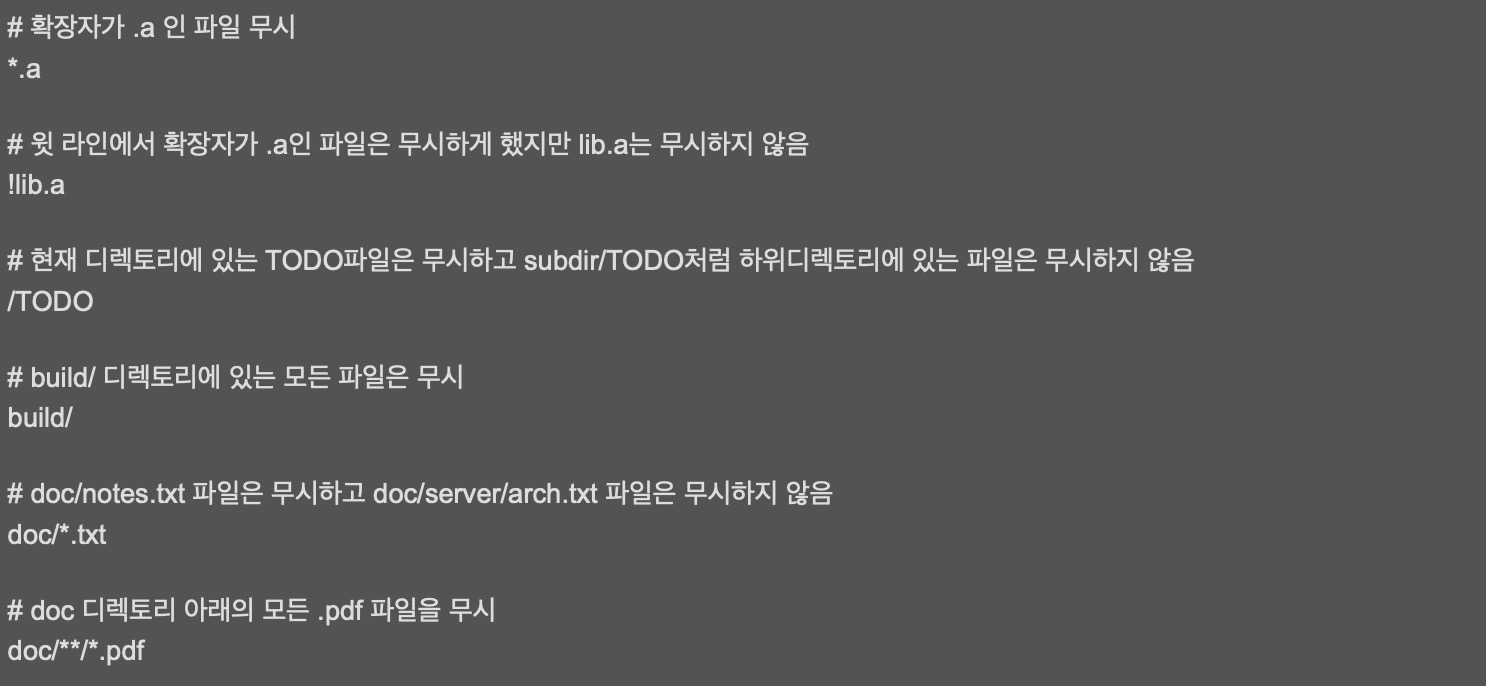
git mv oldName newName- .gitignore 사용하여 keep files untracked
- git log 활용하기
git log
git log -2
git log --skip 5
git log -p	#변경내용(diff) 출력
git log --oneline	#한줄로 출력
git log -p -1 --oneline

git log --author=@gmail.com
git log -S <searchingKeyword>
git log --grep <searchingCommetMessage>
이 글은 제로베이스 데이터 분석 취업 스쿨의 강의 자료 일부를 발췌하여 작성되었습니다.

I like to movie movie