Document 객체
- Document 객체는 창에 표시되고 있는 웹 페이지를 관리합니다.
- 이 객체로 웹 페이지의 내용물인 DOM 트리를 읽거나 쓸 수 있습니다.
- Document 객체는 클라이언트 측 자바스크립트에서 가장 중요한 객체입니다.
1. Document 객체의 주요 프로퍼티
referrer : 직전 유입 경로
cookie : 쿠키값 조회 / HttpOnly로 설정된 쿠키는 조회 불가
- HttpOnly로 설정된 쿠키는 서버쪽에서만 요청 헤더 정보를 통해서 확인 가능
2. Document 객체 주요 메서드
문서 제어
1. DOM 트리
2. 노드 객체의 프로퍼티
요소와 요소 사이에 있는 공백 문자의 영향을 받습니다.
parentNodechildNodesfirstChildlastChildnextSiblingpreviousSiblingnodeTypenodeValuenodeName
3. HTML 요소의 트리
상대적으로 선택하는 방법
children: 자식 요소들parentElement: 부모 요소firstElementChild: 첫번째 자식 요소 선택lastElementChild: 마지막 자식 요소 선택nextElementSibling: 오른쪽 형제 요소previousElementSibling: 왼쪽 형제 요소childElementCount: 자식 요소 갯수
참고)
head : document.head
body : document.body
4. 자바스크립트로 웹 페이지 제어하기
렌더링 엔진은 DOM 트리와 스타일 규칙이 바뀔 때마다 렌더 트리를 다시 구성해서 웹페이지를 다시 그립니다.
5. 노드 객체 가져오기
참고)
id(단일), class(복수) -> 선택을 위한 속성
1) id 속성으로 노드 가져오기 - 한개만 선택
document.getElementById("아이디명")
2) tag 이름으로 노드 가져오기 - 복수개 선택
document.getElementsByTagName("태그 이름")
3) class 속성 값으로 노드 가져오기 - 복수개 선택
document.getElementsByClassName("클래스명")
4) name 속성 값으로 노드 가져오기 - 복수개 선택
document.getElementsByName("name 속성명")
5) CSS 선택자로 노드 가져오기
document.querySelector("CSS 선택자") : 한개만 선택
document.querySelectorAll("CSS 선택자") : 복수개 선택
6. 속성 값의 읽기와 쓰기
속성 : 태그에 있는 추가 정보
어떤 속성은 태그의 기능과 관련된 정보를 담고 있다. (예 - type, src, href ...)
1) 속성 값 가져오기
getAttribute("속성명")
2) 속성 값 설정하기
setAttribute("속성명, "속성값")
3) 속성이 있는지 확인하기
hasAttribute("속성명")
4) 속성 삭제하기
removeAttribute("속성명")
5) 전체 속성의 목록 가져오기
attributes
6) 많이 사용하는 속성들
많이 사용하는 속성들은 각 요소의 document 객체 하위 속성으로 바로 접근 가능
id,type,src,href,target,action,name등등...class(❌) 👉className
7) 정보성 속성
정보성 속성에는 관례로
data-속성명 = "값"형식으로 명칭을 정해야한다.
<!DOCTYPE html>
<html>
    <head>
        <meta charset="UTF-8">
    </head>
    <body>
        <input type="text" id="price" data-price="10000">
    </body>
</html>
8) 요소의 document 객체
dataset 객체 : 속성명으로 바로 접근 가능
삭제 : delete 연산자
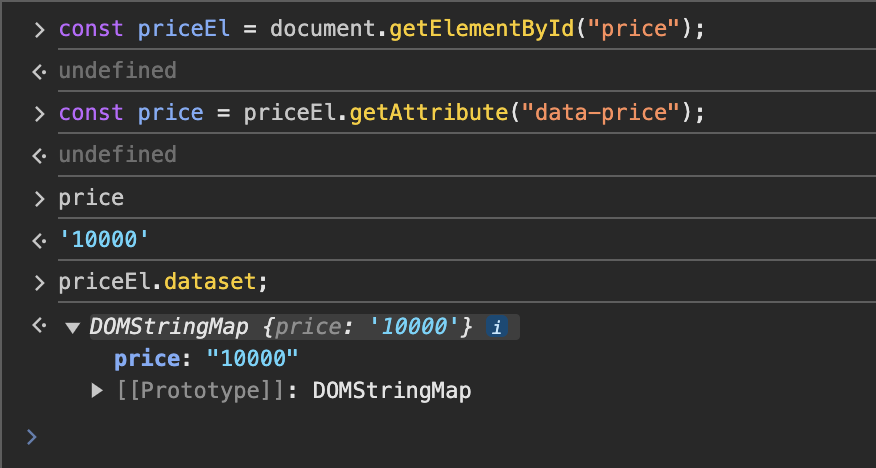
priceEl.dataset.goodsName = "상품명";자동으로 앞에 data가 붙여서 저장됨.
<input type="text" id="price" data-price="20000" data-goods-name="상품명">delete 연산자
delete priceEl.dataset.price;9) 클래스 속성을 관리하는 객체
- 요소의 document 객체
- classList 객체
- 클래스의 종류
- 클래스의 통제 메서드
add(...): 클래스 추가remove(...): 클래스 제거contains(...): 클래스가 있는지 여부toggle(...): 클래스가 있으면 제거, 없으면 추가
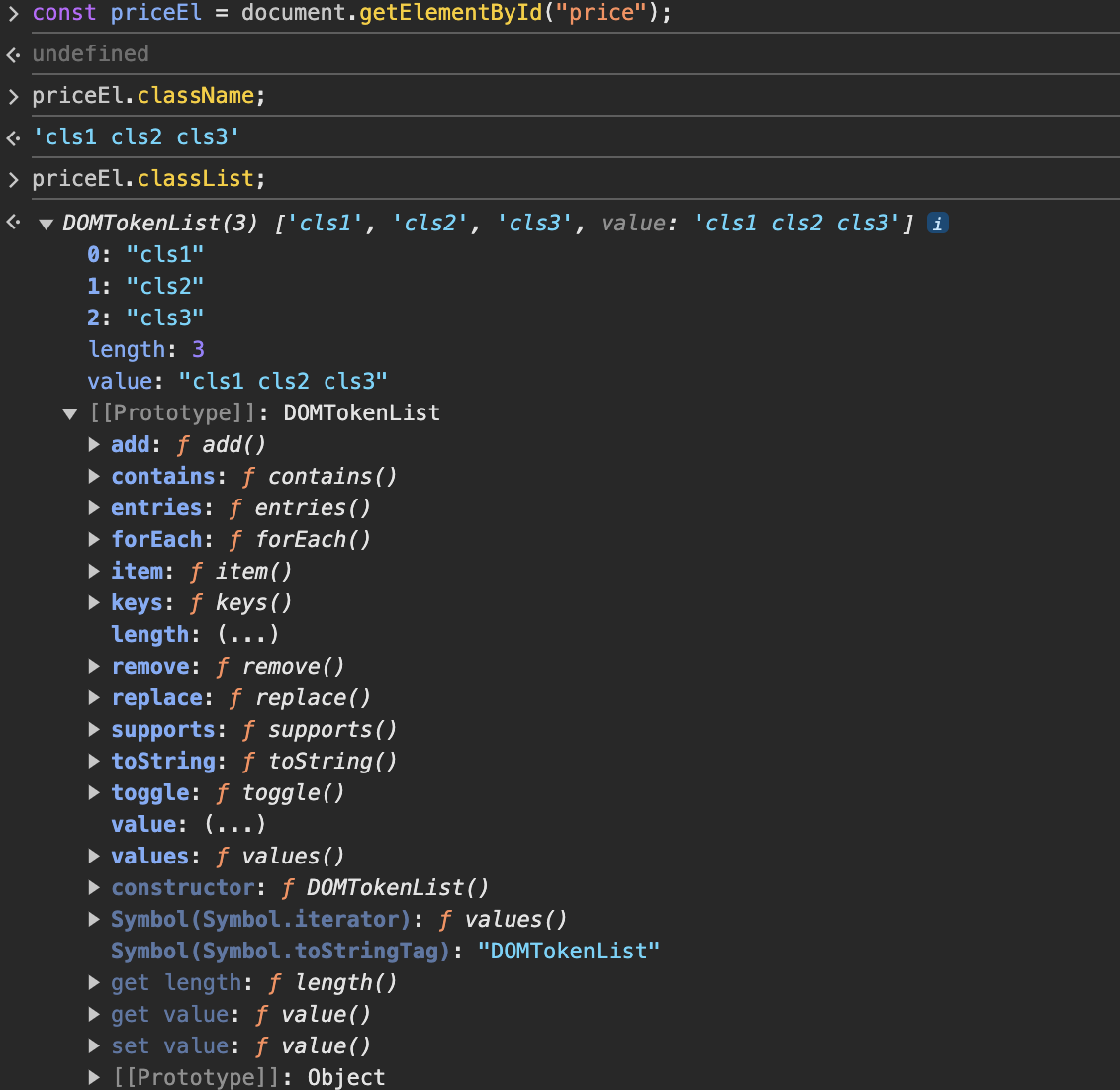
priceEl.classList.add("cls4"); //추가
priceEl.classList.remove("cls4"); //삭제
priceEl.classList.containts("cls3"); >> true //포함 여부
priceEl.classList.toggle("cls4") // 있으면 제거, 없으면 추가
7. HTML 요소의 내용을 읽고 쓰기
1) innerHTML 프로퍼티
- document 객체 안쪽 HTML 텍스트 반환
const headerEl = document.getElementById("header");2) textContent와 innerText 프로퍼티
innerText: document 객체 안쪽 텍스트만 반환(태그는 제외)
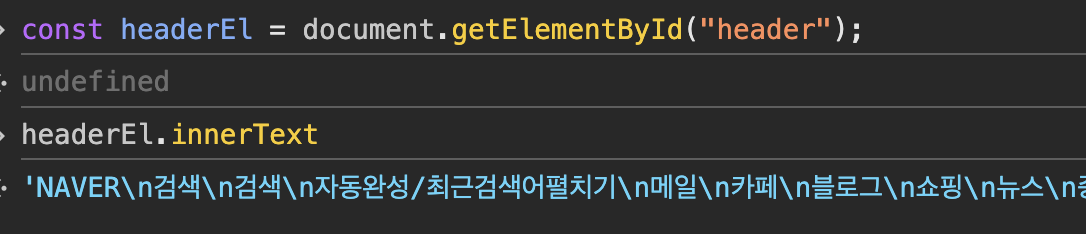
textContent: doucument 객체 안쪽 텍스트만 변환(태그는 제외)
노드 생성/삽입/삭제하기
1. 노드 생성하기
document.createElement("태그명");
document.createTextNode("텍스트");
const liEl = document.createElement("li");
liEl;
<li></li>
const testEl = document.createTextNode("메뉴4");
testEl;
메뉴42. 노드 삽입하기
1) appendChild(..)
const liEl = document.createElement("li");
const textEl = document.createTextNode("메뉴4");
liEl.appendChild(textEl);
const menusEl = document.getElementById("menus");
menusEl.appendChild(liEl);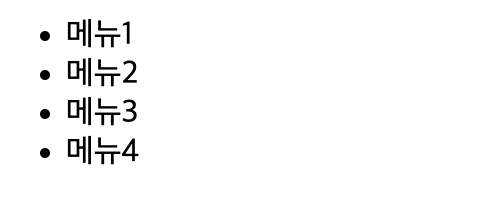
2) insertBefore(..)
const liEl = document.createElement("li");
liEl.appendChild(document.createTextNode("메뉴1-2"));
const menusEl = document.getElementById("menus");
const liEl2 = menusEl.children[1];
menusEl.insertBefore(liEl, liEl2);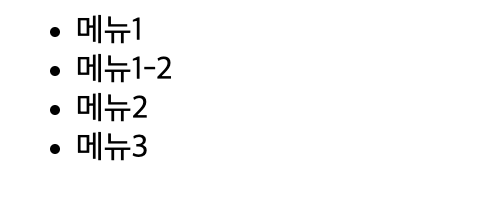
3. 노드 옮기기
도큐먼트 객체는 한가지만 존재하기 때문에, appendChild를 사용하더라도 새로 복사가 되는것이 아니라, 노드가 옮겨지고 트리구조가 재생성되어진다.
const menusEl = document.getElementById("menus");
undefined
const menu1El = menusEl.children[0];
undefined
menu1El;
menus.appendChild(menu1El);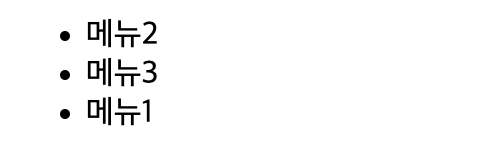
4. 노드 삭제하기
removeChild(..)
const menusEl = document.getElementById("menus");
undefined
const menu2El = menusEl.children[1];
undefined
menusEl.removeChild(menu2El);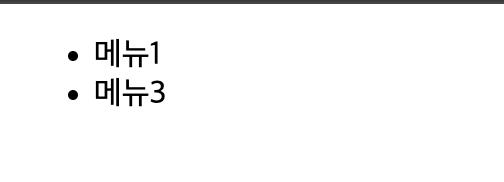
부모를 선택하고 바로 자식을 삭제
const menu2El = document.getElementById("menu2");
menu2El.parentElement.removeChild(menu2El);
5. 노드 치환하기
replaceChild(...)