
🌈 HTML5 새로운 제출 양식
1. 새로운 제출 양식1
- number, date, month, week, time 등 숫자 및 시간과 관련이 있음
1)
<input type="number"/>
- number 타입은 숫자를 입력받는 제출 양식이며, min속성과 max속성을 통해 범위를 강제할 수 있음
- 유효하지 않은 정보를 입력하면, 제출을 거부 당하고 안내 메시지를 띄움
- 모바일에서는 숫자를 입력할 수 있도록 키보드를 자동으로 활성화시킴
✍🏻 html<body> <form action="from.php"> <input type="number" min="10" max="20" /> </form> </body>

2)
<input type="date"/>
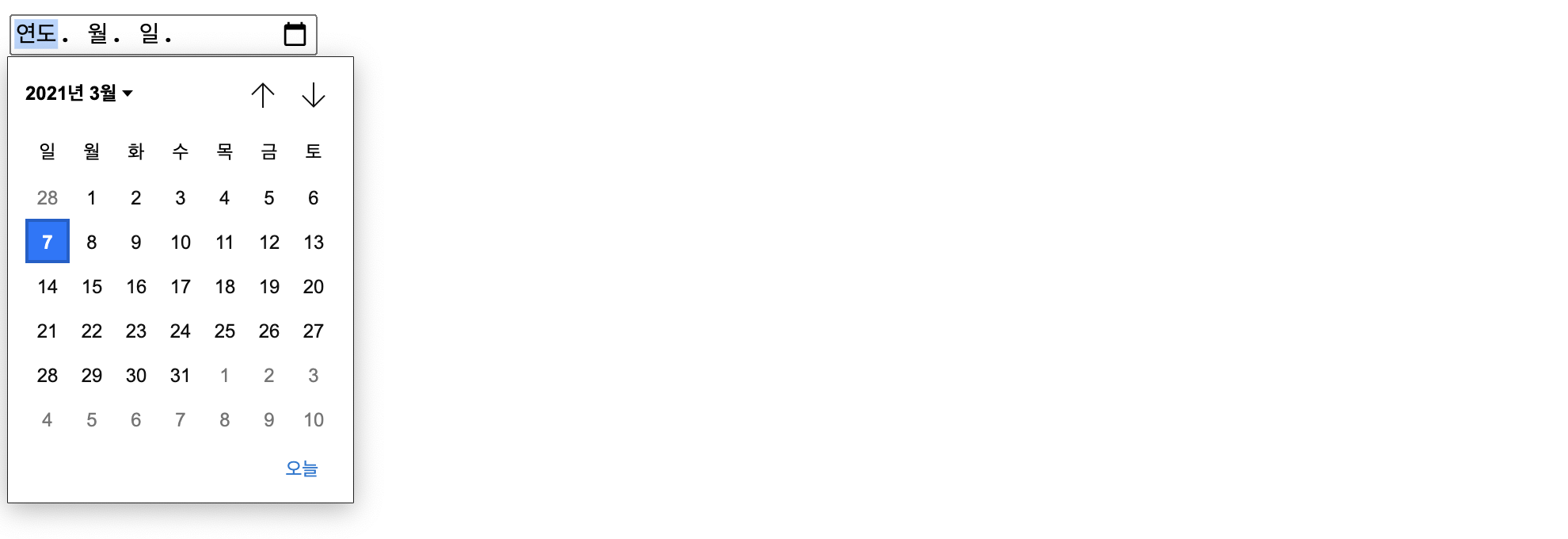
- data는 사용자가 날짜를 입력할 수 있는 제출 양식임
- name의 속성값과 매칭되어 form에서 가르키는 서버로 전송됨
✍🏻 html<body> <form action="from.php"> <input type="date" name="date-value" /> </form> </body>
3)
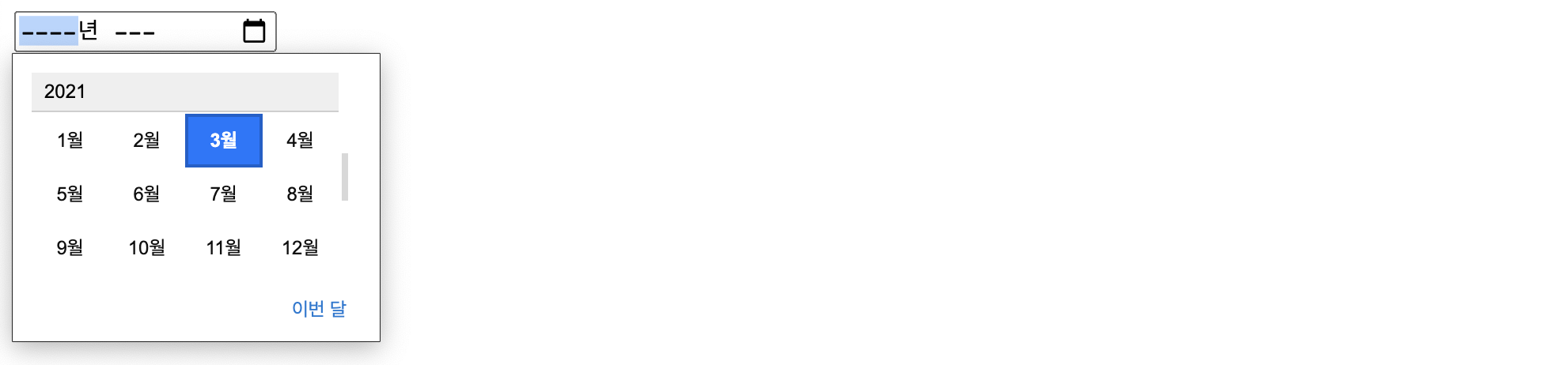
<input type="month"/>
- month는 년도와 월만 입력 받는 제출 양식임
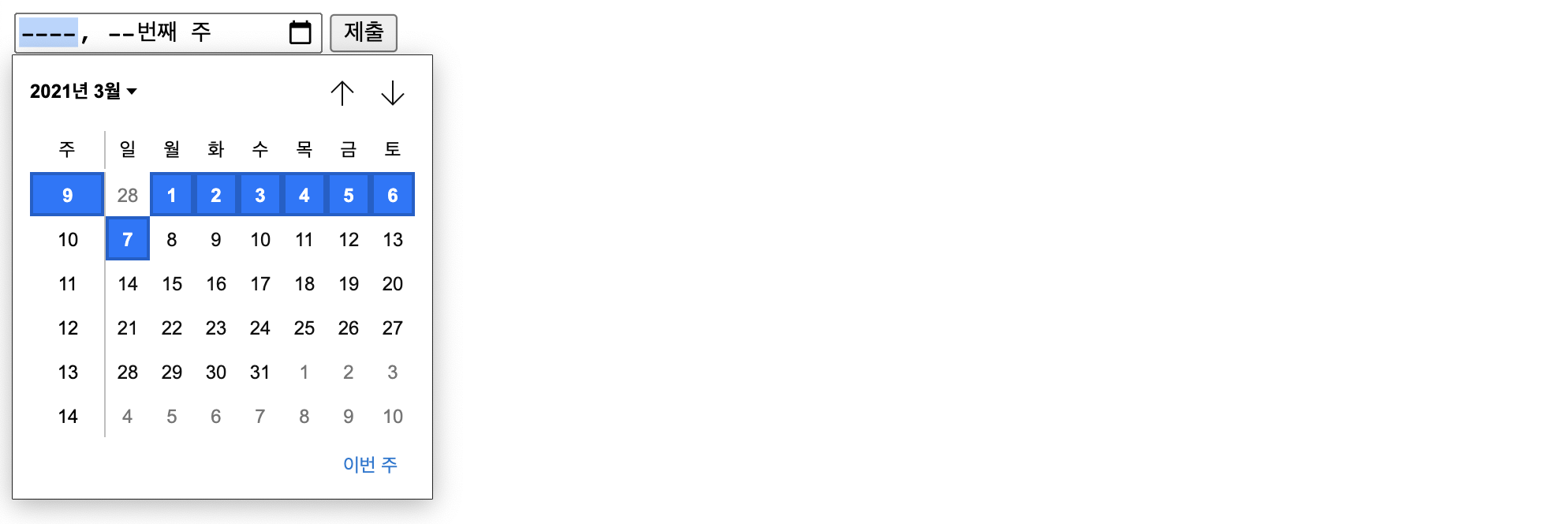
- week를 하면 년도와 몇번째 주인지만 입력 받을 수 있는 제출 양식이 만들어짐
✍🏻 html<body> <form action="from.php"> <input type="month" name="month-value" /> </form> </body>
4)
<input type="week"/>✍🏻 html
 <body>
    <form action="from.php">
      <input type="week" name="week-value" />
      <input type="submit">
    </form>
  </body>
5)
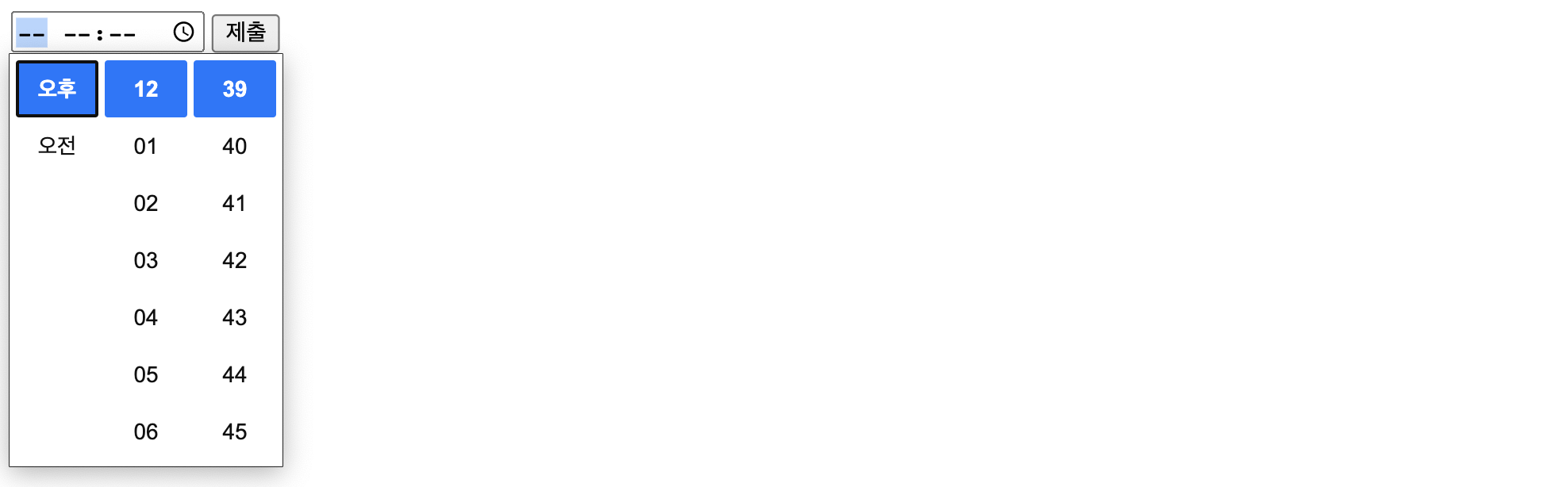
<input type="time"/>✍🏻 html
 <body>
    <form action="from.php">
      <input type="time" name="time-value" />
      <input type="submit">
    </form>
  </body>
2. 새로운 제출 양식2
- email, search, tel, url, range 등 기존 text로 입력받던 것들이 세분화됨
1)
<input type="email"/>✍🏻 html
 <body>
    <form action="from.php">
      <input type="email" name="email-value" />
      <input type="submit" />
    </form>
  </body>

2)
<input type="search"/>
- text와 UI는 같지만, 여기에 입력된 정보가 serach의 결과라는 정보를 명확하게 보여줌
✍🏻 html<body> <form action="from.php"> <input type="search" name="serach-value" /> <input type="submit" /> </form> </body>

3)
<input type="tel"/>
- tel 또한 UI는 같지만, 스마트폰으로 제출 양식을 클릭하면 전화번호를 입력하기 쉬운 키보드가 활성화됨
✍🏻 html<body> <form action="from.php"> <input type="tel" name="tel-value" /> <input type="submit" /> </form> </body>
4)
<input type="url"/>
- url을 입력 받는 제출 양식으로, UI는 같음
✍🏻 html<body> <form action="from.php"> <input type="url" name="url-value" /> <input type="submit" /> </form> </body>

5)
<input type="range"/>
- min 속성과 max 속성으로 범위를 지정할 수 있음
✍🏻 html<body> <form action="from.php"> <input type="range" name="range-value" min="10" max="20" /> <input type="submit" /> </form> </body>

3. 입력 양식의 새로운 속성들
1) autocomplete 속성
- on과 off의 속성값을 갖고 있으며, on을 하면 자동완성 기능이 적용됨. off는 자동완성 기능 안함
- form태그에 속성을 넣어주면 form태그 안에 있는 모든 input이 자동완성이 적용되나, 비밀번호처럼 자동완성면 안되는 제출 양식에는 별도로 off 값을 추가시켜줄 수 있음
✍🏻 html<body> <form action="from.php" autocomplete="on"> <input type="text" name="id" /> <input type="password" name="password" autocomplete="off"/> <input type="submit" /> </form> </body>
2) autofocus 속성
- 속성 값은 없으면, autofocus를 선언하면 해당 페이지에 진입했을 때, input태그에 커서가 위치함
✍🏻 html<form action="from.php" autocomplete="on"> <input type="text" name="id" placeholder="id를 입력" autofocus /> <input type="password" name="password" autocomplete="off" placeholder="비밀번호 입력" /> <input type="submit" /> </form> </body>
3) required 속성
- 속성 값은 없으면, 반드시 입력해야하게끔 설정하여 입력이되지 않으면 제출이 되지 않음
✍🏻 html<form action="from.php" autocomplete="on"> <input type="text" name="id" placeholder="id를 입력" required /> <input type="password" name="password" autocomplete="off" placeholder="비밀번호 입력" required /> <input type="submit" /> </form> </body>
4) pattern 속성
- 속성값으로 정규 표현식이 들어옴
- 🔍 모든 알파벳([a-zA-Z]), 모든 문자 가능([.]), 1개 이상 모든 문자([+]), 모든 숫자([0-9])
- 즉, 아래 예시는 첫번째는 알파멧, 두번째는 아무거나 1개, 세번째는 모든것 1개 이상, 마지막은 무조건 숫자로 입력 받을 수 있는 input 창임
✍🏻 html<form action="from.php" autocomplete="on"> <input type="text" name="id" placeholder="id를 입력" pattern="[a-zA-Z].+[0-9]" /> <input type="password" name="password" autocomplete="off" placeholder="비밀번호 입력" /> <input type="submit" /> </form> </body>

Keep Going, Keep Coding!