useQuery
참조한 공식 문서
https://tanstack.com/query/latest/docs/framework/react/reference/useQuery
const {
  data,
  dataUpdatedAt,
  error,
  errorUpdatedAt,
  failureCount,
  failureReason,
  fetchStatus,
  isError,
  isFetched,
  isFetchedAfterMount,
  isFetching,
  isInitialLoading,
  isLoading,
  isLoadingError,
  isPaused,
  isPending,
  isPlaceholderData,
  isRefetchError,
  isRefetching,
  isStale,
  isSuccess,
  refetch,
  status,
} = useQuery(
  {
    queryKey,
    queryFn,
    gcTime,
    enabled,
    networkMode,
    initialData,
    initialDataUpdatedAt,
    meta,
    notifyOnChangeProps,
    placeholderData,
    queryKeyHashFn,
    refetchInterval,
    refetchIntervalInBackground,
    refetchOnMount,
    refetchOnReconnect,
    refetchOnWindowFocus,
    retry,
    retryOnMount,
    retryDelay,
    select,
    staleTime,
    structuralSharing,
    throwOnError,
  },
  queryClient,
)
11. refetchInterval
refetchInterval: number | false | ((query: Query) => number | false | undefined)
- Optional
- If set to a number, all queries will continuously refetch at this frequency in milliseconds
- If set to a function, the function will be executed with the query to compute a frequency
refetchInterval은 일정 시간이 지날 때마다 query를 다시 실행한다. number 나 function 을 인자로 넣을 수 있다! false 값도 줄 수 있는데, 아무래도 조건부처럼 더 이상 refetchInterval 를 실행시키고 싶지 않을 때 false 값을 통해서 기능을 끄는 용도인가 싶다.
함수를 넣는다면 아마 선형적이지 않은 간격으로 인터벌을 실행하고 싶을 때 넣을 것 같다.
12. refetchIntervalInBackground
refetchIntervalInBackground: boolean
- Optional
- If set to true, queries that are set to continuously refetch with a refetchInterval will continue to refetch while their tab/window is in the background
탭이나 창이 focus 되어있지 않은 상황, background에 있는 상황이어도 지속적으로 refetch 가 이루어질 수 있도록 만들어주는 옵션. 언제 쓰려나? 정보의 최신화가 중요할 때?
13. refetchOnMount
refetchOnMount: boolean | "always" | ((query: Query) => boolean | "always")
- Optional
- Defaults to true
- If set to true, the query will refetch on mount if the data is stale.
- If set to false, the query will not refetch on mount.
- If set to "always", the query will always refetch on mount.
- If set to a function, the function will be executed with the query to compute the value
component가 마운트될 때마다 refetch를 실행할 것인지 설정하는 옵션.
기본값은 true로, 데이터가 stale 상태라면 refetch를 진행한다.
그런데 ”always” 라는 string 을 값으로 주면 데이터의 상태가 stale 인지 fresh 인지 따지지 않고 무조건 refetch 를 진행한다.
이 역시 인자로 함수를 전달해서 조건에 따라 옵션을 설정할 수 있도록 구성되어 있다.
14. refetchOnWindowFocus
refetchOnWindowFocus: boolean | "always" | ((query: Query) => boolean | "always")
- Optional
- Defaults to true
- If set to true, the query will refetch on window focus if the data is stale.
- If set to false, the query will not refetch on window focus.
- If set to "always", the query will always refetch on window focus.
- If set to a function, the function will be executed with the query to compute the value
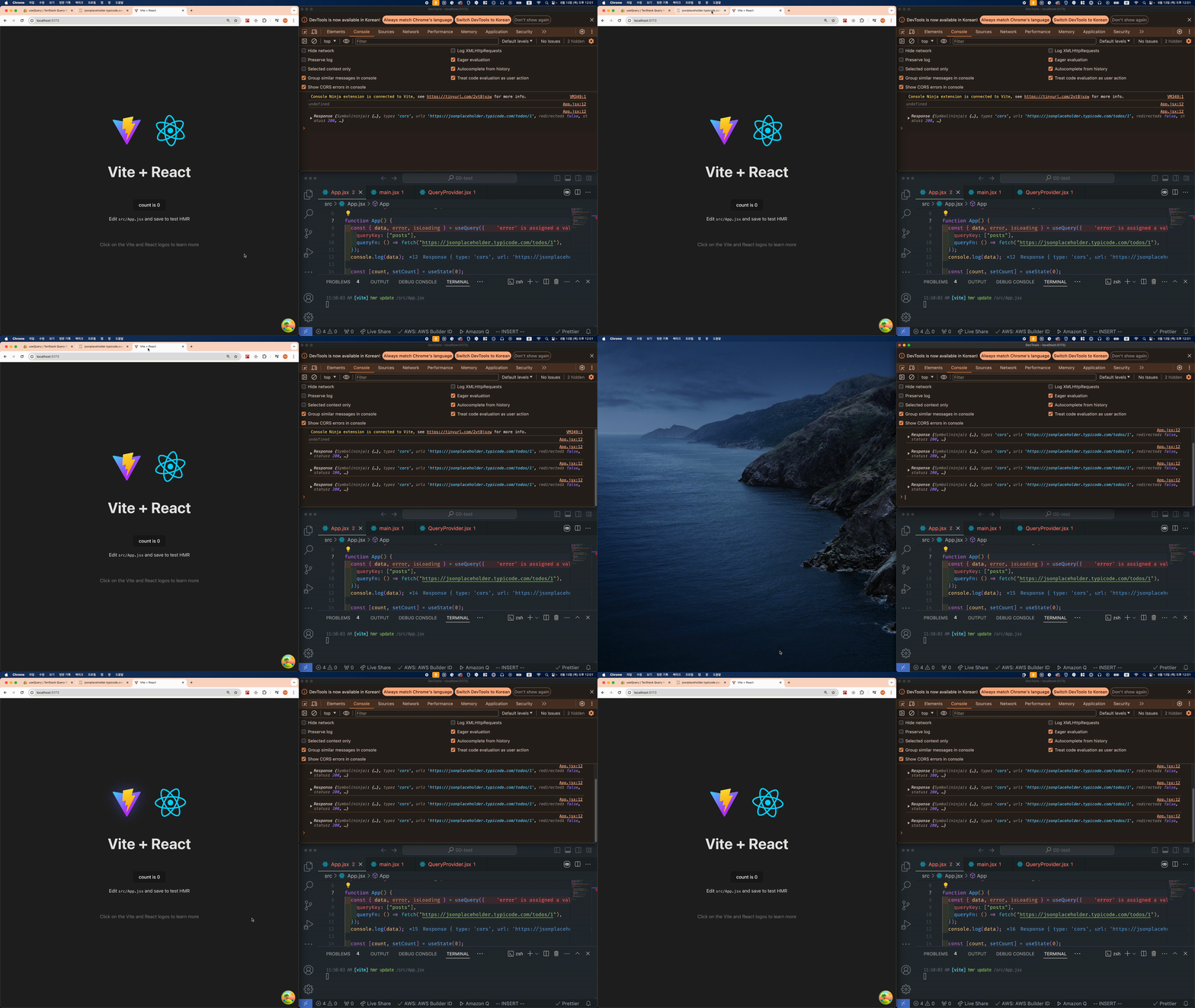
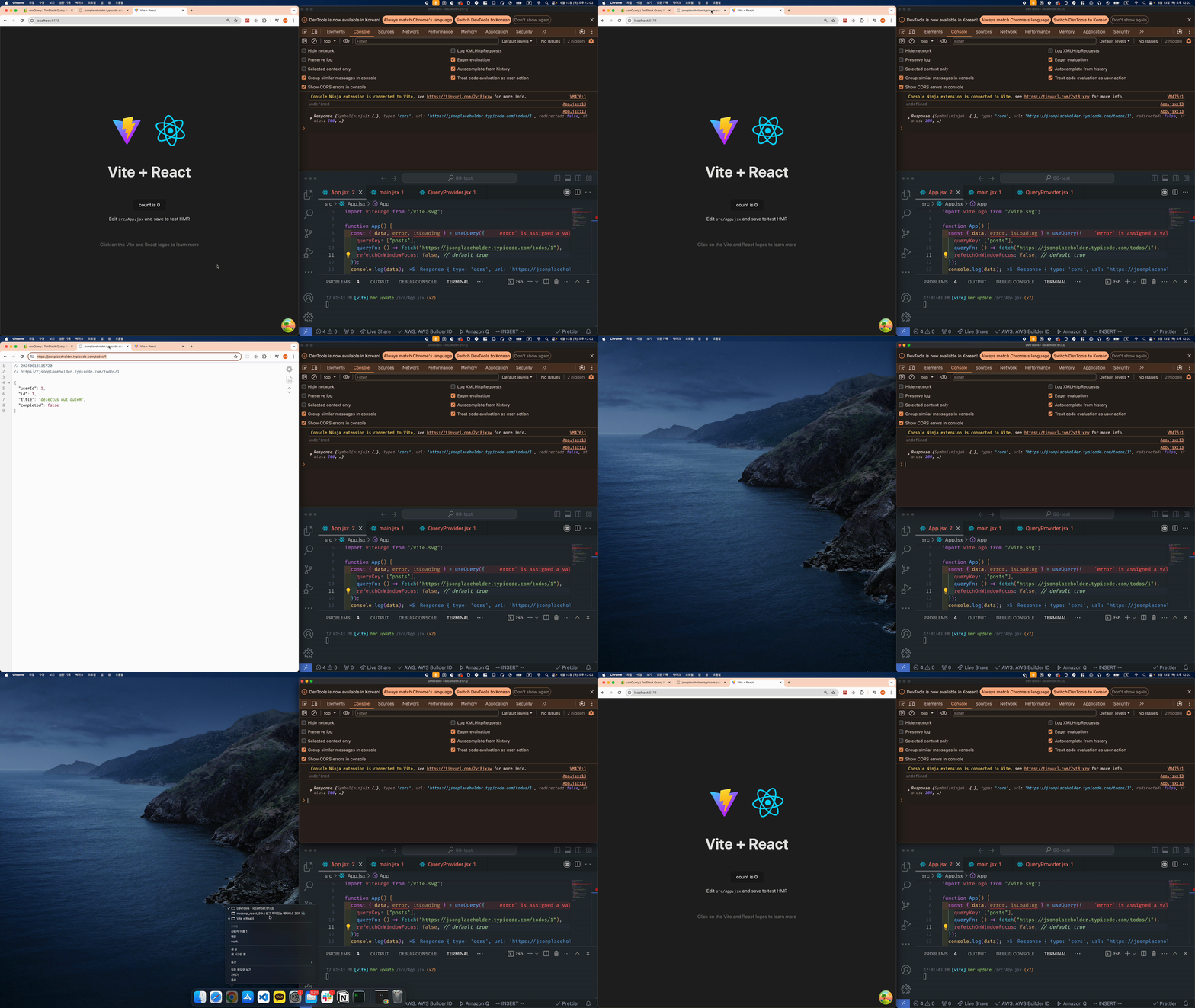
오오, refetchOnWindowFocus 는 기본값이 true인데 즉 포커스가 나갔다가 돌아올 경우, refetch가 이루어진다는 말이다. 실제로 탭을 이동했다가 돌아오거나, 화면을 내렸다가 올리면 다시 refetch가 일어난다.
15. refetchOnReconnect
refetchOnReconnect: boolean | "always" | ((query: Query) => boolean | "always")
- Optional
- Defaults to true
- If set to true, the query will refetch on reconnect if the data is stale.
- If set to false, the query will not refetch on reconnect.
- If set to "always", the query will always refetch on reconnect.
- If set to a function, the function will be executed with the query to compute the value
이건 네트워크랑 관련된 속성인 것 같다. 앞에 나온 refetchOnBlablabla 속성들이랑 비슷해보여서 일단 넘기기!
16. notifyOnChangeProps
notifyOnChangeProps: string[] | "all" | (() => string[] | "all")
- Optional
- If set, the component will only re-render if any of the listed properties change.
- If set to ['data', 'error'] for example, the component will only re-render when the data or error properties change.
- If set to "all", the component will opt-out of smart tracking and re-render whenever a query is updated.
- If set to a function, the function will be executed to compute the list of properties.
- By default, access to properties will be tracked, and the component will only re-render when one of the tracked properties change.
리렌더링에 관한 속성같다. notifyOnChangeProps 는 string[] , 문자열로 된 배열을 값으로 받는다.
배열 안에 들어있는 속성이 변경될 때만 리렌더링을 실행하게 된다고 한다.
즉, 이 옵션을 설정하면 query가 반환하는 다른 속성이 변경되더라도 만약 그 속성이 notifyOnChangeProps 의 값으로 들어가는 배열에 들어있지 않다면 렌더링이 일어나지 않는다는 뜻인 것 같다.
useEffect의 Dependency Array 같은 느낌인걸까?
17. select
select: (data: TData) => unknown
- Optional
- This option can be used to transform or select a part of the data returned by the query function. It affects the returned
datavalue, but does not affect what gets stored in the query cache.- The
selectfunction will only run ifdatachanged, or if the reference to theselectfunction itself changes. To optimize, wrap the function inuseCallback.
select 는 주로 데이터를 정제할 때 사용하는 것 같다.
우리가 서버에 데이터를 요청하고 서버로부터 받는 response 에는 다양한 정보들이 포함되어 있는데, response 그 자체를 사용하는 경우는 거의 없다. 주로
async function getData() {
	const response = await axios.get("XXXXXXXXXX");
	const data = await response.json();
	return data;
}
이와 같은 형태로 함수 내에서 필요한 정보를 골라서 반환하는 형태가 된다.
이렇게 하면, 미리 선언한 함수를 통해 필요한 정보만 골라서 가져올 수 있지만, 만약 어떨 때는 error를 가져와야 하고 어떨 때는 status 가 필요하다면 어떻게 해야 할까.
그럴 때 select 를 사용하면 queryFn 에서 반환된 데이터를 재가공하여 사용할 수 있다.
async function getData() {
	const response = await axios.get("XXXXXXXXXX");
	const data = response.result;
	return data;
}

const App() {
	const {data, isLoading} = useQuery({
		queryKey: ["posts"],
		queryFn: () => getData(),
	})
	return <div>Hello World!</div>
}
const App() {
const {data, isLoading} = useQuery({
queryKey: ["posts"],
queryFn: () => axios.get("XXXXXXXXXX");,
select: (data) => data.result,
})
return <div>Hello World!</div>
}이런 식으로 작성할 수 있을 것 같다.
18. initialData
initialData: TData | () => TData
- Optional
- If set, this value will be used as the initial data for the query cache (as long as the query hasn't been created or cached yet)
- If set to a function, the function will be called once during the shared/root query initialization, and be expected to synchronously return the initialData
- Initial data is considered stale by default unless a
staleTimehas been set.initialDatais persisted to the cache
쿼리가 아직 생성되지 않거나 캐시되지 않은 경우에 캐시 초기 데이터를 제공할 수 있는데, 데이터 그 자체를 제공하거나 데이터를 반환하는 함수를 사용할 수 있다.
인터넷에 찾아보니까 캐시에 저장된 다른 캐시 데이터로부터 추출해서 초기 데이터를 제공하는 함수를 사용하는 것이 일반적이라고 한다.
placeholder와는 다르게 이건 fetch할 데이터의 완전한 대체품이므로 불완전한 정보를 제공하는 것은 피해야 한다.
const result = useQuery({
  queryKey: ['todo', todoId],
  queryFn: () => fetch('/todos'),
  initialData: () => {
    return queryClient.getQueryData(['todos'])?.find((d) => d.id === todoId)
  },
})
19. initialDataUpdatedAt
initialDataUpdatedAt: number | (() => number | undefined)
- Optional
- If set, this value will be used as the time (in milliseconds) of when the initialData itself was last updated.
이 옵션은 무슨 용도일까 생각했는데, 후술하겠지만 initialData 는 서버로부터 받아오는 데이터와 완전히 동일하게 취급된다. 그래서 완전히 fresh 상태인 것으로 취급되는데, 만약 이 initalData 가 이미 오래된 데이터라면 어떡할까? 그럴 때는 initialDataUpdatedAt 속성을 이용해서 initialData 가 마지막으로 업데이트된 정확한 시간을 전달해서 이 데이터를 refetch 해야할 지 말아야 할지 결정하는 데에 도움을 줄 수 있다.
20. placeholderData
placeholderData: TData | (previousValue: TData | undefined; previousQuery: Query | undefined,) => TData
- Optional
- If set, this value will be used as the placeholder data for this particular query observer while the query is still in the pending state.
- placeholderData is not persisted to the cache
- If you provide a function for placeholderData, as a first argument you will receive previously watched query data if available, and the second argument will be the complete previousQuery instance.
placeholderData는 말 그대로 완전히 가짜데이터이기 때문에 서버로부터 data를 모두 받아오는 순간 사라지며 캐시에 저장되지 않는다.
옵션에 함수를 전달할 경우, 첫 번째 인자는 사용 가능한 경우에 이전에 관찰된 쿼리 데이터를 받고, 두 번째 인자로는 쿼리 인스턴스 자체를 받는 것 같다.
다음에 placeholderData와 initialData 를 비교해서 공부해볼만 한 것 같다.
읽어볼 만한 글
https://itchallenger.tistory.com/584