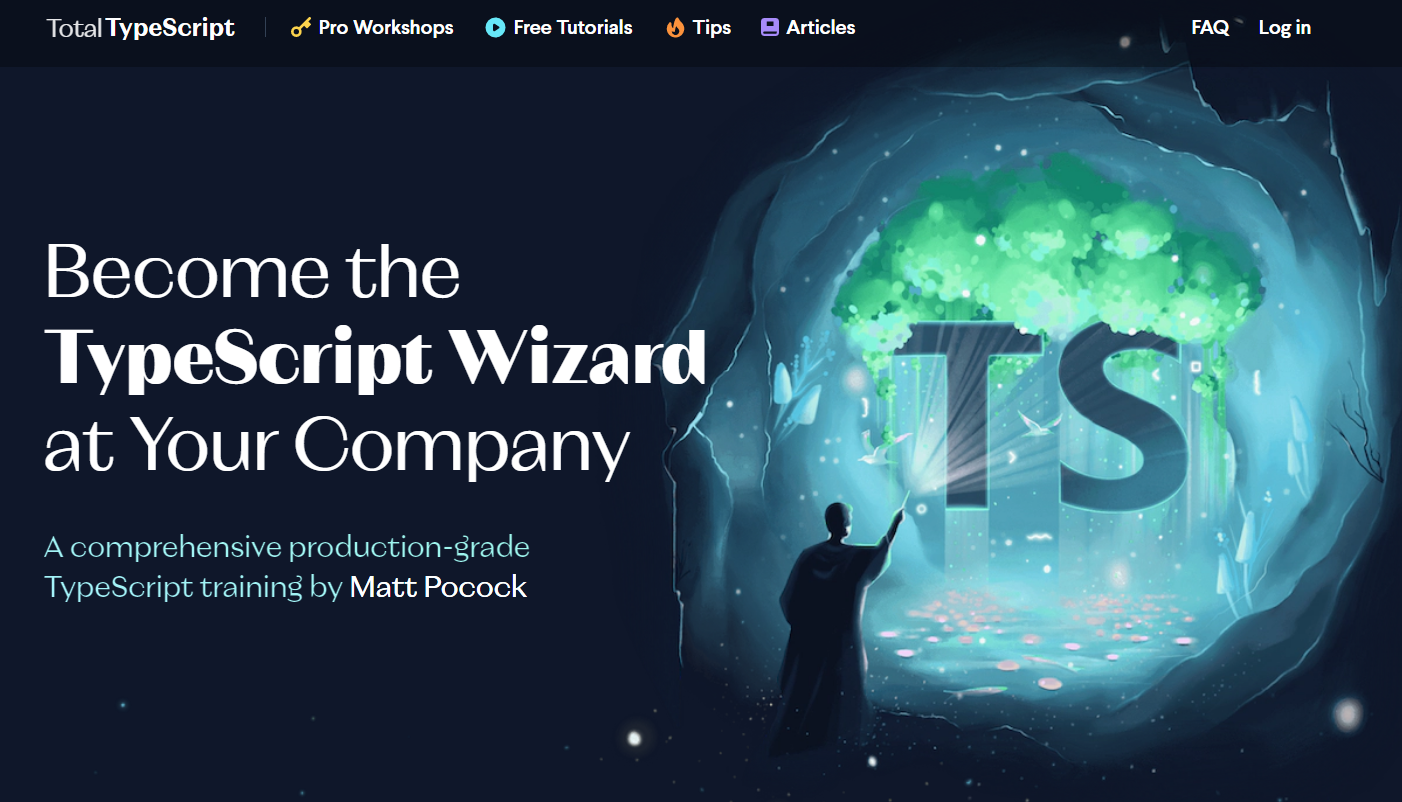
타입스크립트 제네릭에 대한 소스를 유튜브에서 찾다가 발견하게 된 Matt Pocock의 TotalTyScript라는 사이트. (썸네일 멋져서 가져와 봄)
이 사이트에는 타입스크립트 초보자를 위한 튜토리얼이 있다.
사이트 안에 에디터가 제공되기 때문에 직접 풀어볼 수도 있고 깃헙 계정에 가서 clone을 받을 수도 있다.
문제 해설 영상도 있으니 개꿀...! 🍯
겁도 없이 generic advanced 덤볐다가 좌절하고 초심 잡고 beginner부터 풀어보려고 한다. (눈물...)
퀴즈를 풀면서 새롭게 알게 된 내용들을 정리했다.
09-promises.problem
interface LukeSkywalker {
  name: string;
  height: string;
  mass: string;
  hair_color: string;
  skin_color: string;
  eye_color: string;
  birth_year: string;
  gender: string;
}

export const fetchLukeSkywalker = async (): LukeSkywalker => {
  const data = await fetch("https://swapi.dev/api/people/1").then((res) => {
    return res.json();
  });

  return data;
};
LuckeSkywalker에 에러가 발생해서 마우스 오버를 해보면 친절하게도 다음 문구가 뜬다.
The return type of an async function or method must be the global Promise<T> type. Did you mean to write 'Promise<LukeSkywalker>'?ts(1064)
반환 타입이 Promise<T>제네릭 타입이어야 한다는 메시지다.
T에 반환 받을 인터페이스 명을 넣어주면 에러가 사라진다.
두 번째 방법으로는 타입을 지워도 타입스크립트가 알아서 추론을 해서 에러가 사라진다.
세 번째 방법으로는 반환되는 상수 data 옆에 LukeSkywalker 인터페이스를 선언해주는 것이다. 이렇게 하면 Promise 제네릭을 사용하지 않아도 된다.
12-typeof-narrowing.problem
* 만족해야 하는 조건을 알아야 하기 때문에 테스트 코드도 같이 적는다.
import { expect, it } from "vitest";

const coerceAmount = (amount: number | { amount: number }) => {
};

it("Should return the amount when passed an object", () => {
  expect(coerceAmount({ amount: 20 })).toEqual(20);
});

it("Should return the amount when passed a number", () => {
  expect(coerceAmount(20)).toEqual(20);
});
타입은 지정되어 있고 coerceAmount의 리턴 값을 올바르게 적어야 한다.
유니언 타입이므로 타입 좁히기를 통해 반환 값을 다르게 할 수 있다.
const coerceAmount = (amount: number | { amount: number }) => {
  if (typeof amount === 'number') {
    return amount
  }
  return ??
};
amount가 number일 때는 amount를 반환한다.
그럼 amount가 객체일 때는 어떻게 반환해야 할까?
amount의 value를 반환해야 한다.
const coerceAmount = (amount: number | { amount: number }) => {
  if (typeof amount === 'number') {
    return amount
  }
  return amount.amount
};
테스트 코드를 보면 같은 숫자라서 헷갈리기 쉬운데 객체라는 점을 기억해야 한다.
13-catch-blocks.problem
import { expect, it } from "vitest";

const tryCatchDemo = (state: "fail" | "succeed") => {
  try {
    if (state === "fail") {
      throw new Error("Failure!");
    }
  } catch (e) {
    return e.message;
  }
};

it("Should return the message when it fails", () => {
  expect(tryCatchDemo("fail")).toEqual("Failure!");
});
catch 구문의 매개변수 e에서 에러가 발생한다.
e가 Error 객체라는 건 아는데.. 어떻게 타입을 지정해야 할까?
1) any
  } catch (e: any) {
    return e.message;
  }
any로 지정할 수 있지만 타입 체크가 안 되므로 좋은 방법은 아니다.
2) 타입 캐스팅 (as)
  } catch (e) {
    return (e as Error).message;
  }
as Error로 타입 캐스팅을 하는 방법도 있지만 특정 타입을 임의로 강제하는 것이기 때문에 이 역시 최선은 아니다.
3) instanceof 연산자
  } catch (e) {
    return (e instansof Error).message;
  }
가장 나은 방법은 instanceof를 사용하는 것이다.
insstanceof은 e가 Error의 인스턴스인지 확인한다.
14-extends.problem
interface User {
  id: string;
  firstName: string;
  lastName: string;
}

interface Post {
  id: string;
  title: string;
  body: string;
}

interface Comment {
  id: string;
  comment: string;
위 3개의 인터페이스는 id 속성이 중복된다는 문제가 있다.
리팩토링하려면 어떻게 해야 할까?
중복되는 id 속성을 가진 새로운 인터페이스를 하나 만든다.
interface Base {
  id: string
}
그런 다음 extends 키워드를 이용해서 나머지 인터페이스에 상속한다.
interface User extends Base {
  firstName: string;
  lastName: string;
}

interface Post extends Base {
  title: string;
  body: string;
}

interface Comment extends Base {
  comment: string;
이렇게 하면 나머지 인터페이스들은 Base 인터페이스의 속성을 물려 받게 된다.
따라서 기존에 존재하던 id 속성들은 지워준다.
17-function-types.problem
함수의 경우 매개 변수와 반환 타입을 지정해주면 된다.
만약 매개 변수에 콜백함수가 들어가는 경우는 어떻게 정해주면 될까?
const addListener = (onFocusChange: (isFocused: boolean) => void) => {
  window.addEventListener("focus", () => {
    onFocusChange(true);
  });

  window.addEventListener("blur", () => {
    onFocusChange(false);
  });
};

addListener((isFocused) => {
  console.log({ isFocused });

  type tests = [Expect<Equal<typeof isFocused, boolean>>];
});
함수명 = 콜백함수: (매개변수: 타입) => 반환 타입과 같이 지정해주면 된다.
콜백함수는 매개 변수 자체가 함수이기 때문에 일반 함수와는 조금 다르다.
콜백함수 명을 쓰고, 매개변수의 타입을 지정한 후, 반환 타입까지 함께 적어줘야 한다.