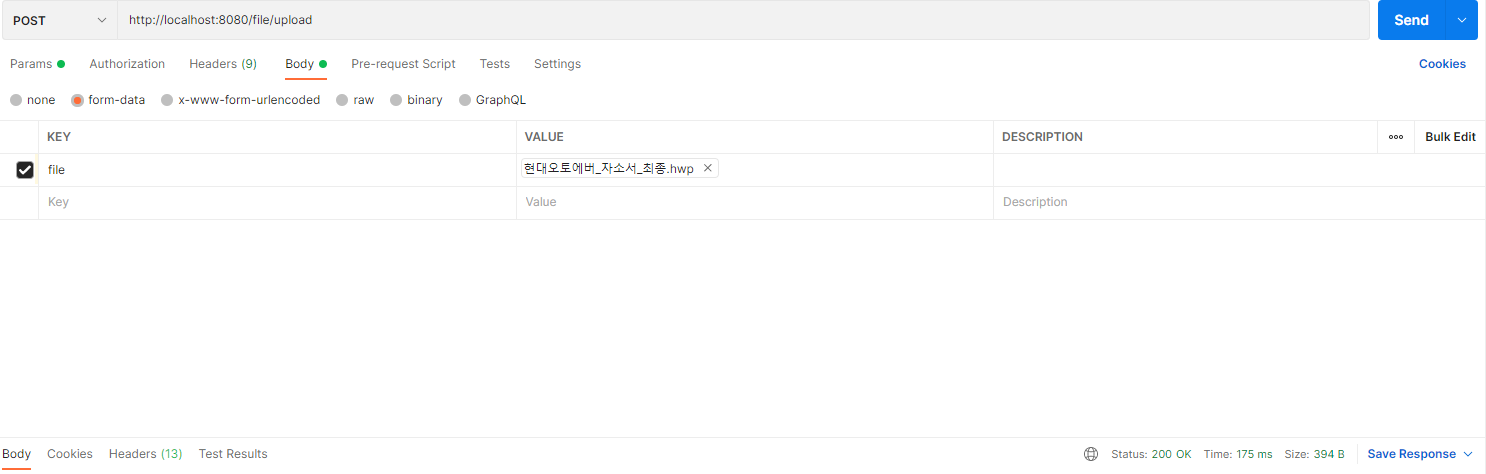
1. File Upload 설정
- application.yml에 업로드된 파일 저장위치 설정
spring:
  servlet:
    multipart:
      location: C:\Users\multicampus\Downloads
      //max-file-size: 총 파일 사이즈가 설정한 크기를 넘지 못합니다
      //max-request-size: request 사이즈가 설정한 크기를 넘지 못합니다.
2. Controller
package com.haejwoing.back.controller;

import lombok.extern.slf4j.Slf4j;
import org.springframework.http.HttpStatus;
import org.springframework.http.ResponseEntity;
import org.springframework.web.bind.annotation.PostMapping;
import org.springframework.web.bind.annotation.RequestMapping;
import org.springframework.web.bind.annotation.RestController;
import org.springframework.web.multipart.MultipartFile;

import java.io.File;
import java.io.IOException;

@Slf4j
@RestController
@RequestMapping("/file")
public class FileController {

    @PostMapping("/upload")
    public ResponseEntity<String> uploadFile(MultipartFile file) throws IOException {

        if(!file.isEmpty()){
            log.info("파일 원본 이름= {}", file.getOriginalFilename());
            file.transferTo(new File(file.getOriginalFilename()));
        } else{
            return new ResponseEntity<>(HttpStatus.NO_CONTENT);
        }

        return new ResponseEntity<>(HttpStatus.OK);
    }
}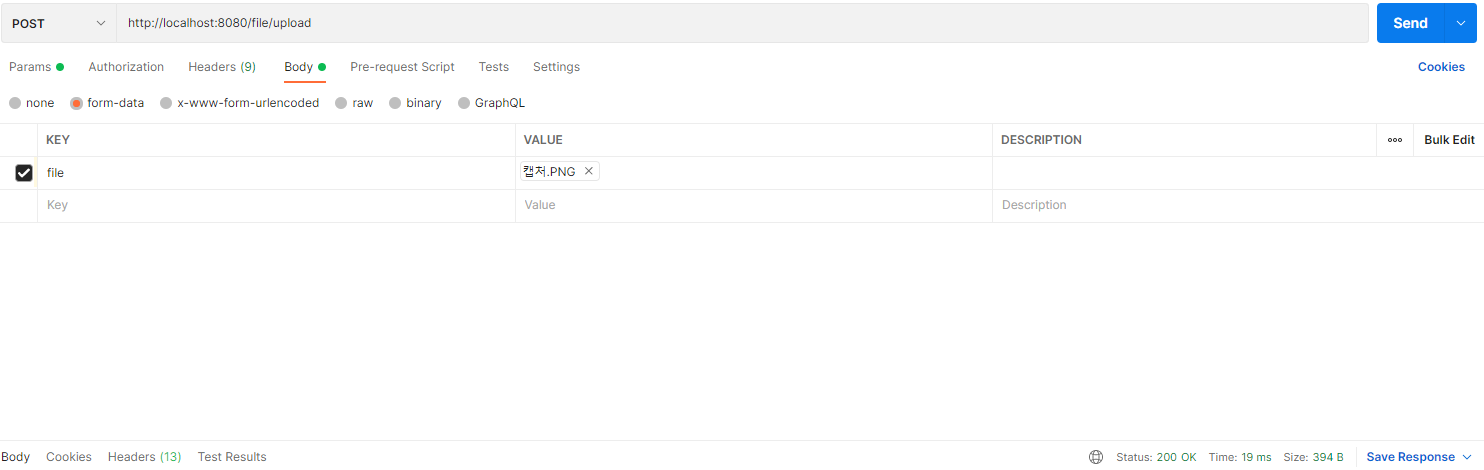


포스트맨으로 테스트해보면 지정한 경로에 저장을 확인 할 수 있다.

back end개발자로 성장하기