[React Custom Hook] html2canvas + jsPDF로 깨지지 않는 PDF 만들기
서론...
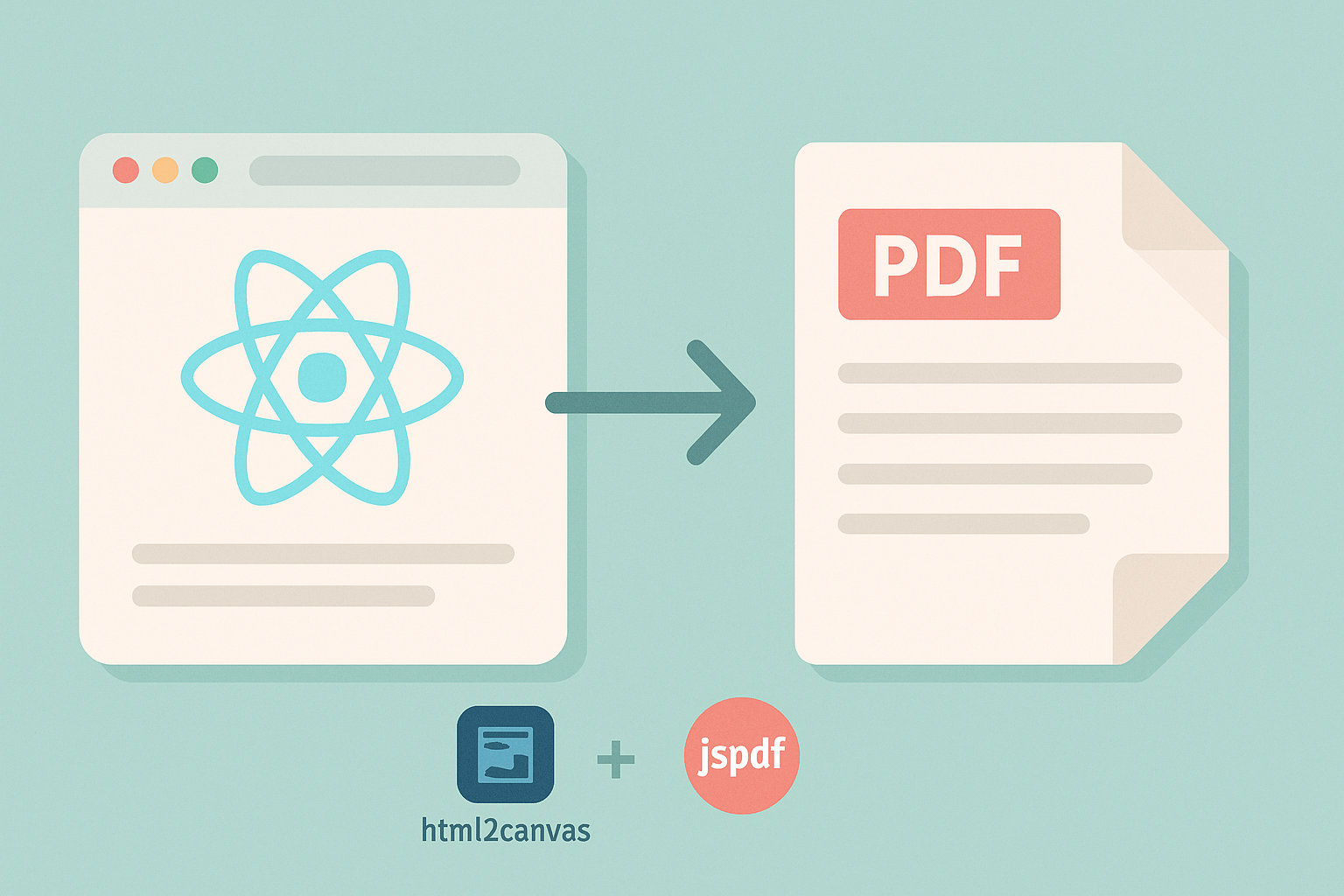
React 프로젝트에서 PDF로 출력해야 할 일이 생기면 html2canvas, jsPDF 조합을 자주 쓰게 된다.
하지만 막상 적용해보면 다음과 같은 문제가 생기기 쉽다.
• 긴 테이블이 PDF에서 짤리거나
• 스크롤 영역이 캡쳐되지 않거나
• 글씨나 UI가 깨지거나
• 원본 화면이 깨지거나
이 글에서는 실제 프로젝트에서 구현한 PDF 다운로드 커스텀 훅(usePDF)를 소개하며 이런 문제들을 어떻게 해결했는지 정리해보려 한다.
기능 요약
🧩 이 PDF 다운로드 기능은 다음을 지원한다:
- 📐 고정된 PDF 너비 (297mm)로 브라우저 화면 크기에 상관없이 동일한 레이아웃 유지
- 🧾 길어진 요소 자동 분할 (페이지가 넘어갈 경우 이미지 단위로 slice)
- 📜 스크롤 영역 강제 확장 (테이블, 콘텐츠 박스 등)
- ✨ 실제 화면 스타일 최대한 반영
- 💾 다운로드 전용 스타일(
style) 적용 - 🧠
React Hook기반으로 간편하게 사용 가능
전체 코드
import { useRef, useState } from "react";
import html2canvas from "html2canvas";
import jsPDF from "jspdf";

/* PDF 전용 스타일 (실제 화면에는 적용되지 않음) */
const PDF_ONLY_CSS = `
.show_border { border: 1px solid #ccd0d3 !important; }

/* 테이블 스타일 */
.pdf-table .ant-table-cell {
  white-space: pre-wrap !important;
  word-break: break-word !important;
}
.pdf-table .ant-table-tbody > td {
  height: auto !important;
}
.pdf-table .ant-table-container::before,
.pdf-table .ant-table-container::after {
  width: 0 !important; /* 스크롤 섀도우 제거 */
}
.pdf-table .ant-empty {
  justify-content: center !important; /* 빈 데이터 메시지 중앙 정렬 */
}

/* 텍스트 리셋: PDF 출력 시 사용할 폰트 스타일 */
.pdf-text-reset,
.pdf-text-reset span,
.pdf-text-reset .content_box {
  font-family: Pretendard, -apple-system, BlinkMacSystemFont, 'Segoe UI', Roboto, 'Helvetica Neue', Arial, sans-serif !important;
  font-size: 14px !important;
  font-weight: 400 !important;
  line-height: 1.6 !important;
}
`;

const usePDF = () => {
  const pdfRef = useRef<HTMLDivElement>(null);
  const [pdfFile, setPdfFile] = useState<File | null>(null);
  const [isGenerating, setIsGenerating] = useState(false);

  // 화면 밖에 복제 DOM 생성 (캡처 전용)
  const makeClone = () => {
    if (!pdfRef.current) return null;

    const container = document.createElement("div");
    Object.assign(container.style, {
      position: "fixed",
      top: "-99999px",
      left: "-99999px",
      width: "297mm",
      pointerEvents: "none",
    });

    const cloneRoot = pdfRef.current.cloneNode(true) as HTMLElement;
    cloneRoot.style.width = "297mm";

    // PDF 전용 스타일 삽입
    const styleTag = document.createElement("style");
    styleTag.textContent = PDF_ONLY_CSS;
    cloneRoot.prepend(styleTag);

    container.appendChild(cloneRoot);
    document.body.appendChild(container);

    return { cloneRoot, remove: () => document.body.removeChild(container) };
  };

  // 렌더링 안정화를 위해 n 프레임 대기
  const waitForPaints = (n = 1) =>
    new Promise<void>((res) => {
      const step = () => (--n <= 0 ? res() : requestAnimationFrame(step));
      requestAnimationFrame(step);
    });

  // PDF 생성 로직
  const generatePDF = async (title: string, saveState = true): Promise<File | null> => {
    if (!pdfRef.current) return null;
    setIsGenerating(true);

    // 1. 폭 고정 → 테이블 열 너비 강제 계산
    const originalWidth = pdfRef.current.style.width;
    pdfRef.current.style.width = "297mm";

    // 2. React가 다시 그릴 시간 확보
    await waitForPaints(2);

    // 3. 최신 DOM 복제
    const cloned = makeClone();
    if (!cloned) return null;
    const { cloneRoot, remove } = cloned;

    // 4. 원래 화면 폭 복원
    pdfRef.current.style.width = originalWidth || "";

    try {
      // 다운로드 버튼 숨기기
      cloneRoot
        .querySelectorAll("button[label='PDF 다운로드']")
        .forEach((b) => (b as HTMLElement).style.setProperty("display", "none", "important"));

      // 테이블 스크롤 해제
      cloneRoot.querySelectorAll(".ant-table-body").forEach((body) => {
        const b = body as HTMLElement;
        b.style.height = "auto";
        b.style.maxHeight = "none";
        b.style.overflowY = "visible";
      });

      // 일반 content 요소 스크롤 제거 및 height 확장
      cloneRoot.querySelectorAll(".content").forEach((c) => {
        const el = c as HTMLElement;
        el.style.height = `${el.scrollHeight}px`;
        el.style.overflow = "visible";
      });

      // DOM 렌더링 안정화 대기
      await new Promise((r) => setTimeout(r, 100));

      // PDF 초기화
      const pdf = new jsPDF("p", "mm", "a4");
      const pageW = pdf.internal.pageSize.getWidth();
      const pageH = pdf.internal.pageSize.getHeight();
      const margin = 10;
      const contentW = pageW - margin * 2;
      let curY = margin;

      // 커스텀 타이틀 이미지 삽입
      {
        const fontSize = 50;
        const topGap = 20;
        const toBorder = 70;
        const borderGap = 20;
        const titleH = fontSize + topGap + toBorder + borderGap;

        const tCanvas = document.createElement("canvas");
        tCanvas.width = 1600;
        tCanvas.height = titleH;
        const ctx = tCanvas.getContext("2d")!;
        ctx.fillStyle = "#fff";
        ctx.fillRect(0, 0, tCanvas.width, tCanvas.height);
        ctx.fillStyle = "#000";
        ctx.font = `bold ${fontSize}px Arial`;
        ctx.textAlign = "center";
        ctx.textBaseline = "top";
        ctx.fillText("리포트 상세", tCanvas.width / 2, topGap);

        const borderY = topGap + fontSize + toBorder;
        ctx.strokeStyle = "#eee";
        ctx.lineWidth = 2;
        ctx.beginPath();
        ctx.moveTo(0, borderY);
        ctx.lineTo(tCanvas.width, borderY);
        ctx.stroke();

        const tImg = tCanvas.toDataURL("image/png");
        const tProps = pdf.getImageProperties(tImg);
        const tRenderedH = (tProps.height * contentW) / tProps.width;
        pdf.addImage(tImg, "PNG", margin, curY, contentW, tRenderedH);
        curY += tRenderedH + 10;
      }

      // 본문 요소 순회 렌더링 (style/script 제외)
      const nodes = Array.from(cloneRoot.children).filter(
        (n) => !(n.tagName === "STYLE" || n.tagName === "SCRIPT"),
      );

      for (const node of nodes) {
        const el = node as HTMLElement;
        if (el.offsetWidth === 0 && el.offsetHeight === 0) continue;

        const canvas = await html2canvas(el, {
          scale: 2,
          useCORS: true,
          backgroundColor: "#ffffff",
          scrollY: -window.scrollY,
          windowWidth: el.scrollWidth,
        });

        const img = canvas.toDataURL("image/png");
        const props = pdf.getImageProperties(img);
        const renderedH = (props.height * contentW) / props.width;

        const add = (dataURL: string, h: number) => {
          if (curY + h > pageH - margin) {
            pdf.addPage();
            curY = margin;
          }
          pdf.addImage(dataURL, "PNG", margin, curY, contentW, h);
          curY += h + 5;
        };

        // 한 페이지보다 클 경우 잘라서 여러 페이지에 분배
        if (renderedH > pageH - margin * 2) {
          let remain = renderedH;
          let srcY = 0;
          const sliceHpx = (pageH - margin * 2) * (canvas.width / contentW);

          while (remain > 0) {
            const slice = document.createElement("canvas");
            slice.width = canvas.width;
            slice.height = sliceHpx;
            const ctx = slice.getContext("2d")!;
            ctx.fillStyle = "#fff";
            ctx.fillRect(0, 0, slice.width, slice.height);
            ctx.drawImage(canvas, 0, srcY, canvas.width, sliceHpx, 0, 0, slice.width, slice.height);

            const sliceImg = slice.toDataURL("image/png");
            const sliceH = (slice.height * contentW) / slice.width;
            add(sliceImg, sliceH);

            remain -= (sliceHpx * renderedH) / canvas.height;
            srcY += sliceHpx;
          }
        } else {
          add(img, renderedH);
        }
      }

      // Blob → File 변환
      const blob = pdf.output("blob");
      const file = new File([blob], `${title}.pdf`, { type: "application/pdf" });
      if (saveState) setPdfFile(file);
      return file;
    } catch (e) {
      console.error("PDF 생성 오류:", e);
      return null;
    } finally {
      remove();
      setIsGenerating(false);
    }
  };

  // PDF 다운로드 유틸 함수
  const downloadPDF = async (title: string) => {
    const file = await generatePDF(title, false);
    if (!file) return;

    const url = URL.createObjectURL(file);
    const a = document.createElement("a");
    a.href = url;
    a.download = `${title}.pdf`;
    document.body.appendChild(a);
    a.click();
    document.body.removeChild(a);
    URL.revokeObjectURL(url);
  };

  return { pdfRef, generatePDF, downloadPDF, pdfFile, isGenerating };
};

export default usePDF;
사용 방법
const { pdfRef, downloadPDF, isGenerating } = usePDF();

return (
  <div ref={pdfRef}>
    {/* PDF로 출력할 콘텐츠 */}
  </div>

  <button onClick={() => downloadPDF("리포트_상세")}>
    PDF 다운로드
  </button>
);
pdfRef는 캡쳐할 영역을 감싸는 최상위 요소에 붙인다.
다운로드 버튼 등은 PDF에 포함되지 않도록 내부에서 제거 처리된다.
주의사항 및 팁
html2canvas는 웹 폰트가 모두 로드된 상태에서 렌더링하는 게 좋다.- 캡쳐할 영역은 한 번에 화면에 렌더링되어 있어야 한다. (display: none 안됨)
- PDF에서 스크롤 영역 제거는
el.style.height = el.scrollHeight + 'px'로 해결 - 배경색, 선, 텍스트 스타일 등은 PDF 전용 style로 따로 추가 가능
마무리
PDF 출력 기능은 생각보다 까다로운 부분이 많지만, 한 번 잘 만들어두면 여러 곳에 재사용할 수 있다.
혹시 내용에 오류가 있다면 피드백 부탁드립니다. 🙇🏻♀️

아삭💦